Best Places to Store Your Digital Music Collection
Discover secure, accessible options for storing your digital music library, from local drives to cloud services, balancing quality, cost, and convenience.
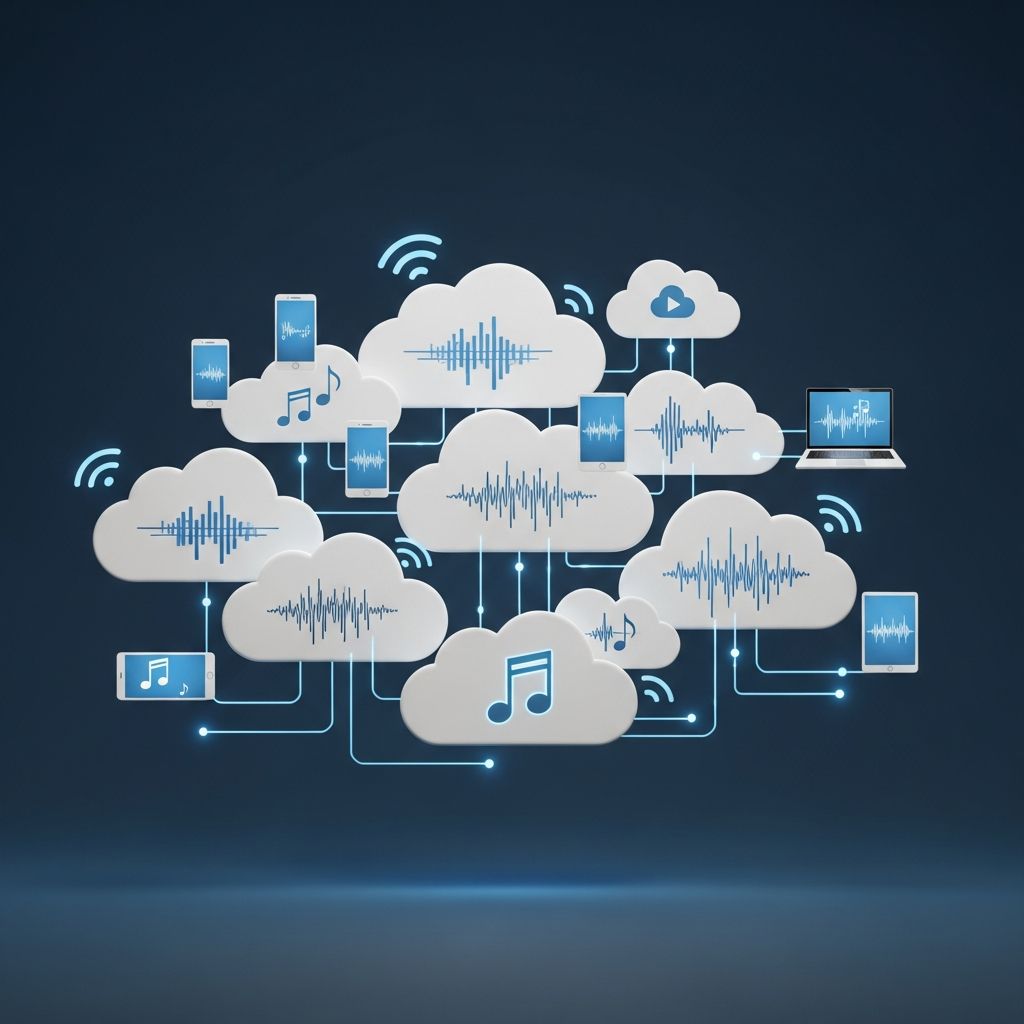
Your digital music library represents years of curation, from rare vinyl rips to high-res downloads. Choosing the right storage method ensures accessibility, preserves audio quality, and protects against data loss. This guide examines file formats, local solutions, network storage, cloud options, and best practices for long-term management.
Understanding Audio File Formats for Storage
Selecting the appropriate audio format is the foundation of effective storage. Formats differ in compression, quality retention, and file size, impacting storage needs and playback compatibility.
Lossless vs. Lossy Formats: Lossless formats like FLAC and ALAC retain all original audio data, ideal for archiving, while lossy ones like MP3 and AAC sacrifice some quality for smaller sizes. FLAC compresses files by 40-60% without data loss, making it popular for hi-res audio.
- FLAC: Royalty-free, supports hi-res, metadata-rich; about half the size of uncompressed WAV.
- ALAC: Apple’s lossless option, seamless with iOS but less efficient than FLAC.
- WAV/AIFF: Uncompressed, highest fidelity but massive files—e.g., a 24-bit/192kHz album track can exceed 66MB.
- MP3/AAC/OGG: Lossy, compact for mobile; OGG offers better quality at same bitrate than MP3.
| Format | Type | File Size (per min, approx.) | Best For |
|---|---|---|---|
| FLAC | Lossless | 20-30MB (hi-res) | Archiving, hi-fi playback |
| MP3 (320kbps) | Lossy | ~7MB | Mobile, streaming |
| WAV (24/192) | Uncompressed | 66MB/track | Editing, mastering |
| ALAC | Lossless | 25-35MB | Apple ecosystem |
For large libraries, prioritize FLAC to balance quality and space—it’s supported widely except natively by Apple Music.
Local Storage: Hard Drives and SSDs
Local storage offers full control, no subscriptions, and instant access. External HDDs or SSDs connect via USB for easy expansion.
Capacity Planning: A 10,000-song library in FLAC might require 5-10TB. HDDs cost ~$20/TB, SSDs $80/TB for speed. RAID setups mirror data for redundancy.
- Pros: Ownership, no bandwidth limits, offline access.
- Cons: Physical failure risk, portability issues.
Recommendation: Use a 4-8TB external HDD for backups, paired with SSD for active listening.
Network Attached Storage (NAS) for Home Libraries
NAS devices centralize your collection, accessible across home networks via apps or DLNA. Brands like Synology or QNAP support music servers like Plex or Emby.
Setup involves RAID for redundancy (e.g., RAID 5 survives one drive failure) and transcoding for format compatibility. Hi-res playback shines on networked hi-fi systems.
| NAS Feature | Benefit | Example Use |
|---|---|---|
| Multi-user access | Family sharing | Stream to TVs, phones |
| Automatic backups | Data protection | Snapshot to cloud |
| App ecosystem | Metadata management | Plex for organization |
Ideal for enthusiasts: A 4-bay NAS (~$500) holds petabytes with expansion, serving as a media hub.
Cloud Storage Solutions for Digital Music
Cloud services provide anywhere access, automatic backups, and sharing. Key players include Google Drive, Dropbox, OneDrive, and specialized music clouds.
- Google Drive: 15GB free, unlimited photo backups; music folders sync seamlessly across devices.
- Dropbox: Reliable versioning, 2GB free; premium plans offer 2TB+ for ~$10/month.
- OneDrive: Integrates with Windows, 5GB free; family plans share storage.
- Music-Specific: Amazon Music/Audiobooks or Tidal lockers store purchased tracks.
Bandwidth matters for hi-res: Streaming FLAC requires stable 50Mbps+; download for offline. Costs scale: 2TB plans ~$100/year.
Hybrid Approaches: Combining Local and Cloud
The optimal strategy layers defenses: Primary on NAS/HDD, mirrors to cloud, with tiered formats (lossless archive, lossy mobile).
Tools like Plex or Jellyfin sync libraries, transcoding on-the-fly. Automate with rsync or GoodSync for backups.
- Archive tier: FLAC on NAS (quality focus).
- Access tier: MP3/AAC on cloud/phone (convenience).
- Backup tier: Encrypted cloud copies.
This minimizes risks—e.g., fire destroys local, cloud restores.
Legal and Security Considerations
Store only legally owned music: Rips from your CDs, purchased downloads. Respect DRM on iTunes/Amazon files.
Security: Encrypt drives (BitLocker/VeraCrypt), use strong cloud passwords, enable 2FA. Avoid public Wi-Fi uploads.
Copyright: Personal backups are fair use in most jurisdictions, but sharing isn’t[relevant legal context inferred].
Optimizing Your Music Library Management
Maintain metadata with Mp3tag or MusicBrainz Picard for organization. Folder structures: Artist/Album/Track.flac.
Players like foobar2000, Audirvana support all formats, with gapless playback and hi-res output.
Frequently Asked Questions (FAQs)
What is the best file format for long-term music storage?
FLAC strikes the ideal balance: lossless quality, 40-60% smaller than WAV, robust metadata support.
Is cloud storage reliable for hi-res audio?
Yes, with sufficient bandwidth; services like Google Drive handle large files, but verify playback apps support FLAC.
How much storage do I need for 1,000 albums?
~2-5TB in FLAC, depending on resolution; plan for growth with expandable NAS.
Can I store ripped CDs legally in the cloud?
Yes, for personal use; ensure no distribution to comply with copyright laws.
What’s better: HDD, SSD, or NAS?
HDD for bulk cheap storage, SSD for speed, NAS for networked access and redundancy.
Future-Proofing Your Collection in 2026
With AI upscaling and immersive audio rising, opt for lossless hi-res now. Monitor storage costs dropping and quantum-safe encryption emerging.
Regular audits prevent bit rot; test restores annually.
References
- MP3, AAC, WAV, FLAC: all the audio file formats explained — What Hi-Fi?. 2024. https://www.whathifi.com/advice/mp3-aac-wav-flac-all-the-audio-file-formats-explained
- Best Audio Formats for Recording, Mastering & Distribution — Mastering Box. 2023. https://www.masteringbox.com/learn/audio-formats
- The Best Audio Formats for Music in 2026 — Ditto Music. 2026. https://dittomusic.com/en/blog/the-best-audio-formats-for-music
- Different Audio File Formats – Which One Is Right for You? — AV.com. 2024. https://www.av.com/blog/audio-file-formats/
- Digital File Sizes and Storage Requirements — Galen Carol Audio. 2023. https://www.gcaudio.com/tips-tricks/digital-file-sizes-and-storage-requirements
Similar Articles








Read full bio of medha deb