Avoiding Fake IRS Tax Refund Texts and Emails
Learn how IRS impostors use texts and emails to steal refunds and data — and how to stop them cold.
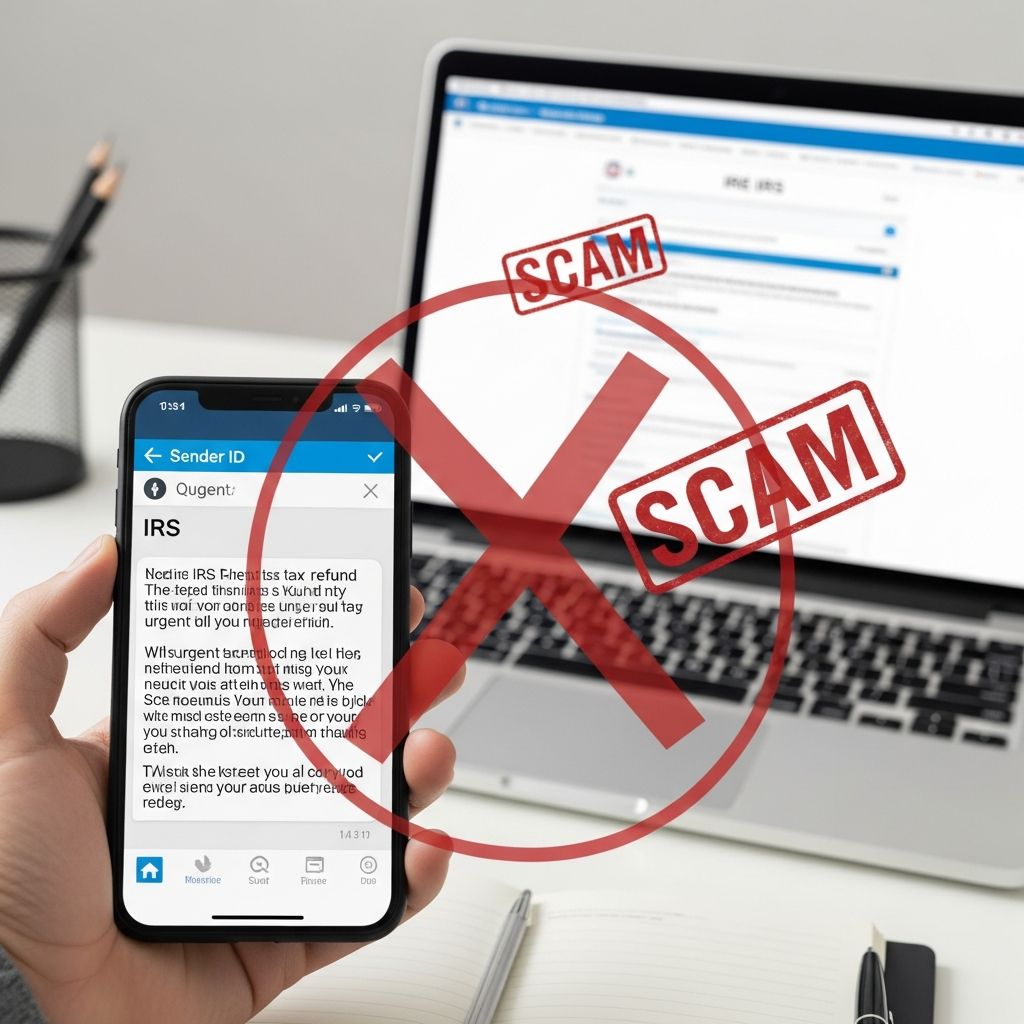
Criminals are increasingly pretending to be the Internal Revenue Service (IRS) to trick people into clicking links, sharing personal data, or sending money. Many of these scams now arrive by text message or email claiming you are owed a tax refund, rebate, or special benefit. Knowing how the real IRS contacts you — and how it does not — is the key to staying safe.
Why Criminals Pretend to Be the IRS
Scammers use the IRS name because most people take tax messages seriously and react quickly out of fear or excitement. According to the IRS, tax scams increasingly involve false promises of refunds or credits and may lead to identity theft, delayed refunds, and even penalties if fraudulent returns are filed in your name.
Impostors count on:
- Urgency – They say you must act now or lose money or face trouble.
- Authority – They use official-sounding language, seals, or logos.
- Confusion – They exploit how complicated taxes can feel.
How the Real IRS Contacts Taxpayers
Understanding normal IRS practices helps you instantly recognize impostors. The IRS explains that it does not start contact with taxpayers by text, email, or social media to request sensitive personal or financial information.
| Contact Method | Used for First Contact? | Typical Use by Real IRS |
|---|---|---|
| Postal mail (letter) | Yes | Initial notices, bills, refund issues, audit letters. |
| Phone call | Usually after a letter | Follow-up on an existing issue already described in a mailed notice. |
| Text message (SMS) | No | IRS states it does not send unsolicited texts without prior consent. |
| No | IRS will not email to ask for personal or financial data or to demand payment. | |
| Social media messages | No | IRS does not use direct messages for individual tax issues. |
If your first contact about a refund or tax problem is a text, email, or social media message, you can treat it as a scam.
Common Features of Fake Tax Refund Texts and Emails
Scam messages often follow a predictable pattern. The IRS describes tax scams involving both phishing (email) and smishing (text message) that lure you to click a malicious link under the pretense of a refund or problem with your account.
Typical Phrases and Hooks
- “You are eligible for a tax refund / tax rebate”
- “Your refund payment is ready — confirm your details”
- “Unusual activity detected” or “Your account has been put on hold”
- “Final notice” or “Immediate action required”
Red Flags in the Message Itself
- Unexpected contact about a refund or benefit you never applied for.
- Clickable links that claim to lead to a refund form, e-statement, or secure portal.
- Requests for sensitive data such as your Social Security number, bank account, login credentials, or driver’s license.
- Spelling or grammar errors, odd formatting, or strange capitalization.
- Generic greetings like “Dear taxpayer” instead of your full name.
- Non-government email addresses (for example, free email services or unrelated domains).
Why Clicking the Link Is So Dangerous
The link in a scam text or email is usually the main weapon. According to the IRS and federal agencies, clicking can lead to:
- Phishing websites designed to steal your Social Security number, date of birth, bank account, or tax data.
- Malware installation that can capture keystrokes, harvest saved passwords, or monitor your device activity.
- Fraudulent tax returns filed in your name to capture refunds, which can trigger delayed refunds and complex disputes.
Even if you do not type anything into the fake site, some malicious pages can begin downloading harmful software simply by being opened.
Step-by-Step: What to Do When You Get a Suspicious IRS Message
Turning a risky moment into a safe one only takes a few steps. The key rule is simple: do not interact with the message beyond what is needed to report it.
1. Stop and Do Not Click Anything
- Do not tap links, scan attached QR codes, or open attachments.
- Do not reply, even to tell them to stop. Any response tells scammers your number or email is active.
2. Independently Check Your Tax Refund Status
- Use the official IRS “Where’s My Refund?” tool on IRS.gov to verify any legitimate refund status.
- Manually type IRS.gov into your browser instead of using links in messages.
3. Contact the IRS Using Verified Channels
- If you have questions, call the official IRS phone numbers listed on IRS.gov, such as the main taxpayer line.
- Use contact details printed on an IRS letter you already received by mail.
4. Report the Scam Message
The IRS and other agencies encourage the public to report fake IRS messages so they can disrupt scams and warn others.
- Suspicious texts:
- Do not click links or reply.
- Forward details of the text to
phishing@irs.govwith the subject line “Text” (include sender number, your number, contents, and time received). - Forward the text to 7726 (SPAM) to help your wireless carrier block similar messages.
- Suspicious emails:
- Do not click links or open attachments.
- Follow IRS instructions on reporting fake IRS or Treasury emails and then delete the message.
- Other reports:
- You may report tax-related scams to the Treasury Inspector General for Tax Administration (TIGTA) and the Federal Trade Commission, as directed by IRS guidance.
If You Already Clicked or Shared Personal Information
Even careful people slip up. Acting quickly can limit damage if you clicked a link or provided details on a fake form.
- Run security scans on your phone, tablet, or computer using trusted security software.
- Change passwords for any accounts that share the same credentials you may have exposed.
- Contact your bank or card issuer if you provided financial information, and ask about placing alerts or a new account number.
- Monitor your tax records and refund status through IRS.gov.
- Respond promptly to any IRS notices about returns filed in your name, and follow the instructions provided on those notices.
If a scammer files a fraudulent tax return using your information, you may have to correct your return and verify your identity with the IRS. The agency recommends filing accurate returns and, where needed, amending incorrect filings as soon as possible.
Other Tax Scams Related to Refunds and Credits
Fake texts promising refunds are only one part of a larger landscape of tax fraud. The IRS warns about schemes that misuse tax credits or encourage frivolous filings, often spread through social media or messages that look like official notices.
Refund and Credit Misuse
- Posts or messages claiming everyone qualifies for a particular credit, even when it is limited to certain taxpayers.
- Pressure to file amended returns solely to seek new credits you were never eligible for.
- Promoters who charge fees or take a percentage of any refund.
Taxpayers who follow this advice can end up with denied refunds, delayed processing, and possible civil penalties for frivolous claims.
Practical Habits to Stay Safe During Tax Season
Defending yourself from IRS impostor scams is easier if you build a few consistent habits.
- Treat all unsolicited tax messages as suspicious. Real tax issues usually begin with a letter in the mail.
- Go directly to IRS.gov. Never rely on links in texts, emails, or social media posts.
- Use strong, unique passwords and enable multi-factor authentication for financial and tax accounts.
- Store prior-year returns, W-2s, and Social Security documents securely.
- Shred documents with sensitive information instead of throwing them away intact.
- Educate family members, especially older relatives and new filers, about these scams.
Frequently Asked Questions (FAQs)
Q: The IRS text says I’m getting a refund. Could it ever be real?
A: The IRS states that it does not initiate contact with taxpayers by text message about refunds or financial information. If a message about a refund appears first as a text, you should treat it as a scam and check your refund status directly on IRS.gov instead.
Q: How can I verify whether I truly have a refund coming?
A: Use the official “Where’s My Refund?” tool on IRS.gov or the IRS2Go mobile app. Access it by typing the address into your browser yourself rather than using links in messages.
Q: What if someone already filed a tax return using my Social Security number?
A: If the IRS notifies you that a return has been filed using your information and it was not you, follow the identity verification or fraud instructions in the notice. The IRS may ask for copies of your documents and can guide you through correcting your tax record and issuing your legitimate refund.
Q: Are there any situations where the IRS will email or text me?
A: The IRS may send limited electronic communications in specific, consent-based situations, but it does not use unsolicited texts or emails to request confidential information, demand payment, or offer unexpected refunds. If you are unsure, contact the IRS using the phone number from IRS.gov rather than any number in the message.
Q: Should I delete scam messages after reporting them?
A: Yes. After you forward details according to IRS instructions and, if desired, to your wireless carrier and other agencies, delete the text or email so you do not accidentally interact with it later.
References
- No, that’s not the IRS texting about a tax refund or rebate. It’s a scam. — Federal Trade Commission. 2022-11-16. https://consumer.ftc.gov/consumer-alerts/2022/11/no-thats-not-irs-texting-about-tax-refund-or-rebate-its-scam
- Recognize tax scams and fraud — Internal Revenue Service. 2024-03-19. https://www.irs.gov/help/tax-scams/recognize-tax-scams-and-fraud
- Watch out for tax scams and report fraudulent messages — Internal Revenue Service. 2023-08-10. https://www.irs.gov/newsroom/watch-out-for-tax-scams-and-report-fraudulent-messages
- Report fake IRS, Treasury or tax-related emails and messages — Internal Revenue Service. 2024-02-09. https://www.irs.gov/help/report-fraud/report-fake-irs-treasury-or-tax-related-emails-and-messages
- Dirty Dozen tax scams for 2025: IRS warns taxpayers to watch out for dangerous threats — Internal Revenue Service. 2025-03-25. https://www.irs.gov/newsroom/dirty-dozen-tax-scams-for-2025-irs-warns-taxpayers-to-watch-out-for-dangerous-threats
- IRS assesses $162 million in penalties over false tax credit claims tied to social media — Internal Revenue Service. 2025-09-08. https://www.irs.gov/newsroom/irs-assesses-162-million-in-penalties-over-false-tax-credit-claims-tied-to-social-media
- TAP wants taxpayers to be aware of scammers using text messages — Taxpayer Advocacy Panel / improveirs.org. 2023-05-12. https://www.improveirs.org/news/tap-wants-taxpayers-to-be-aware-of-scammers-using-text-messages/
Similar Articles








Read full bio of medha deb