
Smart Gaming: A Parent’s Guide to Kids and Video Games
Help your child enjoy video games safely with age-appropriate choices, limits, and online protection strategies.
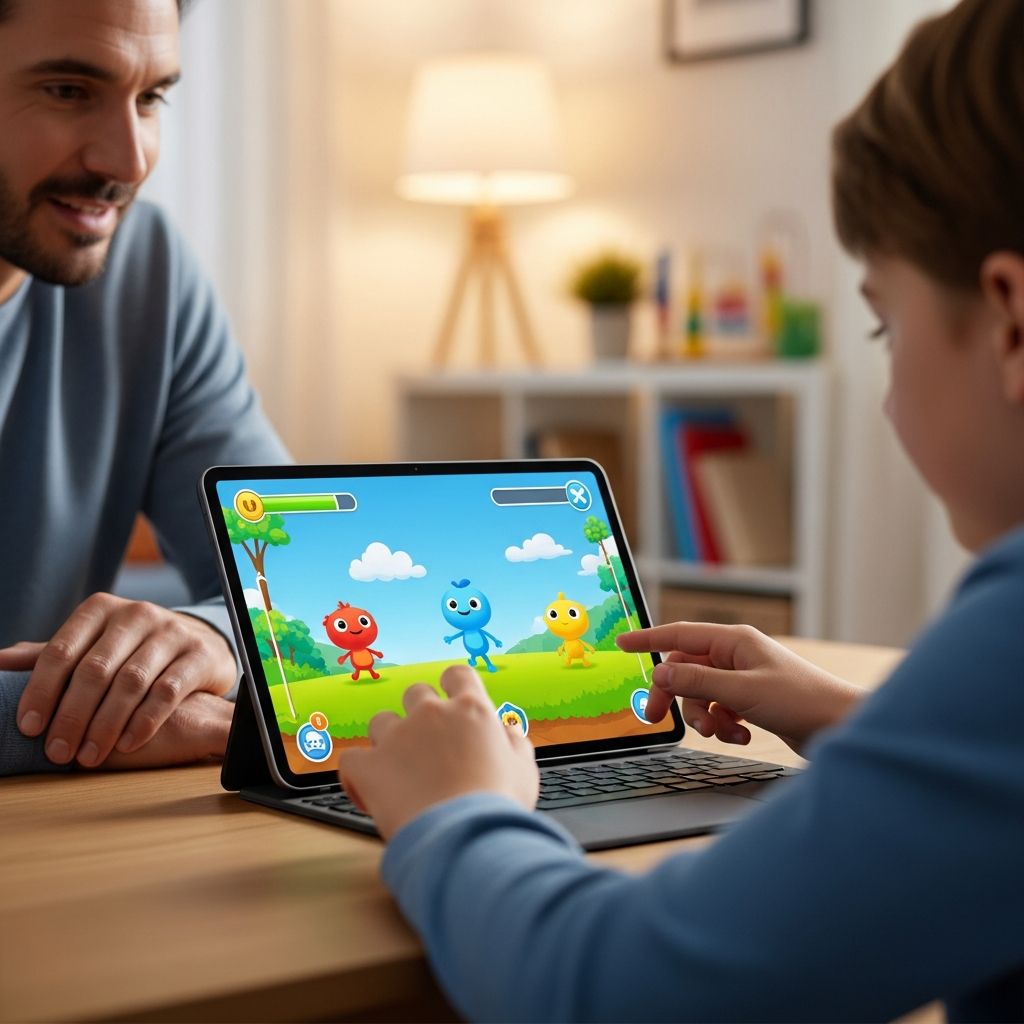
Video games are a big part of many kids’ lives, from mobile apps and handheld devices to consoles, PCs, and virtual reality headsets. Used thoughtfully, games can offer fun and learning, but they also raise questions about screen time, content, costs, and online safety. This guide explains how to help children enjoy video games while protecting their privacy, finances, and well-being.
Understanding the Modern Gaming World
Gaming today is very different from the single-player cartridges many adults grew up with. Many titles now run as online services with:
- Always-on internet connections and live updates
- Chat, voice, and video communication with other players
- In-game purchases, subscriptions, and digital currencies
- Built-in advertising or cross-promotion for other games
- Virtual and augmented reality experiences
Because of this shift, evaluating a game is about more than just its storyline or level of violence. Parents also need to think about how long kids might play, who they can talk to, and what personal or financial information the game could access or collect.
Choosing Age-Appropriate Games
Picking the right game begins with reviewing content and features, not just relying on the box art or app store description. Many countries use rating systems, such as the Entertainment Software Rating Board (ESRB) in the United States and Canada, which assigns age ratings and content descriptors for video games. These ratings can be a helpful starting point, but parents still need to use their own judgment.
Key Questions to Ask Before Your Child Plays
- Is the content suitable? Look for violence, sexual content, strong language, or themes that may be too intense or confusing for your child’s age and maturity level.
- How interactive is it? Does the game connect players with strangers through chat, voice, or friend systems? Can your child be contacted by older players?
- Are there in-game purchases? Check whether the game sells upgrades, loot boxes, subscriptions, or cosmetic items, and how aggressively it pushes kids to spend.
- Does it include ads? Some games show ads for other titles, including those with more mature or risky content.
- What personal data is collected? Many online games collect identifiers, location, or usage data; privacy policies should explain what is collected and how it is used.
Using Ratings Effectively
Game ratings offer helpful guidance when combined with your own values:
- Prefer lower-age ratings (for example, games rated for everyone or young children) for younger players.
- Read the content descriptors (for example, “cartoon violence,” “strong language,” or “in-game purchases”) to understand why a game received its rating.
- Watch gameplay videos or play a demo yourself to see how the game feels in practice.
| Area | What to Look For | Why It Matters |
|---|---|---|
| Age rating & content | Violence, fear, language, sexual content, substance use | Helps match the game to your child’s age and maturity |
| Online features | Chat, friend requests, open lobbies, user-generated content | Determines exposure to strangers and player behavior |
| Monetization | Loot boxes, microtransactions, battle passes, ads | Impacts spending risk and potential pressure to pay |
| Parental controls | Time limits, purchase restrictions, communication filters | Gives you tools to manage what kids can do in-game |
Setting Reasonable Time Limits
Health organizations emphasize that what children do on screens and how it affects their daily life is more important than a single strict number of hours, but most recommend clear limits and consistent routines. Excessive gaming can crowd out sleep, schoolwork, physical activity, and face-to-face relationships.
Creating a Family Gaming Plan
Consider writing down rules that apply to everyone in the home. Your plan might include:
- Daily or weekly limits on total gaming time
- “No gaming” periods, such as during meals and one hour before bedtime
- Requirements that homework, chores, and physical activity come first
- Rules for when multiplayer sessions can happen (for example, not late at night)
The American Academy of Child and Adolescent Psychiatry and other professional groups advise that parents of younger children structure screen time closely and prioritize age-appropriate, high-quality content over passive or repetitive play.
Using Built-In Time Controls
Most modern consoles, PCs, and mobile operating systems offer tools to manage when and how long kids can play. Common options include:
- Daily or weekly caps that log kids out after a set number of hours.
- Curfew-style settings that prevent play during specific times of day.
- Activity reports summarizing what games were played and for how long.
These tools work best when your child knows the rules in advance and understands that the limits are designed to keep gaming balanced, not as a punishment.
Managing In-Game Spending and Subscriptions
Many games now rely on recurring purchases instead of one-time sales. Kids may encounter prompts to buy in-game currencies, cosmetic items, bonus levels, or random “loot boxes.” Some games also charge monthly or seasonal fees for access to extra content.
Steps to Protect Your Wallet
- Lock down payment methods. Require a password, PIN, or parental approval for every purchase on the device or console linked to your payment card.
- Disable or cap in-app purchases. Many systems allow you to block spending entirely or set a small maximum amount per month.
- Use child accounts. Avoid letting children play on an unrestricted adult profile, which may have access to payment methods by default.
- Review subscription settings. Check renewal dates and cancellation options so you do not pay for services your child no longer uses.
Teaching Kids About Digital Money
Because many games use virtual currencies, kids may not realize they are spending real money. Help them understand that:
- Game items have real-world costs and can add up quickly.
- They should always ask permission before clicking “buy” or “upgrade.”
- They can enjoy games without purchasing every optional item.
Using Parental Controls Wisely
Parental controls are not a replacement for conversation, but they are valuable tools to help you implement your family’s rules. On most systems, you can create separate profiles for each child and customize settings for content restrictions, playtime, spending, and communication.
Common Types of Parental Controls
- Content filters: Block games above a chosen age rating or with specific content flags (for example, mature language or gambling-like features).
- Time management: Limit when and how long children can use games or apps, and receive usage reports.
- Purchase controls: Turn off in-game purchases, require approval, or restrict spending to a small allowance.
- Communication settings: Limit or disable chat and messaging; restrict who can send friend requests or play with your child online.
- Location and data settings: Turn off location sharing for games that do not need it and review privacy options for each title.
Check the manufacturer’s or game publisher’s support pages for instructions, or use reputable parental control guides from organizations that focus on online safety for families.
Helping Kids Stay Safe Online While Gaming
When games connect to the internet, kids may interact with friends, classmates, and complete strangers. Online play can be enjoyable and social, but it also carries risks such as bullying, harassment, scams, and exposure to inappropriate language or content.
Ground Rules for Safer Online Play
- Protect personal information. Teach kids never to share real names, home or school locations, phone numbers, passwords, or other identifying details in chat or profiles.
- Use anonymous usernames. Gamertags should not include a child’s real name, age, or birth year.
- Limit communication to people they know. For younger players, consider turning off open chat and allowing communication only with approved friends.
- Keep gaming in common areas. Encouraging kids to play in family rooms rather than behind closed doors can make it easier to notice problems and start conversations.
- Encourage them to take breaks. If a game session becomes upsetting or intense, suggest pausing and stepping away.
Dealing With Bullying, Harassment, and Scams
Unfortunately, some players use games to bully, threaten, or scam others. Prepare your child to handle these situations by:
- Explaining how to block and mute other players.
- Showing them how to use in-game reporting tools to flag abusive behavior.
- Encouraging them to stop playing and talk to you or another trusted adult if someone makes them feel uncomfortable, scared, or pressured.
- Warning them not to click unknown links or visit unofficial websites claiming to offer free currency, rare items, or cheat codes.
Special Considerations for VR and AR Games
Virtual reality (VR) and augmented reality (AR) games place players inside immersive environments that can feel more intense than traditional gaming. Headsets may cover a child’s view of their physical surroundings and can change their sense of depth and motion.
Before letting children play VR or AR games:
- Check the device manufacturer’s age recommendations and health warnings.
- Research the title’s content and online features, just as you would for any other game.
- Set up a safe play area free of obstacles, pets, and furniture.
- Limit session length and require frequent breaks to reduce eye strain and motion sickness, paying attention to any signs of dizziness or discomfort.
- Monitor for aggressive behavior, inappropriate language, or disturbing content from other players, which can feel more intense in immersive environments.
Staying Involved and Building Healthy Habits
Rules and controls are more effective when paired with regular, open conversations about what kids are playing and how it makes them feel. Staying involved helps you catch issues early and also shows your child that you respect their interests.
Practical Ways to Stay Engaged
- Play alongside your child when possible, or at least watch a few rounds. Ask them to explain the game’s goals, characters, and mechanics.
- Ask open-ended questions such as “What do you like most about this game?” or “Has anyone ever made you uncomfortable while playing?”
- Model good behavior by following your own limits on screen time and online courtesy.
- Celebrate non-screen activities such as sports, hobbies, reading, and time outdoors so gaming is just one part of a balanced day.
Frequently Asked Questions (FAQs)
Q: How many hours per day should kids spend playing video games?
There is no universal number that fits every child, but pediatric and child development experts recommend setting clear limits and ensuring that gaming does not interfere with sleep, school, physical activity, or in-person socializing. For younger children, parents should be especially hands-on, emphasizing short, high-quality play sessions over long, unstructured gaming marathons.
Q: Are online multiplayer games safe for children?
Online games can be safe when parents use content filters, restrict communication options, and talk with kids about privacy, appropriate behavior, and what to do if they feel uncomfortable. Limiting chat to known friends, turning off location sharing, and encouraging kids to report and block problematic players significantly reduces risks.
Q: How can I stop my child from making unauthorized in-game purchases?
Use device and platform settings to require a password, PIN, or adult approval for every purchase, or disable in-app purchases completely. Make sure your child uses a restricted account without direct access to credit cards or wallets, and review recent transactions regularly.
Q: What should my child do if another player bullies or threatens them?
Teach your child to stop engaging immediately, use the game’s tools to mute and block the player, and tell you or another trusted adult as soon as possible. In many games, you can also file a report so moderators or platform operators can investigate and take action.
Q: Are video games always harmful for kids?
No. When chosen thoughtfully and balanced with other activities, games can support problem-solving skills, creativity, cooperation, and stress relief. Concerns usually arise when content is not age-appropriate, gaming is excessive, or kids are left unsupervised in online environments. Combining suitable games with clear rules and ongoing conversations helps children enjoy the benefits while minimizing the risks.
References
- Kids and Video Games — Federal Trade Commission. 2024-02-14. https://consumer.ftc.gov/articles/kids-video-games
- Gaming Safety Guide — OnWatch. 2021-01-01. https://iamonwatch.org/assets/files/OnWatchGaming.pdf
- Family Gaming Guide — Entertainment Software Rating Board (ESRB). 2023-06-01. https://www.esrb.org/tools-for-parents/family-gaming-guide/
- How and Why to Use Parental Controls in Video Games — Fielding Graduate University. 2022-10-18. https://www.fielding.edu/how-and-why-to-use-parental-controls-in-video-games/
- Screen Time and Children — American Academy of Child and Adolescent Psychiatry. 2020-03-01. https://www.aacap.org/AACAP/Families_and_Youth/Facts_for_Families/FFF-Guide/Children-And-Watching-TV-054.aspx
- Video Games: Set Your Own Ratings System — American Academy of Pediatrics / HealthyChildren.org. 2022-09-01. https://www.healthychildren.org/English/family-life/Media/Pages/Video-Games-Set-Your-Own-Ratings-System.aspx
Similar Articles








Read full bio of Sneha Tete


