Tech support scams trick people into believing their computer, phone, or account has a serious problem, then charge money or steal data to “fix” an issue that does not exist. These schemes target everyone, but they especially harm older adults and less tech-savvy consumers, often costing victims hundreds of dollars or more.
This guide explains how these scams work, how to recognize warning signs, what to do if you are targeted, and how to recover if you already paid or shared access.
What Is a Tech Support Scam?
A tech support scam is when a person or business pretends to be legitimate technical support — like a well-known software company, device maker, or security provider — to convince you that something is wrong with your device or account. They use that fear to pressure you into paying for fake services, installing harmful software, or revealing sensitive information.
Scammers may:
- Call you unexpectedly and claim to be from a trusted company.
- Display alarming pop-up messages on your screen that urge you to call a number immediately.
- Send emails or text messages that look like security alerts or account warnings.
- Buy ads or create websites that appear to be official support pages.
Common Tactics Scammers Use
Although details vary, tech support scams usually follow a predictable pattern. Understanding these techniques makes them much easier to spot and avoid.
1. Impersonating Trusted Companies
Scammers often claim to be from large, familiar businesses like major operating system providers, security software brands, or internet service companies. They may:
- Use logos they copied from real websites.
- Spoof caller ID so the phone number appears to come from a trusted company or a local exchange.
- Send emails that look professionally branded, but lead to fake websites.
Legitimate companies generally do not call, text, or email you out of the blue to say your computer has a virus or your account is about to be shut down.
2. Creating a Sense of Emergency
To push you into quick decisions, scammers often claim:
- Your device is infected with serious malware or spyware.
- Criminals are currently accessing your accounts or files.
- Your banking information is exposed and you must act immediately.
- Your system will be permanently locked or damaged if you do not cooperate.
This urgency is deliberate: high-pressure tactics reduce the chance that you will stop to verify their claims.
3. Fake Security Alerts and Pop-Ups
Many tech support scams start online with a sudden full-screen message or pop-up warning that:
- Claims it is from your operating system or antivirus provider.
- Uses alarming language like “severe threat” or “do not shut down your computer.”
- Displays a phone number to call for immediate help.
These warnings often come from compromised websites, malicious ads, or links in phishing emails. Real security software rarely instructs you to call a phone number.
4. Gaining Remote Access to Your Device
Once scammers have your attention, they frequently ask you to install remote access tools so they can control your device. After you accept, they can:
- Run fake “diagnostic” programs that always show serious problems.
- Hide windows, change settings, or open system logs to confuse you.
- View or copy your files, including documents that may contain financial information.
- Install malware or keyloggers that capture what you type.
Genuine tech support may sometimes use remote tools, but they will not suddenly appear via unsolicited calls or pop-ups.
5. Demanding Payment in Unusual Ways
In the final stage, scammers push you to pay for unnecessary or fake services. They often request payments that are difficult to reverse, such as:
- Gift cards (retail, gaming, or prepaid cards).
- Cryptocurrency (like Bitcoin or other digital coins).
- Wire transfers or peer-to-peer payment apps.
- Large credit card charges disguised as “support plans” or “lifetime protection.”
Requests to pay with gift cards or crypto for tech support are almost always a sign of fraud.
Red Flags: How to Spot a Tech Support Scam Quickly
Recognizing warning signs early can stop a scam before it causes damage. Be cautious if you encounter any of these:
- Unsolicited contact: Someone calls, texts, or emails you first about a tech problem you did not report.
- Demands for immediate action: You are told to act “right now” to avoid major data loss or legal trouble.
- Phone numbers in pop-ups: Security messages on your computer include a phone number to call.
- Request for remote access: A stranger wants to take control of your device to “inspect” it.
- Unusual payment methods: You are asked to pay with gift cards, cryptocurrency, or wire transfers.
- Vague or confusing explanations: The caller refuses to give clear details or becomes pushy when questioned.
Protective Steps Before You Are Targeted
Strengthening your systems and habits in advance can reduce the risk and impact of tech support scams.
Keep Software and Devices Up to Date
Turn on automatic updates for your operating system, browser, and security tools. Fixing known vulnerabilities limits ways scammers and criminals can reach you.
Use Reliable Security Tools
- Install reputable antivirus or internet security software.
- Enable built-in protections such as firewalls and safe browsing features.
- Avoid downloading apps or tools from unknown websites.
Limit Where You Share Your Contact Details
The more widely your phone number and email are posted, the easier it is for scammers to target you. Consider:
- Removing public listings that show your personal phone number when possible.
- Using separate email addresses for banking, shopping, and newsletters.
- Being careful about survey sites or contests that collect your contact information.
Talk with Family and Friends
Conversations about scams can be one of the strongest protections. Research shows that older adults are frequently targeted for technology-related fraud. Discuss:
- Never trusting surprise tech support calls.
- Hanging up and calling known numbers from official websites instead.
- Calling a trusted relative or friend before paying any unfamiliar “support” bill.
What To Do If You Are Contacted by a Suspected Scammer
If you receive a suspicious call, email, pop-up, or text about your device or account, take these immediate steps.
Do Not Engage — Disconnect Safely
- Hang up the phone without explanation if the caller pressures you.
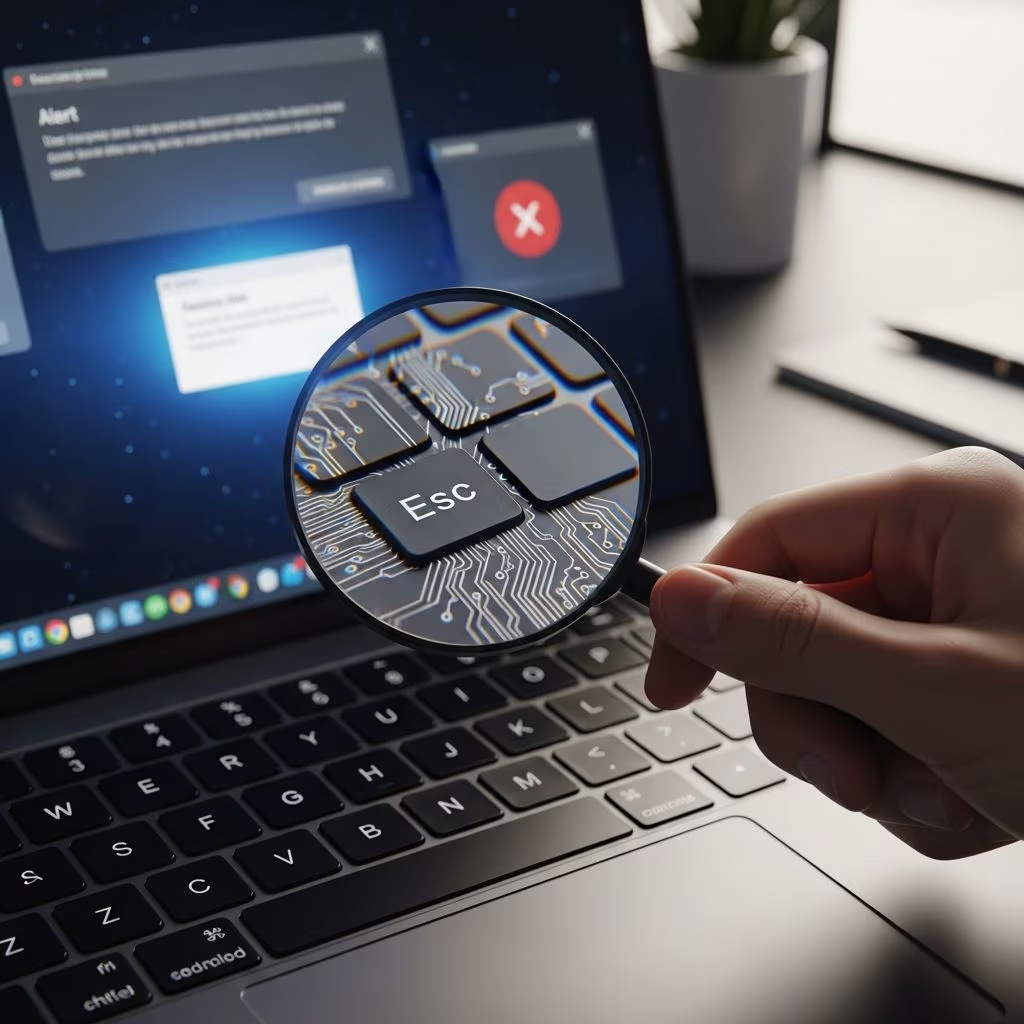
- Close your browser tab or window showing the alarming message.
- If you cannot close it, use Ctrl + Alt + Delete (Windows) or Option + Command + Esc (Mac) to force-quit the browser.
- Do not call any phone number shown in a pop-up or suspicious email.
Confirm Directly with the Real Company
If you are worried the alert might be real, find the official support contact details by:
- Typing the company name directly into your browser address bar.
- Checking official documentation or the back of your card (for banks or payment services).
- Using contact information you already have, not links or numbers from the suspicious message.
Document What Happened
Write down or screenshot details such as:
- Phone numbers used.
- Names or company names claimed.
- Web addresses shown on the message or pop-up.
- Any instructions you were given.
These details may help when you report the scam or talk with your bank.
If You Already Paid or Gave Access
Many people only realize it was a scam after they have paid or allowed remote access. Taking fast, specific steps can reduce harm.
| What Happened | Immediate Actions to Take |
|---|---|
| You gave remote access to your device |
|
| You shared passwords |
|
| You paid with a credit or debit card |
|
| You paid with gift cards or wire transfer |
|
| You installed software at their request |
|
How to Report Tech Support Scams
Reporting scams helps enforcement agencies track patterns, shut down operations, and warn others. Even if you did not lose money, your report is valuable.
Report to Consumer Protection Agencies
- In the United States: You can report scams and fraud to the Federal Trade Commission through its official complaint tools.
- Include as many details as possible: phone numbers, email addresses, web links, payment amounts, and how the contact started.
Notify the Real Company Being Impersonated
If someone pretended to be from a well-known company, visit that company’s official website and look for:
- A fraud or abuse reporting page.
- A security contact email (often listed as “abuse” or “security”).
- Guidance on known scams using their name.
Legitimate companies may use your information to locate fake websites, phone numbers, or apps that exploit their brand.
Tell Your Bank or Payment Provider
If any money changed hands, notify your bank, card issuer, or payment app provider quickly. Financial institutions often have specific timelines and procedures for disputing fraudulent charges or unauthorized transfers.
Helping Others Stay Safe
Scammers often reuse the same themes and scripts across thousands of calls and messages. Sharing what you experienced can prevent someone else from being harmed.
- Talk about scams openly with family, friends, and coworkers.
- Encourage older adults in your life to call you or another trusted person before paying for surprise tech help.
- Print or share educational materials from official consumer protection sites for community groups or workplaces.
Quick Do’s and Don’ts for Tech Support Safety
- Do ignore unsolicited calls claiming to be tech support.
- Do close suspicious pop-ups and scan your device with software you chose yourself.
- Do verify support numbers on official company websites.
- Do use strong, unique passwords and multi-factor authentication.
- Don’t give control of your device to anyone who contacts you first.
- Don’t share banking or card details over the phone with unknown callers.
- Don’t pay for tech support with gift cards, cryptocurrency, or wire transfers.
Frequently Asked Questions (FAQs)
Q: Can a real tech company ever contact me first about a problem?
A: Most legitimate tech companies do not monitor your personal devices and will not call you unexpectedly to tell you there is a virus or security issue. If someone claims otherwise, hang up and contact the company using information from its official website.
Q: What if a pop-up will not go away unless I call the number?
A: Do not call the number. Try closing your browser or force-quitting it. After restarting, run a scan with trusted security software. If the message returns, contact official support channels for your browser or device, not the number shown in the alert.
Q: I let someone remote into my computer. Is it now unsafe forever?
A: Not necessarily, but you should act quickly. Disconnect from the internet, run full security scans, remove unknown software, and change passwords from a clean device. If you are unsure what they did, consider getting help from a trusted technician or the manufacturer’s official support.
Q: How can I tell if a tech support company I found online is legitimate?
A: Look for a physical address, clear pricing, and multiple ways to contact them. Search for their name plus the word “complaint” or “scam” using a reputable search engine. Be wary of companies that only list a toll-free number and ask for remote access before explaining who they are or what they will do.
Q: Why do scammers ask for gift cards or cryptocurrency?
A: Gift cards and cryptocurrency are difficult to trace and usually impossible to reverse once used. Scammers prefer these methods because they can quickly convert them into money while avoiding standard fraud protections that banks and card networks provide.
References
- Consumer Protection — Federal Trade Commission. 2025-05-01. https://www.ftc.gov/consumer-protection
- Rules — Federal Trade Commission. 2025-01-15. https://www.ftc.gov/legal-library/browse/rules
- Protecting Older Consumers 2024–2025 — Federal Trade Commission. 2024-10-18. https://www.ftc.gov/reports/protecting-older-consumers-2024-2025-report-federal-trade-commission
- Business Guidance — Federal Trade Commission. 2025-03-10. https://www.ftc.gov/business-guidance
- Consumer Sentinel Network Data Book 2023 — Federal Trade Commission. 2024-02-08. https://www.ftc.gov/reports/consumer-sentinel-network-data-book-2023