Online and mobile banking can save you time, simplify your money management, and help you stay on top of your finances. When used wisely and securely, these tools give you real-time access to your accounts without sacrificing safety.
This guide is designed for people who are new to digital banking or who have used it only occasionally. It explains how to get started, what features to use first, and how to protect yourself from fraud and errors.
1. What Online and Mobile Banking Can Do for You
Most banks and credit unions offer digital tools that allow you to manage many everyday tasks without visiting a branch.
- View balances and recent transactions anytime.
- Transfer money between your own accounts.
- Pay bills to companies or individuals.
- Set up automatic payments for recurring bills.
- Deposit checks using your phone’s camera (at many institutions).
- Set alerts for low balances, large transactions, or upcoming due dates.
Used together, these features can help you avoid late fees, overdrafts, and surprise charges while giving you a clearer view of where your money goes.
2. Signing Up for Online Banking the Right Way
Before using a mobile app, it usually makes sense to enroll in online banking from a computer. This lets you review terms on a larger screen and double-check your information.
2.1 Steps to Enroll Securely
- Go directly to your bank’s official website by typing the address into your browser or using a trusted bookmark.
- Look for a link that says something like “Enroll in online banking” or “Set up digital banking.”
- Have your account number, Social Security number or taxpayer ID, and contact information ready.
- Create a unique username that is not easily guessable (avoid your email address if possible).
- Choose a strong password (more on that below) and store it securely.
2.2 Choosing Strong Login Credentials
Weak passwords make it easier for criminals to access your accounts. Many banks recommend passphrases or complex passwords.
- Use at least 12 characters when allowed, combining letters, numbers, and symbols.
- Avoid personal details like your name, birthday, address, or pet’s name.
- Do not reuse a password from your email, social media, or shopping accounts.
- Consider using a reputable password manager to create and store unique passwords for each site.
3. Safely Setting Up Mobile Banking on Your Phone
Once online banking is ready, you can download your financial institution’s mobile app to manage your accounts on the go.
3.1 Downloading the Correct App
- Only download apps from the official Apple App Store or Google Play Store.
- Use the link to the app provided on your bank’s official website to avoid fraudulent look-alike apps.
- Check the app developer name (it should match your bank or credit union) and read recent reviews.
3.2 Securing Your Device Before Logging In
Your phone or tablet becomes a key to your money, so it needs basic protections.
- Turn on a screen lock (PIN, password, fingerprint, or face recognition).
- Set your device to lock automatically after a short period of inactivity.
- Enable remote find, lock, and erase features in case the device is lost or stolen.
- Keep your operating system and apps up to date so you have the latest security patches.
- Install reputable mobile security or antivirus software if recommended for your device.
4. Everyday Security Habits to Protect Your Money
Good daily habits greatly reduce your risk of fraud, even if you are not a computer expert. Many of these practices mirror guidance from banks and regulators.
4.1 Use Strong Authentication
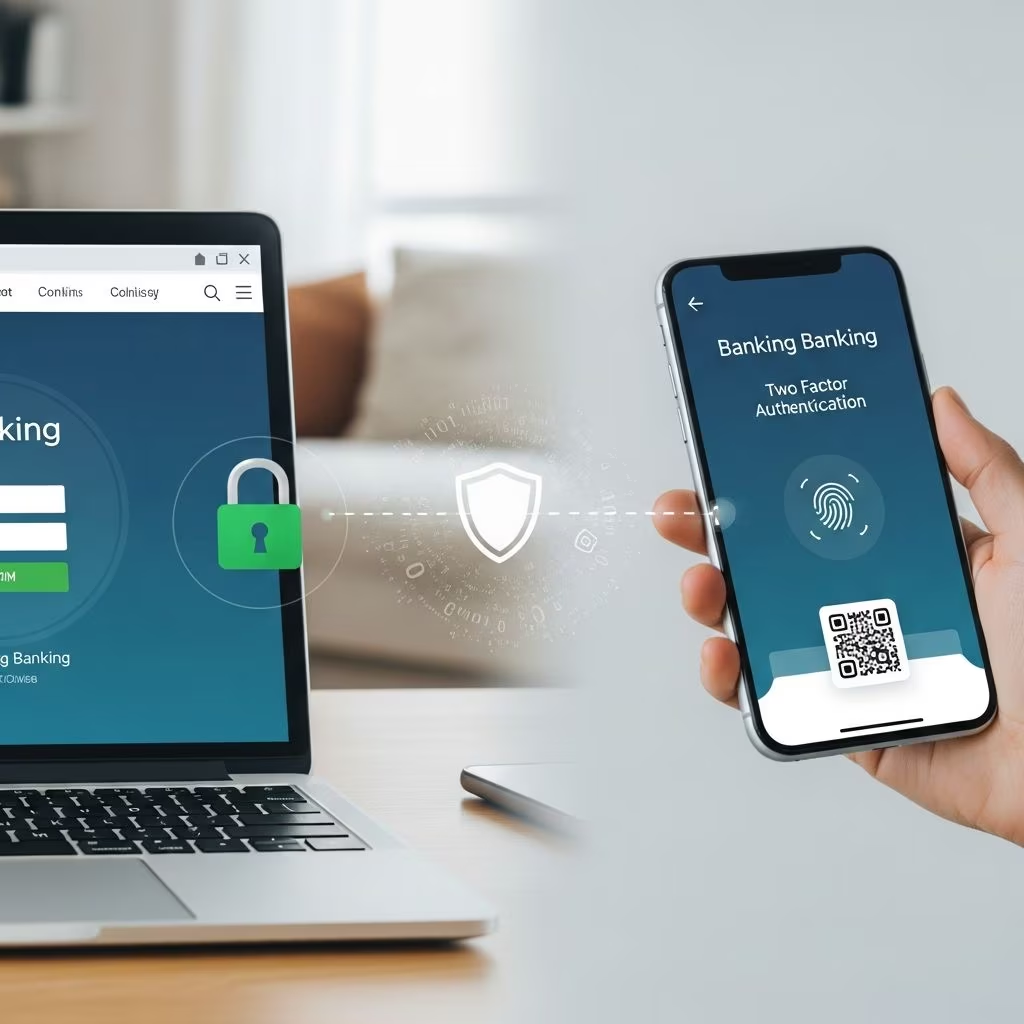
- Enable multi-factor authentication (MFA) or two-factor authentication (2FA) when your bank offers it.
- Common methods include a code by text, a call, a secure app prompt, or a small security device.
- Do not share one-time passcodes or security codes with anyone, even if they claim to be from your bank.
- Turn on biometric login (fingerprint or face ID) where available, but keep your main password strong in case biometrics are disabled.
4.2 Avoid Risky Networks
Public Wi-Fi can expose your activity if it is not secure.
- Avoid logging into your bank or entering payment information over public Wi-Fi (cafes, airports, hotels).
- Use your mobile data connection or a trusted private network when banking.
- If you must use public Wi-Fi, consider a trusted virtual private network (VPN) to encrypt your connection.
- Log out of your banking session when finished, especially on shared or public devices.
4.3 Be Cautious With Personal Information
- Never send passwords, full account numbers, or one-time codes through email or text.
- Be careful about what you share on social media, such as birthdays, schools, or mother’s maiden name, which are often used as security questions.
- Shred or securely discard old paper statements and mail containing sensitive data.
5. Using Key Features to Stay Organized and Avoid Fees
Once your accounts are set up and secure, start using features that help you manage cash flow and prevent problems.
5.1 Account Alerts You Should Consider
Alerts can help you catch fraud early and avoid overdrafts or missed payments.
- Low balance alerts to warn you when your account drops below a chosen amount.
- Large transaction alerts for withdrawals or purchases over a dollar limit you select.
- Unusual activity alerts (for example, card use in another country).
- Payment due alerts for credit cards, loans, or recurring bills.
- Profile change alerts when your address, email, or password is modified.
5.2 Online Bill Pay vs. Automatic Payments
Many beginners are unsure how to pay bills digitally. The table below compares two common options.
| Feature | Online Bill Pay (from your bank) | Automatic Payment (from biller) |
|---|---|---|
| Who initiates the payment? | You schedule payments through your bank’s website or app. | The company you owe pulls funds from your account or card. |
| Control over timing | High — you choose dates and amounts each time or set a schedule. | Medium — you agree to terms; company decides when to request funds. |
| Visibility | Payments appear in your bank’s bill pay list and transaction history. | Shown in your bank transactions and often on the biller’s portal. |
| Best for | Bills that change each month or when you want more control. | Fixed monthly bills (like some loans or subscriptions). |
Whichever method you choose, monitor your account regularly to ensure payments are correct and on time.
6. Monitoring Your Accounts and Spotting Problems Early
Frequent monitoring is one of the strongest protections you have against fraud and errors.
6.1 Simple Review Routine
- Check your accounts at least a few times per week using your bank’s app or website.
- Look for transactions you do not recognize or amounts that appear wrong.
- Review recent payments to make sure nothing was charged twice.
- At least monthly, compare your statement with your own records or receipts.
6.2 What to Do If Something Looks Wrong
- Contact your bank or credit union immediately using the phone number on the back of your card or their official website.
- Ask how to dispute a transaction and what deadlines apply. Many protections require you to act quickly.
- Change your online and mobile banking password and review your security questions.
- If your device is missing, use remote lock/erase tools and notify your bank to secure your accounts.
7. Recognizing and Avoiding Scams
Scammers often try to trick consumers into revealing account details, especially as more people bank online. Banks and consumer protection agencies frequently warn about these schemes.
7.1 Common Digital Banking Scams
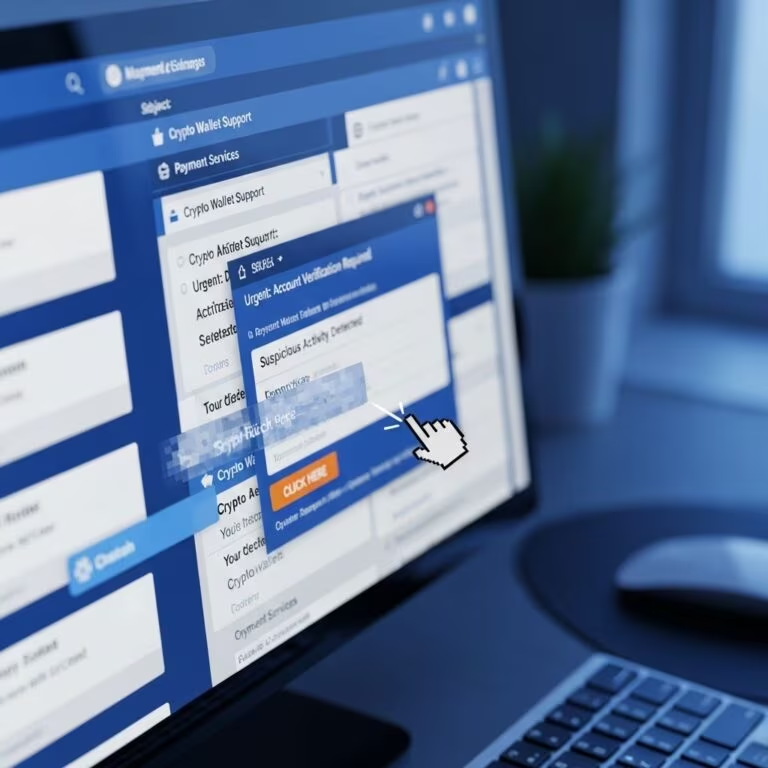
- Phishing emails or texts: Messages that pretend to be from your bank and ask you to click a link or provide login information.
- Fake websites or apps: Imitation sites or apps designed to capture your credentials.
- Phone impersonation scams: Callers claiming to be from your bank or a government agency demanding urgent payment or login details.
- Account takeover attempts: Criminals use stolen information to reset passwords and access your account.
7.2 How to Protect Yourself from Scams
- Type your bank’s web address directly into your browser instead of clicking links in emails or texts.
- Be skeptical of unsolicited messages that create a sense of urgency or threaten penalties.
- Hang up and call your bank using a trusted number if a caller asks for login details, PINs, or one-time codes.
- Report suspicious emails, texts, or calls to your bank and, when appropriate, to consumer protection agencies.
8. Special Considerations for Shared Devices and Family Use
Many households share computers or tablets, and some people help family members manage finances. In these cases, extra care is needed.
- Avoid saving passwords in the browser on shared devices.
- Use separate user profiles on computers when possible.
- Log out of banking sessions immediately after use.
- Do not share your online banking password with friends, caregivers, or extended family.
- If helping an older adult or someone with limited digital skills, discuss who can see what and how you will protect their information.
9. Getting Help If You Feel Unsure
You do not need to become a technology expert before using online and mobile banking. Financial institutions and consumer agencies offer support to help you learn safely.
- Call your bank’s customer service to ask about setting up online access, mobile apps, or alerts.
- Ask whether your bank offers step-by-step guides, videos, or in-person help for digital banking.
- Use information from reputable sources such as government consumer protection sites when learning about security and scams.
- Start with a few simple tasks (like checking your balance) and add more features as you become comfortable.
Frequently Asked Questions (FAQs)
Q1: Is mobile banking as safe as going to a branch?
When you follow recommended security practices—such as using strong passwords, enabling multi-factor authentication, and avoiding public Wi-Fi—mobile banking can be very secure. Banks invest heavily in encryption and fraud monitoring, but your own habits (like keeping your device locked and updated) are an essential part of staying safe.
Q2: What should I do if I lose my phone with the banking app installed?
Act quickly. Use your device’s remote tools to lock or erase it if available, change your online and mobile banking passwords from another device, and contact your bank to let them know what happened. They can help you review recent transactions and may place temporary restrictions or issue new credentials if needed.
Q3: Is it safe to store my banking password in my phone?
Avoid writing passwords in notes, text messages, or unsecured apps on your phone. A reputable password manager that encrypts your data and requires its own strong master password is generally safer. Even then, you should still secure your phone with a lock screen and keep it updated.
Q4: How often should I change my online banking password?
Many security experts suggest changing passwords if you suspect a breach, see unusual activity, or learn that a company you use has been hacked. Even without a known issue, periodically updating your password and never reusing it across sites helps reduce risk.
Q5: Can I safely use online banking on a public computer?
Using a public computer is riskier because you cannot control who has used it or what software is installed. If you must use one, always check for the secure “https” address, avoid saving your login information, log out completely when finished, and consider changing your password later from a trusted device.
References
- Online and mobile banking tips for beginners — Consumer Financial Protection Bureau. 2022-02-22. https://www.consumerfinance.gov/about-us/blog/online-mobile-banking-tips-beginners/
- Mobile Banking Security Tips — ANB Bank. 2023-05-15. https://www.anbbank.com/financial-literacy/digital-banking-basics/mobile-banking-security-tips
- 9 Best Practices for Online & Mobile Banking Security — Marquette Bank. 2023-09-01. https://emarquettebank.com/financial-education/articles-insights-for-you/9-best-practices-for-online-mobile-banking-securit
- Essential Mobile Banking Safety Tips — Midwest Bank. 2023-10-10. https://midwest.bank/news/2023/10/essential-mobile-banking-safety-tips/
- 10 Online & Mobile Security Tips — Bank of America, Better Money Habits. 2023-06-20. https://bettermoneyhabits.bankofamerica.com/en/privacy-security/online-security-privacy-tips