
Evaluating Tablet Technology for Law Students
Critical analysis of tablet devices in legal education: weighing costs against practical value.
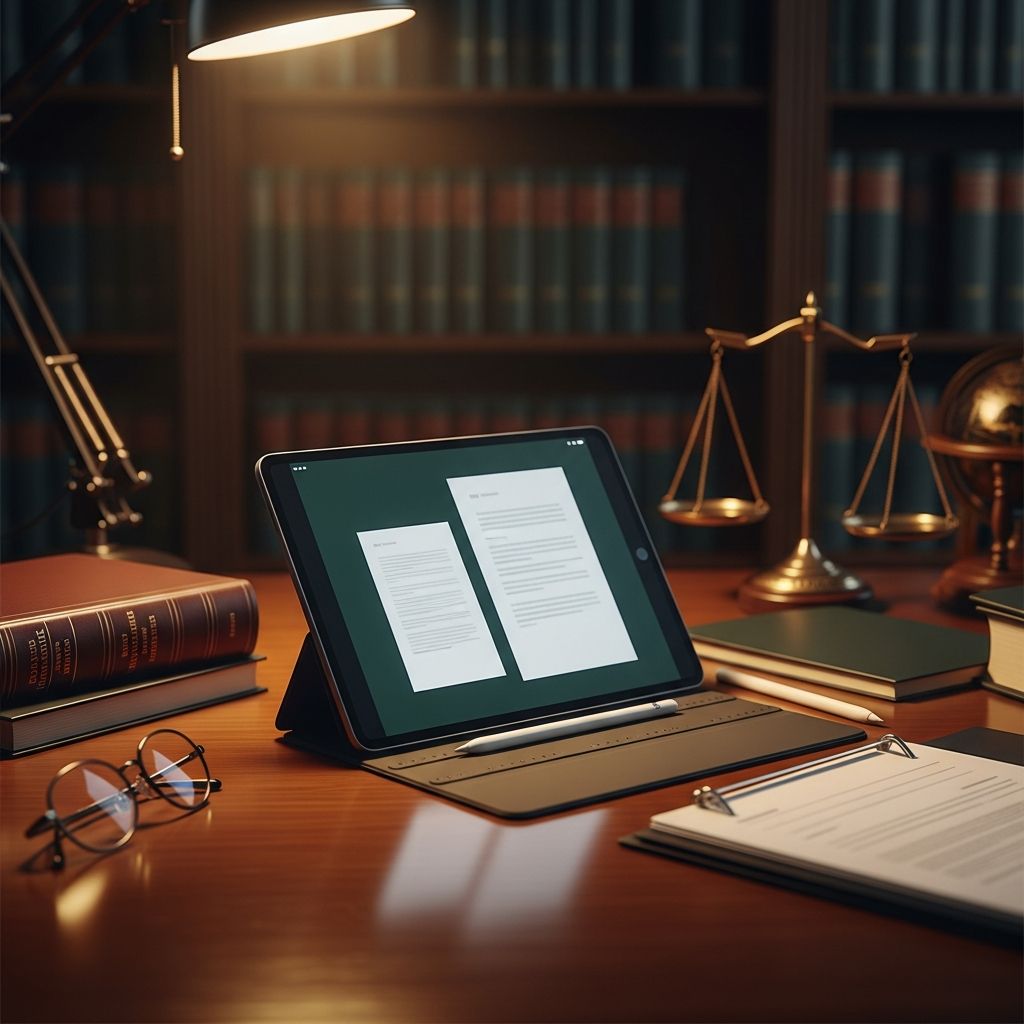
The Tablet Question in Legal Education: Understanding the Reality
When prospective law students consider their technology investments, tablets consistently appear on shopping lists alongside laptops and smartphones. The appeal is understandable—sleek devices promise portability, digital note-taking capabilities, and a modern approach to legal study. However, the significant financial investment required for quality tablets, particularly premium models, warrants careful examination before purchase. Law students face unique constraints within their educational environment that may fundamentally undermine the practical value of tablet devices, making this an essential investment decision requiring thorough analysis rather than impulse purchasing.
Institutional Barriers and Examination Limitations
One of the most critical considerations facing law students involves examination policies at their respective institutions. Many law schools maintain strict regulations regarding the technology devices permitted during final examinations, which represent the culminating assessments in most courses. These policies often explicitly exclude tablets and other portable devices, requiring students to complete examinations exclusively on laptop computers instead. This restriction creates a significant problem: a student who has invested substantial funds in a tablet as their primary academic device must simultaneously maintain access to a laptop for examination purposes, negating much of the cost-saving argument for device consolidation.
The practical implications extend beyond mere inconvenience. Students cannot rely on their tablet as their sole computing device, necessitating either purchasing an additional laptop or securing loaner devices during examination periods. The availability of loaner laptops varies considerably between institutions and often cannot be guaranteed, particularly during high-demand examination windows when multiple students require simultaneous access. This structural reality undermines the fundamental premise that a tablet can serve as a comprehensive academic device for law students.
Word Processing and Document Formatting Challenges
The technical capabilities of tablet applications for word processing remain substantially limited compared to full desktop environments. While applications such as Microsoft Word and Apple Pages have evolved significantly, they continue to lack the comprehensive formatting features, template support, and document management capabilities available in desktop versions. For law students who must produce carefully formatted legal memoranda, briefs, and research papers, these limitations present genuine obstacles.
Formatting complications in tablet-based word processors frequently involve:
- Complex multi-level outline structures required in legal documents
- Precise margin and spacing requirements for court submissions
- Footnote and citation formatting across extended documents
- Integration with legal research databases and citation management software
- Compatibility issues when transferring documents between platforms
Law students often must satisfy exacting formatting requirements established by professors or professional standards bodies. The inability to achieve these standards reliably on a tablet forces students to transfer their work to a laptop for final editing and formatting, essentially requiring them to maintain both devices regardless of their tablet investment.
Printing Infrastructure and Access Complications
The printing infrastructure within most law school environments creates another practical barrier to tablet-exclusive study approaches. Institutional printing systems frequently restrict printing access from portable devices, including tablets and smartphones, directing users instead to utilize lab computers located in library facilities. This policy structure reflects institutional security concerns and network management priorities, but it creates genuine friction for students attempting to use tablets as primary devices.
The practical consequences manifest in multiple ways. Students must physically travel to library computer stations to print materials, disrupting workflow efficiency and study patterns. Workarounds such as emailing documents to alternative accounts or printing from shared laptop computers introduce additional steps and potential security vulnerabilities. For students attempting to maintain a paperless workflow, these barriers prove particularly frustrating, as they defeat the intended purpose of reducing physical materials by forcing reliance on printed documents from library computers.
Classroom Technology Policies and Laptop Restrictions
Law professors maintain widely varying policies regarding in-classroom technology use, and these policies substantially affect the viability of tablet-dependent study approaches. Some instructors explicitly prohibit laptop computers in their classrooms, implementing policies designed to minimize distractions and encourage active participation. While these professors might theoretically accept tablets as alternatives, the reality remains ambiguous and variable. Some faculty members permit laptops selectively based on course subject matter or class size, creating an unpredictable technology landscape for students.
This uncertainty presents a genuine challenge: a student cannot reliably predict whether their primary device will be acceptable in all their courses during law school. The risk exists that investing substantially in a tablet means discovering partway through the semester that this device is prohibited in specific courses, forcing reliance on handwritten notes in violation of classroom policies or purchase of supplementary technology. Students benefit from researching technology policies at their target law schools before committing to tablet-dependent study strategies, but even this advance planning cannot account for individual professor preferences that may vary year to year.
Cost-Benefit Analysis and Financial Considerations
The financial investment required for quality tablets suitable for legal study remains substantial. Premium iPad models with adequate storage capacity and processing power for multitasking, document management, and legal research applications represent significant expenses for students already managing tuition costs, textbook purchases, and bar examination preparation investments. When combined with the reality that students cannot use tablets for examinations and may need supplementary laptop access for document processing and printing, the cost-benefit proposition becomes increasingly questionable.
Consider the typical scenario: a law student invests $800-1,500 in a quality tablet, only to discover that examinations require a separate laptop, word processing limitations necessitate laptop backup, and printer access requires library computer facilities. The tablet, rather than serving as a primary device, becomes a supplementary tool for reading and notetaking—functions that existing smartphones or less expensive devices might adequately perform. This scenario represents an inefficient allocation of limited student financial resources.
The depreciation and obsolescence rates for tablet technology also merit consideration. As operating systems evolve and applications update, older tablets may lose compatibility with essential legal research tools and course management systems. Law school spans three years, making the durability and relevance of tablet technology throughout this period an important factor. Students purchasing tablets must anticipate either replacement costs or functional limitations as their devices age.
Note-Taking Alternatives and Traditional Technologies
Tablets present as revolutionary note-taking solutions, yet traditional technologies often serve law students equally effectively at substantially lower costs. Laptop computers remain excellent platforms for capturing lecture content, creating organized notes, and integrating course materials. For students preferring handwriting, basic stylus-compatible devices or even traditional paper notebooks with digital backup systems provide comparable functionality without premium pricing.
The research supporting tablet advantages in legal education remains limited and mixed. Studies from Stanford University and the University of Notre Dame indicate that iPad trial programs were unsuccessful, with many students expressing discomfort with tablet technology and preference for traditional laptop devices. This empirical evidence contradicts marketing narratives positioning tablets as ideal academic tools, suggesting that technological familiarity and comfort matter substantially more than device type.
Reading and Research Considerations
One genuine strength of tablets involves reading digital course materials and legal documents. The screen size, battery life, and readability features of quality tablets do provide legitimate advantages over laptop displays for extended reading sessions. Students may reasonably use tablets as secondary devices specifically for reading case files, course materials, and legal databases without requiring these devices as primary academic platforms.
However, this reading functionality alone does not justify the substantial investment, particularly when considering that:
- Law school libraries provide computer access for research and reading
- Smartphones increasingly offer adequate document reading capabilities
- Most legal databases and course management systems function adequately through web browsers on any device
- Reading alone represents only a portion of academic work in law school
The Case for Laptop-Centric Technology Strategy
For most law students, a laptop computer remains the more practical primary investment. Modern laptops offer the processing power for word processing, legal research databases, document formatting, and examination requirements. They provide adequate portability without requiring battery management concerns equivalent to tablets. They integrate seamlessly with institutional printing infrastructure and classroom technology policies. They support the full range of software tools law schools expect students to master, from Microsoft Office suites to legal research platforms to writing centers’ feedback systems.
A practical approach involves investing in a quality laptop capable of serving throughout law school, supplemented by a smartphone for communications and quick research tasks. This strategy eliminates redundant devices and associated costs while ensuring compatibility with institutional requirements and professor expectations. Students with specific preferences for digital note-taking or extended reading can explore lower-cost tablet alternatives or second-hand devices without making premium tablets their primary investment.
Making the Personal Technology Decision
Individual circumstances vary, and some law students may find specific tablet applications genuinely valuable for their learning styles. However, the default recommendation should guide prospective students toward skepticism regarding tablet purchases as primary academic devices. The structural barriers within law school environments—examination requirements, word processing limitations, printing infrastructure constraints, and variable classroom policies—create genuine obstacles to tablet utility that potential purchasers rarely anticipate.
Law students benefit from approaching technology decisions thoughtfully, researching their specific institution’s policies, and honestly assessing their actual academic needs rather than purchasing devices based on marketing narratives about digital transformation. For most students, the three-year investment in a quality laptop outperforms the financial commitment to tablets that ultimately require supplementary devices anyway.
Frequently Asked Questions
Q: Can I use my tablet for law school examinations?
A: Many law schools require examinations to be completed on laptop computers specifically, and loaner devices may not be guaranteed. Before purchasing a tablet, verify your institution’s examination policies to ensure compatibility with your primary device strategy.
Q: What is the best device for taking notes in law school?
A: Laptop computers and traditional paper notebooks both remain highly effective. The best device depends on personal preference, learning style, and cost considerations rather than inherent technological superiority of tablets.
Q: Will a tablet replace my laptop in law school?
A: For most students, tablets cannot fully replace laptops due to word processing limitations, document formatting challenges, and institutional requirements. Most law students benefit from maintaining both devices or prioritizing a quality laptop.
Q: Are tablets worth the investment for law school?
A: Tablets can serve as supplementary devices for reading and note-taking, but as primary investments, they present questionable value given examination restrictions, printing infrastructure barriers, and word processing limitations. Most law students achieve better returns investing in a quality laptop.
Q: What technology should I prioritize for law school?
A: Prioritize a quality laptop that meets your institution’s specifications, ensure compatibility with legal research databases and course management systems, and verify alignment with classroom technology policies before other technology investments.
References
- The Lawyer’s iPad: Using Tablets in Your Practice — Illinois State Bar Association. 2013. https://www.isba.org/ibj/2013/05/thelawyersipadusingtabletsinyourpra
- An iPad Lover’s Survival Tips to Law School — University of Richmond Law Journal Online. 2019-09-01. https://jolt.richmond.edu/2019/09/01/an-ipad-lovers-survival-tips-to-law-school/
- Tech Report: Using a Tablet in Your Law Practice — California Lawyers Association. https://calawyers.org/solo-small-firm/tech-report-using-a-tablet-in-your-law-practice/
- Law Student Learning, Storytelling and Student Device Initiatives — Athens Journal of Education. 2016. https://www.athensjournals.gr/law/2016-2-3-1-Blissenden.pdf
Similar Articles








Read full bio of medha deb


