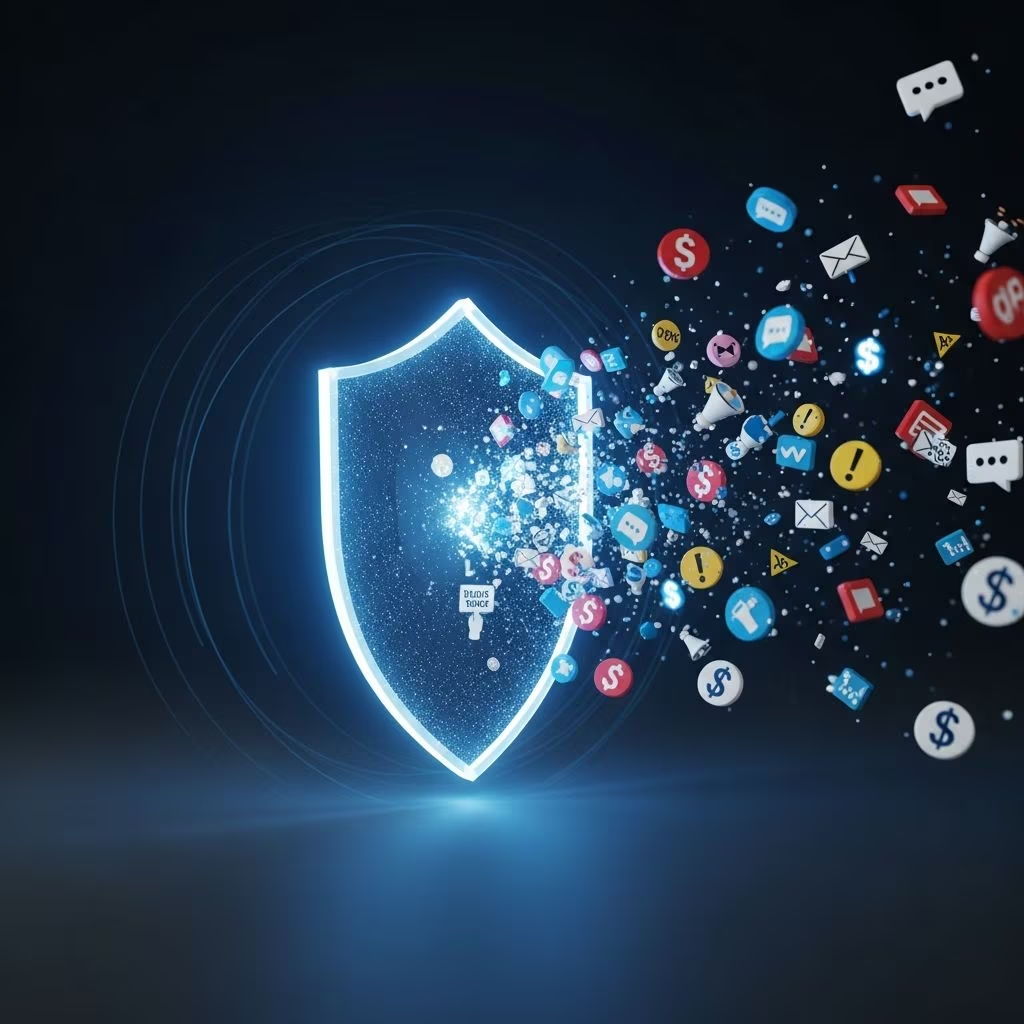
Unwanted texts and emails are more than a daily annoyance. Many are designed to steal your money, passwords, or identity by getting you to click, reply, or share personal information you would normally keep private. Learning how to recognize and handle these messages is one of the simplest ways to protect yourself online.
This guide explains how spam texts and emails work, the red flags to look for, and clear steps you can take to block, filter, and report them.
1. What Counts as Spam (and Why It Matters)
Spam generally means unsolicited or unwanted digital messages sent in bulk, often for commercial or criminal purposes. These can arrive via:
- Email – mass advertising, fake account alerts, phishing scams, malware attachments
- Text messages (SMS/MMS) – bogus delivery notices, fake bank alerts, prize offers, or account warnings
- Messaging apps and social media – direct messages with suspicious links or money requests
Some spam is just annoying marketing. Other spam, especially messages pretending to be from your bank, a delivery company, or a government agency, is really a phishing attack — an attempt to trick you into revealing passwords, financial details, or other personal data.
2. Common Types of Spam Texts and Emails
Knowing the common patterns makes spotting scams much easier. Here are frequent categories of spam texts and emails:
- Impersonation of trusted organizations
Messages that appear to come from banks, delivery services, tech companies, or government agencies, urgently asking you to log in, verify information, or pay a fee. - Account or payment problems
Claims that your account is locked, a payment failed, or an order cannot be delivered unless you click a link or reply immediately. - Unexpected prizes, refunds, or giveaways
Announcements that you won a contest you never entered, or that you are owed a refund, asking you to follow a link or share personal details. - Delivery and package scams
Texts or emails claiming there is a package waiting, with a link to “reschedule” or “pay customs” — often leading to fake sites designed to capture card details. - Romance and relationship scams
Unsolicited personal messages that quickly shift to requests for money, gift cards, or financial help. - Malware attachments
Emails urging you to open an attached invoice, receipt, or document that is actually malicious software.
3. Red Flags: How to Recognize a Suspicious Message
Legitimate organizations rarely pressure you by text or email to act immediately, share sensitive data, or pay in unusual ways. The warning signs below should make you stop and think before interacting.
| Red Flag | What It Looks Like | Why It’s Risky |
|---|---|---|
| Urgent or threatening language | “Immediate action required,” “Your account will be closed in 1 hour” | Pushes you to act before you think or verify details. |
| Unknown or odd sender | Strange email address, random phone number, or a sender name that doesn’t match the organization | Scammers disguise their identity to appear legitimate. |
| Suspicious links | Links that don’t match the company’s official website or use misspelled brand names | Links may lead to fake login pages or download malware. |
| Requests for sensitive information | Asking for passwords, Social Security numbers, bank details, or one-time passcodes | Legitimate organizations do not ask for this via text or email. |
| Unexpected attachments | Invoices, shipping forms, or documents you weren’t expecting | Attachments can install malware when opened. |
| Too-good-to-be-true offers | “You’ve been selected for a special reward” or huge discounts requiring immediate action | Scammers use lures to collect personal or payment information. |
4. Safe Habits for Dealing With Any Suspicious Message
Before focusing separately on texts and emails, there are universal rules that keep you safer across devices and apps.
- Do not click links or open attachments in messages you were not expecting, especially if they ask you to log in, pay, or share data.
- Do not reply to suspicious texts or emails. Responding can confirm that your number or address is active and may lead to more spam.
- Verify through official channels if a message claims to be from your bank, employer, or a government agency. Contact them using a phone number or website you look up yourself, not anything in the message.
- Use strong, unique passwords and a password manager, so that if one account is compromised, others are better protected.
- Turn on multi-factor authentication (MFA) wherever possible, especially for email accounts and financial services. MFA makes it harder for attackers to access accounts even if they get your password.
- Keep software and security tools updated so your device has the latest protections against known threats.
5. Handling Spam Text Messages Safely
Spam texts are especially dangerous because people often trust messages that appear to come from phone numbers more than email addresses. Scammers use this to get quick reactions.
5.1 Immediate steps when you receive a suspicious text
- Do not tap any links in the message.
- Do not reply — not even with words like “STOP” unless you are absolutely sure it is from a legitimate sender you previously consented to.
- Do not share codes such as one-time passcodes, PINs, or verification numbers, even if the text appears to come from your bank or a familiar service.
5.2 Use built-in filters and blocking tools
Most smartphones and wireless providers include tools to filter or block spam messages.
- Phone settings
Many phones allow you to filter or silence messages from unknown senders and to block specific numbers so they can’t message you again. - Carrier tools
Your wireless provider may offer spam filters, call- and text-blocking services, and ways to report spam directly through your account or an app. - Third-party apps
Reputable security apps can extend spam detection, but always choose well-known services and review permissions carefully.
5.3 Reporting spam texts
Reporting spam helps providers identify patterns and block more unwanted messages for everyone.
- Forward spam texts to 7726 (“SPAM”) if your carrier participates in this reporting service.
- Use your carrier’s reporting tools via their website, app, or customer-support options.
- Consider reporting scams to consumer protection authorities if you lost money or shared personal information, using official government reporting portals where available.
6. Dealing With Spam Emails
Email remains the primary channel for many phishing attacks and large-scale spam campaigns. Fortunately, major providers invest heavily in spam filtering.
6.1 Let your email provider work for you
- Use spam and junk folders
Mark unwanted or suspicious messages as spam instead of deleting them. This trains your provider’s filters and helps future detection. - Be cautious with “unsubscribe” links
For legitimate marketing emails you signed up for, unsubscribe links are useful. For suspicious emails, avoid clicking unsubscribe; it may confirm your address is active.
6.2 Best practices when an email looks suspicious
- Hover over links (without clicking) to preview the actual destination URL. If it does not match the official site, treat it as unsafe.
- Check the sender carefully — not just the display name, but the full email address. Look for misspellings or extra characters.
- Ignore unexpected attachments, even if the subject line mentions an invoice, delivery, or complaint you don’t recognize.
- Sign in from a fresh browser window by typing the organization’s address yourself if you think an alert might be real.
6.3 Reducing the volume of unwanted email
- Use separate email addresses for shopping, newsletters, and public sign-ups, and keep a different address for banking and sensitive accounts.
- Review mailing list permissions occasionally and unsubscribe from legitimate lists you no longer use.
- Avoid posting your primary email publicly on social media, websites, or forums where it can be harvested by spammers.
7. Protecting Your Personal Information
Scammers often build detailed profiles using data gathered from many small interactions. Limiting what you share and where you share it significantly reduces your exposure.
- Think before you share your phone number or email on forms, contests, online registrations, or social media posts.
- Lock down privacy settings on social networks so your contact details and personal posts are not visible to the general public.
- Monitor accounts and statements regularly for unusual activity and report anything suspicious immediately to your bank or provider.
- Use reputable security software on computers and, when appropriate, on mobile devices to help identify malicious attachments or websites.
8. What to Do If You Already Clicked or Responded
Everyone can make a mistake in a rushed moment. Acting quickly afterward can greatly limit the damage.
- If you entered your password on a suspicious site:
Change that password immediately and update it anywhere else you reused it. Turn on multi-factor authentication where available. - If you shared financial information like card or bank details:
Contact your bank or card issuer right away, explain what happened, and follow their instructions. They may freeze your card, monitor transactions, or issue a replacement. - If you installed an attachment or app from a suspicious message:
Disconnect from the internet, run a full scan with reputable security software, and consider seeking professional help if you suspect malware. - If you provided personal identifiers (such as national ID numbers):
Ask your local consumer protection or identity-theft resources about steps to take, such as fraud alerts or credit monitoring where available. - Report the incident to appropriate authorities or consumer protection agencies. Reports help them identify trends and warn others.
9. Frequently Asked Questions (FAQs)
Q1: Is every unsolicited text or email automatically a scam?
No. Some legitimate businesses send marketing or informational messages you did not specifically expect, though you may have agreed to receive them when signing up for a service or purchase. The risk appears when a message pressures you to act urgently, requests sensitive information, or contains suspicious links or attachments.
Q2: Should I reply “STOP” to messages I don’t recognize?
Replying “STOP” is appropriate when the message clearly comes from a legitimate short code or sender you recognize and previously allowed to contact you (for example, a known retailer or service). For messages from unknown or suspicious sources, it is safer not to reply at all — instead, report and block them.
Q3: Can just opening a spam email or text infect my device?
Simply viewing a spam message typically does not cause harm. The main danger comes from clicking links, opening attachments, or installing software. However, you should still delete or report suspicious messages and avoid interacting with any content inside them.
Q4: Why am I suddenly getting more spam than before?
Increases in spam can happen if your phone number or email address was exposed in a data breach, posted publicly, or sold by data brokers. Signing up for many mailing lists or online services with the same contact details can also increase unwanted messages over time.
Q5: Is it useful to report spam if I did not lose money?
Yes. Reporting spam texts to your wireless provider and forwarding suspicious emails to appropriate abuse or reporting addresses helps improve filters and may prevent others from falling for the same scams.
References
- How to Recognize and Report Spam Text Messages — Federal Trade Commission. 2023-09-01. https://consumer.ftc.gov/articles/how-recognize-report-spam-text-messages
- Protecting Yourself from Spam Text Messages — CTIA. 2023-02-10. https://www.ctia.org/protecting-yourself-from-spam-text-messages
- Protect Against Smishing, Spam Text Messages, and Text Scams — Verizon. 2024-05-15. https://www.verizon.com/about/account-security/smishing-and-spam-text-messages
- Protect yourself from phishing — Microsoft Support. 2024-01-05. https://support.microsoft.com/en-us/windows/protect-yourself-from-phishing-0c7ea947-ba98-3bd9-7184-430e1f860a44
- Phishing: Spot and report scam emails, texts, websites and calls — UK National Cyber Security Centre. 2024-02-22. https://www.ncsc.gov.uk/collection/phishing-scams
- What Is Spam: The Essential Guide to Detecting and Preventing Spam — Avast. 2023-06-30. https://www.avast.com/c-spam
- What Is Spam? Email Spam Threats & Protection — Proofpoint. 2023-11-18. https://www.proofpoint.com/us/threat-reference/spam