
Smart Home Security: Protecting Your Connected Devices
Essential strategies to secure your smart home devices and personal data from cyber threats.
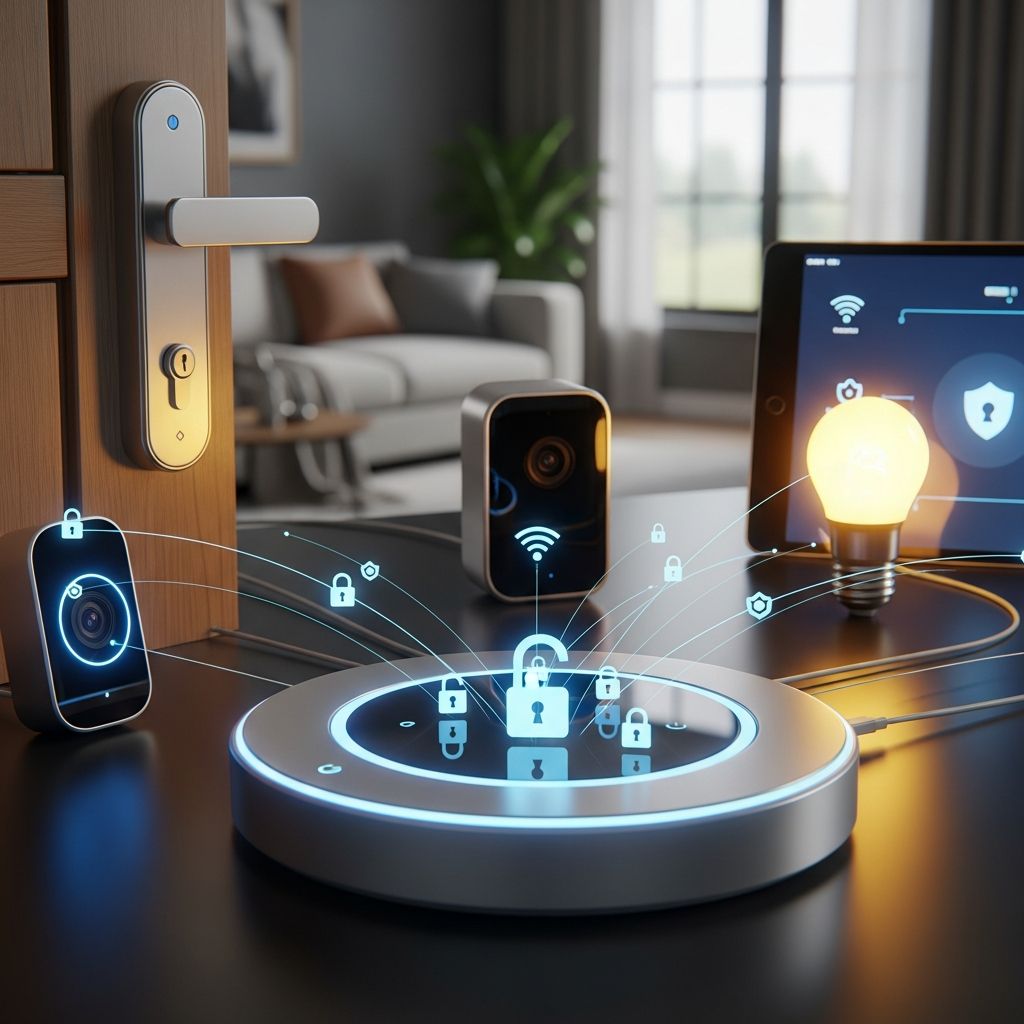
Why Your Smart Home Needs a Security Strategy
Modern homes are increasingly filled with internet-connected devices—smart thermostats, cameras, doorbells, lights, speakers, and even appliances. While these gadgets offer convenience and automation, they also expand your digital attack surface. Each connected device is a potential entry point for cybercriminals, especially if basic security practices are ignored.
Unlike traditional computers and phones, many smart devices run on embedded systems with limited user interfaces, making it harder to detect compromise. A weak password on a smart camera, an outdated router, or an unused but still-connected device can all become backdoors into your home network. The good news is that with a few deliberate steps, you can significantly reduce these risks and keep your smart home both functional and secure.
Start with Your Router: The Foundation of Home Security
Your Wi-Fi router is the central hub of your home network. Every smart device connects through it, so securing the router is the first and most important step in protecting your connected home.
Use Strong, Unique Credentials
Most routers come with default login credentials like admin/admin or a printed password on the device. These are widely known and easily exploited. Immediately after setup, change both the admin username and password to something strong and unique.
- Use at least 12 characters, mixing uppercase, lowercase, numbers, and symbols.
- Do not reuse passwords from other accounts or devices.
- Store the router password in a trusted password manager, not on a sticky note.
Enable the Latest Wi-Fi Encryption
Ensure your Wi-Fi network uses WPA3 encryption if your router and devices support it. If not, use WPA2 with a strong passphrase. Avoid older standards like WEP or WPA, which are no longer secure.
Keep Router Firmware Updated
Router manufacturers regularly release firmware updates to patch security flaws. Check for updates at least every few months, or enable automatic updates if your router supports them. Outdated firmware can leave your entire network exposed to known exploits.
Disable Remote Administration
Remote administration allows you to manage your router from outside your home network. While convenient, it also increases risk. Unless you have a specific, well-protected need, disable this feature in your router’s settings.
Inventory and Manage Your Connected Devices
Many people don’t realize how many devices are connected to their home network. A clear inventory helps you understand what needs protection and identify anything suspicious.
Create a Device List
Make a simple list of all internet-connected devices in your home, including:
- Smartphones, tablets, laptops
- Smart TVs, streaming devices
- Smart speakers, displays, and voice assistants
- Security cameras, doorbells, and locks
- Thermostats, lights, plugs, and appliances
- Printers, gaming consoles, and other networked gadgets
For each device, note:
- Manufacturer and model
- How it connects (Wi-Fi, Ethernet, Bluetooth, etc.)
- Whether it has an associated app or cloud account
- When it was last updated
Remove or Disable Unused Devices
Old smart devices that are no longer in use but still connected to Wi-Fi can become security liabilities. If a device is no longer needed:
- Remove it from the network in your router’s device list.
- Factory reset it before selling, donating, or discarding.
- Uninstall any associated apps and delete cloud accounts if possible.
Secure Each Smart Device Individually
Once you know what’s on your network, focus on securing each device. Many smart devices ship with weak default settings that must be changed manually.
Change Default Credentials Immediately
Many IoT devices come with default usernames and passwords like admin or 1234. These are easy targets for automated attacks. For every device:
- Log in to its settings (via app or web interface).
- Change the default username and password to a strong, unique combination.
- Use a password manager to keep track of these credentials.
Enable Multi-Factor Authentication (MFA)
Whenever possible, turn on multi-factor authentication for device accounts and associated apps. MFA requires a second verification step (like a code from an authenticator app or SMS) in addition to your password, making unauthorized access much harder.
Review and Tighten Privacy Settings
Smart devices often collect more data than necessary. Take time to review privacy settings in both the device and its companion app:
- Limit microphone and camera access to only when needed.
- Disable voice recording storage or set short retention periods.
- Turn off data sharing with third parties or analytics programs you don’t trust.
- Disable features like voice purchasing if you don’t use them, especially in homes with children.
Disable Unnecessary Features
Many devices come with features you may never use, such as:
- Remote access from outside your home
- Cloud storage for video or audio
- Location tracking or geofencing
- Automatic updates over untrusted networks
If you don’t actively need a feature, disable it. Fewer active features mean fewer potential attack vectors.
Keep Everything Updated
Software and firmware updates are critical for fixing security vulnerabilities. Many breaches occur because devices are running outdated, unpatched software.
Enable Automatic Updates
Wherever possible, enable automatic updates for:
- Router firmware
- Operating systems on phones, tablets, and computers
- Smart device firmware (if supported)
- Companion apps and cloud services
If automatic updates aren’t available, set a reminder to check for updates every few months.
Check Manufacturer Support Lifespan
Before buying a new smart device, research how long the manufacturer provides security updates. Devices with short support windows (e.g., only one or two years) can quickly become insecure. Prioritize brands with a clear commitment to long-term security patches.
Segment Your Home Network
Putting all your devices on a single network increases risk. If one device is compromised, an attacker may be able to move laterally to others. Network segmentation helps contain potential breaches.
Use a Separate IoT Network
Many modern routers support multiple SSIDs (network names). Consider creating a dedicated network for smart devices:
- Main network: Computers, phones, tablets, and other devices with sensitive data.
- IoT network: Smart lights, cameras, thermostats, and other IoT gadgets.
This way, even if a smart bulb or camera is hacked, the attacker has limited access to your primary devices.
Set Up a Guest Network
A guest network is useful for visitors and can also serve as an IoT network. Configure it so that guest devices cannot communicate with devices on your main network (network isolation). This adds another layer of protection.
Use Strong, Unique Wi-Fi Passwords
Use different passwords for your main, IoT, and guest networks. This prevents a single compromised password from giving access to everything. Rotate these passwords periodically, especially if you suspect any unauthorized access.
Control Remote Access and Cloud Services
Remote access allows you to control devices from outside your home, but it also opens the door to external attacks if not properly secured.
Limit or Disable Remote Management
If you don’t need to control a device remotely, disable remote access in its settings. For devices that require remote access:
- Ensure strong authentication (MFA) is enabled.
- Use secure connections (HTTPS, encrypted protocols).
- Avoid accessing devices over public Wi-Fi without additional protection.
Be Cautious with Cloud Accounts
Many smart devices rely on cloud services for features like video storage and remote control. To reduce risk:
- Use strong, unique passwords for cloud accounts.
- Enable MFA on all cloud accounts associated with devices.
- Regularly review connected devices and authorized apps in cloud account settings.
- Consider local storage options (e.g., microSD cards or local servers) instead of cloud storage when privacy is a priority.
Practice Safe Usage Habits
Even the most secure devices can be undermined by risky user behavior. Adopting good habits is just as important as technical measures.
Avoid Public Wi-Fi for Device Management
Never log into your router, smart home apps, or cloud accounts while connected to public Wi-Fi (e.g., in cafes, airports, or hotels). If you must access your devices remotely:
- Use your own mobile hotspot instead.
- Connect through a trusted Virtual Private Network (VPN) service.
Be Mindful of App Permissions
Smart device apps often request access to location, contacts, camera, and microphone. Review these permissions and deny anything that isn’t essential. For example, a smart light app typically doesn’t need access to your contacts or calendar.
Monitor for Unusual Activity
Pay attention to signs that something might be wrong:
- Devices behaving erratically (turning on/off unexpectedly).
- Unfamiliar devices appearing on your network.
- Unusual data usage spikes.
- Unexpected login notifications or password reset emails.
If you notice anything suspicious, disconnect the affected device, change its password, and investigate further.
Smart Home Security Checklist
Use this checklist to regularly review and improve your home’s security posture:
| Action | Status |
|---|---|
| Router admin password changed from default | ☐ Done |
| Wi-Fi uses WPA2 or WPA3 encryption | ☐ Done |
| Router firmware is up to date | ☐ Done |
| Default passwords changed on all smart devices | ☐ Done |
| MFA enabled on critical accounts and apps | ☐ Done |
| Unused devices disconnected from the network | ☐ Done |
| Privacy settings reviewed and tightened | ☐ Done |
| Automatic updates enabled where possible | ☐ Done |
| IoT devices on a separate network or guest network | ☐ Done |
| Remote access disabled or secured with MFA | ☐ Done |
Frequently Asked Questions
How often should I update my smart devices?
Check for updates at least every few months. If automatic updates are available, enable them. For critical devices like routers and security cameras, more frequent checks (e.g., monthly) are recommended, especially after major security advisories.
Is it safe to use a smart speaker or camera in my home?
Smart speakers and cameras can be used safely if you follow good security practices: change default passwords, enable MFA, review privacy settings, and keep firmware updated. Consider disabling microphones or cameras when not in use, and avoid placing them in highly sensitive areas like bedrooms or home offices.
Do I need a separate network for smart devices?
While not strictly mandatory, segmenting your network is a strong security best practice. A separate IoT or guest network limits the damage if one device is compromised and helps protect your primary devices and data.
What should I do if I suspect a device has been hacked?
If you suspect a device has been compromised:
- Disconnect it from the network immediately.
- Change its password and any associated cloud account passwords.
- Factory reset the device if possible.
- Check your router for unfamiliar devices and remove them.
- Monitor other accounts and devices for signs of compromise.
Can I make my smart home completely private?
Complete privacy is difficult with cloud-dependent devices, but you can significantly improve privacy by:
- Choosing devices with local processing and storage options.
- Disabling unnecessary data collection and sharing.
- Using strong encryption and authentication.
- Regularly auditing device settings and permissions.
References
- Securing Your Internet-Connected Devices at Home — Federal Trade Commission. Accessed 2025. https://consumer.ftc.gov/articles/securing-your-internet-connected-devices-home
- Best Practices – IoT Devices — Harvard University Information Security. 2024. https://privsec.harvard.edu/best-practices-iot-devices
- 7 Tips to Keep Your Smart Home Safer and More Private — National Institute of Standards and Technology (NIST). 2023. https://www.nist.gov/blogs/taking-measure/7-tips-keep-your-smart-home-safer-and-more-private-nist-cybersecurity
Similar Articles








Read full bio of medha deb


