
Random Text Messages: Why You Should Never Click
Unwanted texts can be more than a nuisance; learn how random messages turn into costly scams and how to shut them down.
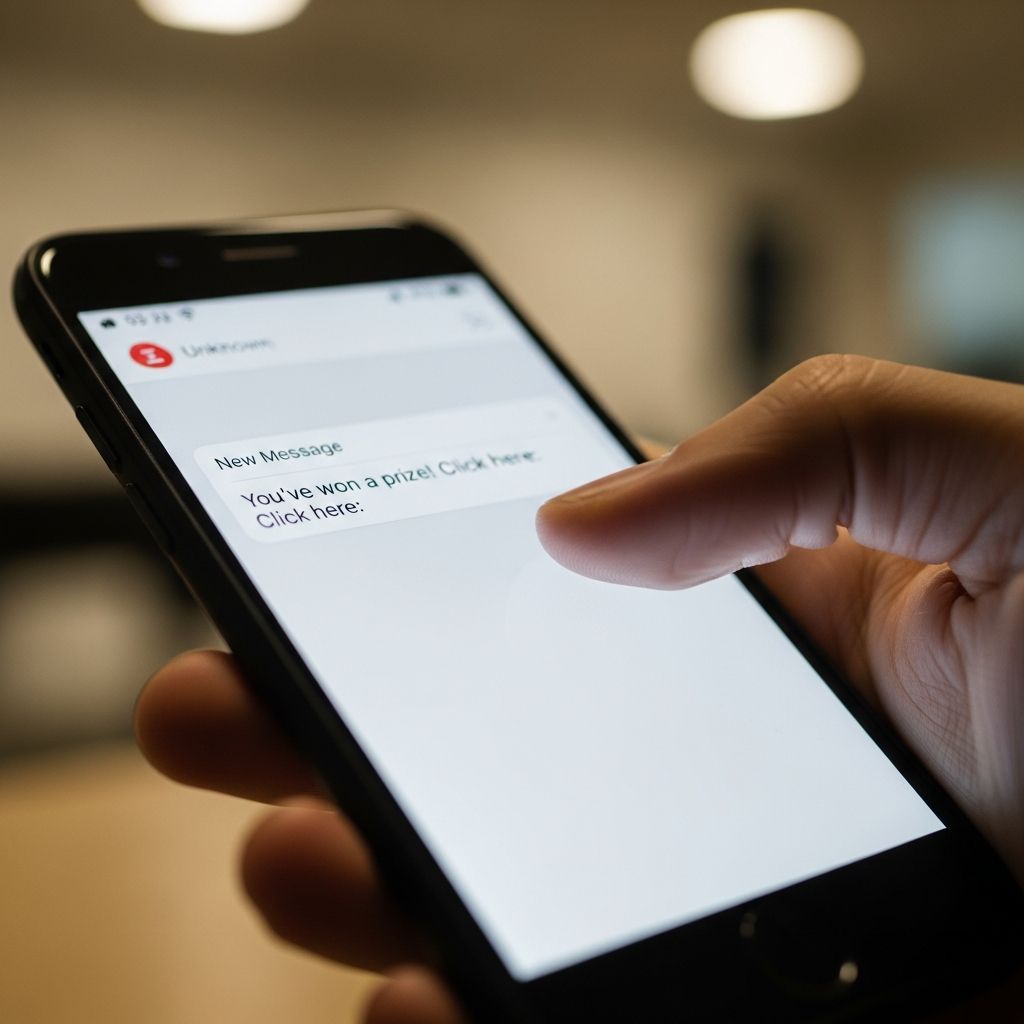
Unsolicited text messages are no longer just annoying interruptions. They are one of the fastest-growing ways for criminals to steal money, personal data, and account access. Many of these messages are designed to get you to do one simple thing: tap a link or respond. Understanding how these schemes work and how to react can keep a few seconds of curiosity from turning into months of financial and privacy headaches.
From Spam to Scam: How Random Texts Turn Dangerous
Text-based scams, often called smishing (SMS phishing), use ordinary-looking messages to trick you into clicking, replying, or sharing information. Instead of an email inbox, the attack lands in the one place most people instinctively trust: their phone’s messaging app.
Scammers count on habits like checking messages immediately, skimming quickly, and acting before thinking. Even harmless-looking texts such as a random “Hi” or a supposed delivery notice can be the starting point for identity theft, account takeover, or malware installation.
Common Types of Suspicious Texts
Although the wording varies, many scam texts fall into familiar patterns. Recognizing these themes helps you pause before you act.
- Delivery or package problems – Messages claiming your package is delayed, needs customs payment, or requires address verification, with a link to “fix” the issue.
- Bank or credit card alerts – Fake fraud warnings or login alerts that push you to click a link to “verify” your account or stop a transaction.
- Government or tax notices – Impersonations of agencies claiming you owe money, qualify for a refund, or must confirm personal details right away.
- Credentials and code requests – Texts asking for one-time passcodes, passwords, or verification codes, often pretending to be from your bank, email provider, or tech support.
- Prize, lottery, or gift card offers – Messages promising winnings or rewards that require you to click a link or pay a small “processing” fee.
- Imposter friends or family – A new number claiming to be a relative, friend, or romantic interest asking for help, money, or gift cards.
- Random greetings – Short messages like “Hi, how are you?” from an unknown number, intended to lure you into a conversation that later turns to money or information.
Red Flags That a Text Is Not What It Seems
Even if a message looks legitimate at first glance, a closer look often exposes warning signs. Keep an eye out for these clues.
| Warning Sign | Why It Matters |
|---|---|
| Unexpected or out-of-context message | Legitimate organizations rarely text you out of the blue asking for sensitive information or urgent action. |
| Pressure and urgency | Scammers create a fake emergency or deadline so you act before you think or verify details. |
| Links that look odd or unfamiliar | Shortened links or domains that do not clearly match the legitimate organization are a strong indicator of a phishing site. |
| Requests for personal or financial data | Banks, government agencies, and reputable companies do not request Social Security numbers, PINs, or full card details over unsolicited texts. |
| Spelling, grammar, or formatting errors | Many scam texts contain awkward phrasing or errors that reputable organizations would typically catch. |
| New phone number for a known contact | A text claiming to be someone you know, but from a new number, deserves independent verification using another channel. |
Why Clicking or Responding Is So Risky
It can be tempting to tap a link “just to see” or reply “STOP” to shut down the messages. Both can backfire.
- Malicious websites – Links can send you to sites that look legitimate but are built to harvest your logins, card data, or personal information.
- Malware and spyware – Some links attempt to install harmful software that can steal data, intercept text codes, or give remote control over parts of your device.
- Account takeover – If scammers obtain passwords or one-time codes, they can log in to your bank, email, or social accounts and lock you out.
- Confirmation of an active number – Any response, even a single word or “STOP,” confirms your number is real, which can lead to more targeted scam attempts.
- Financial loss – Once criminals have enough data, they can perform fraudulent transactions, open accounts in your name, or resell your information.
The Golden Rule: Don’t Tap, Don’t Type, Don’t Engage
Security experts and consumer protection agencies emphasize a simple rule for suspicious texts: do nothing inside the message.
- Do not click links – Never follow a link from an unsolicited or questionable text, even if it appears to come from your bank, delivery service, or government agency.
- Do not reply – Avoid answering, including with “STOP,” emojis, or questions. Silence protects you by denying scammers confirmation.
- Do not call numbers in the text – Use verified phone numbers from official websites or statements instead of those included in the message.
Safer Ways to Verify if a Text Might Be Real
Sometimes a text looks like it could be legitimate. Rather than take a risk inside the message, use independent channels to check.
- Contact the organization directly – Type the official website address into your browser or use a known phone number from a statement or card. Ask whether they actually sent the text.
- Sign in through your own bookmark – For banks or services, log in the way you normally do instead of using the text link. Any genuine alerts will usually appear in your account dashboard.
- Check other communication – Many companies send parallel email alerts or in-app notifications for important issues. If the suspicious text stands alone, be cautious.
- Ask the “sender” using another channel – If it claims to be from a friend or family member, contact them by a known number, email, or in person to confirm.
How to Block and Filter Unwanted Texts
Modern phones and carriers offer tools that can significantly cut down the number of scam and spam messages that reach you.
- Use your phone’s spam filtering – Both iOS and Android provide options to filter or silence messages from unknown senders and mark texts as spam.
- Block specific numbers – When you receive a scam text, you can block that number so it cannot contact you again from that line, though scammers may rotate numbers.
- Turn on carrier tools – Many wireless providers supply spam and scam blocking services that can identify and filter known malicious senders.
- Consider reputable security apps – Well-known security vendors offer apps that detect phishing links, flag suspicious texts, and provide additional screening layers.
Reporting Scam Texts: Helping Yourself and Others
Reporting suspicious messages strengthens protections for everyone by helping carriers and regulators recognize and block emerging scams.
- Forward to 7726 (SPAM) – In the United States, major wireless carriers participate in a program where you can forward suspicious texts to 7726 to help them identify and block scam campaigns.
- Use in-app report features – Many messaging apps have a “Report junk” or “Report spam” option that sends information about the sender to your provider.
- Report to consumer protection agencies – You can file a complaint about spam texts, especially those involving fraud or financial loss, with national consumer protection agencies such as the Federal Trade Commission.
If You Already Clicked or Responded
If you have interacted with a suspicious text, acting quickly can limit the damage.
- Disconnect from the link – Close the browser tab or app immediately. Do not provide any additional information.
- Change passwords – If you entered login details on a questionable site, change those passwords right away and enable multi-factor authentication where available.
- Alert your bank or card issuer – If you shared financial details, contact your bank or card company to monitor or block fraudulent transactions and possibly replace cards.
- Run a security scan – Use reputable mobile security software to scan for potential malware if you downloaded any files.
- Keep watch on accounts and bills – Review your online accounts and phone bill for unexpected activity or charges, and report anything suspicious quickly.
Building Better Phone Security Habits
Good digital hygiene reduces the impact of any single mistake and makes you a harder target overall.
- Limit where your number appears – Avoid posting your mobile number publicly on social media, forums, or websites where it can be harvested by spammers.
- Turn on multi-factor authentication (MFA) – Require an additional verification step (such as an app-based code) for key accounts so that a stolen password alone is not enough.
- Use strong, unique passwords – Combine password managers with long, unique passwords to limit the fallout if one account is compromised.
- Keep software updated – Regularly update your phone’s operating system and apps so you have the latest security patches.
- Back up your data – Maintain secure backups so you can recover quickly if you ever need to wipe your device after a serious infection.
Quick Reference: What To Do When You Get a Strange Text
- Pause – Do not react immediately, even if the message sounds shocking or urgent.
- Inspect – Look for red flags: unknown number, pressure, strange link, or requests for sensitive information.
- Ignore and delete – If anything feels off, do not reply or click. Block the number and delete the message after you report it.
- Verify independently – Contact the supposed sender using a trusted channel if there is any chance it might be real.
- Report – Forward to 7726 (SPAM) where available and consider filing a report with a consumer protection agency for fraud-related texts.
Frequently Asked Questions (FAQs)
Q: Is it safe to reply “STOP” to a random spam text?
A: For texts you never signed up for and that look suspicious, replying “STOP” is not recommended. Any response can confirm to scammers that your number is active, which may increase future attempts. It is safer to ignore, block, and report the message using your phone’s tools or by forwarding it to 7726 (SPAM) where supported.
Q: How can I reduce the number of spam texts I receive?
A: Turn on spam filters on your phone, block individual numbers, and enable any scam protection tools offered by your wireless provider. Avoid posting your number publicly online, keep your accounts secure, and report unwanted messages so carriers can improve their blocking systems.
Q: What should I do if a text looks like it is from my bank?
A: Do not click any link or call numbers in the text. Instead, open your bank’s official app, type the known website address into your browser, or call the customer service number on the back of your card to verify whether the message is real.
Q: Are all random “Hi” or “Hello, who is this?” texts scams?
A: Not every unknown greeting is a scam, but many current fraud schemes begin with casual messages from unfamiliar numbers to engage you in conversation. If you do not recognize the sender, it is safer not to respond, and you can block or report the number if it seems suspicious.
Q: Does adding my number to a Do Not Call Registry stop scam texts?
A: A Do Not Call Registry can reduce legitimate telemarketing calls and some marketing texts, but it does not stop illegal scammers who ignore such rules. You should still treat unexpected messages with caution and use blocking and reporting tools for suspicious texts.
References
- How to Recognize and Report Spam Text Messages — Federal Trade Commission. 2023-08-08. https://consumer.ftc.gov/articles/how-recognize-report-spam-text-messages
- Text Message Scams: How to Identify, Report, and Help Protect Yourself — National Council on Aging. 2024-01-31. https://www.ncoa.org/article/text-message-scams-how-to-identify-report-and-help-protect-yourself
- How To Stop Spam Texts — Kaspersky. 2023-05-17. https://usa.kaspersky.com/resource-center/preemptive-safety/how-to-stop-spam-texts
- What Is Smishing? How Text Message Scams Work (And How To Avoid Them) — National Cybersecurity Alliance. 2023-10-02. https://www.staysafeonline.org/articles/what-is-smishing-how-text-message-scams-work-(and-how-to-avoid-them)
- How to Stop Spam Texts: 7 Easy Strategies — NortonLifeLock. 2024-02-12. https://us.norton.com/blog/online-scams/how-to-stop-spam-texts
- Why Responding to “Hi, How Are You?” Texts Can Be Risky — United States Senate Federal Credit Union. 2024-03-15. https://www.ussfcu.org/media-center/security-corner/blog-detail-security-corner.html?title=why-responding-to-hi-how-are-you-texts-can-be-risky
- Protect Against Smishing, Spam Text Messages, and Text Scams — Verizon. 2023-06-20. https://www.verizon.com/about/account-security/smishing-and-spam-text-messages
Similar Articles








Read full bio of Sneha Tete


