
Netbooks Revival: Chromebook or Windows?
Netbooks make a comeback in 2026: Discover if a Chromebook or Windows device best fits your needs for portability and performance.
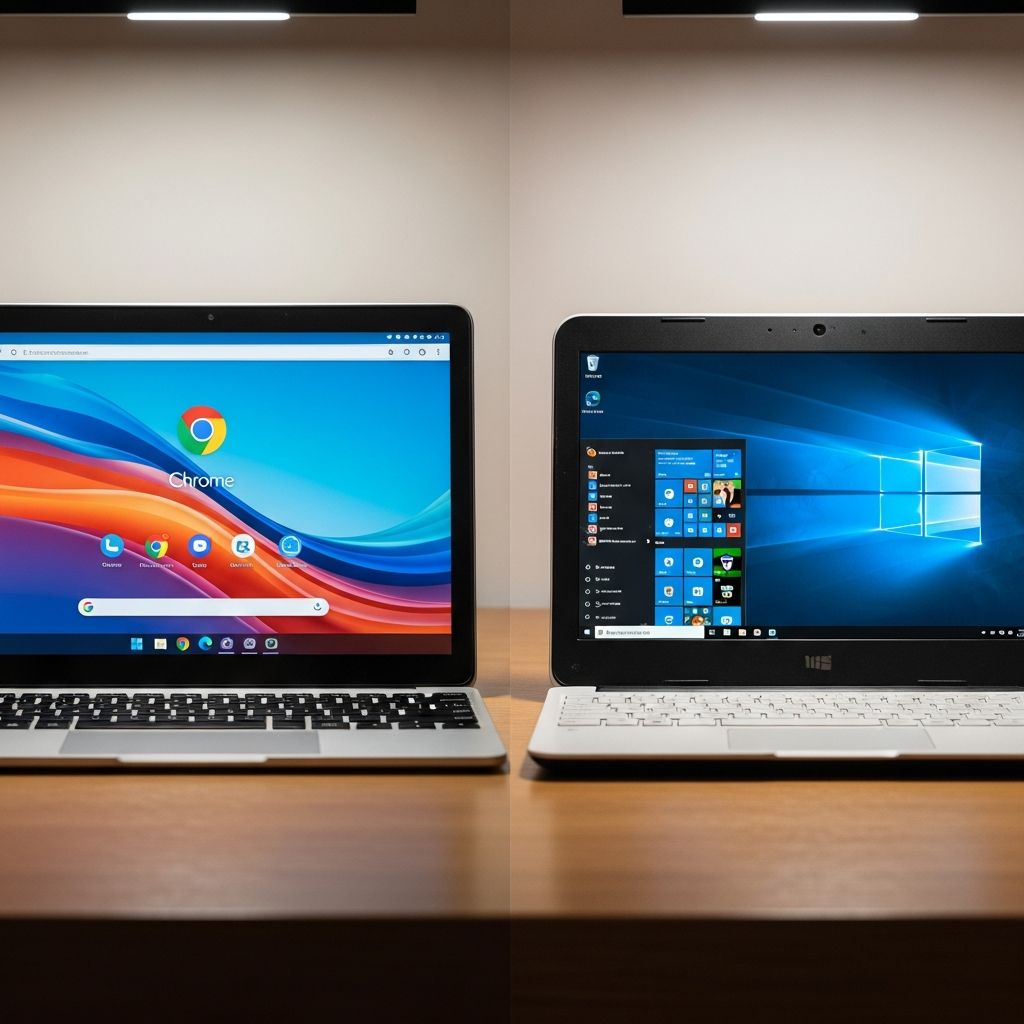
Compact, affordable computing devices known as netbooks are experiencing a resurgence in 2026, blending portability with modern capabilities. These lightweight machines, successors to early 2000s models, now come primarily in two flavors: Chromebooks running Google’s Chrome OS and Windows laptops powered by Microsoft’s ecosystem. Choosing between them depends on your daily tasks, budget, and software needs.
Understanding the Netbook Renaissance
The original netbooks from the late 2000s emphasized low cost and mobility but faltered due to limited power and software support. Today’s versions address those shortcomings with efficient processors, improved screens, and extended battery life, making them ideal for on-the-go use. Chromebooks dominate this space with their cloud-centric design, while Windows netbooks offer broader application compatibility at a slightly higher price point.
Key drivers of this revival include rising demand for remote learning, hybrid work, and budget-conscious consumers seeking devices under $400. Manufacturers like Lenovo and Acer have refreshed lineups, incorporating AI-enhanced features in premium Chromebook Plus models for tasks like note summarization and smart tab organization.
Core Differences: Operating Systems at a Glance
Chrome OS focuses on web apps, Android integrations, and Google Workspace, booting in seconds and prioritizing security through automatic updates and sandboxing. It shines for online activities but restricts traditional desktop software. Windows, conversely, supports a vast library of native apps, from Microsoft Office to specialized tools, though it demands more resources and can be slower on budget hardware.
| Feature | Chromebook (Chrome OS) | Windows Netbook |
|---|---|---|
| Boot Time | Under 10 seconds | 20-60 seconds |
| App Ecosystem | Web/Android/Cloud | Native Windows apps |
| Storage Type | Often eMMC (cloud-focused) | NVMe SSD |
| Update Frequency | Automatic, seamless | Manual/user-managed |
This table highlights why Chromebooks excel in simplicity, while Windows provides versatility.
Performance and Hardware Breakdown
Entry-level netbooks feature Intel or MediaTek processors with 4-8GB RAM. Chromebooks leverage lightweight OS for snappy performance in browsing and light multitasking, often outperforming equivalent Windows devices in web tasks. However, Windows netbooks with NVMe storage handle file-heavy operations better, though they may throttle under load due to thinner designs.
Battery efficiency stands out: Chromebooks average 9-17 hours for mixed use, thanks to power-sipping components, compared to 6-8 hours on budget Windows models. High-end Windows ultrabooks can match this but cost more. For storage, Chromebooks rely on cloud syncing, mitigating slower eMMC drives, whereas Windows prioritizes local SSDs for offline work.
Who Benefits Most from Chromebooks?
- Students: Affordable pricing (starting under $250) and Google Classroom integration make them perfect for note-taking, research, and video calls. Models like the Lenovo Chromebook Plus 14 add AI tools for essay drafting.
- Remote Workers: Seamless Gmail, Docs, and Drive access supports email, spreadsheets, and collaboration without local installs.
- Seniors: Intuitive interfaces and virus-resistant design reduce tech frustrations.
- Travelers: Exceptional battery and quick resume from sleep keep productivity high on flights.
Chromebooks handle 90-95% of browser-based workflows efficiently, saving money over time.
When Windows Netbooks Take the Lead
- Professionals: Essential for desktop apps like full Adobe Creative Cloud, CAD software, or proprietary finance tools unavailable on Chrome OS.
- Engineers/Designers: Local environments for 3D modeling, video editing (e.g., Premiere Pro), or programming IDEs demand Windows flexibility.
- General Power Users: Better multitasking with multiple heavy apps and peripheral support like external GPUs.
Budget Windows netbooks bridge basic needs with upgrade paths, though they sacrifice some portability.
Gaming and Creative Pursuits Compared
Gaming favors Windows decisively: Native support for Steam titles, DirectX, and dedicated drivers enables AAA experiences, unlike Chromebooks’ mobile-focused Android games or cloud streaming (e.g., GeForce Now, requiring stable internet). Creatives face similar divides—web tools like Canva work on both, but professional suites like DaVinci Resolve or After Effects require Windows or macOS.
Cloud gaming mitigates Chromebook limits somewhat, but latency-sensitive play benefits from Windows hardware. For hobbyists, Chromebooks suffice for casual streaming or light edits via Android apps.
Security and Maintenance Edge
Chromebooks lead in security with built-in protections: verified boot, automatic updates, and no local virus storage reduce threats. Windows relies on Defender and user vigilance, making it more vulnerable on shared networks. Maintenance is effortless on Chrome OS—no defragging or driver hunts—while Windows may need tweaks for optimal budget performance.
Cost Analysis: Value for Money
Chromebooks start at $200-300 for capable models, undercutting Windows netbooks at $300-500. Long-term savings come from durability (many last 5+ years) and no software licenses. Windows justifies premiums with expandability and resale value.
| Budget Range | Chromebook Options | Windows Options |
|---|---|---|
| $200-300 | Basic web tasks, students | Limited, entry-level only |
| $400-600 | Plus models w/ AI | Mid-range w/ SSD, better apps |
Real-World Use Cases in 2026
For a college freshman handling essays and Zoom: Chromebook wins on price and battery. A graphic designer rendering logos: Windows for Photoshop precision. Hybrid workers mixing emails and light CRM: Either, but Chromebook for simplicity. Cloud advancements narrow gaps, with Chrome OS now supporting Linux apps on select models for developers.
Frequently Asked Questions (FAQs)
Q: Can Chromebooks run Microsoft Office?
A: Yes, via web versions or Android apps with Office 365; full desktop requires Windows.
Q: Are netbooks powerful enough for programming?
A: Chromebooks suit web dev and cloud IDEs; Windows better for local compilers and heavy IDEs like Visual Studio.
Q: How do they handle video calls?
A: Both excellent—Chromebooks via browser/Android, Windows with native Teams/Zoom apps.
Q: What’s the battery life difference?
A: Chromebooks typically 10+ hours; Windows 6-8 on budgets, longer on premiums.
Q: Can I game on a Chromebook?
A: Light Android/cloud games yes; AAA titles no—opt for Windows.
Final Thoughts on Choosing Your Netbook
Assess your workflow: Cloud-first? Chromebook. Desktop apps essential? Windows. Both deliver netbook portability, but match to needs for satisfaction. Test in-store for keyboard/trackpad feel.
References
- Chromebook vs Windows Laptops: Advantages of Using a Chromebook — Lenovo. 2025. https://www.lenovo.com/us/en/glossary/chromebook-vs-windows-laptops/
- Chromebook vs Laptop: The Ultimate 2026 Comparison Guide — Accio. 2026-01-01. https://www.accio.com/blog/chromebook-vs-laptop-the-ultimate-comparison-guide
- Chromebook vs. Laptop: Which is the Right Choice for You? — Plugable. 2024-06-15. https://plugable.com/blogs/news/chromebook-vs-laptop-which-is-the-right-choice-for-you
Similar Articles








Read full bio of medha deb


