
Modern E-Filing & Document Management Workflows for Law Firms
Discover how integrated e-filing and document management workflows reduce risk, save time, and transform everyday law firm operations.
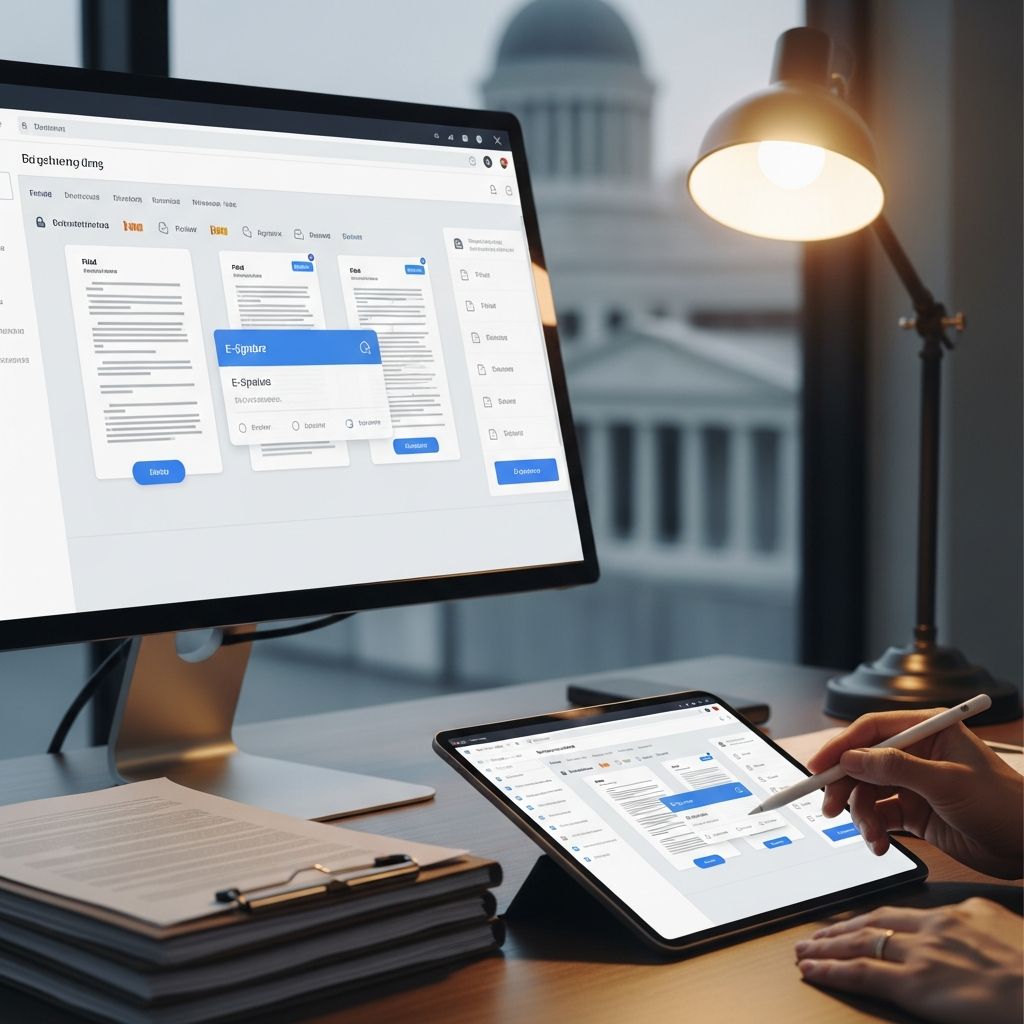
Digital platforms for e-filing and document management have reshaped how law firms interact with courts, clients, and co-counsel. Instead of juggling paper files, email threads, and multiple logins, firms can now move filings, signatures, and matter documents through a single, integrated workflow.
This article explains how to design a modern, court-centric workflow that combines electronic filing, matter-based document management, and client collaboration into one predictable system for your firm.
Why E-Filing and Document Management Belong Together
Electronic court filing on its own solves the problem of getting documents to the court, but it does not address where those documents live, how they are versioned, or who can access them afterward. A legal document management system (DMS) fills that gap by providing a structured, secure repository for all matter documents, including what is filed with the court and what is never filed at all.
- E-filing platforms connect your firm to the court, ensuring filings meet format, timing, and service requirements.
- DMS platforms centralize storage, access, and security for every draft, exhibit, and client communication tied to a matter.
- Integrated workflows link these tools so that court-ready documents originate in the DMS and, once filed, flow back with conformed copies and receipts attached to the right matter records.
When these systems operate in isolation, staff often re-enter data, search email for missing attachments, or misfile conformed copies. Integrated workflows drastically reduce those failure points and provide a clearer audit trail.
Core Components of a Court-Centric Workflow
A mature electronic workflow typically rests on four technology pillars that work together.
| Component | Primary Role | Key Benefits for Law Firms |
|---|---|---|
| Legal DMS | Matter-based storage, search, version control | Single source of truth; reduced misfiles; rapid retrieval |
| E-Filing Platform | Submit and track court filings electronically | On-time, compliant filings; automated service and receipts |
| Productivity Suite | Drafting and collaboration (e.g., Word, email) | Familiar tools for lawyers; direct save to matters |
| Client Collaboration Hub | Secure client intake, approvals, and document sharing | Faster signatures; less email; better client experience |
Designing the End-to-End Filing Lifecycle
To make integrated technology genuinely useful, you need a clear, repeatable lifecycle for every filing. Below is a practical structure you can adapt to your jurisdiction and practice areas.
1. Intake and Task Creation
The workflow begins when a need for a filing is identified, either internally or by a client request.
- Create or confirm the matter record in your DMS and practice management system, including parties, court, and case numbers.
- Open a standardized “Filing – [Document Type]” task in your task manager with a clear due date and responsible attorney.
- Attach any governing rules or standing orders in the matter folder to keep requirements at hand (page limits, timing, exhibits, etc.).
2. Drafting and Version Control
Drafts should never live solely in email or on a desktop. Your DMS can manage the drafting process with:
- Check-in/check-out to prevent overwriting each other’s edits.
- Automatic versioning so that prior drafts can be restored when needed.
- Matter-based profiling (client, case, document type) to ensure every draft is linked to the correct case.
Use templates stored in the DMS to streamline common filings such as notices, stipulations, or simple motions. This helps standardize formatting and reduces drafting time.
3. Internal Review and Approval
Before moving to signatures or filing, route the draft for review:
- Use commenting and redline tools embedded in your word processor or PDF editor.
- Record review notes as matter notes in the DMS rather than free-form email chains, preserving institutional knowledge.
- Implement a simple rule: no document moves to signature without a designated approving attorney marking the final version in the DMS as “Ready to File.”
4. Signatures and Client Authorization
Signature collection is often where timelines slip. Integrating e-signature tools or client portals into your workflow can accelerate this step.
- Send signature requests through an approved e-signature platform that complies with applicable e-signature laws and court rules.
- Store signed versions directly back to the matter folder in the DMS with clear naming conventions (for example, “Executed – Motion for Summary Judgment – 2025-06-01”).
- When client approval is required for strategy decisions, record written consent (email confirmations, portal messages, or engagement letters) in the DMS.
5. Conversion, Assembly, and Final Checks
Next, assemble the full filing package in the format required by the court:
- Use PDF tools or your DMS’s built-in PDF features to convert, merge, and bookmark documents.
- Apply optical character recognition (OCR) so text is searchable, which benefits both the court and your own future research needs.
- Run a standard “pre-filing checklist” that covers captions, signatures, exhibits, page limits, and certificate of service.
6. Electronic Filing and Service
Once the filing is assembled, your e-filing platform takes over:
- Populate case details from saved matter data when possible to avoid retyping names and docket numbers.
- Select the correct document category and event code as defined by the court’s e-filing system.
- Enable electronic service on registered parties when allowed, or generate service copies and proofs if manual service is required.
After submission, save the court’s confirmation, transaction receipt, and any conformed copies directly back to the matter’s “Filed Documents” subfolder. This ensures you can prove timing and content of each filing later.
7. Post-Filing Management
Managing filed documents well is as important as getting them filed on time.
- Tag conformed documents with keywords (e.g., “MSJ,” “hearing,” “discovery sanctions”) to make them easy to locate by issue as well as by case.
- Use your DMS’s full-text search to quickly locate language you may want to reuse or cite later in the same or different matters.
- Update your case calendar with resulting hearings or deadlines and attach the relevant order or filing to the calendar entry for quick access.
Risk Management: Security, Ethics, and Compliance
Firms operate in a heightened risk environment where mistakes can trigger malpractice exposure, sanctions, or reputational damage. A thoughtfully configured DMS and e-filing workflow can mitigate these risks.
Protecting Client Confidentiality
Legal document management systems support confidential handling of client data through technical and administrative controls.
- Role-based access controls limit sensitive matters (e.g., internal investigations, high-profile clients) to authorized team members.
- Encryption in transit and at rest protects documents from interception or unauthorized access, which is particularly important for remote work.
- Ethical walls can be enforced across related matters when conflicts arise, helping the firm comply with professional conduct rules.
Audit Trails and Accountability
Most legal DMS platforms maintain detailed audit logs of who accessed, changed, or downloaded which document and when.
- Use these logs to confirm that review and approval steps took place before filing.
- Provide documentation when courts or regulators request proof of your preservation and production efforts.
- Identify training gaps by seeing where errors or repeated last-minute edits occur.
Retention Policies and Lifecycle Management
Retention and destruction obligations vary by jurisdiction and practice, but a DMS can help you implement firm-wide policies.
- Align your retention schedules with applicable rules, ethics opinions, and client expectations.
- Use automated reminders or rules to review closed matters at set intervals before destruction.
- Ensure destroyed records are removed from all storage locations, including synced devices and backup systems, according to policy.
Practical Implementation Tips for Law Firms
Technology on its own will not fix a broken process. Implementation must follow a plan that addresses people, process, and tools simultaneously.
Clarify Ownership and Governance
- Designate a workflow owner (often an operations manager or senior paralegal) for each major process: intake, drafting, filing, and records.
- Document which steps are mandatory versus flexible so staff know where they can exercise judgment.
- Establish a small governance group that can approve changes to templates, naming conventions, or folder structures.
Standardize Naming and Folder Structures
Even the most powerful DMS cannot overcome inconsistent naming conventions.
- Create a clearly documented folder schema for every matter (e.g., Pleadings, Discovery, Client Communications, Research, Orders).
- Adopt a predictable file naming standard such as [YYYY-MM-DD] – [Document Type] – [Short Description].
- Train new hires on these conventions as part of onboarding, not as an afterthought.
Train Lawyers and Staff on Everyday Use
Sustainable adoption depends on making the new workflow easier than the old habits.
- Run short, role-based trainings focused on concrete tasks: “How to save to a matter from Outlook,” “How to find conformed filings,” etc.
- Identify “power users” in each practice group who can answer quick questions and champion best practices.
- Measure progress using metrics like time to locate a document, number of late filings, or rate of misfiled documents, and share improvements with the team.
Future Directions: AI and Advanced Automation
Legal technology is steadily adding more automation and intelligence on top of standard e-filing and DMS capabilities.
- AI-powered search helps lawyers find relevant filings, orders, and correspondence by concept rather than simple keywords.
- Automated workflows can route documents for approval, track deadlines, and send reminders without human prompting.
- Data analytics generated from document and filing activity can reveal bottlenecks and inform staffing and training decisions.
Firms that adopt these tools incrementally—starting with well-defined, high-volume workflows like e-filing—are more likely to see real efficiency gains without overwhelming staff.
Frequently Asked Questions (FAQs)
Q: What is the difference between e-filing and a legal DMS?
E-filing is the process and technology used to submit documents to a court electronically, while a legal document management system is the internal platform your firm uses to store, organize, secure, and retrieve documents throughout their lifecycle. They work best when integrated so that drafts originate in the DMS, flow to the court, and return with conformed copies stored in the right matter folders.
Q: Do small firms really need a document management system?
Even small practices handle large volumes of drafts, emails, and court documents. A DMS provides matter-based storage, version control, and secure access that are difficult to maintain with basic file shares or email alone. While small firms may start with lighter-weight tools, adopting structured document management early helps prevent disorganization and lost time as the practice grows.
Q: How does a DMS improve compliance and risk management?
A modern legal DMS supports compliance by enforcing access controls, logging who accesses or edits files, and enabling consistent retention and destruction policies. Combined with e-filing records, it creates an auditable trail that can be crucial in malpractice claims, regulatory inquiries, or discovery disputes.
Q: What should we prioritize first when modernizing our workflows?
Most firms see quick wins by standardizing folder and naming conventions, enabling matter-based saving from email and word processors, and mapping a single, repeatable e-filing workflow. Once these basics are in place, you can layer on automation, templates, and advanced search without adding confusion.
References
- Features of a Legal Document Management System — LexWorkplace. 2024-01-10. https://lexworkplace.com/features-of-a-legal-document-management-system/
- Guide to Legal Document Management for Law Firms: Benefits & Tips — Moxo. 2023-09-18. https://www.moxo.com/blog/guide-to-legal-document-management
- Complete Guide to Legal Document Management — Docketwise. 2023-06-21. https://www.docketwise.com/blog/legal-document-management/
- Document Management Systems for Law Firms: 5 Common Picks — Centerbase. 2023-02-14. https://centerbase.com/blog/document-management-systems-for-law-firms/
- Legal Document Management Software Solutions — Thomson Reuters. 2022-11-30. https://legal.thomsonreuters.com/en/legal/data-document-management/document-management
- The Evolution of Legal Document Management Systems — SmartAdvocate. 2021-09-09. https://www.smartadvocate.com/article/the-evolution-of-legal-document-management-systems
- What Is Legal Document Management? Tips, Benefits, and More — MyCase. 2022-04-19. https://www.mycase.com/blog/law-firm-operations/legal-document-management/
- Legal Document Management for Lawyers & Law Firms — NetDocuments. 2024-02-05. https://www.netdocuments.com/who-we-serve/law-firms/
Similar Articles








Read full bio of Sneha Tete


