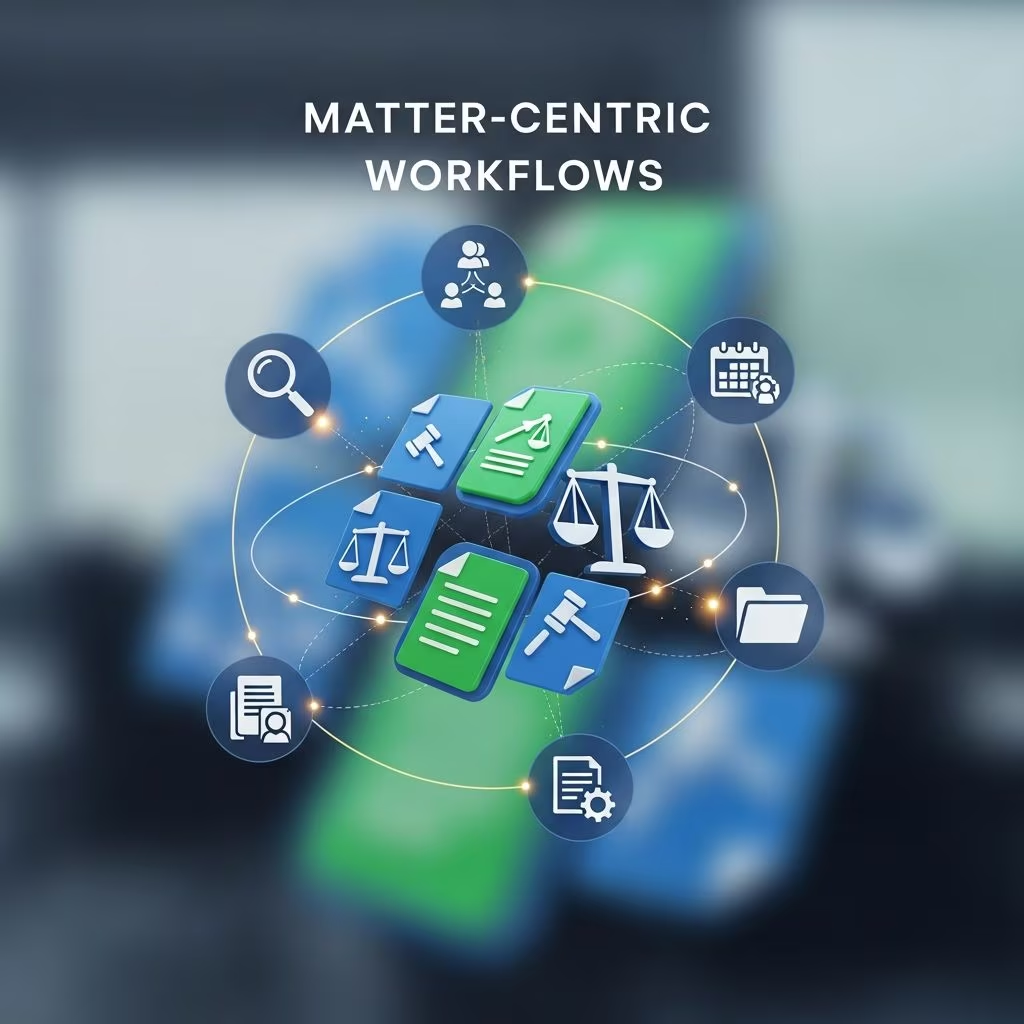
Modern legal work generates a constant stream of documents, emails, deadlines, and tasks. Without a clear way to organize this information, details get missed, time is wasted, and risk increases. A matter-centric approach to practice management solves this problem by creating a unified digital home for everything related to a specific case or legal issue.
This article explains how matter-centric platforms work, why they have become essential for law firms and in-house teams, and which features deliver the greatest impact on productivity, collaboration, and risk management.
What “Matter-Centric” Really Means
In a matter-centric system, the primary organizing principle is the matter itself—each case, transaction, investigation, or legal issue gets its own dedicated workspace. Instead of scattered folders and disconnected tools, every relevant asset is anchored to that matter.
According to leading legal technology providers, legal matter management software is designed to centralize all case details, documents, and communication, making them accessible in one place for the entire team. This centralization replaces manual tracking methods such as email threads, spreadsheets, and isolated file shares.
Key characteristics of a matter-centric platform
- Single source of truth: Each matter has one canonical record holding documents, contacts, deadlines, and notes.
- Context-rich views: Emails, filings, and tasks are displayed within the context of the matter they relate to.
- Role-based access: Different team members see the same matter data, but permissions control who can view or change sensitive items.
- Integrated workflows: Calendaring, tasking, document assembly, and billing are initiated from within the matter workspace.
Why Legal Teams Are Moving to Matter-Centric Workflows
Shifting to a matter-centric approach changes how information flows through a firm or legal department. Instead of thinking in terms of discrete tools (email, file shares, calendars), teams think in terms of lifecycle management—from intake to closure for each matter.
Core benefits for law firms and legal departments
- Better organization: All documents, deadlines, and communications are attached to their corresponding matter, reducing time spent searching for information.
- Reduced risk: Centralized tracking of key dates and tasks decreases the likelihood of missed deadlines and compliance failures.
- Higher productivity: Automated workflows and templated processes eliminate repetitive manual steps.
- More effective collaboration: Team members and stakeholders access the same matter record, enabling shared context and faster decisions.
- Actionable analytics: Aggregated matter data supports reporting on workload, cycle time, and outcomes for continuous improvement.
Inside a Matter-Centric Workspace
Though platforms vary, the most capable matter-centric solutions share a common set of components. Together, these features turn each matter into a live control panel for legal work.
1. Centralized matter dashboard
The dashboard provides an at-a-glance view of everything happening in a case. Typical elements include:
- Matter name, type, status, and responsible attorney or owner
- Key dates (hearings, filing deadlines, renewal dates)
- Recent activity (uploaded documents, new notes, task updates)
- Quick links to communications, billing, or related matters
Legal matter management providers emphasize that such dashboards help professionals monitor milestones, hearings, and tasks in a timely manner.
2. Document and email hub
Legal work is document-heavy. A matter-centric system provides a unified repository for every file, from initial engagement letters to final orders.
- Full-text search and tagging allow quick retrieval of relevant materials.
- Version control ensures that the entire team works from the latest draft and preserves prior iterations if needed.
- Email capture links incoming and outgoing messages to the appropriate matter, removing the need for manual filing.
3. Calendar and task engine
Missed deadlines create malpractice exposure and client dissatisfaction. Matter-centric platforms embed calendaring and task management into each matter, often synchronized with firm-wide calendars.
| Capability | How it supports the matter |
|---|---|
| Automated date calculations | Apply court rules or internal timelines to generate related deadlines. |
| Task assignment | Assign work to specific users with priorities and due dates from inside the matter. |
| Reminders and alerts | Notify responsible users as critical dates approach. |
| Progress tracking | Monitor completion status of tasks and subtasks tied to phases of the matter. |
4. Contacts, parties, and stakeholder information
Every matter involves people: clients, opposing counsel, witnesses, internal stakeholders, and vendors. A matter-centric system structures this data within the matter record.
- Standardized contact profiles with roles and relationships
- Integrated communication options (click-to-call, email from the workspace)
- Permissions that restrict who can see sensitive parties or notes
This structured approach supports collaboration with both internal teams and outside counsel, who can share documents, updates, and discussions in one secure location.
5. Time, billing, and spend visibility
For many firms and departments, financial transparency is just as important as legal analysis. Matter-centric platforms can connect work records to billing data:
- Time entries linked directly to tasks or documents
- Budgets and fee arrangements captured at the matter level
- Legal spend reports showing costs by phase, issue type, or provider
Enterprise matter management systems highlight that centralizing spend and performance metrics allows legal leaders to compare outside counsel, control costs, and improve forecasting.
Matter-Centric for Different Legal Environments
Matter-centric functionality benefits a range of legal organizations, but the emphasis and workflows differ slightly between private practice and corporate legal teams.
Law firms and legal service providers
For law firms, matter-centric systems often focus on case management, client service, and billing.
- Case oversight: Partners can review all open matters, workload distribution, and key deadlines across the firm.
- Client collaboration: Secure portals can provide clients with real-time access to selected documents and status updates.
- Profitability analysis: Time and expense data linked to matters reveals which practices and case types are financially healthy.
Corporate legal departments and legal operations
In-house teams manage high volumes of internal requests, contracts, and regulatory issues. For them, matter-centric platforms double as operational backbones.
- Intake and triage: Self-service request forms automatically create matters, route work, and capture business context.
- Portfolio management: Legal operations teams use dashboards to monitor risk exposure, project pipelines, and outside counsel performance.
- Cross-functional alignment: Business units interact with legal through standardized matter workflows instead of ad hoc emails.
From File-Centric to Matter-Centric: Implementation Considerations
Transitioning to a matter-centric platform is as much about process as it is about technology. A thoughtful rollout minimizes disruption and helps teams realize benefits quickly.
1. Define matter types and data standards
Before configuring software, identify the categories of work your team handles—litigation, transactions, investigations, advisory work—and define core fields for each.
- Required metadata (jurisdiction, practice area, department, risk rating)
- Standard phases or milestones per matter type
- Document naming and tagging conventions
Legal operations experts emphasize that well-defined matter structures make it possible to automate workflows and generate consistent reporting later.
2. Map current workflows to matter-centric processes
Next, document how work currently moves through your organization, then redesign those flows within the matter workspace.
- Intake steps and approval points
- Task ownership and handoffs between teams
- Review and escalation paths for high-risk matters
Many matter management platforms allow no-code configuration of these workflows, supporting automation without extensive IT involvement.
3. Plan data migration and legacy cleanup
A move to matter-centric work is an ideal time to rationalize existing file structures:
- Identify active matters and prioritize them for migration.
- Archive or de-duplicate obsolete or redundant documents.
- Convert key shared folders into structured matter workspaces.
Centralized repositories have been shown to improve consistency and accuracy of case data once information is consolidated.
4. Focus on change management and adoption
No matter how powerful the platform, it only works if teams use it.
- Offer role-based training demonstrating real-world tasks within matter workspaces.
- Establish guidelines for what must be in the matter (e.g., all client communications, signed documents, critical dates).
- Designate power users or champions in each group to field questions and reinforce best practices.
Using Data from Matters to Drive Strategy
Once work is consistently managed through matter-centric workflows, leaders gain access to a rich dataset about how legal services are delivered. Modern platforms provide analytics that cover both operational and strategic dimensions.
Operational metrics
- Average time from intake to resolution by matter type
- Volume of open matters per attorney or team
- Cycle times for key phases (e.g., discovery, contract negotiation)
- Compliance with internal service-level targets
Strategic insights
- Risk profiling: Correlate matter attributes with adverse outcomes to refine risk assessment.
- Resource planning: Forecast capacity based on historical demand and complexity.
- Vendor performance: Compare outside counsel on cost, turnaround time, and outcomes for similar matters.
Experts note that data-driven decisions help legal teams justify budgets, secure headcount, and demonstrate value to business leadership.
Security and Compliance in Matter-Centric Systems
Because matters consolidate sensitive information, security and compliance are fundamental requirements, not optional add-ons. Leading platforms implement strong technical and organizational safeguards to protect client and corporate data.
- Encryption in transit and at rest: Protects documents and communications as they move and when they are stored.
- Access controls and audit logging: Role-based permissions and activity logs track who accessed or modified which matter components.
- Industry standards: Many vendors align with security frameworks such as SOC 2 and ISO 27001 to demonstrate good security practices.
- Retention and legal hold: Matter-level retention policies and hold mechanisms preserve required records and support e-discovery.
Frequently Asked Questions (FAQs)
Q: How is matter-centric software different from generic project management tools?
Generic project tools help coordinate tasks, but they typically lack legal-specific features like structured matter metadata, court deadline rules, legal hold capabilities, and integrated document management tailored to legal workflows. Matter-centric platforms combine case tracking, documents, deadlines, and often billing into a single, purpose-built environment.
Q: Do small firms or solo practitioners really need matter-centric functionality?
Even solo and small firms benefit from a centralized matter view. As soon as you juggle multiple clients or courts, tracking everything through email and local folders becomes risky. Scaled-down matter-centric tools can provide organization and deadline control without complex configuration, and many providers explicitly target firms of all sizes.
Q: What should we prioritize when evaluating matter-centric platforms?
Focus on core capabilities: reliable document and email management, robust calendaring and tasks, secure collaboration, intuitive search, and configurable workflows. Verify security certifications, integration options with tools you already use, and reporting features that support your management goals.
Q: How long does it take to see benefits after implementation?
Many teams experience immediate gains in findability of documents and visibility into deadlines once active matters are onboarded. More advanced benefits—such as analytics and workflow automation—grow over several months as users consistently work inside the system and data accumulates.
Q: Can matter-centric systems support both litigation and transactional work?
Yes. Modern matter management tools are designed to support varied matter types. Administrators can define different templates, fields, and workflows for litigation, investigations, advisory work, and transactions, while still managing all matters on a common platform.
References
- What Is Legal Matter Management Software? — LexWorkplace. 2023-05-10. https://lexworkplace.com/legal-matter-management/
- 5 Use Cases: Transform Legal Ops with Matter Management Software — Streamline AI. 2023-07-18. https://www.streamline.ai/blog/use-cases-for-corporate-legal-matter-management-software
- Matter Management Software: What Legal Teams Need to Know — Ironclad. 2023-03-22. https://ironcladapp.com/journal/legal-operations/matter-management
- Best Matter Management Software for Lawyers 2025 — LawNext. 2025-01-02. https://directory.lawnext.com/categories/matter-management/
- All-in-One Legal Matter Management Software System — CARET Legal. 2024-04-15. https://caretlegal.com/case-management/matter-management/
- Legal Matter Management Software: Buyer’s Guide for In-House Teams — LegalOn Technologies. 2024-02-05. https://www.legalontech.com/legal-matter-management-software
- CounselLink Matter Management Overview — LexisNexis CounselLink. 2024-06-11. https://www.lexisnexis.com/en-us/products/counsellink/matter-management.page