
Mastering Google Alerts for Legal Updates
Unlock the power of Google Alerts to stay ahead of evolving laws, regulations, and legal developments effortlessly.
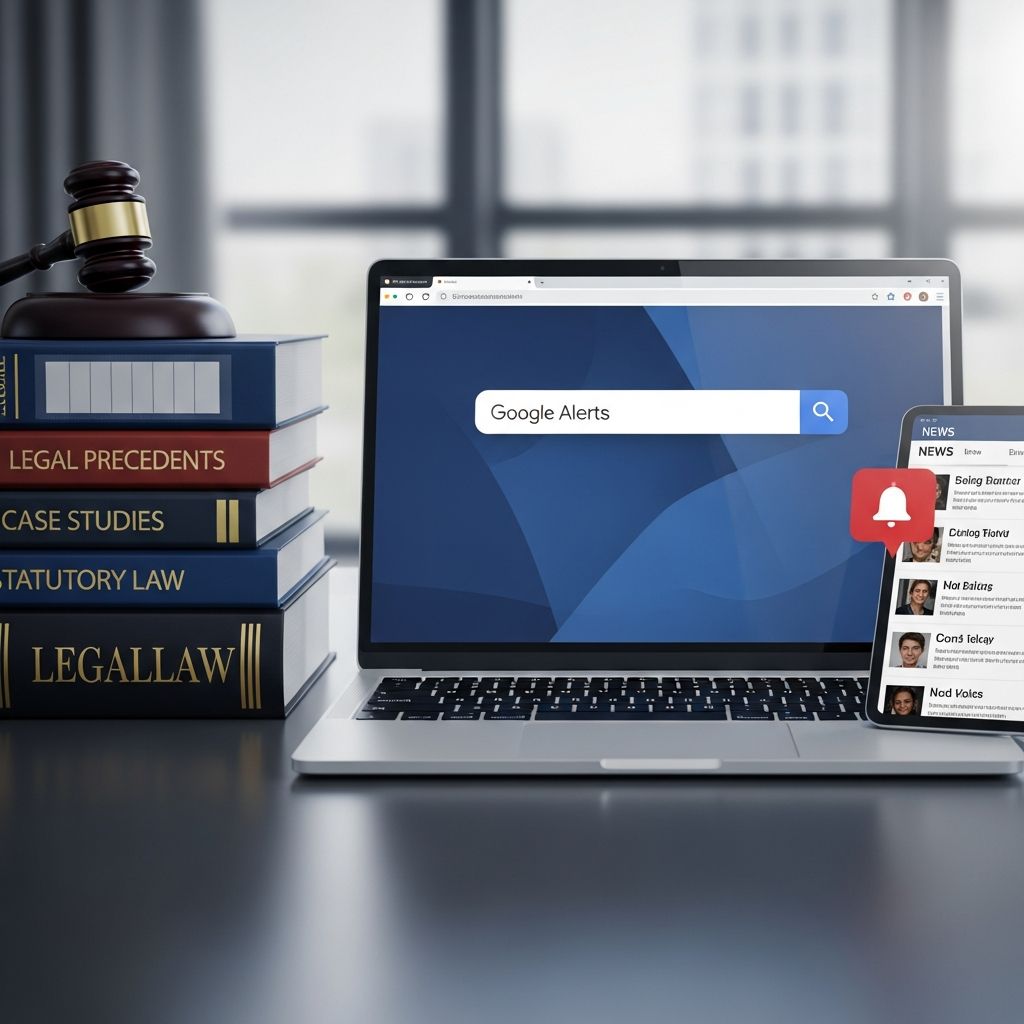
Legal professionals operate in a dynamic environment where statutes, regulations, and court decisions evolve rapidly. Staying informed is not just advantageous—it’s essential for delivering competent advice and avoiding compliance pitfalls. Google Alerts offers a free, powerful tool to automate this process, delivering tailored notifications directly to your inbox about new legal developments. This article explores how to harness this service effectively for law practices, from basic setup to advanced techniques, ensuring you never miss critical updates.
Understanding the Value of Automated Legal Monitoring
In today’s fast-paced legal landscape, manual research into bills, rulings, and regulatory shifts is inefficient and prone to oversight. Automated tools like Google Alerts bridge this gap by scanning the web continuously for specified terms, notifying you of matches in news, blogs, and other sources. For attorneys, this means real-time awareness of jurisdiction-specific changes, emerging case precedents, or sector-specific rules that could impact clients.
Consider the benefits:
- Time Savings: Receive digests instead of scouring databases daily.
- Proactive Compliance: Spot new requirements before they become mandates.
- Competitive Edge: Identify opportunities like new litigation trends early.
- Cost-Effective: No subscription fees, unlike premium legal trackers.
According to ethical standards, lawyers must “keep abreast of changes in the law,” making tools like this indispensable for professional competence.
Step-by-Step Guide to Setting Up Your First Alert
Getting started is straightforward. Navigate to the Google Alerts page and enter your search term in the provided field. As you type, previews appear, showing potential results. Refine your query before finalizing.
- Choose Precise Terms: Start with specific phrases like “new California labor law” to avoid irrelevant noise.
- Adjust Frequency: Select “As-it-happens,” daily, or weekly based on urgency.
- Select Sources: Opt for news, blogs, web, or all for comprehensive coverage.
- Set Region and Language: Narrow to U.S., specific states, or English-only results.
- Manage Volume: Choose “Only the best results” to filter high-quality hits.
- Create and Deliver: Link to your email or RSS feed, then preview and save.
This setup ensures alerts arrive promptly, tailored to your practice area.
Advanced Search Operators for Pinpoint Accuracy
Google Alerts supports Boolean operators to supercharge precision, minimizing junk alerts while maximizing relevance. These techniques are crucial for legal monitoring where terminology varies.
| Operator | Example | Purpose |
|---|---|---|
| “Exact Phrase” | “proposed regulation” | Matches the precise wording only. |
| +term | +compliance +requirement | Requires all specified words. |
| -exclude | regulatory changes -draft | Excludes unwanted terms like preliminary docs. |
| site:domain | site:gov “bill passed” | Limits to official government sites. |
| OR | “new rule” OR “final rule” | Captures synonyms or variants. |
For instance, tracking mass torts might use “drug name” + “lawsuit” -“settlement” to focus on active cases. Misspellings? Add variants like “Zoran” OR “Zoran” birth defects. These operators turn broad nets into targeted tools.
Tailored Alerts for Key Legal Practice Areas
Different fields demand customized strategies. Here’s how to adapt Google Alerts:
Legislative Tracking
Monitor bills with queries like “house bill” OR “senate bill” + “your state” site:gov. Pair with frequency set to as-it-happens for time-sensitive votes.
Regulatory Compliance
Use phrases such as “new regulation” vs. “proposed rule” to distinguish stages. Agencies like EPA or FDA updates? site:epa.gov “final rule”.
Case Law Developments
Combine with Google Scholar Alerts for new rulings: Search caselaw, then create alerts for updates. Track specific judges or precedents with “judge name” + “ruling”.
Industry-Specific News
For healthcare law: “HIPAA” + “amendment” OR “enforcement action”. Mass tort lawyers: Hospital names + device issues.
Reputation and Firm Monitoring
Alert on your firm name, attorney names + “lawyer”, or competitors to catch mentions, reviews, or bad press early.
Academic studies even use these for police misconduct tracking, creating alerts per case for ongoing court developments.
Integrating AI to Enhance Alert Intelligence
Raw alerts can overwhelm. Supercharge them with AI for an 8-step pipeline:
- Triage: AI filters news from opinion pieces.
- Rank Urgency: Scores by deadlines and impact.
- Extract Details: Pulls dates, affected parties, actions needed.
- Verify Sources: Cross-checks with official docs.
- Summarize: Generates structured reports: What, When, Who, Next Steps.
- Spot Patterns: Clusters related alerts.
- Analyze Trends: Identifies emerging themes.
- Learn Continuously: Builds knowledge base over time.
This transforms volume into actionable insights, vital for busy practices.
Best Practices to Maximize Effectiveness
Avoid common pitfalls:
- Start Small: Test 5-10 alerts, refine based on quality.
- Review Weekly: Delete or tweak low-value ones; Google allows up to 1,000.
- Combine Tools: Pair with Google Scholar for caselaw, Fastcase alerts for dockets.
- Organize Inboxes: Use filters to sort into folders like “Legislation” or “Cases”.
- Track Outcomes: Log how alerts lead to client wins.
Pro tip: For global practices, set multiple region-specific alerts.
Overcoming Common Challenges
Too Many Alerts? Tighten operators, select “Best results only”.
Missing Key Stories? Experiment with phrasing; use OR for variants.
Irrelevant Hits? Add exclusions like -“opinion” or site:gov only.
Legal research demands currency; alerts align with duties under ABA rules.
Frequently Asked Questions (FAQs)
What is the limit on Google Alerts?
You can create up to 1,000 alerts, customizable by frequency and source.
Can Google Alerts track court cases?
Yes, especially via Google Scholar integration for new caselaw matching your searches.
How do I monitor specific regulations?
Use operators like site:fda.gov “final rule” + “your topic” for agency-specific updates.
Is it free for law firms?
Completely free, with no usage caps beyond alert count.
Does it work for reputation management?
Absolutely—alert on firm or attorney names with +”attorney” to catch relevant mentions.
Future-Proofing Your Legal Practice with Alerts
As laws digitize, tools like Google Alerts evolve with AI enhancements, promising even smarter monitoring. Integrate them into workflows for sustained advantage. Start today: Set one alert for your top practice area and build from there. This proactive approach ensures you’re always steps ahead in a changing legal world.
References
- Using Google Alerts to Study Police Crime — ScholarWorks@BGSU. 2019. https://scholarworks.bgsu.edu/cgi/viewcontent.cgi?article=1121&context=crim_just_pub
- How I Supercharged My Google Alerts with AI — LawSnap Substack. 2023. https://lawsnap.substack.com/p/how-i-supercharged-my-google-alerts
- Using Google Alerts for Law Firms — Juris Digital. 2022. https://jurisdigital.com/guides/using-google-alerts-for-law-firms/
- Using Google Scholar For Legal Research — MyCase Blog. 2023. https://www.mycase.com/blog/general/using-google-scholar-for-legal-research/
- Why Every Lawyer Needs to Use Google Alerts — 2Civility. 2021. https://www.2civility.org/every-lawyer-needs-use-google-alerts/
- Keeping Current On The Law: Google Alerts & Google Scholar Alerts — NYU Law LibGuides. 2023. https://nyulaw.libguides.com/c.php?g=773827&p=5551662
- Using Alerting and Tracking Tools to Maintain a Competitive Edge — Wisconsin State Bar. 2020-10-01. https://www.wisbar.org/newspublications/insidetrack/pages/Article.aspx?Volume=12&Issue=10&ArticleID=27777
Similar Articles








Read full bio of Sneha Tete


