Keeping up with the money on your prepaid card is essential to avoiding declined transactions, overdraft-like situations, or unexpected fees. Many prepaid card programs offer several different ways to see your current balance and recent activity, but each method can come with its own costs, limits, and security considerations.
This guide explains the most common ways to check your prepaid card balance, how to find out which options your card supports, and practical strategies to keep your account information accurate, secure, and low-cost.
Start With Your Cardholder Agreement
Before using any tool to check your balance, review the documentation that came with your prepaid card. For most cards, this is called the cardholder agreement or terms and conditions. It typically explains:
- Which balance-check methods are available (phone, online, app, ATM, text, etc.)
- Any fees to use these methods (for example, talking to a live representative)
- Limits on the number of free balance inquiries per month
- What to do if your balance or transactions look wrong
If you no longer have the paper agreement, you can usually find a digital copy on the card issuer’s website or by calling the number printed on the back of the card.
Main Ways to Check a Prepaid Card Balance
Most prepaid cards support one or more of the following options for checking your account balance. The table below summarizes the typical pros and cons of each.
| Method | Typical Cost | Convenience | Extra Features |
|---|---|---|---|
| Automated phone system | Usually free from the card issuer; regular phone charges may apply | High – available 24/7 with card number | May also let you hear recent transactions |
| Live customer service agent | Sometimes a service fee per call | Medium – wait times vary | Can answer complex questions and help fix issues |
| Online account (website) | Generally free | High – accessible anywhere with internet | Balance, full history, statements, settings |
| Mobile app | Generally free; data charges may apply | Very high – quick checks on the go | Alerts, budgeting tools, card controls |
| Text message alerts | Often free from issuer; carrier SMS rates may apply | High – no login needed | Balance, recent transactions, low-balance alerts |
| ATM inquiry | ATM owner or card issuer may charge a fee | Medium – requires nearby ATM | Sometimes shows available and pending amounts |
Using Automated Phone Systems
Almost all prepaid cards provide a toll-free number printed on the back of the card. When you call, you may first interact with an automated voice response system before speaking to a person.
With automated systems, you can typically:
- Enter your card number and sometimes a PIN or security code
- Hear your current available balance
- Listen to the most recent transactions or loads
For many cards, using the automated system is free or cheaper than speaking to a live representative, which makes it a good default option when you simply want to know your balance.
Talking to Live Customer Service
Live customer service is useful when your questions go beyond the basic balance amount, such as when:
- You see a charge you do not recognize
- Your card is declined even though you believe you have enough money
- You suspect fraud or unauthorized use
- You are having trouble logging in online or using the app
Some prepaid programs charge a fee each time you speak to a live agent, particularly for routine requests like balance inquiries that could be handled by automated tools. Check your fee schedule so you do not accidentally pay for information that is free elsewhere.
Checking Your Balance Online
Most major prepaid card issuers offer an online portal where you can:
- View your current balance and available funds
- Review recent transactions and deposits
- Download or print account history
- Update contact information and alerts
To use an online account, you usually must first create a username and password and may have to verify your identity. Official issuer websites often display the most complete and up-to-date information on your account.
Tips for Online Balance Checks
- Type the web address directly or use the link from your card materials to avoid look-alike scam sites.
- Use multi-factor authentication (for example, a one-time code by text or email) if the issuer offers it.
- Always sign out when using a shared or public computer.
Using a Mobile App
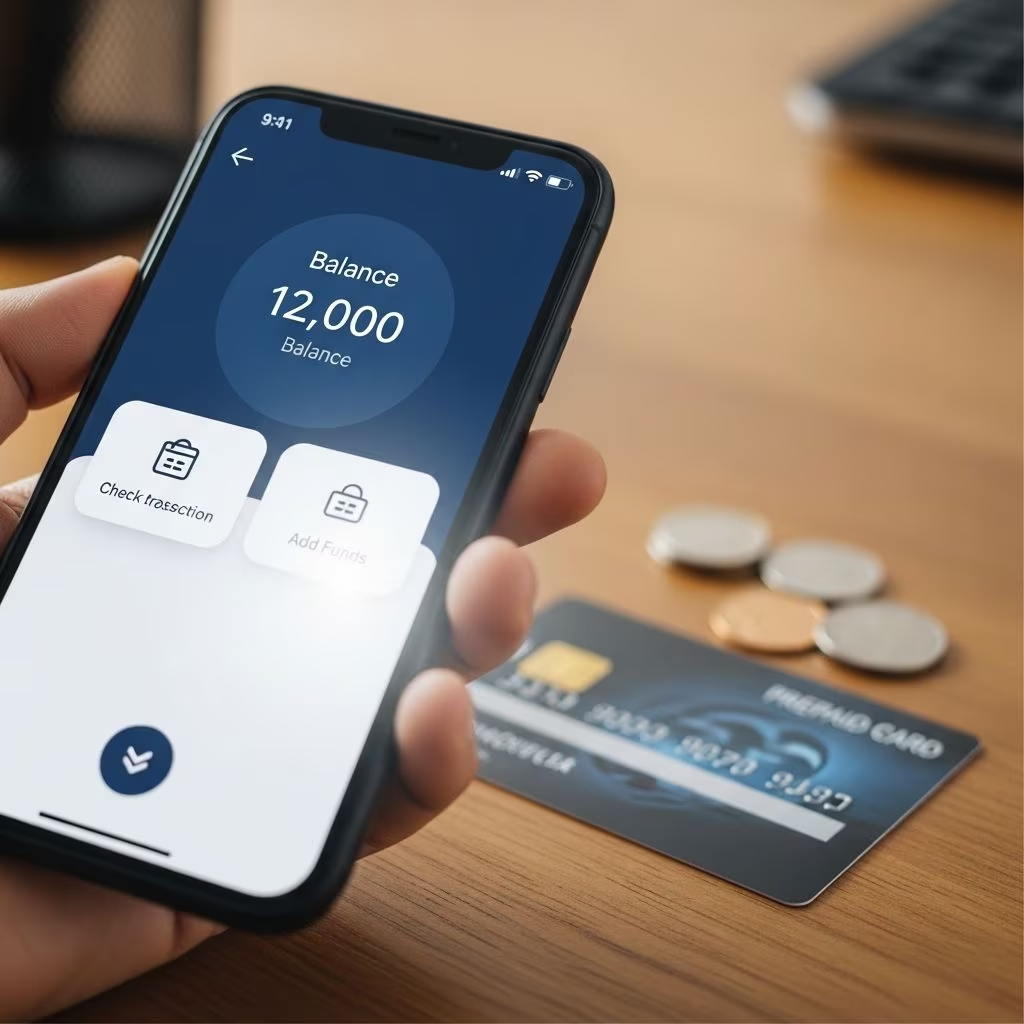
Many prepaid card programs now include a dedicated mobile application for smartphones. These apps often provide the same features as the website but are optimized for quick checks and alerts on the go.
With an app, you might be able to:
- Instantly see your balance every time you open the app
- Receive push notifications when purchases or loads occur
- Temporarily lock your card if it is lost or stolen
- Transfer funds between related accounts
Make sure you download the app from a trusted source and confirm it is the official product linked by the issuer’s website.
Text Message Balance Tools
Some prepaid card issuers offer text-based balance tools. After registering your mobile phone number with your account, you can often:
- Send a one-word command like
BALto receive your current balance by text - Request brief transaction histories
- Turn on recurring low-balance alerts or load confirmations
The issuer may not charge a fee for these text messages, but your wireless carrier might bill you for SMS messages depending on your plan.
Checking a Balance at an ATM
Some prepaid cards, particularly those branded with major payment networks, allow you to check your balance at an ATM that accepts the card.
Typical steps include:
- Insert your prepaid card into the ATM
- Enter your PIN
- Choose the “Balance inquiry” option from the menu
Be aware that the ATM operator, the card issuer, or both may charge a separate fee for balance inquiries, even if you do not withdraw cash. You may find the same balance information free through other channels such as the website or app.
Understanding Available vs. Posted Balance
Whichever method you use, it is important to understand that the number you see often represents your available balance, which may differ from your total or posted balance. For example:
- Pending transactions at gas stations, hotels, or restaurants may place temporary holds for more than the purchase amount until the final cost is settled.
- Recent deposits or loads may not be fully available until the issuer finishes processing them.
- ATM balance inquiries may not reflect transactions made in the last few minutes.
To avoid spending money that is still on hold or not yet available, use the most detailed and recent information you can access, such as full transaction history in your app or online account.
How to Avoid Unnecessary Fees When Checking Your Balance
Some prepaid card programs charge for basic account information if you use certain channels or exceed a specific number of inquiries. To keep costs down:
- Favor free methods such as online accounts, mobile apps, or free automated phone systems whenever possible.
- Limit live agent calls to times when you truly need personalized help.
- Avoid paid ATMs for balance checks if the issuer charges a separate fee, especially when you could check at no cost through another method.
- Use alerts (push, email, or text) to monitor your account without repeatedly initiating manual inquiries.
Security Tips When Checking Your Prepaid Card Balance
Because checking your balance often requires your card number, login details, or personal information, protect your account every time you access it.
- Only call the phone number printed on your card or given on the issuer’s official website.
- Do not share your full card number, PIN, or security code in response to unsolicited calls, texts, or emails.
- Access your account over secure, private internet connections instead of public Wi-Fi when possible.
- Review your transaction history regularly to spot unauthorized activity quickly.
- Report lost or stolen cards immediately using the issuer’s official contact information.
Keeping a Personal Record of Your Spending
While electronic balance tools are helpful, it is still wise to keep your own running tally of loads and purchases. Doing so can help you catch errors, notice fees, and better understand where your money goes.
Simple strategies include:
- Writing purchases and loads in a notebook or budgeting worksheet
- Using a budgeting app to categorize each transaction after reviewing your history
- Saving receipts until you confirm the correct amounts appear in your transaction list
Comparing your own records to the balance you see online or in the app can help you catch discrepancies and act quickly if something looks wrong.
Frequently Asked Questions (FAQs)
Q: What is the easiest way to check a prepaid card balance for most people?
A: For many cardholders, the most convenient option is using the card issuer’s website or mobile app, since these tools are usually free, available 24/7, and show both the current balance and recent transactions.
Q: Why is my prepaid card balance lower than I expected?
A: Your balance may be reduced by pending holds (such as at gas stations or hotels), monthly fees, ATM fees, or other service charges listed in your cardholder agreement. Reviewing your transaction history online or in the app can help you see exactly what changed.
Q: Can I check my prepaid card balance without going online?
A: Yes. You can usually call the toll-free number on the back of your card to use an automated system or speak to a live agent, and some cards let you check your balance at ATMs or by text message.
Q: Do all prepaid card balance checks cost money?
A: No. Many balance-check options are free, especially automated phone systems, online accounts, and mobile apps, but your specific card may charge for certain types of inquiries or for speaking with a live agent, so it is important to read the fee schedule.
Q: Is it safe to check my prepaid balance from my phone?
A: It can be safe if you use the official app or website, keep your device updated, use strong passwords, and avoid sharing sensitive information on public Wi-Fi or through unsolicited links. Enabling multi-factor authentication adds an extra layer of protection.
References
- How do I check my prepaid card balance? — Consumer Financial Protection Bureau. 2023-05-10. https://www.consumerfinance.gov/ask-cfpb/how-do-i-check-my-prepaid-card-balance-en-503/
- How do I check my card balance and transactions? — Green Dot Corporation. 2024-01-15. https://www.greendot.com/helpcenter/top-questions/how-do-i-check-my-card-balance-and-transactions
- Frequently Asked Questions – Mastercard Gift Cards — Mastercard. 2023-11-01. https://www.mastercardgiftcard.com/help
- Prepaid cards and payroll cards — Consumer Financial Protection Bureau. 2022-06-22. https://www.consumerfinance.gov/prepaid-cards/
- Know Before You Swipe: Understanding Authorization Holds — Federal Trade Commission. 2019-07-18. https://www.ftc.gov/business-guidance/blog/2019/07/know-you-swipe-understanding-authorization-holds