
Essential Software Toolkit for Solo Law Practices
Build a smart, affordable software stack that helps your solo law practice stay organized, profitable, and client-focused.
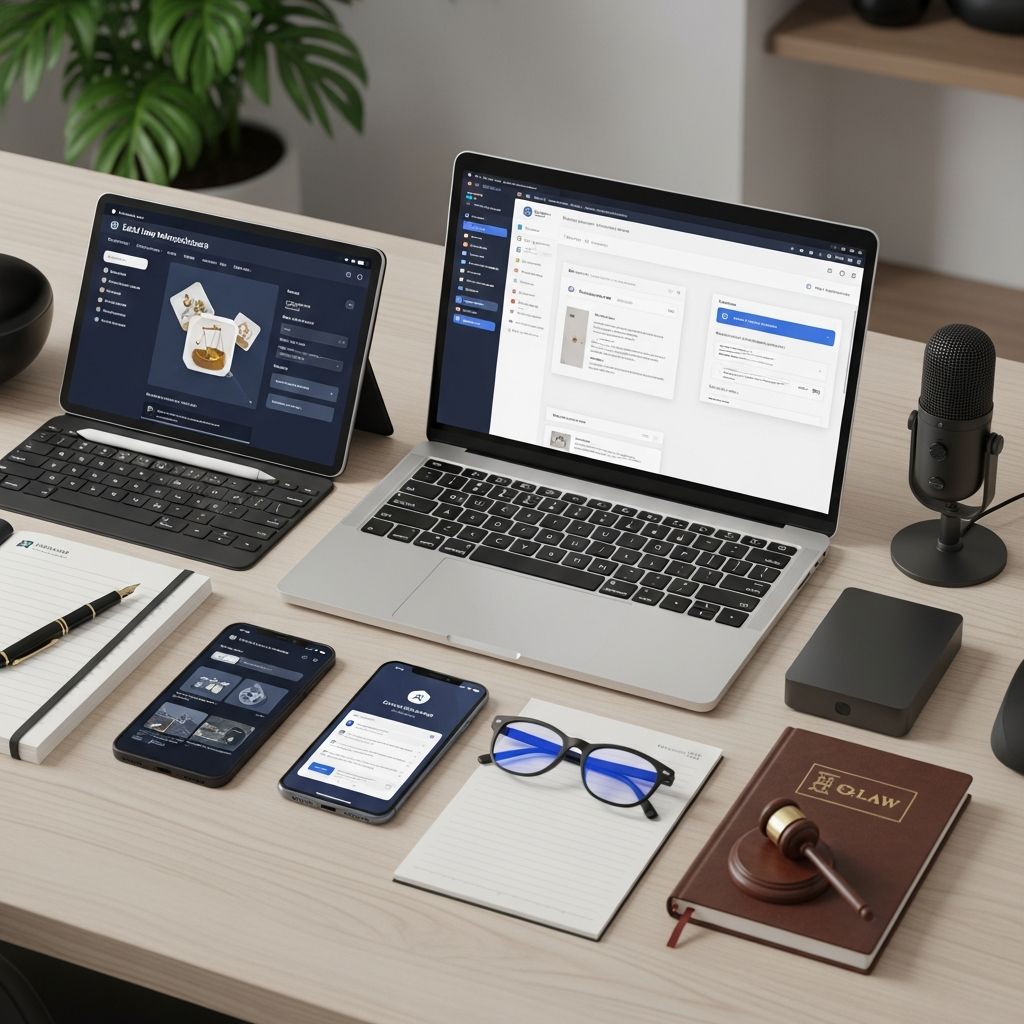
Launching or running a solo law practice means handling every part of the business yourself: intake, case management, billing, marketing, and more. The right software stack can turn that overwhelming workload into a manageable, efficient system that protects your time and improves client service.
This guide walks through the core categories of software a solo attorney should consider, how they fit together, and practical tips for choosing tools that match your budget, workflow, and growth plans.
Why Software Matters So Much for Solo Lawyers
Modern legal practice is increasingly digital. Cloud-based systems, secure client portals, and integrated billing have become standard, not luxuries. Without the right tools, a solo lawyer risks lost billable hours, missed deadlines, and compliance issues.
- Time savings: Practice management platforms routinely automate routine tasks such as calendaring, reminders, and document assembly.
- Revenue capture: Integrated time tracking and billing reduce unbilled work and speed up collections.
- Risk reduction: Centralized case files, conflict checks, and audit trails help meet ethical and regulatory obligations.
- Client expectations: Clients increasingly expect secure online access, e-signatures, and digital payments, especially in consumer-facing practice areas.
Designing a Lean but Powerful Tech Stack
A solo practice does not need dozens of apps. Instead, focus on a few core platforms that integrate well with each other. Leading providers recommend starting with a central practice management system and then adding specialized tools only where needed.
At a minimum, most solo lawyers will need:
- Practice management / case management software
- Time tracking, billing, and payment tools
- Document creation and document management
- Email and calendar systems
- Accounting or bookkeeping software
- Client intake and CRM tools
- Security and backup solutions
| Category | Primary Purpose | Key Benefit for Solos |
|---|---|---|
| Practice Management | Organize matters, tasks, deadlines | Single hub for all case information |
| Billing & Payments | Track time, invoice, collect fees | Improves cash flow and reduces admin work |
| Document Management | Store and retrieve documents securely | Faster drafting and fewer lost files |
| Client Intake & CRM | Capture leads, onboard clients | More consistent, trackable new business |
| Accounting | Financial reporting, trust accounting | Compliance and clear view of profitability |
| Security & Backup | Protect data, prevent loss | Meets ethical duties to safeguard client info |
Practice Management: Your Operational Nerve Center
Practice management software (sometimes called case management software) is the backbone of a modern solo law firm. Top vendors emphasize that it should manage matters from intake through final payment.
Look for features such as:
- Matter dashboards: Contacts, notes, documents, tasks, and deadlines in one view.
- Calendaring and tasks: Court dates, reminders, and workflows tied to specific case types.
- Integrated communication logs: Records of emails, calls, and messages linked to each matter.
- Client portals: Secure messaging and document sharing that keep sensitive data out of standard email.
For many solos, an all-in-one cloud platform can replace multiple disconnected tools, reducing context switching and data entry.
Time Tracking, Billing, and Getting Paid
Efficient billing is crucial for solo attorneys, who cannot afford to lose track of billable time or chase unpaid invoices. Software can help you capture more time and accelerate payments.
Core Billing Capabilities
- Flexible time capture: Timers on desktop and mobile, quick entry by task or matter, and the ability to reconstruct time from events when needed.
- Configurable billing arrangements: Hourly, flat fee, contingency, subscription, and hybrid models.
- Bulk invoicing: Generate and send many invoices at once, rather than matter by matter.
- Trust accounting integration: Proper handling of retainers and IOLTA accounting, which is a key regulatory requirement in many jurisdictions.
Online Payments
Online card and ACH payments shorten the time between issuing an invoice and getting paid. Legal-specific payment processors are designed to keep operating and trust funds separate and comply with bar rules. Many leading practice management platforms now offer built-in or integrated payment processing.
Document Drafting, Automation, and Management
From engagement letters to pleadings, documents are at the heart of legal work. Solo practices benefit enormously from moving beyond simple word processing to a structured document system.
Document Creation and Automation
- Templates and clause libraries: Standardize frequently used forms, reducing drafting time and inconsistency.
- Merge fields: Automatically insert client and matter data into templates pulled from your practice management system.
- Version history: Track edits over time and revert when necessary.
Document Management
- Central cloud repository: Store all documents in a structured folder or tag system indexed by matter.
- Full-text search: Quickly search across documents by keywords or metadata.
- Access controls: Limit who can see sensitive files, especially if you collaborate with contract lawyers or assistants.
Cloud-based legal software often integrates directly with Microsoft 365 or Google Workspace, bridging traditional word processors with more robust document automation and storage.
Email, Calendaring, and Communication
Email remains a primary communication channel, but unmanaged inboxes are a major source of risk for solo lawyers.
- Email integration: Connect your practice management platform to Outlook or Gmail so messages save directly into matters.
- Shared calendaring: Sync court dates and deadlines to your main calendar and mobile devices.
- Secure messaging: Use encrypted client portals for sensitive communications that should not live in regular email.
- Call and SMS logs: Track calls and texts so that key instructions are documented and billable.
Client Intake, CRM, and Marketing Basics
As a solo lawyer, you are responsible not only for serving clients but also for finding them. Client intake and basic CRM (client relationship management) tools ensure that leads do not slip through the cracks.
Digital Intake and Screening
- Online intake forms: Allow potential clients to submit information securely through your website.
- Conflict checks: Compare new prospects against your database before offering representation.
- Automated follow-up: Scheduled emails or tasks to follow up with leads who have not yet retained you.
CRM and Relationship Tracking
- Contact profiles: Centralized history of matters, communications, and referrals by contact.
- Referral source tracking: Record who referred each client to understand your most valuable channels.
- Simple marketing automations: Reminders for periodic check-ins, review requests, or newsletters (within ethical advertising rules).
Accounting, Reporting, and Financial Insight
Many solo practices pair their legal software with general accounting tools such as cloud-based bookkeeping systems. Legal-specific practice management platforms often integrate or include basic financial functionality.
Key capabilities to look for include:
- Income and expense tracking: Categorize payments and costs by matter and by type for tax and business analysis.
- Trust accounting compliance: Three-way reconciliation, ledgers by client, and clear reports for audits.
- Financial dashboards: Quick views of accounts receivable, work in progress, and realization rates.
Consistent financial reporting helps solo lawyers make evidence-based decisions about pricing, staffing, and which practice areas are most profitable.
Security, Ethics, and Data Protection
Lawyers have an ethical duty to safeguard client confidentiality, which includes using technology that adequately protects data. Reputable cloud legal platforms typically provide stronger security than most small firms could implement on their own.
- Encryption: Data should be encrypted in transit and at rest.
- Multi-factor authentication (MFA): Requires more than just a password to log in.
- Regular backups: Automated, redundant backups that protect against hardware failure or ransomware.
- Access controls and logs: Ability to restrict user permissions and review access logs.
Bar associations and courts increasingly issue guidance on acceptable technology use, emphasizing due diligence when selecting providers and ongoing attention to cybersecurity risks.
Adding AI and Automation Thoughtfully
Recent years have seen rapid adoption of AI-assisted features in legal software, including natural language drafting, document review assistance, and automated extraction of dates and obligations from court documents.
When considering AI features, solo lawyers should:
- Understand how the tool was trained and what data it uses.
- Maintain human review over any AI-generated content.
- Confirm that client data is handled in a way consistent with confidentiality obligations.
Used carefully, AI can help solos offload repetitive drafting and summarization tasks while they retain responsibility for legal judgment.
Practical Criteria for Choosing Your Tools
With dozens of options in each category, focus on criteria that matter most to solo practitioners.
- Cloud-first architecture: Enables work from home, court, or client sites with only an internet connection.
- Ease of use: Intuitive interfaces reduce the learning curve and the temptation to revert to spreadsheets and email.
- Integration ecosystem: Check whether the software connects with your email, accounting, and other key tools.
- Transparent pricing: Know the per-user or per-matter costs and what add-ons you might need.
- Support and training: Access to documentation, onboarding, and responsive support is vital when you do not have in-house IT.
- Scalability: Choose platforms that can grow with you if you later add staff or expand practice areas.
Sample Solo Tech Stack Blueprint
The exact combination will vary, but many solo practices can operate efficiently with a streamlined stack such as:
- One cloud practice management platform with built-in time tracking, billing, client portal, and document storage.
- One online accounting tool integrated with the practice platform for bookkeeping and reporting.
- Microsoft 365 or Google Workspace for email, calendaring, and office productivity.
- A secure password manager and MFA on all critical accounts.
- Optional AI drafting assistant embedded in your practice or document tools.
Starting with this simple layout makes it easier to maintain data consistency and reduce errors from manual re-entry.
Frequently Asked Questions (FAQs)
Q: What is the most important software for a new solo practice?
For most solos, a robust cloud-based practice management system is the single most important tool because it centralizes matters, time tracking, billing, and documents in one place.
Q: Can I start with generic tools and add legal-specific software later?
You can begin with general tools like email, office suites, and generic cloud storage, but shifting to legal-specific platforms later can be time-consuming. Choosing at least a basic legal practice management system early on reduces the need for data migration and helps you build consistent workflows from day one.
Q: Is cloud software secure enough for client data?
Major legal cloud platforms typically implement strong encryption, access controls, and redundant backups, often exceeding what a small firm can maintain in-house. Ethical guidance from bar associations generally permits cloud use when lawyers exercise reasonable care in vendor selection and ongoing monitoring.
Q: How much should a solo lawyer budget for software each month?
Costs vary widely, but many solos allocate a modest percentage of monthly revenue to core tools. All-in-one practice management platforms are usually priced per user per month, with additional costs for accounting or marketing tools. Evaluating the time saved and additional billable hours captured often shows that the net benefit outweighs the expense.
Q: When does it make sense to add AI tools?
AI tools make the most sense once basic systems are in place and you clearly understand which tasks consume the most time. If you routinely draft similar documents or summarize long records, AI-assisted tools embedded in your practice management or document platform can provide meaningful time savings, provided you carefully review all outputs.
References
- Best Law Practice Management Software for Solo Practitioners — Clio. 2025-01-10. https://www.clio.com/practice-types/solo-lawyer-software/
- Top-rated Law Practice Management Software for Solo Practitioners — MyLegalSoftware. 2024-06-18. https://mylegalsoftware.com/best-law-practice-management-software-for-solo-practitioners/
- Formal Opinion 477R: Securing Communication of Protected Client Information — American Bar Association. 2017-05-11. https://www.americanbar.org/groups/professional_responsibility/publications/ethics_opinions/aba-formal-opinion-477r/
- Best Law Practice Management Software (2025) — Uptime Legal. 2025-02-05. https://uptimepractice.com/best-law-practice-management-software/
- Practice Management Software for Solo Lawyers — MyCase. 2024-09-12. https://www.mycase.com/solutions/solo-lawyer-software/
Similar Articles








Read full bio of Sneha Tete


