
Don’t Share Your Social Security Number on Messaging Apps
Learn how fake employers and scammers trick people into sharing Social Security numbers and how to protect your identity.
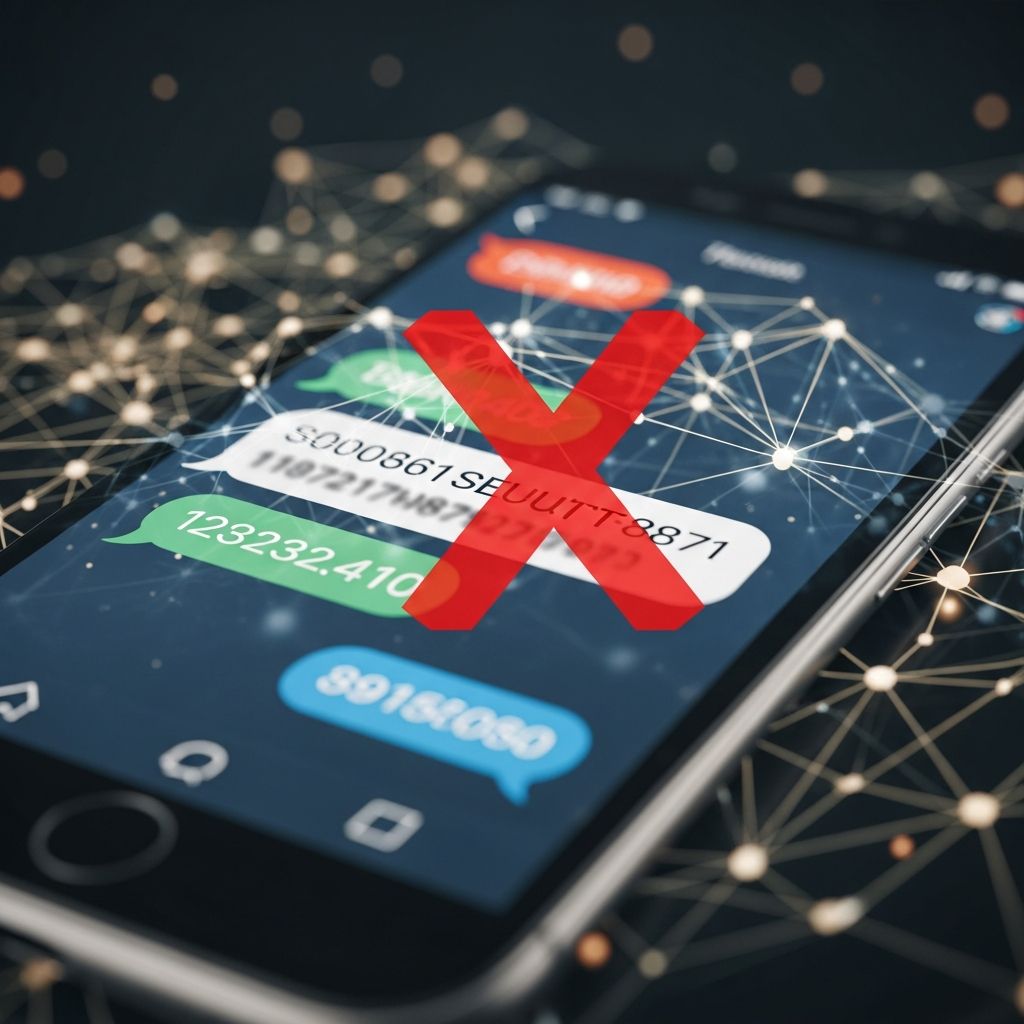
Your Social Security number (SSN) is one of the most sensitive pieces of personal information you have. Once it falls into the wrong hands, scammers can open credit accounts, file fake tax returns, or even collect government benefits in your name. That is why any ”employer” who asks you to text or message your SSN is almost certainly a scammer.
This article explains how these scams work, why legitimate employers do not operate this way, and what you can do to protect yourself if you are job searching or have already shared information.
Why Social Security Numbers Are a Prime Target
Social Security numbers are widely used to verify your identity for financial, employment, and government transactions. Because of that, criminals treat SSNs like gold: once they get your number, they can often combine it with other data (name, date of birth, address) to impersonate you.
- Open credit accounts: Apply for credit cards, loans, or store financing using your SSN.
- Commit employment fraud: Use your SSN to get a job, leaving you with tangled wage and tax records.
- File fake tax returns: Submit fraudulent returns and claim tax refunds in your name.
- Steal government benefits: Try to claim Social Security or other benefits using your SSN.
Because the SSN is so powerful, federal agencies like the Social Security Administration (SSA) and Internal Revenue Service (IRS) repeatedly warn consumers to share it only when absolutely necessary and only with trusted parties.
How Fake Employer Messaging Scams Work
In a growing scam, criminals pose as employers or recruiters and contact people directly through messaging apps like WhatsApp, SMS text, or chat features on social platforms. They know many people are eager for work, especially remote or flexible jobs, and they exploit that urgency.
Typical Steps in the Scam
- Unsolicited contact: You receive a message about a job you never applied for, or from a “recruiter” you do not recognize.
- Too-good-to-be-true offer: High pay, quick start, short hours, or “no experience needed” are heavily emphasized.
- Pressure to move off secure channels: They push you from job boards or email into WhatsApp or another chat app.
- Rushed ”onboarding”: Instead of a formal offer, they claim they must “set up your file” right away.
- Request for SSN and more: They ask you to send your Social Security number, ID images, or bank details via chat or text.
Once the scammer has your SSN, the interaction often ends abruptly—or they may continue to exploit you by asking for upfront payments, “training fees,” or copies of other documents.
Red Flags That an Employer Request Is Not Legitimate
Legitimate employers do sometimes need your SSN, but only at specific stages and via secure methods. These signs signal that you are dealing with a scam rather than a real hiring process.
Warning Signs in Job and Messaging Interactions
- They contact you first out of nowhere. You never submitted an application or talked to anyone at the company.
- No interview or screening. They “hire” you immediately or say background checks will start before you talk to a real person.
- Requests via chat apps or plain text. They ask for your SSN, ID, or bank information through WhatsApp, SMS, or social media DMs.
- Unclear company details. The business name, address, and website either do not exist or do not match what they tell you.
- Pressure and urgency. They insist you must send your SSN “within the hour” or “today” to keep the job.
- Refusal to use secure systems. They avoid official HR portals, secure forms, or encrypted email.
How Real Employers Handle Your SSN
Most legitimate employers will only ask for your SSN after:
- You have completed an application or interview, and
- You are being formally hired or a background check is legally required.
Even then, reputable organizations typically:
- Use secure onboarding portals or encrypted forms.
- Explain why they need your SSN and how it will be stored.
- Provide official contact details and documentation you can verify directly.
| Scam Behavior | Legitimate Behavior |
|---|---|
| Contacts you out of the blue on messaging apps. | Uses official email, job boards, or company phone numbers. |
| Asks for SSN before interview or written offer. | Requests SSN only during formal onboarding or background checks. |
| Wants SSN and bank info via WhatsApp or text. | Uses secure HR portals, encrypted forms, or in-person paperwork. |
| Refuses to answer questions or provide verifiable details. | Offers clear explanations, policies, and verifiable company information. |
| Uses threats, pressure, or artificial deadlines. | Gives you time to review documents and ask questions. |
Practical Rules: When You Should Never Share Your SSN
Federal agencies and identity theft experts recommend that you treat your SSN as confidential and share it only when absolutely necessary. Use these simple rules to stay safe.
Never Send Your SSN When…
- The request comes through chat, text, or social media. Messaging apps are not secure channels for this kind of information.
- You cannot verify the requester. You do not know who the person is, or their email and phone number do not match the company website.
- There is no clear reason. They refuse to explain why they need your SSN or what law or policy requires it.
- You are still at the “interest” or “screening” stage. Real employers do not need your SSN just to evaluate your resume.
- You feel rushed or pressured. Any “send it now or lose the job” demand is a red flag.
Questions to Ask Before Sharing
If someone claims to legitimately need your SSN, ask:
- “Why do you need my Social Security number at this stage?”
- “Is there a law or regulation that requires you to collect it now?”
- “How will my information be stored and protected?”
- “Is there another identifier you can use instead?”
If they cannot answer clearly—or become defensive—that is your signal to walk away.
How to Protect Your SSN in Everyday Life
Even outside of job hunting, it pays to reduce how often and where your SSN appears. The SSA and IRS offer straightforward tips to limit exposure.
- Do not carry your Social Security card daily. Keep it in a secure place at home.
- Never say your SSN aloud in public. This includes crowded offices, waiting rooms, or speakerphone calls.
- Shred documents that contain your SSN. Destroy old pay stubs, bank statements, and tax documents before discarding them.
- Use secure devices and passwords. Protect your email and financial accounts with strong, unique passwords and multi-factor authentication.
- Monitor your credit and records. Check your credit reports and Social Security earnings statements regularly for unfamiliar activity.
You can also create an online my Social Security account to help track your records and spot suspicious changes more quickly.
What to Do If You Already Sent Your SSN to a Fake Employer
If you realize you have shared your SSN with a scammer, act quickly. Early action can reduce the damage and give you documentation to prove identity theft later if needed.
Immediate Steps to Take
- Stop all contact with the scammer.
Do not respond to further messages. Block the number or account so they cannot continue to pressure you. - Document what happened.
Take screenshots of messages, save phone numbers, and write down dates and what you shared. This record can help investigators and creditors later. - Report the scam.
- Report identity theft and scams to the Federal Trade Commission at IdentityTheft.gov, which provides personalized recovery plans.
- Report Social Security–related fraud to the SSA Office of the Inspector General.
- Place a fraud alert or credit freeze.
Contact one of the three major credit bureaus (Equifax, Experian, TransUnion) to place a fraud alert on your credit report; that bureau must notify the others. This tells lenders to take extra steps to verify your identity before opening new credit. - Monitor your credit and accounts.
Check your credit reports and bank/credit card statements for unfamiliar accounts or charges. Dispute anything you do not recognize immediately.
Additional Protective Measures
- Consider a credit freeze. A security freeze can restrict most new creditors from accessing your credit report, making it harder for thieves to open new accounts.
- Notify relevant agencies if abuse occurs. If someone uses your SSN for taxes or government benefits, contact the IRS for tax-related identity theft and the SSA if benefits are affected.
- Ask SSA to block electronic access. In certain situations, you can request that SSA block online and automated telephone access to your Social Security records to reduce misuse risk.
Staying Safe While Job Searching Online
Many job searches are now conducted completely online, which makes it easier for scammers to blend in. A few habits can dramatically reduce your risk.
- Use reputable job boards. Stick to well-known platforms and official career pages of companies.
- Verify employers independently. Look up company websites yourself (not through links sent in messages) and call official numbers to confirm a recruiter’s identity.
- Separate job-search email and accounts. Use a dedicated email address and keep strong security settings on it.
- Be skeptical of instant offers. If a job seems too easy to get, it may not be real.
- Never pay for a job. Legitimate employers do not charge for training, software, or “onboarding materials.”
Frequently Asked Questions (FAQs)
Q1: Can a legitimate employer ever ask for my Social Security number?
Yes. Employers commonly need your SSN for payroll, tax reporting, and background checks after they have decided to hire you. However, they usually collect it through secure HR systems or official forms—not through WhatsApp, text messages, or social media chats.
Q2: What should I do if I gave my SSN over WhatsApp but there is no sign of fraud yet?
You should not wait for clear damage. File an identity theft report with the FTC’s IdentityTheft.gov, place a fraud alert on your credit reports, and start monitoring your credit and bank accounts closely. Acting early gives you more control.
Q3: Is sending a photo of my Social Security card safer than typing the number?
No. A photo of your Social Security card is just as valuable—and dangerous—as typing the number. Anyone who receives that image can copy your SSN and other details. Avoid sending it through chat, text, or unencrypted email.
Q4: How can I tell if a message about my Social Security number is from the government?
The Social Security Administration and IRS generally do not contact you by text or direct message to ask for your SSN or payment. If you get such a message, do not reply. Instead, use official phone numbers or websites you find yourself to verify whether there is any real issue.
Q5: Can I change my Social Security number if it has been exposed?
In very limited circumstances—such as ongoing, severe harm—SSA may issue a new SSN, but it is rare and does not erase your old history. In most cases, you protect yourself by reporting the theft, monitoring accounts, and using tools like fraud alerts and credit freezes.
References
- How to Keep Your Social Security Number Safe — Experian. 2024-07-02. https://www.experian.com/blogs/ask-experian/how-to-keep-social-security-number-safe/
- Fraud Prevention and Reporting — Social Security Administration. 2024-03-07. https://www.ssa.gov/fraud/
- Identity protection tips — Internal Revenue Service. 2024-01-09. https://www.irs.gov/identity-theft-fraud-scams/identity-protection-tips
- How to Protect Yourself from Social Security Number Identity Theft — Equifax. 2024-05-14. https://www.equifax.com/personal/education/identity-theft/articles/-/learn/social-security-number-identity-theft/
- Protect Yourself from Social Security Scams — Social Security Administration. 2024-02-13. https://www.ssa.gov/scam/
- How You Can Help Us Protect Your Social Security Number and Keep Your Information Safe — Social Security Administration. 2023-08-01. https://www.ssa.gov/pubs/EN-05-10220.pdf
- Avoid Identity Theft: Protect Social Security Numbers — Social Security Administration (Philadelphia Region). 2022-11-30. https://www.ssa.gov/phila/ProtectingSSNs.htm
- When Information is Lost or Exposed — IdentityTheft.gov (Federal Trade Commission). 2023-09-15. https://www.identitytheft.gov/Info-Lost-or-Stolen
Similar Articles








Read full bio of Sneha Tete


