
Comprehensive Guide to Accessing Court Records Efficiently
Master the methods and tools to obtain court records with ease, whether federal, state, or county.
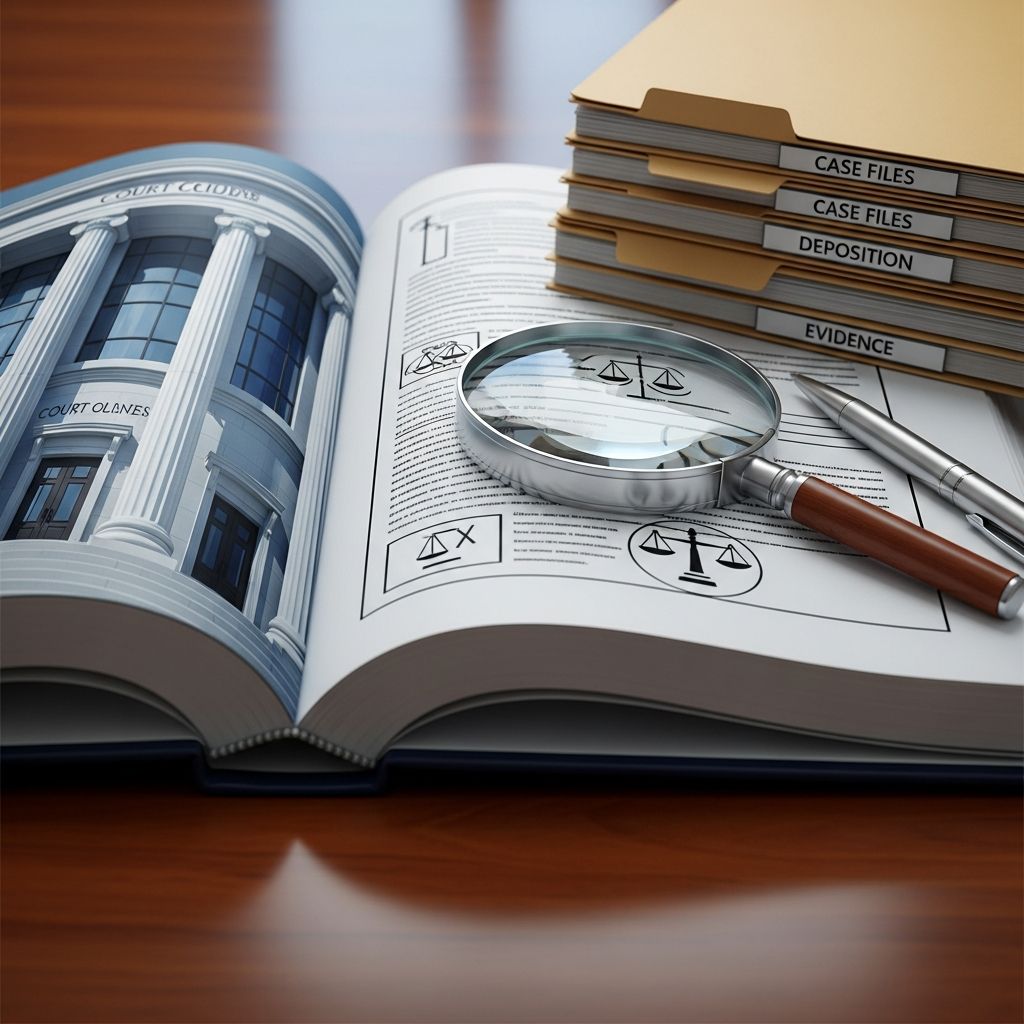
Understanding Court Records and Their Accessibility
Court records, consisting of case filings, docket summaries, judgments, and related documents, are vital for legal professionals, researchers, and the public interested in judicial proceedings. These records reside at various levels of the judiciary—federal, state, and local—each with its own system for public access. Knowing how to navigate these systems effectively enables quick retrieval of accurate and up-to-date information.
Federal Court Records and PACER: An Essential Resource
The Public Access to Court Electronic Records (PACER) system is the primary tool to access federal court records from U.S. district courts, appellate courts, bankruptcy courts, and the Supreme Court. PACER offers extensive search capabilities across all federal jurisdictions through its nationwide index and localized case searches.
Features of PACER
- Nationwide and Court-Specific Searches: Users can conduct broad or targeted searches using party names, case numbers, or filing dates.
- Daily Updates: PACER synchronizes a portion of case data every night, ensuring current information.
- Free Basic Searches: Searching case indexes and viewing party or docket summaries incurs no charge.
- Document Access Fees: Downloading detailed case documents costs $0.10 per page, capped at $3 per document, with a waiver for users spending under $30 quarterly.
Setting Up and Using PACER
To use PACER, individuals must register for an account. Once logged in, the interface allows for nuanced searches by case type (civil, criminal, bankruptcy), court, date, and party details. PACER also provides ancillary tools such as the Case Locator service, enabling identification of the precise court handling a case if unknown.
Exploring State Court Records Online
Since many cases are adjudicated at the state level, knowing how to find state court records online is crucial. Most states provide electronic access via their official court websites, though access and features vary widely based on their technological development.
Steps to Access State Court Records
- Identify the Jurisdiction: Determine the relevant state or county court where the case originated.
- Locate the Court’s Official Website: This usually involves searching by court name or regional jurisdiction.
- Find the Case Search or Public Records Section: Most sites have dedicated portals labeled under terms like “Case Status,” “Records Search,” or “Online Services.”
- Input Search Criteria: Use available filters such as party names, case numbers, filing date ranges, or attorney names.
- Analyze Results: Review case summaries, docket entries, and document lists as allowed.
- Download Documents if Available: Some states provide direct download for a fee, others may require mail or in-person requests.
Fee Structures and Restrictions
Access to case metadata (like parties, case summaries, and docket listings) is often free, but downloading detailed filings may incur a small fee. Certain records may be sealed or restricted due to privacy laws, particularly family, juvenile, or probate cases.
Additional Help
The National Center for State Courts maintains a database of online court resources, helping users find which state courts offer online access and how to navigate their systems.
Utilizing Case Research Services and Legal Databases
Beyond PACER and state websites, specialized case research services supplement access to court records, particularly for complex or multi-jurisdictional searches.
- Commercial Legal Research Platforms: Services like Westlaw, LexisNexis, and Bloomberg Law provide powerful tools for searching court opinions, filings, and legal analyses, often integrated with docket data.
- Free Academic Resources: Google Scholar offers access to many court opinions and rulings, though with limited case document availability.
- Law Firm and Paralegal Services: Some firms provide dedicated research assistance and document retrieval, valuable in high-stakes or government-related matters.
Accessing Court Records In Person or by Mail
Not all records are fully digitized or available online. Sometimes, visiting the courthouse or requesting records by mail remains necessary, especially for older or sealed files.
In-Person Requests
- Visit the county or state courthouse where the case was filed.
- Request access through the clerk’s office; some jurisdictions have public terminals for on-site electronic record access.
- Handle any applicable fees or identification requirements.
Mail Requests
- Submit a formal written request including case details such as the case number, party names, and date ranges.
- Provide payment or payment information for copying fees if required.
- Expect processing times typically ranging from days to a few weeks.
Understanding Privacy and Accessibility Limitations
Certain court records, particularly those involving juveniles, family law (divorce, custody), and sealed cases, are subject to privacy protections. Access to these records is often restricted to involved parties or authorized individuals. Courts balance transparency with confidentiality to protect sensitive information.
Comparing Federal vs. State Records Access
| Aspect | Federal Court Records (via PACER) | State Court Records |
|---|---|---|
| Coverage | All federal appellate, district, bankruptcy courts, Supreme Court rulings | Varies by state and county, extensive for civil, criminal, probate, family courts |
| Access Method | Online via PACER account, or courthouse terminal | Official state court websites, in-person, mail requests |
| Cost | Free for searches, $0.10/page for documents (max $3 per document), fee waivers available | Mostly free for case summaries; document copies may incur fees; varies widely |
| Availability | Updated daily, extensive historical records available electronically | Inconsistent coverage, improving with increased digitization efforts |
| Restrictions | Sealed cases, juvenile records, privacy-sensitive content restricted | More frequent restrictions on family, juvenile, and sensitive records |
Tips for Efficient Court Record Searches
- Gather Comprehensive Case Details: Names, dates, court jurisdictions, and case numbers increase search precision.
- Utilize Advanced Search Options: Many portals allow filters by document type, filing dates, and case status.
- Check Multiple Sources: When unsure where the case is filed, start with nationwide PACER searches or state court directories.
- Be Mindful of Fees: Monitor document requests to leverage fee waivers or stay under cost thresholds.
- Respect Privacy Laws: Understand which records are public and which require special permissions or are inaccessible.
Frequently Asked Questions (FAQs)
Q: Can anyone access court records?
A: Generally, court records are public, but some types are restricted due to privacy laws or court orders. Access policies vary by jurisdiction and case type.
Q: How much does it cost to obtain court records?
A: Basic federal case searches on PACER are free; document downloads cost $0.10 per page capped at $3. State courts often provide free case information but may charge for copies.
Q: Are older court records available online?
A: Availability varies. Federal courts digitize many historical records. State archives may hold older cases in physical or digital form; in-person requests are sometimes necessary.
Q: What if I don’t know which court a case was filed in?
A: Use nationwide search tools like the PACER Case Locator or consult state court directories to help identify the jurisdiction.
Q: Are criminal records included in court records access?
A: Criminal case dockets are generally public, but certain details, especially for juvenile cases, may be confidential or redacted.
Conclusion
Accessing court records today is more straightforward than ever thanks to comprehensive electronic systems like PACER and proliferating state online portals. With proper knowledge of where and how to search, along with awareness of fees and privacy constraints, individuals can efficiently locate the court documents they need for legal, research, or personal purposes.
References
- Public Access to Court Electronic Records (PACER) — United States Courts. 2025. https://pacer.uscourts.gov
- State Court Online Access – National Center for State Courts — NCSC. 2025. https://www.ncsc.org/
- How to Search for Court Records Online — One Legal. 2025. https://www.onelegal.com/blog/how-to-access-court-records/
- Lake County Clerk of Courts: Online Court Records Search — Lake County Government. 2025. https://www.lakecountyclerkfl.gov/departments/courts-management/court-data-records-division/search-online-court-records/
- Find a Case – United States Courts — United States Courts. 2025. https://www.uscourts.gov/court-records/find-a-case-pacer
Similar Articles








Read full bio of Sneha Tete


