
Choosing Legal Calendaring Software for a Modern Law Firm
Learn how to evaluate, compare, and implement legal calendaring tools that prevent missed deadlines and streamline your firm’s workflow.
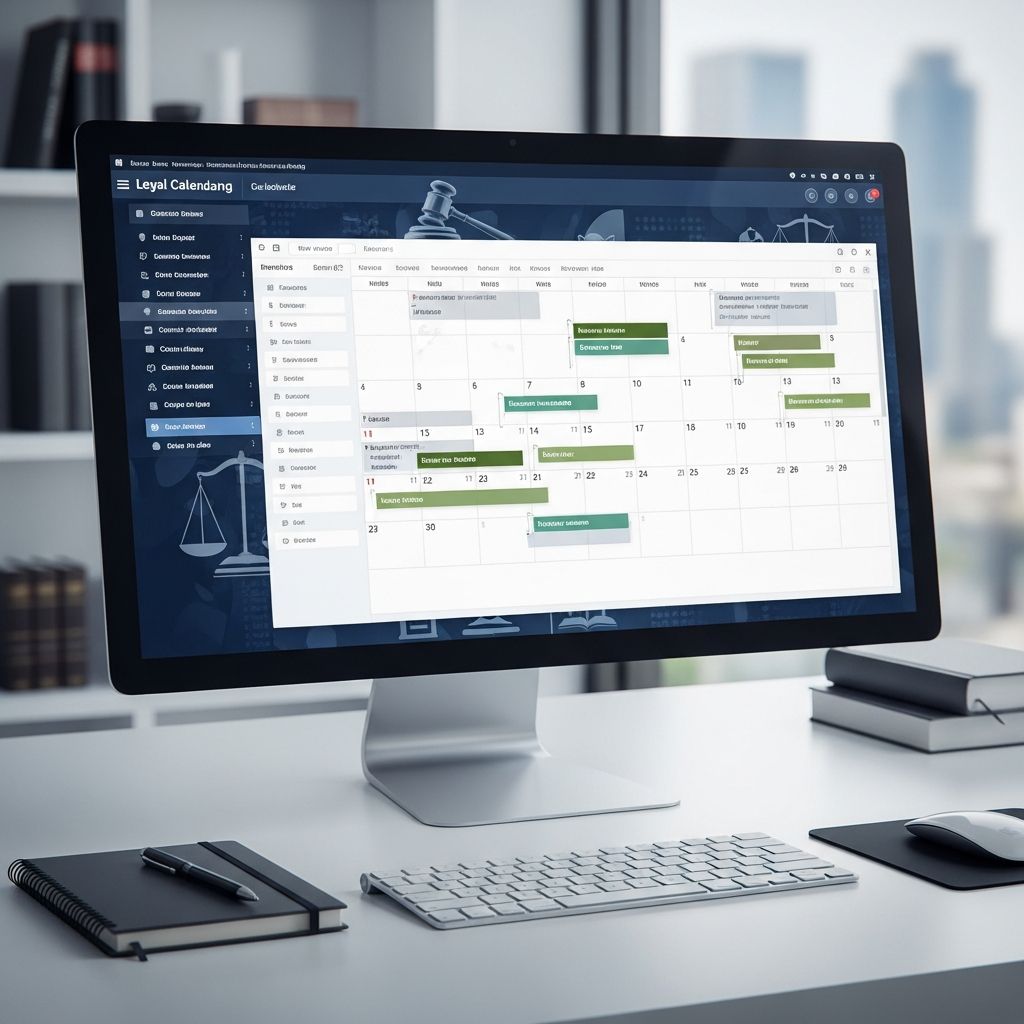
Legal calendaring is much more than tracking meetings and hearings. For a law firm, the calendar is a risk-control system that protects against missed deadlines, malpractice exposure, and compliance failures. Dedicated legal calendaring software brings automation, court-rule intelligence, and firm-wide visibility that generic tools like Outlook or Google Calendar cannot provide.
This guide explains how legal calendaring tools work, which features matter most, how different firm sizes should evaluate options, and practical steps for selecting and rolling out the best solution for your practice.
Why Legal Calendaring Software Matters
In litigation and regulatory practices, a single missed deadline can lead to dismissed claims, sanctions, fee disputes, or malpractice claims. Many legal malpractice insurers identify calendaring and deadline errors as a consistent source of claims, often tied to poor docket control and inadequate systems.
Specialized calendaring systems reduce this risk by:
- Calculating deadlines from triggering events using court rules and statutes.
- Centralizing events, tasks, and reminders across lawyers, staff, and offices.
- Syncing with practice management, document management, and email tools for a unified workflow.
- Maintaining an audit trail that shows who added, edited, or completed each item.
For many firms, moving from ad hoc spreadsheets and personal calendars to a structured rules-based docketing system is one of the highest-impact technology upgrades they can make.
Legal Calendaring vs. Generic Calendar Tools
It is tempting to rely on standard tools like Outlook, Google Calendar, or Apple Calendar. However, these products were not designed around legal deadlines and court rules. Legal calendaring software introduces several capabilities that generic calendars lack.
| Capability | Legal Calendaring Software | Generic Calendars |
|---|---|---|
| Rules-based deadline calculation | Automatically computes deadlines from court rules, statutes, and procedural events. | No legal rules; dates must be entered manually. |
| Jurisdiction-specific rule sets | Includes and updates rules for specific courts and jurisdictions. | None; no link to court rules or updates. |
| Firm-wide docket oversight | Centralized calendars by matter, attorney, or team with role-based permissions. | Individual or shared calendars with limited legal context. |
| Audit trail and compliance logs | Tracks who created, modified, or closed deadlines. | Usually no detailed legal-grade audit trail. |
| Integration with practice management | Links events to matters, documents, tasks, and time entries. | Minimal or no matter-centric linking. |
Core Types of Legal Calendaring Solutions
Most law firms face a choice between three broad categories of tools. Understanding these categories will help you narrow the market quickly.
1. Calendaring Inside Practice Management Platforms
Many cloud practice management systems, such as Clio, MyCase, and CosmoLex, include calendars as part of a broader suite that covers matters, contacts, billing, and documents. In these tools:
- Calendar entries are linked directly to matters and clients.
- Events can trigger tasks, workflows, and sometimes time entries.
- Mobile apps allow lawyers to review schedules and deadlines from anywhere.
These platforms are often ideal for small and mid-sized firms seeking an all-in-one system, especially where calendaring needs are important but not extremely complex across hundreds of jurisdictions.
2. Dedicated Rules-Based Docketing and Court Calendaring Tools
Tools such as LawToolBox and Aderant CompuLaw focus specifically on deadline automation, rules management, and advanced docketing. They typically offer:
- Large libraries of court rules maintained by attorneys for thousands of courts.
- Automatic calculation and updating of deadlines when rules change.
- Integration with Outlook, Microsoft 365, and practice management tools.
These products are particularly relevant for litigation-heavy, multi-jurisdictional, or enterprise firms that need highly reliable, rules-based calendaring.
3. Hybrid and Niche Solutions
Some products focus on specific geographies, practice areas, or integrations (for example, docketing add-ons designed around Microsoft 365 or a particular case management system). These solutions can be a good fit when:
- Your firm already uses a strong practice management platform but needs more powerful rules-based calendaring.
- You manage a high volume of matters in a small set of courts with complex rules.
- You prioritize deep integration with a single ecosystem (such as Microsoft 365).
Essential Features to Evaluate
While every firm has unique needs, certain capabilities tend to matter across the board. When evaluating legal calendaring software, focus first on these core dimensions.
Rules-Based Deadline Automation
The defining feature of legal calendaring is rules-based calculation. Instead of entering each deadline manually, you record a triggering event (for example, service of complaint, filing of a motion), and the system calculates all related dates from governing rules.
Key questions to ask vendors include:
- Which jurisdictions and courts are covered out of the box?
- How quickly are rule changes identified and implemented?
- Who maintains the rules (e.g., in-house attorneys, third-party providers)?
- Can your firm customize or add internal deadlines and workflows to the rules?
Integration with Existing Tools
Calendaring should not be an island. Well-designed systems integrate with:
- Email and productivity tools such as Outlook and Google Workspace for unified views and reminders.
- Practice management or case management platforms so that calendar entries are matter-centric and linked to documents and tasks.
- Timekeeping and billing, allowing events or appointments to convert into time entries when appropriate.
Strong integrations reduce double entry, prevent missed information, and support better reporting on workload and utilization.
Firm-Wide Visibility and Permissions
Effective docket control requires centralized visibility. Look for the ability to:
- View calendars by matter, attorney, team, office, or practice group.
- Set role-based permissions for creating, editing, or approving deadlines.
- Filter by case type, court, or priority to focus on critical matters.
For larger firms, advanced reporting—such as lists of upcoming deadlines by department or high-risk matters with congested calendars—can be invaluable.
Notifications, Reminders, and Escalations
Notifications are not just convenience features; they are part of your risk-control design. Useful capabilities include:
- Multiple reminder intervals (e.g., 30, 14, 7, and 1 day before a deadline).
- Task assignments so each event has a clearly responsible attorney or staff person.
- Escalation rules for high-risk deadlines (for example, notifying a supervising partner).
- In-app alerts plus email and, optionally, mobile push notifications.
Usability and Adoption
A feature-rich tool is useless if lawyers and staff avoid it. During trials or demos, pay close attention to:
- How quickly a new user can create and link a calendar entry to a matter.
- Whether the interface feels intuitive and consistent with your other systems.
- The quality of training materials, onboarding support, and vendor documentation.
Firms often underestimate the importance of training and change management; yet these are critical to realizing the benefits of a new docketing system.
Matching Software to Firm Size and Practice Type
No single product suits every firm. The right solution depends heavily on your size, staffing, and practice mix.
Solo and Small Firms
Solo practitioners and small firms typically need affordable, intuitive tools that combine calendaring with broader practice management capabilities.
Priorities often include:
- Simple setup and minimal IT overhead.
- Cloud access and mobile apps for work on the go.
- Basic rules-based deadline support in the main courts where the firm practices.
- Integrated timekeeping, billing, and client communication.
All-in-one cloud platforms with built-in calendars can be particularly attractive here, since they reduce the need for multiple vendors and complex integrations.
Mid-Sized Firms
Mid-sized firms often balance growing complexity with limited IT resources. They may:
- Practice in multiple jurisdictions with more varied rule sets.
- Have multiple offices that require standardized processes.
- Need stronger reporting on workloads, deadlines, and utilization.
For these firms, a robust practice management platform paired with either built-in advanced calendaring or a dedicated rules engine (such as a connection to a specialized docketing service) can work well.
Large and Enterprise Firms
Larger firms, national practices, and litigation boutiques with heavy court workloads often require enterprise-grade docketing systems.
Common characteristics include:
- Coverage for thousands of courts and jurisdictions with frequent rule changes.
- Dedicated docketing or calendar staff who manage central calendars.
- Complex integrations with document management, e-discovery, and financial systems.
- Granular security controls and detailed audit trails for compliance.
These firms often adopt a dedicated rules-based docketing platform and connect it to their existing case or practice management system through integrations or APIs.
Practical Steps to Selecting a Calendaring System
Choosing software is not just a feature comparison exercise. A structured process helps ensure that the final decision works in practice.
1. Map Your Current Calendaring Process
Before evaluating tools, document how your firm currently manages deadlines:
- Where are dates stored (individual calendars, spreadsheets, shared drives, paper files)?
- Who is responsible for calculating deadlines and cross-checking rules?
- How are changes communicated when courts modify procedures or rule sets?
- What near-misses or actual errors have occurred in the last few years?
This baseline will highlight specific risks and inefficiencies that software should address.
2. Define Requirements and Priorities
Next, create a concise list of must-have and nice-to-have capabilities. For example:
- Required: coverage of key courts and jurisdictions, Outlook integration, multi-user access.
- Nice-to-have: advanced workload reports, client-facing portals, automated time entry from events.
Include representatives from litigation, transactional practice, and support staff so multiple viewpoints are considered.
3. Shortlist and Test Vendors
Use vendor websites, independent reviews, and trusted directories to build a shortlist of products that appear to fit your needs.[10]
Then:
- Schedule demos focused on real scenarios from your practice.
- Request trial access and run a pilot with a small group of attorneys and staff.
- Validate rule coverage for the courts most important to your firm.
4. Evaluate Pricing and Total Cost of Ownership
Pricing models vary widely. Consider:
- Per-user subscription costs versus firm-wide licenses.
- Additional fees for extra rule sets, integrations, or premium support.
- Time spent on training, data migration, and configuration.
The lowest sticker price may not be the best value if it lacks features that prevent expensive errors or requires heavy manual workarounds.
5. Plan Implementation and Training
Successful rollouts typically include:
- Clear policies on who enters and verifies calendared events.
- Standard naming conventions for matters, events, and tasks.
- Training sessions tailored for lawyers, paralegals, and administrative staff.
- Ongoing reviews of error logs, exceptions, and user feedback.
Calendaring is a shared responsibility. Written procedures, combined with the right technology, create a more reliable system than either alone.
Common Pitfalls to Avoid
When adopting new calendaring software, firms often encounter avoidable mistakes. Watch for:
- Underestimating rule complexity: assuming a generic tool can capture nuanced jurisdictional rules and local practices.
- Fragmented systems: allowing each department to use different tools without firm-wide oversight.
- Incomplete data migration: moving only upcoming deadlines and ignoring historical data needed for context.
- Insufficient training: relying on one-time demos instead of ongoing reinforcement and new-hire onboarding.
Sample Evaluation Checklist
Use the checklist below during vendor demos and trials to keep assessments consistent.
- Does the system support all key courts and jurisdictions used by our firm?
- How does it handle rule updates and notify us of changes?
- Can we integrate it with Outlook, Google Calendar, and our practice management system?
- Are firm-wide dashboards and reports available for upcoming deadlines?
- What training, onboarding, and ongoing support does the vendor provide?
- Can we export or back up our calendar data in a standard format if we ever change systems?
Frequently Asked Questions (FAQs)
Q: How is legal calendaring software different from Outlook or Google Calendar?
A: Legal calendaring software incorporates court rules, statutes, and jurisdiction-specific deadlines, allowing it to automatically compute dates from legal events and update them when rules change. Outlook and Google Calendar, by contrast, only store dates you enter manually and do not understand legal rules or provide compliance-focused audit trails.
Q: Do small law firms really need specialized calendaring?
A: Even solo and small firms benefit from rules-based reminders and centralization, particularly in litigation or regulatory practices. Cloud-based practice management tools with integrated calendaring often provide an affordable way to reduce risk while also improving billing and client communication.
Q: Are rules-based docketing tools only for large firms?
A: Dedicated docketing platforms are common in large and multi-jurisdictional firms, but they can also help smaller practices that handle complex litigation across several courts. The key is whether your risk profile and workload justify the added depth and cost compared with simpler solutions.
Q: What integrations should we prioritize?
A: Most firms should prioritize integration with email and productivity tools (such as Outlook or Google Workspace), their primary practice or case management platform, and any timekeeping/billing systems they use. These connections reduce duplicate data entry and ensure that deadlines, tasks, and time records stay synchronized.
Q: How often do court rule libraries need to be updated?
A: Courts regularly amend procedural rules, local rules, and administrative orders. Leading docketing providers maintain dedicated legal teams to monitor these changes and update rule libraries, sometimes covering thousands of courts. When evaluating products, ask how frequently updates are released and how you are notified of significant changes.
References
- The Definitive Guide to Legal Calendaring Software for Law Firms — RunSensible. 2024-01-15. https://www.runsensible.com/blog/legal-calendaring-software-law-firms/
- Top Legal Calendaring Software for Efficient Case Management — TrueReview. 2024-05-10. https://www.truereview.co/post/legal-calendaring-software
- Choosing the Right Legal Calendaring Software for Your Firm — Countrywide Process. 2024-06-20. https://countrywideprocess.com/public/blog/right-legal-calendaring-software-for-your-firm/
- 8 Features of the Best Legal Calendar Software — PracticePanther. 2023-11-02. https://www.practicepanther.com/blog/8-features-of-the-best-legal-calendar-software/
- Best Court Calendaring Software for Lawyers 2025 — LawNext Directory. 2025-01-05. https://directory.lawnext.com/categories/court-calendaring/
- The Top 19 Legal Calendaring Software for Scheduling of 2025 — The Legal Practice. 2025-02-18. https://thelegalpractice.com/tools/best-legal-calendaring-software/
- Best Legal Calendaring & Docketing Software – 2025 Reviews — Software Advice. 2025-03-01. https://www.softwareadvice.com/legal/calendaring-docketing-comparison/
Similar Articles








Read full bio of Sneha Tete


