
Avoiding Probate eFiling Rejection in Los Angeles
Learn the most frequent reasons Los Angeles probate eFilings are rejected and how to prepare accurate, compliant submissions every time.
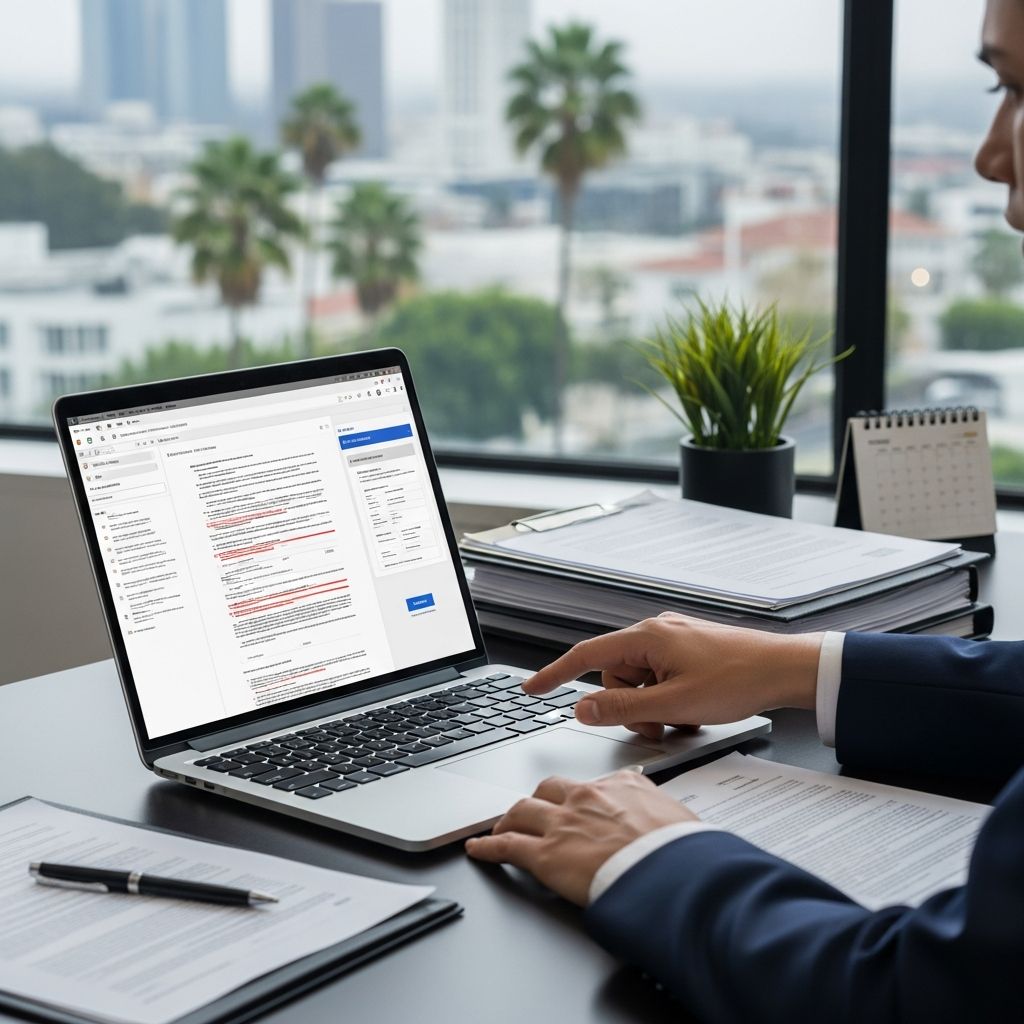
Electronic filing has transformed how probate matters are handled in Los Angeles County, but it has also created new ways for a filing to be rejected. Understanding where eFilers most often go wrong allows law firms, self-represented litigants, and legal support professionals to submit cleaner, more compliant documents and avoid costly delays.
This guide explains the most common rejection reasons in Los Angeles probate eFiling, practical prevention strategies, and what to do after a filing is returned by the court.
Why Probate eFilings Get Rejected
Courts across California consistently report that many rejections stem from avoidable technical issues, rather than substantive legal problems. These typically involve:
- Choosing the wrong filing category or case type
- Using an incorrect or mismatched case number
- Submitting documents that must be filed in paper form
- Uploading incomplete, obsolete, or defective forms
- Paying the wrong fees or selecting the wrong fee options
Probate divisions in several California counties identify similar patterns, suggesting that these problems are systemic rather than unique to any single court.
Core Technical Errors That Trigger Rejection
Technical mistakes are the primary source of probate eFiling rejection in Los Angeles. Many can be avoided with a short pre-submission checklist.
1. Treating a Subsequent Filing as a New Case
One of the leading causes of rejection is submitting a document that belongs in an existing probate case as if it were opening a new case. Courts and eFiling service providers report this issue repeatedly in Los Angeles probate matters.
Common examples include:
- Filing supplemental pleadings or amended petitions as new cases
- Submitting proposed orders under a brand-new case number
- Re-filing documents after rejection without linking them to the original case
How to prevent it:
- Search your internal system and the court’s online case summary to confirm whether a case number exists.
- If a case number is present on any related document, treat your filing as a subsequent filing, not a new one.
- Train staff to verify case status before initiating any new probate action.
2. Case Number and Case Information Do Not Match
Another frequent rejection reason is a mismatch between the case number and case details such as party names, court location, or case type.
Typical mismatch scenarios:
- Correct case number but wrong courthouse selected
- Wrong case type (e.g., civil instead of probate) chosen for a valid case number
- Misspelled party names that do not match the case caption
How to prevent it:
- Copy the case number directly from the court’s online docket or official notice.
- Double-check that the case number, court location, and case type in the eFiling system match the caption on your documents.
- Confirm spelling and formatting of party names against the existing case record.
3. Submitting Proposed Orders at the Wrong Time
Los Angeles probate clerks frequently return proposed orders that are filed either prematurely or out of sequence. Local guidance generally expects proposed orders to be submitted after the court has ruled, not before, unless local rules specify otherwise.
Problems arise when:
- A proposed order is eFiled before the hearing on the related petition or motion
- A revised proposed order is filed without clarifying how it relates to the court’s ruling
- A proposed order is re-submitted as a new case or under an incorrect filing code
How to prevent it:
- Bring a proposed order to the hearing and be prepared to eFile it only after the ruling is issued.
- Label revised orders carefully and follow any local procedures for amended or corrected orders.
- Use the specific filing codes designated for proposed orders in probate matters.
Documents That Cannot Be Electronically Filed
Not every probate document is eligible for electronic filing. Submitting exempt documents through the eFiling system is a common reason for automatic rejection in California probate courts.
Typical Probate Documents Requiring Paper Submission
While local lists vary by county, probate divisions across California commonly require the following to be filed in original paper form:
- Original wills and codicils
- Original trust instruments (where required)
- Undertakings and surety bonds
- Certain lodged documents and trial/hearing exhibits
- Documents submitted under seal or provisionally under seal
- Certified death certificates and similar vital records
The San Bernardino and Orange County Superior Courts, for example, publish explicit lists of probate documents that cannot be eFiled, and Los Angeles practices are substantially similar.
How to prevent it:
- Review Los Angeles Superior Court’s current probate eFiling FAQ or local rules before each new case.
- Confirm whether a document must be lodged or filed conventionally before uploading anything that appears original, certified, or under seal.
- Train staff to flag any document described as an “original” or “certified copy” for manual filing review.
Form and Formatting Problems
Even where the correct case information and document type are used, the filing may still be rejected if the form itself is outdated, incomplete, or noncompliant with California Rules of Court.
1. Obsolete or Non-Compliant Judicial Council Forms
Probate filings that use superseded Judicial Council forms or local forms that no longer conform to California Rules of Court, rules 2.100–2.141, risk rejection.
Best practices:
- Download forms directly from the California Courts official website or the court’s local forms page to ensure you have current versions.
- Check revision dates on every form before reusing templates.
- Avoid storing static PDF forms for long periods without confirming they remain current.
2. Incomplete or Defective Documents
Courts regularly return probate filings marked as “incomplete” or “defective” where critical information, signatures, or attachments are missing.
Examples include:
- Unsigned pleadings or verifications
- Missing exhibits referenced in the body of the petition
- Omitted mandatory attachments or schedules for inventories and accountings
- Illegible scans or improperly rotated pages
Quality control steps:
- Use an internal checklist for each type of probate filing that identifies required attachments and signatures.
- Open the final PDF before uploading to verify page order, orientation, and legibility.
- Ensure each document is uploaded as a separate PDF in the correct order, as many courts reject multiple filings combined into a single PDF.
Fee and Payment-Related Rejections
Payment errors are another recurring issue in California eFiling systems. Courts note that filings may be rejected when fees are underpaid, overpaid in a way that suggests an incorrect filing type, or when the filer selects the wrong fee status.
1. Incorrect Fee Amount or Missing Fees
Probate filings often require multiple fees—petition filing fees, motion fees, and various service or certification charges. When the eFiling system prompts for fee selection, filers may mistakenly omit a necessary fee or select one that does not apply, leading to rejection.
Prevention tips:
- Consult the current Los Angeles Superior Court fee schedule for probate matters before submitting.
- Confirm that all required fees for the specific document type are selected in the eFiling interface.
- Document internal procedures for handling service provider and court technology fees.
2. Wrong Fee Waiver or Government Code Selection
Several California courts indicate that choosing an incorrect fee waiver status or government code exemption in the eFiling system can cause rejection.
Examples include:
- Selecting a fee waiver where none has been granted
- Invoking Government Code section 6103 for entities that are not actually exempt
- Failing to attach a granted fee waiver order where required
How to avoid problems:
- Verify that a valid fee waiver order is on file before claiming waiver status.
- Ensure your office understands which agencies and officials qualify for statutory fee exemptions.
- Attach supporting documentation for any claimed exemption when required by local rule.
Less Obvious but Common Rejection Triggers
Beyond the major categories above, several smaller but frequent mistakes can also lead to a returned probate eFiling.
| Issue | How It Appears | Prevention Strategy |
|---|---|---|
| Wrong case category or type | Filer selects civil, family, or an incorrect probate subtype instead of the proper category. | Confirm case category on the court’s website; cross-check with the petition you are filing. |
| Incorrect court location | Case belongs in one probate district, but filing is sent to another location. | Use the case assignment rules and existing case summary to identify the proper courthouse. |
| Duplicate submissions | Same document filed multiple times due to uncertainty about system status. | Wait for acceptance or rejection notice; check the online docket before refiling. |
| Untimely submissions | Ex parte or time-sensitive documents filed after the cutoff. | Know local cutoff times and internal deadlines; allow cushion for technical issues. |
What Happens After You eFile?
Submitting an electronic document does not mean it has been accepted. Courts emphasize that confirmation of receipt is not the same as filing approval.
Processing and Review Time
Processing times vary by document type and case volume. In many California courts, routine probate submissions may be reviewed within a few business days, while proposed orders can take longer to process.
Before contacting the court:
- Check your eFiling provider portal for updated status.
- Review the court’s online case summary to see whether the document has posted to the docket.
- Allow the timeframe indicated in the court’s published eFiling FAQ before following up.
Understanding a Rejection Notice
If your probate eFiling is rejected, the court will send a notice—usually through your electronic filing service provider—stating the reason.
When you receive a rejection:
- Read the clerk’s comments closely; they often specify exactly what is wrong (e.g., wrong case type, incomplete document, wrong fee selection).
- Correct the specified deficiency before resubmitting to avoid repeated rejections.
- If the reason is unclear, consult the court’s eFiling FAQ or contact the probate clerk’s office for clarification.
In some circumstances, if a document becomes untimely due to a rejection or filing error, parties may need to seek relief from the court through an appropriate motion or application.
Building an Internal Probate eFiling Workflow
Law firms and legal departments that handle probate matters regularly can reduce rejections significantly by establishing a standardized eFiling workflow.
Key Components of an Effective Workflow
- Centralized checklists: Create document-specific checklists for initial petitions, accountings, proposed orders, and closing documents, including required forms, attachments, and fees.
- Designated reviewer: Assign an attorney or senior staff member to review all probate eFilings for accuracy before submission.
- Form library control: Maintain a centralized, date-stamped library of Judicial Council and local forms, updated regularly from official court sources.
- Training and refreshers: Provide periodic training on Los Angeles probate eFiling requirements, emphasizing frequent rejection reasons and recent rule updates.
- Status monitoring: Designate who will monitor acceptance, rejection, and post-filing deadlines in the eFiling provider portal.
Frequently Asked Questions (FAQs)
Q: How do I know if a probate document in Los Angeles can be eFiled?
A: Start by reviewing the Los Angeles Superior Court probate eFiling FAQ and any local rules addressing electronic filing. If the document is an original will, bond, certified record, or a document filed under seal, assume it may require conventional filing and confirm with the court’s published guidance or the probate clerk.
Q: What should I do if my probate eFiling is rejected close to a deadline?
A: Correct the error immediately and resubmit through the eFiling system, documenting when the original submission occurred. If the deadline has passed or is at risk, consult the California Code of Civil Procedure and local rules about seeking relief for late filing, and consider filing an appropriate motion or application explaining the circumstances.
Q: Why was my filing rejected even though I received a confirmation email?
A: The initial confirmation typically acknowledges receipt by the eFiling system, not acceptance by the court. The filing is only deemed accepted when the court reviews it and issues a separate notice of acceptance. A follow-up notice may state that the filing was rejected and provide the reason.
Q: How can I reduce the chance of repeated rejections for the same case?
A: Analyze each rejection notice and update your internal checklist for that case type. Verify case number, court location, document type, and fees before every resubmission. Where the clerk’s comments are unclear, call the probate clerk’s office and ask for specific guidance to avoid repeating the same error.
Q: Do different California counties use the same probate eFiling rules as Los Angeles?
A: Many underlying requirements come from statewide California Rules of Court, but each county can adopt its own local rules, exemption lists, and technical standards for eFiling. Always review the local rules and eFiling FAQ of the specific county—such as San Bernardino, Orange, or San Mateo—before assuming that Los Angeles practices apply.
References
- Probate eFiling FAQ — Superior Court of California, County of San Bernardino. 2024-01-10. https://sanbernardino.courts.ca.gov/online-services/efiling/probate-efiling/probate-efiling-faq
- Los Angeles Superior Court Probate eFiling FAQs (PDF) — Superior Court of California, County of Los Angeles. 2018-09-01. https://www.lacourt.org/division/efiling/pdf/efiling_faq.pdf
- Typical Causes of Probate Filing Rejection in Los Angeles — First Legal. 2019-06-12. https://www.firstlegal.com/typical-causes-of-probate-filing-rejection-in-los-angeles/
- eFiling FAQs — Superior Court of California, County of Orange. 2023-04-05. https://www.occourts.org/online-services/efiling/efiling-faqs
- E-Filing — Superior Court of California, County of San Mateo. 2022-11-30. https://sanmateo.courts.ca.gov/online-services/e-filing
- LA reveals top eFiling rejection reasons for probate — One Legal. 2018-08-01. https://www.onelegal.com/blog/la-reveals-top-efiling-rejection-reasons-for-probate/
Similar Articles








Read full bio of medha deb


