
Tech Pitfalls for Lawyers: Avoid Costly Errors
Discover the top technology mistakes lawyers make and practical strategies to safeguard your practice from digital disasters.
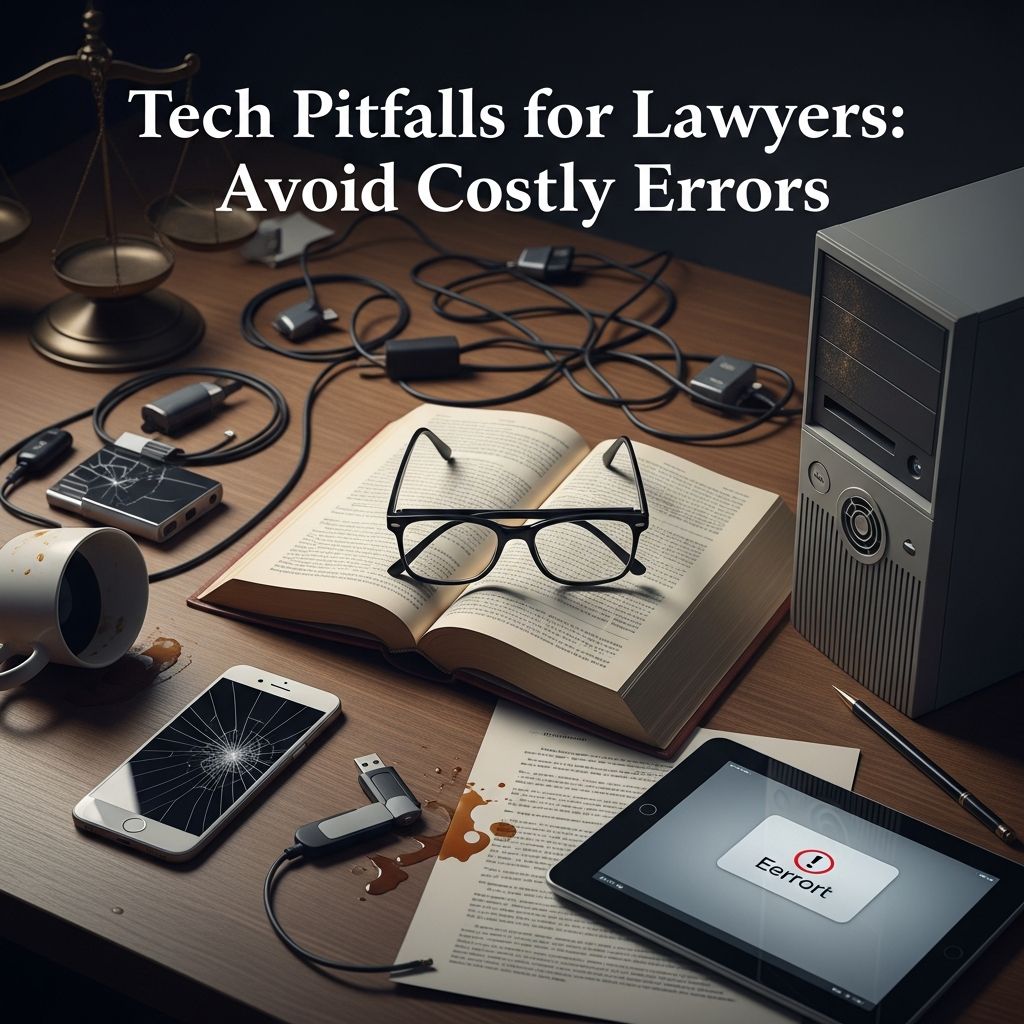
In today’s digital legal landscape, technology is indispensable for lawyers. From managing vast case files to communicating with clients and courts, reliance on digital tools is unavoidable. However, mishandling these tools can lead to devastating consequences like data breaches, malpractice claims, and reputational damage. This article delves into prevalent technology missteps in legal practice, drawing from real-world incidents and expert guidance to equip attorneys with strategies for avoidance.
Understanding the Stakes of Tech Incompetence in Law
Legal professionals are bound by ethical duties to maintain competence, which now explicitly includes technological proficiency. The American Bar Association’s Model Rule 1.1 emphasizes that lawyers must understand the risks and benefits of relevant technology. Failure here doesn’t just risk professional embarrassment; it can result in sanctions, client losses, and financial penalties. High-profile cases illustrate how simple oversights escalate into national news, underscoring the need for vigilance.
Consider the rapid evolution of e-discovery: modern litigation generates terabytes of electronically stored information (ESI). Without proper handling, this overwhelms unprepared firms, leading to incomplete productions or spoliation claims. Cybersecurity threats compound these issues, with law firms targeted due to their treasure trove of sensitive data. Proactive measures are essential to navigate this terrain safely.
Critical Error 1: Inadequate Redaction Practices
One of the most frequent and embarrassing tech failures involves improper redaction of sensitive documents. Redaction entails permanently obscuring confidential information before filing or sharing. Yet, many attorneys rely on basic tools like PDF editors without grasping their limitations, resulting in ‘failed redactions’ where hidden text resurfaces easily.
Real-world debacles abound. In a notable federal case, defense counsel submitted filings with blacked-out sections that copy-paste revealed privileged communications, compromising strategy and extending sentences. Similarly, corporate counsel for a tech giant exposed internal user data discussions via a poorly redacted PDF, fueling public scrutiny.
How to Mitigate:
- Employ specialized e-discovery software with true redaction features that delete underlying data, not just overlay visuals.
- Test redactions rigorously: attempt to copy-paste, search text, and convert formats to verify permanence.
- Train staff on tools like Adobe Acrobat Pro’s redaction module or enterprise platforms such as Everlaw, which automate and audit the process.
Adopting these habits prevents inadvertent disclosures that could undermine cases or invite ethical complaints.
Critical Error 2: Flawed Data Collection and Preservation
During discovery, collecting and preserving ESI demands precision. Errors here—such as using unfit tools or neglecting preservation protocols—can derail trials. Lawyers have faced sanctions for missing vast document troves due to improper search methods, like relying on basic email clients instead of defensible forensic tools.
In one international antitrust matter, counsel’s use of Microsoft Outlook overlooked hundreds of thousands of relevant files, delaying proceedings by years and incurring massive cost awards. Preservation lapses compound this: failing to issue timely litigation holds allows auto-deletion of cloud-based chats and emails, constituting spoliation.
| Common Collection Pitfall | Consequence | Solution |
|---|---|---|
| Using consumer-grade search tools | Misses hidden or archived data | Deploy forensic software like Relativity or Nuix |
| Ignoring cloud storage | Spoliation of web-based ESI | Implement immediate holds across all platforms |
| No chain-of-custody logging | Admissibility challenges | Use audited collection protocols |
Partnering with e-discovery experts ensures compliance with Federal Rules of Civil Procedure, particularly Rule 37(e) on failure to preserve.
Critical Error 3: Neglecting Mobile Device Security
Mobile devices are lifelines for lawyers, enabling on-the-go case management. However, unencrypted smartphones and laptops pose severe risks if lost or stolen, exposing client confidences in violation of ethical duties under ABA Model Rule 1.6.
A stolen unencrypted device grants immediate access to emails, drafts, and filings. Post-pandemic remote work amplifies this, with hybrid setups blurring office safeguards. Encryption—scrambling data accessible only via correct credentials—is non-negotiable.
Implementation Steps:
- Enable built-in encryption: iOS FileVault, Android full-disk, BitLocker for Windows.
- Use MDM solutions for remote wipe capabilities.
- Conduct regular security audits and employee training.
These measures align with ABA cybersecurity guidelines, fortifying defenses against opportunistic theft.
Critical Error 4: Overreliance on Email Autocomplete and Attachments
Email is the backbone of legal communication, but autocomplete blunders and unvetted attachments invite chaos. Autocomplete often suggests incorrect recipients, dispatching privileged info to adversaries or journalists. A pharmaceutical executive once routed sensitive strategy to a reporter instead of a colleague, spawning headlines.
Attachments fare worse: phishing lures disguised as contracts infiltrate networks. A Canadian firm lost substantial sums after a bookkeeper clicked a malicious screensaver attachment, granting hackers entry.
Avoidance Tactics:
- Disable or double-check autocomplete; always verify addresses manually.
- Scan attachments with enterprise antivirus and avoid unsolicited opens.
- Adopt secure portals like Clio or PracticePanther for file sharing.
Critical Error 5: Lax Cybersecurity and Vendor Oversight
Law firms are prime cyber targets, housing PII, financials, and strategies. Common lapses include outdated software, weak passwords, and unvetted vendors. A UK vendor breach exposed 193 firms’ data in 2020, highlighting supply chain risks.
ABA recommends ongoing training, IT collaboration, and multi-factor authentication (MFA). From home offices, VPNs and endpoint detection are vital.
Cyber Hygiene Checklist:
- Enforce MFA everywhere.
- Update patches promptly.
- Vet vendors via SOC 2 reports.
- Simulate phishing for staff readiness.
Building a Tech-Savvy Legal Practice
Beyond avoidance, cultivate competence through CLE on tech ethics, software pilots, and IT partnerships. Managed service providers (MSPs) handle infrastructure, freeing focus for law. Cloud platforms offer scalability and built-in security, but demand due diligence.
Firms ignoring IT face disruptions from glitches, data loss, or ransomware. Proactive investment yields efficiency gains: automated billing, AI-driven research, seamless collaboration.
Frequently Asked Questions (FAQs)
What is the biggest tech risk for lawyers today?
The most pressing risk is cybersecurity breaches, given firms’ valuable data. Implementing MFA and training reduces this significantly.
How can small firms afford e-discovery tools?
Many platforms offer tiered pricing; start with freemium trials and scale. Outsourcing collections cuts upfront costs.
Is tech competence ethically required?
Yes, ABA Model Rule 1.1 mandates understanding relevant technology’s risks and benefits.
What if I experience a redaction failure?
Notify affected parties immediately, assess damage, and consult ethics counsel to mitigate sanctions.
How often should cybersecurity training occur?
Annually at minimum, plus post-incident refreshers and phishing simulations quarterly.
Mastering technology fortifies your practice against pitfalls, ensuring client trust and professional success in a connected world.
References
- Lawyer Tech Competence: 5 Debacles You Can Avoid — Everlaw. 2023-05-15. https://www.everlaw.com/blog/legal-technology/lawyer-technology-competence-5-debacles-you-can-avoid/
- Top 5 Tech Mistakes Lawyers Make and How to Avoid Them — Visiting Geeks. 2022-08-10. https://visitinggeeks.com/ebooks/TechMistakesLawyers.pdf
- ABA Model Rules of Professional Conduct: Rule 1.1 Competence — American Bar Association. 2024-01-01. https://www.americanbar.org/groups/professional_responsibility/publications/model_rules_of_professional_conduct/rule_1_1_competence/
- Cybersecurity for Lawyers — American Bar Association. 2023-11-20. https://www.americanbar.org/groups/law_practice/resources/law-technology-techguide/cybersecurity/
- Federal Rules of Civil Procedure, Rule 37 — United States Courts. 2023-12-01. https://www.uscourts.gov/rules-policies/current-rules-practice-procedure/federal-rules-civil-procedure/2023-federal-rules-civil-procedure/rule-37-failure-disclose-or-supplement
Similar Articles








Read full bio of medha deb




