
Spotting Dangerous Emails: Key Indicators of Threats
Learn to identify phishing emails and email threats before they compromise your security and data.
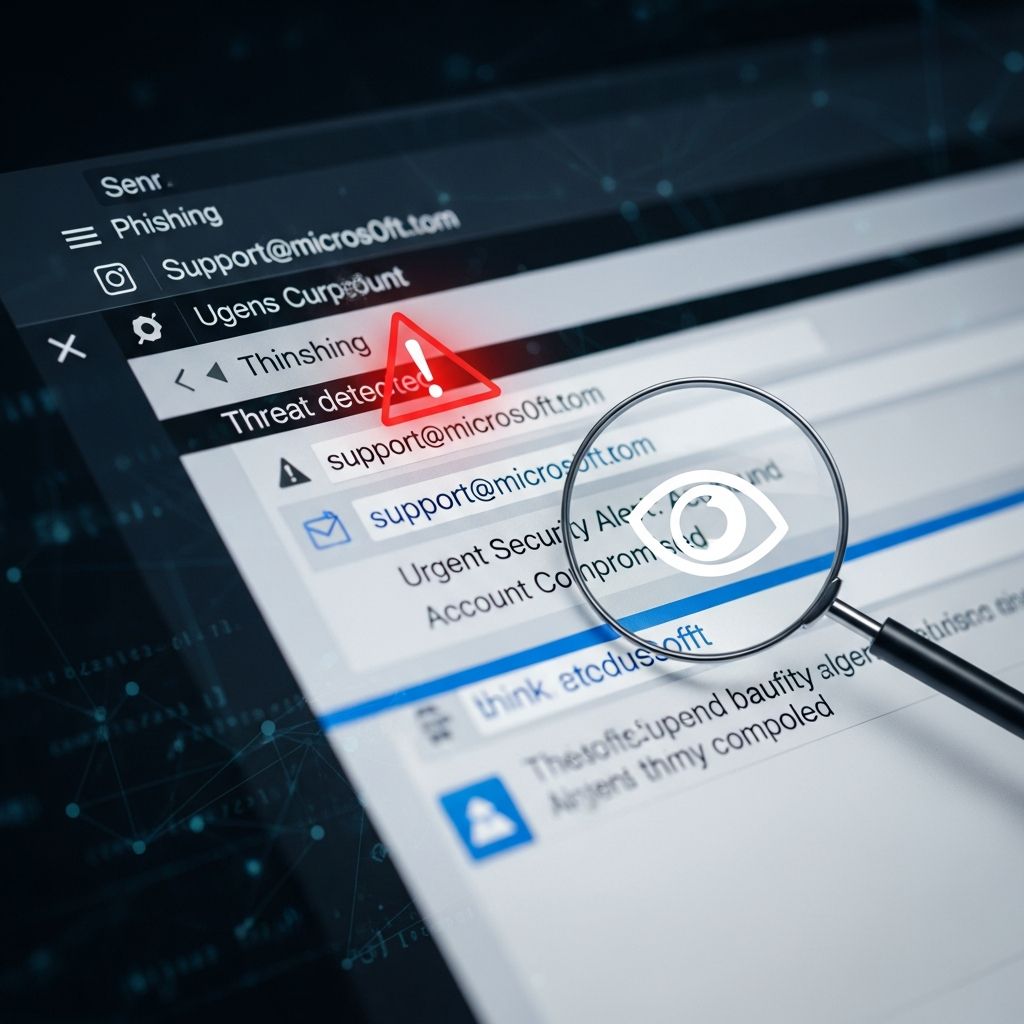
Emails remain one of the primary vectors for cyber attacks, with phishing and malware-laden messages tricking millions annually. Understanding subtle cues can prevent devastating breaches. This guide explores critical red flags, protective strategies, and response protocols to safeguard your digital life.
Understanding Email-Based Cyber Risks
Cybercriminals exploit email’s ubiquity to deliver malware, steal credentials, or launch ransomware. According to cybersecurity reports, phishing accounts for over 90% of data breaches, often disguised as legitimate communications. Recognition starts with vigilance against anomalies in everyday inbox traffic.
Modern threats evolve rapidly, incorporating AI-generated content to mimic trusted sources. Yet, persistent patterns like poor craftsmanship or manipulative psychology betray their origins. By mastering these indicators, individuals and organizations can drastically reduce vulnerability.
Red Flag 1: Anomalous Sender Information
The sender’s identity often provides the first clue. Legitimate organizations use branded domains, such as support@company.com, while fraudsters opt for free services like gmail.com or slight misspellings like amaz0n-support.com. Always scrutinize the full email address, not just the display name.
Even familiar contacts can be spoofed. Hover over the sender field to reveal the true origin. Discrepancies, such as a colleague’s email from an unrelated domain, signal impersonation. Canadian cybersecurity guidelines emphasize checking for invalid usernames or altered domains as immediate alerts.
- Public email domains impersonating corporations
- Misspelled company names in addresses
- Inconsistent sender history from known contacts
Red Flag 2: Language and Formatting Irregularities
Phishers frequently betray themselves through subpar writing. Expect grammatical errors, awkward phrasing, or unnatural formality from supposed colleagues. A message from your CTO starting ‘Dear Valued Employee’ instead of your usual casual greeting warrants pause.
Formatting glitches, like distorted logos or mismatched fonts, further expose fakes. Professional entities maintain consistent branding; deviations indicate hasty forgery. These errors persist despite AI tools, as attackers prioritize speed over polish.
| Legitimate Email Traits | Phishing Indicators |
|---|---|
| Professional grammar | Spelling mistakes |
| Customized greetings | Generic salutations |
| Consistent branding | Pixelated or off logos |
Red Flag 3: Pressure Tactics and Urgent Demands
Urgency overrides caution, a hallmark of scams. Phrases like ‘Act now or lose access’ or ‘Account suspension in 24 hours’ aim to provoke hasty clicks. Real organizations rarely issue sudden, high-stakes ultimatums via email.
Threats amplify this, warning of penalties for inaction. Recent examples include fake IRS notices demanding immediate payment or HR alerts about policy violations. Pause and verify independently—contact the sender through official channels.
Red Flag 4: Dubious Links and Hover Tests
Embedded hyperlinks pose severe risks. Hovering reveals the true destination; mismatches between displayed text (‘bank.com’) and actual URL (bank-scam.ru) scream danger. Never click suspicious links—type URLs manually.
Shortened URLs obscure threats, but tools like preview extensions expose them. In 2025, scams mimicked banks with domains like chase-secure-login.com, harvesting credentials upon visit. Domain inconsistencies remain a foolproof detector.
Red Flag 5: Unexpected File Attachments
Attachments from unknown or unanticipated sources demand caution. Common malware carriers include .exe, .zip, or macro-enabled docs disguised as invoices. Even from known senders, unsolicited files merit scanning.
Enable no automatic previews; use antivirus software first. Phishing payloads often lurk in ‘urgent updates’ or ‘tax forms.’ If unrequested, delete without opening.
Advanced Signs: Account Compromise Indicators
Beyond incoming threats, monitor for hijacking. Unsolicited sent emails, especially spam to contacts, indicate breach. Friends reporting odd messages from you? Immediate action required.
Check settings for unauthorized forwards, filters, or delegates. Attackers install these stealthily to siphon data. Regular audits prevent escalation.
Protective Measures and Best Practices
Layer defenses: Implement multi-factor authentication, train on recognition, and deploy email filters. Report suspects to IT or providers. Browser extensions like uBlock block known malicious domains.
For businesses, simulate attacks via training platforms. Individuals: Use password managers and keep software updated. These habits neutralize most threats.
- Verify sender domains meticulously
- Hover before clicking any link
- Scan all attachments
- Ignore urgent demands
- Monitor sent folders routinely
Responding to Suspected Incidents
Encounter a red flag? Isolate: Don’t engage. Forward to security teams without interacting. Change passwords from a clean device. Run full system scans with reputable antivirus.
If compromised, notify contacts to ignore your outbound spam. Restore from backups if ransomware strikes. Swift response minimizes damage.
Frequently Asked Questions (FAQs)
What should I do if I click a suspicious link?
Disconnect from the internet, run antivirus scans, change passwords, and monitor accounts for irregularities. Enable MFA immediately.
Can phishing emails come from trusted contacts?
Yes, via account compromise or spoofing. Verify independently—don’t reply directly.
Are mobile devices safe from email threats?
No, 85% of opens occur on phones, where addresses hide, amplifying risks. Use app security features.
How do I report phishing attempts?
Forward to providers (e.g., report@phishing.gov), FTC at reportfraud.ftc.gov, or antivirus vendors.
What’s the most common phishing goal?
Credential theft for further attacks, followed by malware deployment.
Long-Term Vigilance in a Threat Landscape
Cyber threats adapt, but human oversight remains key. Seasonal scams spike around taxes or holidays, leveraging timeliness. Stay informed via official alerts from CISA or cybersecurity centers.
Education empowers: Share these insights. In 2026, with rising AI sophistication, pattern recognition separates secure users from victims. Prioritize scrutiny; your inbox security depends on it.
References
- 10 Most Common Signs of a Phishing Email — Cofense. 2023. https://cofense.com/knowledge-center/10-most-common-signs-of-a-phishing-email
- 5 Signs Your Email Might Be Compromised — Digital Boardwalk. 2025-06. https://digitalboardwalk.com/2025/06/5-signs-your-email-might-be-compromised-and-what-to-do-about-it/
- How to Spot a Phishing Email — GRC Solutions. 2025. https://grcsolutions.io/5-ways-to-detect-a-phishing-email/
- 5 Tell-Tale Signs of a Phishing Email — GAT Labs. 2024. https://gatlabs.com/blogpost/the-tell-tale-signs-of-a-phishing-email/
- Spotting Malicious Email Messages (ITSAP.00.100) — Canadian Centre for Cyber Security (Government of Canada). 2023. https://www.cyber.gc.ca/en/guidance/spotting-malicious-email-messages-itsap00100
Similar Articles








Read full bio of medha deb




