
Smartphone Productivity: Expert Strategies To Boost Work Focus
Transform your mobile device into a powerful productivity tool for workplace success.
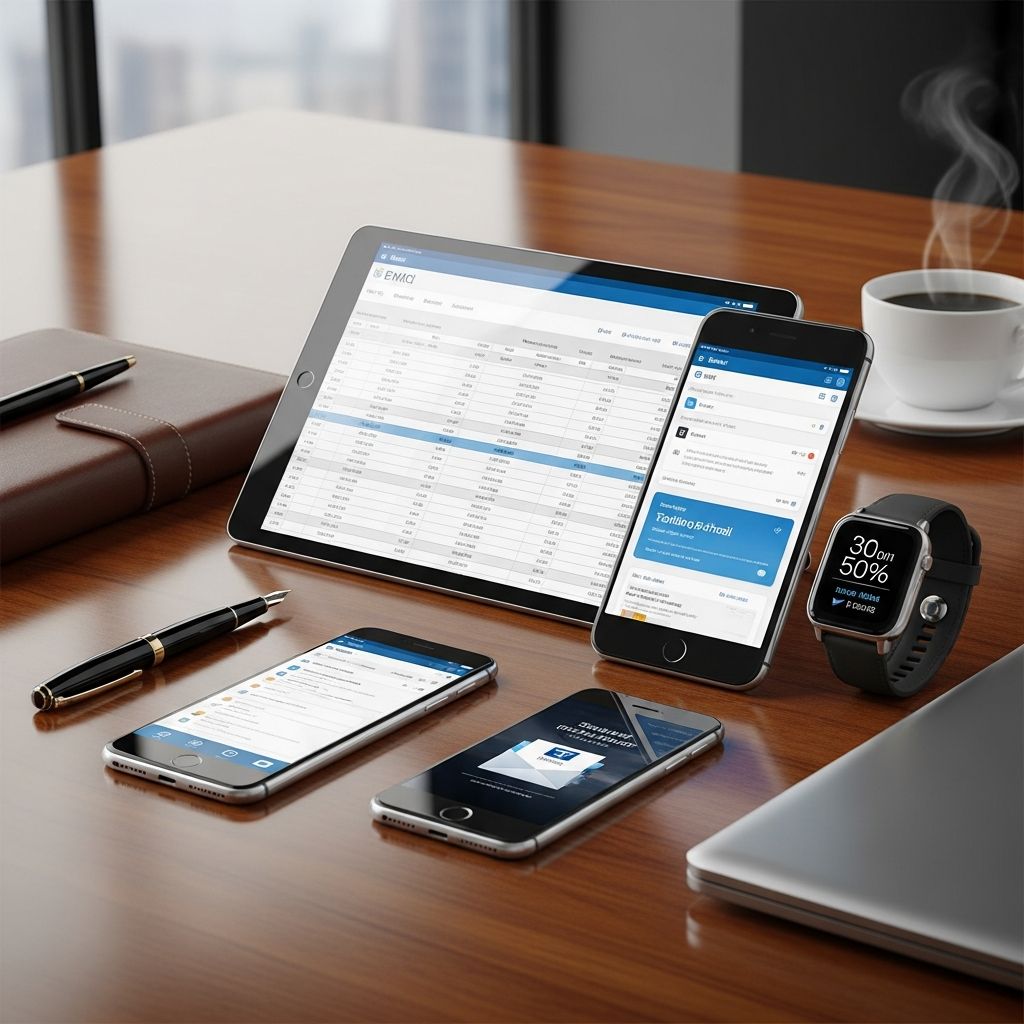
Transforming Mobile Devices into Workplace Productivity Assets
The modern workplace has fundamentally changed with the integration of mobile technology. Smartphones are no longer merely communication devices—they have become indispensable tools for professional productivity. According to recent data, 75% of employees in the U.S. use their personal cell phones for work, with many providing personal cell phone numbers to clients and customers. The challenge lies not in whether to use smartphones at work, but in how to use them strategically to enhance rather than hinder productivity.
Mobile devices offer unprecedented flexibility, enabling professionals to access information, manage schedules, communicate across multiple channels, and maintain constant connectivity with colleagues and clients. However, this same connectivity can blur the boundaries between work and personal life, creating distractions that fragment attention and reduce effective output. Understanding how to harness smartphone capabilities while maintaining focus requires intentional strategies and deliberate boundary-setting.
Managing Focus and Minimizing Digital Distractions
One of the most significant challenges in using smartphones for work is managing the constant stream of notifications and alerts. Research demonstrates that every interruption can take up to 23 minutes to fully recover from, making notification management critical for maintaining productivity. The solution involves leveraging built-in focus features available on modern devices.
For iPhone users, Focus Mode provides an elegant solution by silencing personal notifications while allowing essential work alerts to pass through. This creates a customized environment where important communications reach you while leisure notifications remain muted. Android users benefit from comparable functionality through Work Profiles, which physically separate personal and professional applications, reducing the cognitive load of switching between contexts.
When deep concentration becomes necessary—such as during deadline-driven projects—more restrictive measures prove effective. iPhone’s Guided Access feature locks your device into a single application, preventing the temptation to switch to social media or personal apps. Android offers equivalent functionality through App Pinning, restricting access to a designated application until you explicitly disable the feature.
Beyond native operating system features, behavioral strategies enhance focus:
- Keep your phone in a desk drawer or bag rather than visible on your workspace
- Disable notifications from non-essential applications and social media platforms
- Set your device to silent or vibration mode to prevent audio interruptions
- Establish predetermined times for checking messages rather than responding immediately to each notification
- Delete frequently-used but time-wasting applications from your home screen to increase friction
Organizing Work Through Calendar and Task Management Systems
Smartphones excel at helping professionals maintain organizational systems that would previously have required paper planners or computer access. Calendar applications serve as the foundation of this organizational infrastructure. Apple’s Calendar app and Google Calendar provide intuitive interfaces for tracking meetings, appointments, and deadlines. By centralizing scheduling information on your mobile device, you create a single source of truth that travels with you throughout your day.
Setting reminders within these calendar systems ensures important events never slip through the cracks. The psychology of seeing these reminders creates accountability and prevents the cognitive burden of trying to remember critical meetings or deliverables. This practice becomes especially valuable in fast-paced professional environments where overlapping priorities demand constant attention.
Task management applications extend organizational capabilities beyond calendar functions. Apple Reminders and Google Tasks enable users to create prioritized to-do lists with due dates and importance levels. By capturing tasks the moment they arise—whether through typed entries or voice memos—professionals reduce the mental load of remembering multiple commitments. This captures what researchers call the “brain dump” effect, where externalizing tasks frees cognitive resources for actual work.
Capturing Ideas and Information in Real-Time
Professional ideas often emerge spontaneously—during commutes, informal conversations, or moments of inspiration between meetings. Mobile devices provide immediate capture mechanisms that prevent valuable thoughts from evaporating. Note-taking applications like Apple Notes and Google Keep transform your smartphone into a portable idea repository.
These applications offer multiple input methods suited to different situations. Quick text entry works for straightforward ideas. Voice memos capture thoughts when hands are occupied or detailed explanation flows more naturally than typing. Photo attachment functionality enables capturing visual references, diagrams, or information visible in your environment. By normalizing these capture methods, professionals build systems that preserve insights for later development and implementation.
Strategic Automation for Routine Professional Tasks
Mobile automation represents a frontier in smartphone productivity that many professionals haven’t fully explored. Applications like Shortcuts on iPhone and Tasker on Android enable creating custom workflows that execute with a single tap or automatically trigger based on conditions.
Practical automation examples include:
- Converting files to PDF format with a single tap rather than navigating through multiple menu options
- Sending automated reminders when arriving at the office
- Automatically syncing your calendar with communication tools like Slack so availability updates automatically
- Creating preset responses or templates for frequently-sent message types
- Triggering location-based workflows that adapt your device environment based on where you are
These automation capabilities operate as a form of digital assistance, preview of AI-powered productivity systems becoming increasingly common in workplace technology. By offloading repetitive decisions and mechanical tasks to automated workflows, professionals preserve mental energy for strategic thinking and creative problem-solving.
Seamless Access to Collaborative Tools and Resources
Modern professional work rarely occurs in isolation. Cloud-based productivity tools like Microsoft Office, Google Workspace, and Dropbox offer mobile versions that maintain full functionality despite the smaller screen. This enables genuine work execution from your smartphone rather than merely viewing files.
The ability to collaborate on documents, spreadsheets, and presentations from your mobile device extends productivity beyond traditional office hours. Updates made on your smartphone synchronize instantly with team members’ versions, maintaining alignment and preventing duplicated efforts. For professionals managing multiple projects or responsibilities, mobile access to collaborative platforms eliminates delays in responding to requests or providing feedback.
Monitoring Usage Patterns and Maintaining Healthy Habits
Understanding your actual smartphone usage differs dramatically from perception. Both Apple’s Screen Time feature and Android’s Digital Wellbeing application provide granular data about time spent on various applications. This transparency reveals patterns that often surprise users—the seemingly quick social media check that actually consumed thirty minutes, or the messaging application consuming more time than work-related tools.
By regularly reviewing these usage patterns, professionals can identify time-wasting activities and optimize their work processes. This data-driven approach to productivity removes guesswork, replacing assumptions with concrete information about where attention actually flows. Weekly monitoring builds awareness that gradually shapes more intentional smartphone usage.
Establishing Professional Etiquette and Boundaries
How you use your smartphone influences both your productivity and your professional reputation. The practice of keeping your phone silent demonstrates respect for colleagues and creates a focused workplace environment. Our brains become conditioned to respond to smartphone notifications—buzzing and dinging create involuntary attention shifts that affect not only you but those nearby.
Using your smartphone during meetings requires particular attention to etiquette. If work necessitates device use—making conference calls, recording for internal documentation, or controlling presentation slides—inform colleagues in advance and disable all notifications before the meeting begins. This signals intentional, professional use rather than distraction from the meeting’s purpose.
Break room behavior warrants consideration as well. Ironically, innovative ideas and valuable professional relationships often emerge during informal interactions in break areas rather than scheduled meetings. Professionals who spend break time buried in their phones deprive themselves of these spontaneous networking and ideation opportunities. Using breaks to connect with colleagues, even briefly, builds relationships and creates conditions for unexpected insights.
Balancing Connectivity with Work-Life Separation
The always-on nature of mobile communication creates unique challenges for modern workers. Smartphones enable constant availability but can also intensify work demands, creating information overload and blurring boundaries between professional and personal time. Platforms like Microsoft Teams address this through features like Quiet Time, which prevents work notifications during personal hours.
Intentional boundary-setting becomes essential. If you’re waiting for important communications outside scheduled work hours, provide advance notice to relevant colleagues and clients. This transparency manages expectations and prevents colleagues from assuming you’re always available. Similarly, silencing work notifications during personal time allows genuine disconnection, which research increasingly demonstrates is essential for well-being and sustained productivity.
Implementing Time-Awareness Features
Many professionals use their smartphones for work-related communication without realizing how this contributes to work intensification. Setting boundaries around when and how you check work messages affects both your well-being and your actual productivity. Some professionals find success checking messages only at predetermined times—perhaps mid-morning, lunch, and late afternoon—then putting their phones away.
This disciplined approach often feels uncomfortable initially, producing feelings of disconnection or jumpiness. However, deliberately retraining your brain’s conditioning to smartphone notifications eventually restores a more balanced state. The neurons and neural pathways that developed to respond to constant pings gradually recalibrate when you stop feeding them frequent notifications.
Transforming Technology Through Intentional Use
At their core, smartphones aren’t inherently problematic for workplace productivity. Rather, they present neutral tools whose impact depends entirely on how users employ them. The same device that enables focused work can equally enable endless scrolling. The difference lies in conscious decision-making about settings, applications, and usage patterns.
By implementing focus features, establishing organizational systems, automating routine tasks, and setting clear boundaries, professionals transform smartphones from distraction sources into powerful productivity instruments. This transformation requires initial effort—customizing settings, removing tempting applications, establishing behavioral routines—but yields compounding returns in focus, organization, and professional effectiveness.
Frequently Asked Questions
Q: How can I prevent my smartphone from distracting me during important work?
A: Use built-in focus features like Focus Mode on iPhones or Work Profiles on Android devices. Additionally, keep your phone out of sight in a drawer or bag, disable non-essential notifications, and use Guided Access (iPhone) or App Pinning (Android) for tasks requiring deep concentration.
Q: What automation features should I prioritize first?
A: Start with the most time-consuming routine tasks you perform regularly. Common starting points include file conversion automation, location-based reminders, and calendar synchronization with communication tools. Experiment with one or two automations before expanding your workflows.
Q: Is it professional to use my personal phone for work?
A: Using your personal phone for work is increasingly common—75% of U.S. employees do so. Professionalism depends on how you use it: maintain clear boundaries, keep your phone silent in meetings, and communicate about availability. Separate work and personal apps where possible using Work Profiles or similar features.
Q: How often should I check my usage statistics?
A: Weekly reviews of your Screen Time or Digital Wellbeing reports provide optimal frequency. This regular monitoring builds awareness of usage patterns without becoming burdensome, helping you identify time-wasting applications and optimize your processes.
Q: What should I do if I need to be available during off-hours?
A: Communicate this expectation clearly to colleagues and clients. Use features like Microsoft Teams’ Quiet Time to allow important contacts through while blocking others. Consider establishing a clear protocol for what constitutes an emergency worthy of off-hours contact.
References
- Working smarter: How to get the most out of your smartphone at work — Mesa Chamber of Commerce. 2024. https://business.mesachamber.org/news/Details/working-smarter-how-to-get-the-most-out-of-your-smartphone-at-work-279422
- 8 Ways to Use Your Smartphone to Maximize Productivity — BeMobile. 2024. https://bemobile.com/8-ways-to-use-your-smartphone-to-maximize-productivity/
- Mobile Phone Tips for the Workplace — Aplin. 2024. https://www.aplin.com/blog/mobile-phone-tips-for-professionalism-in-the-workplace/
- How to use your phone less — Techno Sapiens. 2024. https://technosapiens.substack.com/p/howtouseyourphoneless
- Smartphone Etiquette to Help You Win at Work — ClearTouch. 2024. https://www.getcleartouch.com/smartphone-etiquette-to-help-you-win-at-work/
- Here’s how to maintain healthy smartphone habits — Clemson University News. 2024. https://news.clemson.edu/heres-how-to-maintain-healthy-smartphone-habits/
- Work-related smartphone use during off-job hours — National Center for Biotechnology Information (NIH). 2024. https://pmc.ncbi.nlm.nih.gov/articles/PMC11288435/
Similar Articles








Read full bio of Sneha Tete




