
Secure Remote Work: Essential Cybersecurity Strategies
Master proven tactics to shield your data and operations from cyber threats during remote work and time away from the office.
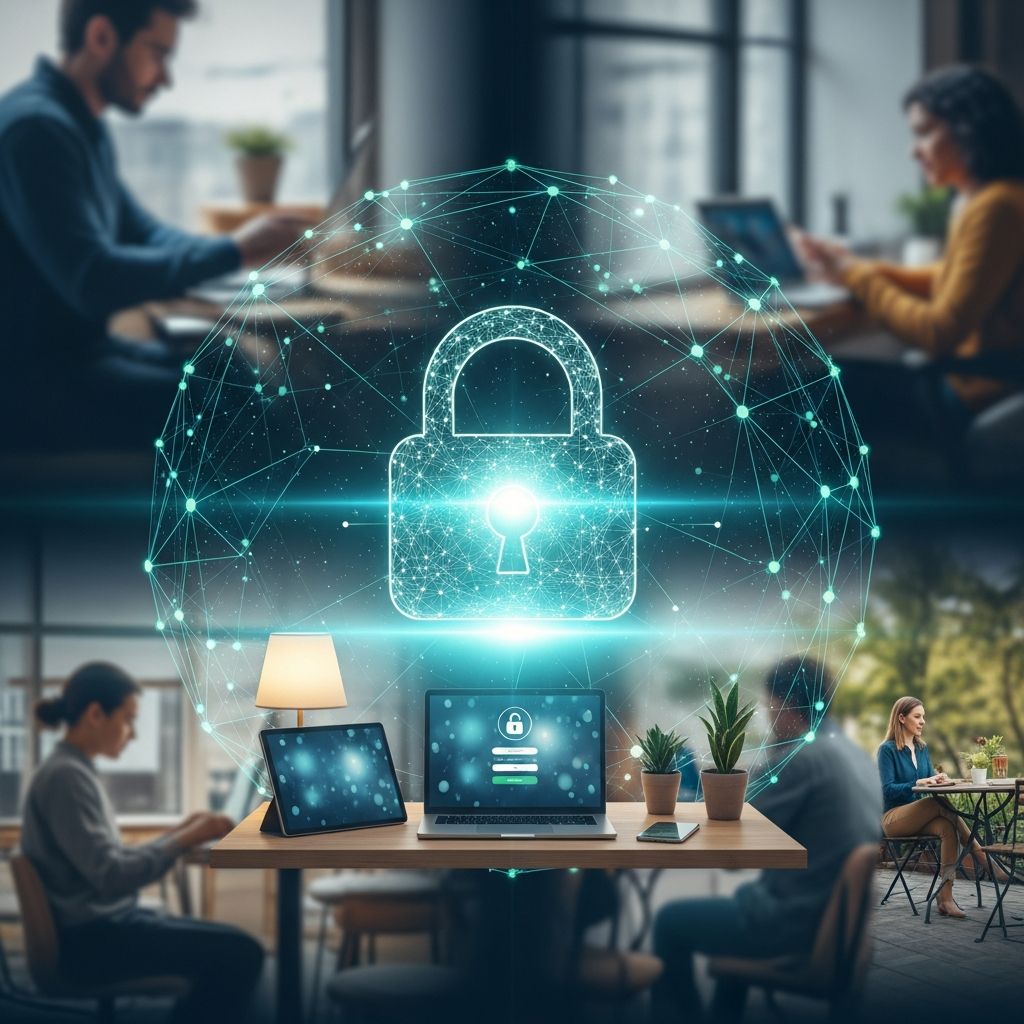
In today’s hybrid work environment, employees frequently operate outside traditional office boundaries, whether from home, coffee shops, or vacation spots. This shift exposes organizations to heightened cyber risks, as personal networks and devices often lack enterprise-grade protections. Implementing robust cybersecurity measures is crucial to safeguard sensitive information and maintain operational continuity.
Understanding the Evolving Threat Landscape for Remote Teams
Remote work has surged, with millions relying on diverse networks daily. Public Wi-Fi in hotels, airports, and cafes serves as a gateway for attackers employing man-in-the-middle attacks to intercept data. According to cybersecurity guidelines, unsecured connections amplify vulnerabilities, making encryption and authentication non-negotiable.
Threat actors target remote setups through phishing emails disguised as urgent work updates, exploiting outdated software, or weak credentials. Statistics from official sources highlight that unpatched systems account for a significant portion of breaches, underscoring the need for proactive defenses. Organizations must prioritize education and tools to mitigate these risks effectively.
Fortifying Your Network Foundation
A secure network forms the bedrock of remote cybersecurity. Begin by configuring home routers with WPA3 encryption—the strongest standard available—and unique, complex administrator passwords. Disable WPS and UPnP features, which can be exploited by nearby attackers.
Avoid public Wi-Fi for any work-related activity. These networks often lack isolation between users, allowing eavesdroppers to capture login details or session cookies. If unavoidable, tether to a mobile hotspot or enable airplane mode selectively for offline tasks.
Leveraging VPNs for Encrypted Connectivity
Virtual Private Networks (VPNs) create secure tunnels, encrypting all traffic between your device and corporate servers. Always activate a reputable VPN before accessing emails, cloud storage, or internal portals, especially on unfamiliar networks.
Choose enterprise VPNs with kill-switch features that block internet access if the connection drops, preventing data leaks. Regular audits ensure the VPN provider adheres to no-logs policies and uses strong protocols like WireGuard or OpenVPN. This practice not only hides your IP but also authenticates endpoints securely.
Mastering Authentication: Beyond Passwords
Single passwords are obsolete; multi-factor authentication (MFA) requires a second verification, such as a biometric scan, app-generated code, or hardware token. Enable MFA universally on work accounts to thwart 99% of account compromise attempts.
Craft passphrases of 12-14 characters mixing uppercase, lowercase, numbers, and symbols—e.g., ‘TraveL2026!SecureNet#’. Password managers like those integrated with corporate tools generate and store these securely across devices. Never reuse credentials between personal and professional accounts.
Comparison of Authentication Methods
| Method | Strengths | Weaknesses | Best Use Case |
|---|---|---|---|
| Password Only | Simple setup | Easily cracked or phished | Non-sensitive personal sites |
| MFA (App Code) | Resistant to phishing | Requires phone access | Email and cloud services |
| Hardware Key (e.g., YubiKey) | Phishing-proof | Physical loss risk | High-security corporate access |
| Biometrics | Fast and convenient | Spoofing possible | Device unlocking |
Keeping Software and Devices Current
Outdated applications harbor known exploits that cybercriminals weaponize via drive-by downloads or ransomware. Schedule automatic updates for operating systems, browsers, and apps, rebooting weekly to apply patches.
For mobile devices, enforce screen locks with biometrics or complex PINs, and remotely wipe lost units via management tools like Microsoft Intune or Jamf. Use only employer-issued hardware for work to avoid shadow IT risks.
Physical and Workspace Security Protocols
Digital threats often originate physically. Never leave devices unattended in public; employ cable locks in shared spaces and position screens away from prying eyes. Shred sensitive printouts and store documents in locked drawers at home.
Physical separation prevents shoulder surfing, where onlookers glimpse credentials. In hotels, use room safes for laptops and enable ‘find my device’ features for quick recovery.
Data Protection Through Encryption and Backups
Encrypt drives using BitLocker (Windows) or FileVault (macOS) to render data inaccessible without keys. For emails and files, tools like PGP or S/MIME add end-to-end encryption.
Maintain 3-2-1 backups: three copies, two media types, one offsite. Cloud services with versioning, like OneDrive or Google Drive, facilitate ransomware recovery without paying ransoms. Test restores quarterly to ensure viability.
Vigilance Against Phishing and Social Engineering
Phishers impersonate colleagues via spoofed domains or urgent requests. Scrutinize sender addresses, hover over links without clicking, and verify via secondary channels like phone calls.
Train teams with simulated attacks to build instincts. Browser extensions like uBlock Origin block malicious sites proactively.
Best Practices for Travel and Vacations
Before departing, update all software, enable MFA, and set out-of-office replies omitting detailed itineraries. Limit device usage abroad due to roaming SIM skimmers; use eSIMs or international VPNs.
Post-trip, scan for malware with enterprise antivirus and change passwords accessed during travel. Coordinate with IT for device inspections upon return.
Organizational Policies and Employee Training
Companies should mandate VPN usage, provide cybersecurity training quarterly, and deploy endpoint detection tools. Clear policies on personal device use (BYOD) with MDM enrollment reduce insider threats.
Foster a reporting culture: employees spotting anomalies, like unexpected logins, must notify IT immediately. Regular audits identify compliance gaps.
Frequently Asked Questions (FAQs)
What is the most critical step for secure remote access?
Always use a VPN on non-trusted networks to encrypt traffic and prevent interception.
How often should I update my devices?
Enable automatic updates and reboot weekly to patch vulnerabilities promptly.
Is public Wi-Fi ever safe for work?
No, unless paired with a VPN; otherwise, avoid it entirely for sensitive tasks.
What if I lose my work laptop on vacation?
Report to IT immediately for remote wipe; enable tracking and MFA beforehand.
Can password managers be trusted?
Yes, reputable ones with zero-knowledge encryption, audited regularly, are essential tools.
Conclusion: Building a Resilient Remote Workforce
By integrating these strategies, individuals and organizations can navigate remote work securely, minimizing breach risks and ensuring productivity. Continuous vigilance and adaptation to new threats remain key to long-term success.
References
- Remote Working Cybersecurity: 9 Ways to Stay Safe — AwareGO. 2023. https://awarego.com/remote-working-cybersecurity-9-ways-to-stay-safe/
- Remote Working Cybersecurity Tips — University of Phoenix. 2024-01-15. https://www.phoenix.edu/blog/cybersecurity-tips-for-remote-workers.html
- Cybersecurity Precautions For Out of Office — Exact IT Consulting. 2023. https://exactitconsulting.com/cybersecurity-precautions-for-out-of-office/
- 6 Cybersecurity Tips to Keep Your Workplace Safe Online — Center for Internet Security. 2024-05-20. https://www.cisecurity.org/insights/blog/6-cybersecurity-tips-to-keep-your-workplace-safe-online
- 8 Best Cybersecurity Practices for Working Remotely — Lumifi Cyber. 2023-11-10. https://www.lumificyber.com/blog/8-best-practices-for-working-remotely/
- Cyber security tips for remote work — Canadian Centre for Cyber Security (Government of Canada). 2024. https://www.cyber.gc.ca/sites/default/files/itsap10116-cyber-security-tips-remote-work-e.pdf
- Tips for Remote Workers to Stay Cyber Secure — SHRM. 2023-09-12. https://www.shrm.org/topics-tools/news/technology/tips-remote-workers-to-stay-cyber-secure
Similar Articles








Read full bio of Sneha Tete




