
Planning Your Digital Legacy Effectively
Master the essentials of digital estate planning to secure your online assets, accounts, and memories for future generations.
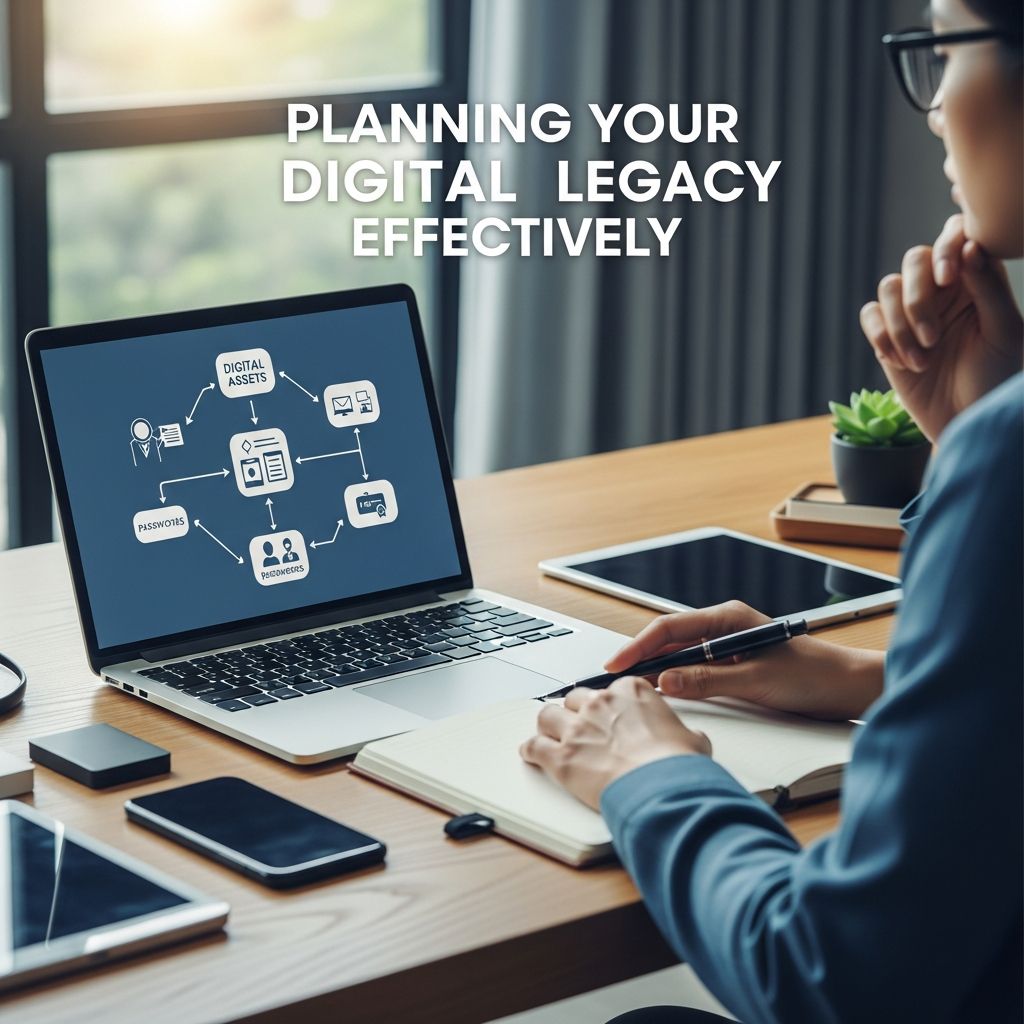
In an era where much of our lives resides online, from cherished family photos in cloud storage to financial holdings in cryptocurrency wallets, overlooking digital assets in estate planning can lead to significant complications for loved ones. Effective digital legacy planning ensures that your online presence—spanning social media profiles, streaming subscriptions, email accounts, and valuable digital property—is handled according to your wishes after your passing. This involves not just listing assets but understanding platform-specific terms of service, legal authorities, and innovative tools provided by tech giants.
Understanding the Scope of Digital Assets
Digital assets encompass a broad range of online holdings that hold personal, sentimental, or monetary value. These include email accounts containing critical correspondence, social media profiles preserving life memories, cloud-stored photos and videos, financial logins for banking apps, cryptocurrency portfolios, domain names for websites, and even subscriptions to services like streaming music or video platforms. Unlike physical property, many digital items are governed by licenses rather than outright ownership, complicating inheritance.
Family members often face hurdles such as unknown account existence, forgotten passwords, or platform policies that lock or delete inactive accounts. Without proactive measures, valuable data like health records from fitness trackers or business-related online tools can vanish, leading to emotional distress or financial loss. Recognizing this scope is the first step toward a robust plan.
Building a Comprehensive Digital Inventory
Creating a detailed inventory forms the foundation of digital estate planning. Start by cataloging all accounts: note usernames, associated email addresses, and secure storage for passwords—avoid simple notebooks due to security risks and lack of legal weight. Use password managers with sharing features or encrypted digital vaults accessible only by designated individuals.
- Email and Communication: Gmail, Outlook, or messaging apps holding personal letters and contacts.
- Social Media: Facebook, Instagram, LinkedIn profiles with irreplaceable memories.
- Cloud Storage: iCloud, Google Drive, Dropbox for documents, photos, and backups.
- Financial Digital Assets: Banking apps, investment platforms, crypto wallets.
- Entertainment and Subscriptions: Streaming services, e-books, music libraries—often non-transferable.
- Health and Fitness Data: Apple Health, Fitbit records for medical history.
- Online Businesses: E-commerce sites, blogs, domain registrations.
Update this list quarterly or after acquiring new accounts. Tools like spreadsheets or specialized apps can organize this data, including instructions for each asset’s desired fate—preserve, delete, or transfer where possible.
Navigating Platform Policies and Restrictions
Tech companies impose strict rules on account access post-death, often prioritizing privacy over inheritance. For instance, music and e-book purchases from platforms like iTunes are typically licensed for personal use only, rendering them non-inheritable upon the account holder’s death. Social media sites offer options like memorialization (Facebook) or inactivation (Twitter/X), but full data downloads require pre-planning.
| Platform | Post-Death Policy | Planning Tip |
|---|---|---|
| Apple iCloud/iTunes | Licensed content non-transferable; data access via Legacy Contact | Designate Legacy Contacts ahead |
| Inactive Account Manager for data sharing | Set triggers for inactivity periods | |
| Memorialization or legacy contact access | Appoint helper for management | |
| Microsoft | Next of kin verification for closure/access | Provide death certificate process |
These policies evolve, so review terms annually. Creative workarounds, like purchasing content through a trust entity, exist but demand foresight and legal setup.
Leveraging Apple’s Legacy Contact Feature
Apple’s innovative Legacy Contact, introduced in iOS 15.2 and later, simplifies access to iCloud data post-mortem. Users over 15 can designate up to five trusted contacts who gain entry to photos, messages, device backups, and notes after providing a death certificate and a unique access key.
To activate:
- Update to the latest iOS: Settings > General > Software Update.
- Navigate to Settings > [Your Name] > Password & Security > Legacy Contact.
- Select contacts from your list and generate/print access keys.
- Store keys securely with estate documents.
Access lasts three years from approval, allowing downloads but not new purchases or license transfers. This feature reduces probate court battles, which were previously required for Apple account recovery.
Integrating Digital Planning into Legal Documents
Standard wills often overlook digital realms, but modern estate plans must incorporate them explicitly. Amend your will to authorize executors to manage digital property, including accessing, distributing, or closing accounts. Powers of attorney should extend to digital executors with authority over online assets during incapacity.
Consider:
- Digital Executor Clause: Names a tech-savvy individual with legal power.
- Trusts for Valuable Assets: Hold cryptocurrencies or domains separately.
- Letters of Wishes: Non-binding guides for sentimental items like social profiles.
Consult attorneys specializing in digital estates to ensure compliance across jurisdictions, as laws like the Revised Uniform Fiduciary Access to Digital Assets Act (RUFADAA) grant fiduciaries varying rights.
Security Best Practices and Risks Mitigation
Sharing credentials demands ironclad security to prevent fraud. Opt for multi-factor authentication, biometric locks, and time-locked vaults. Educate heirs on phishing risks and identity theft from dormant accounts.
Regular backups to external drives or multiple clouds prevent data loss. Designate backups of backups, and test access protocols periodically with a trusted advisor—without revealing full credentials.
Common Challenges and Solutions
Families frequently encounter:
- Unknown Accounts: Solution: Centralized inventory shared via secure portal.
- Non-Transferable Licenses: Solution: Focus on data access, not ownership.
- International Variations: Solution: Note platform’s global policies.
- Tech Illiteracy: Solution: Pair digital executor with legal advisor.
Proactive planning minimizes court involvement, saving time and expense.
Frequently Asked Questions
Can my heirs inherit my iTunes music collection?
No, iTunes purchases are personal licenses and cannot be transferred. Heirs may access data via Legacy Contact but not ownership.
How do I set up Google’s Inactive Account Manager?
In Google Account settings, under Data & Privacy, select contacts and inactivity timeouts for automatic data sharing.
Is a handwritten password list sufficient?
No, it’s insecure and lacks legal authority; use encrypted managers instead.
What if platforms change policies?
Review annually and build flexible plans with professional guidance.
Does digital planning require a lawyer?
Yes, for integration into wills/trusts to ensure enforceability.
Steps to Get Started Today
Begin with a weekend audit: list accounts, research policies, set up Legacy Contacts, and draft instructions. Schedule an estate attorney consultation within the month. Digital legacy planning isn’t a one-time task—treat it as evolving with your digital life.
By addressing these elements, you empower loved ones to honor your wishes seamlessly, turning potential chaos into controlled closure.
References
- Digital Estate Planning Basics — Edward Jessy. 2024. https://books.apple.com/us/book/digital-estate-planning-basics/id6756874291
- Simplifying Your Digital Estate: Use Apple’s Legacy Contact — Henns Nox Law. 2025-06-10. https://www.hennsnoxlaw.com/blog/2025/06/10/simplifying-your-digital-estate/
- Digital Estate Planning: What You Need to Know — Petrelli Law. 2025. https://www.petrellilaw.com/estate-planning/digital-estate-planning/
- Digital Estate Planning for iPhone Users — Legalesq. 2021-12-13. https://legalesq.com/blog/digital-estate-planning-for-iphone-users/
- Will My Children Inherit My iTunes Library? — Saunders Walsh. 2025. https://saunderswalsh.com/will-my-children-inherit-my-itunes-library/
- How to Manage Your Digital Accounts After Your Death — Anzen Legal. 2025. https://anzenlegal.com/how-to-manage-your-digital-accounts-after-your-death-part-1/
Similar Articles








Read full bio of medha deb




