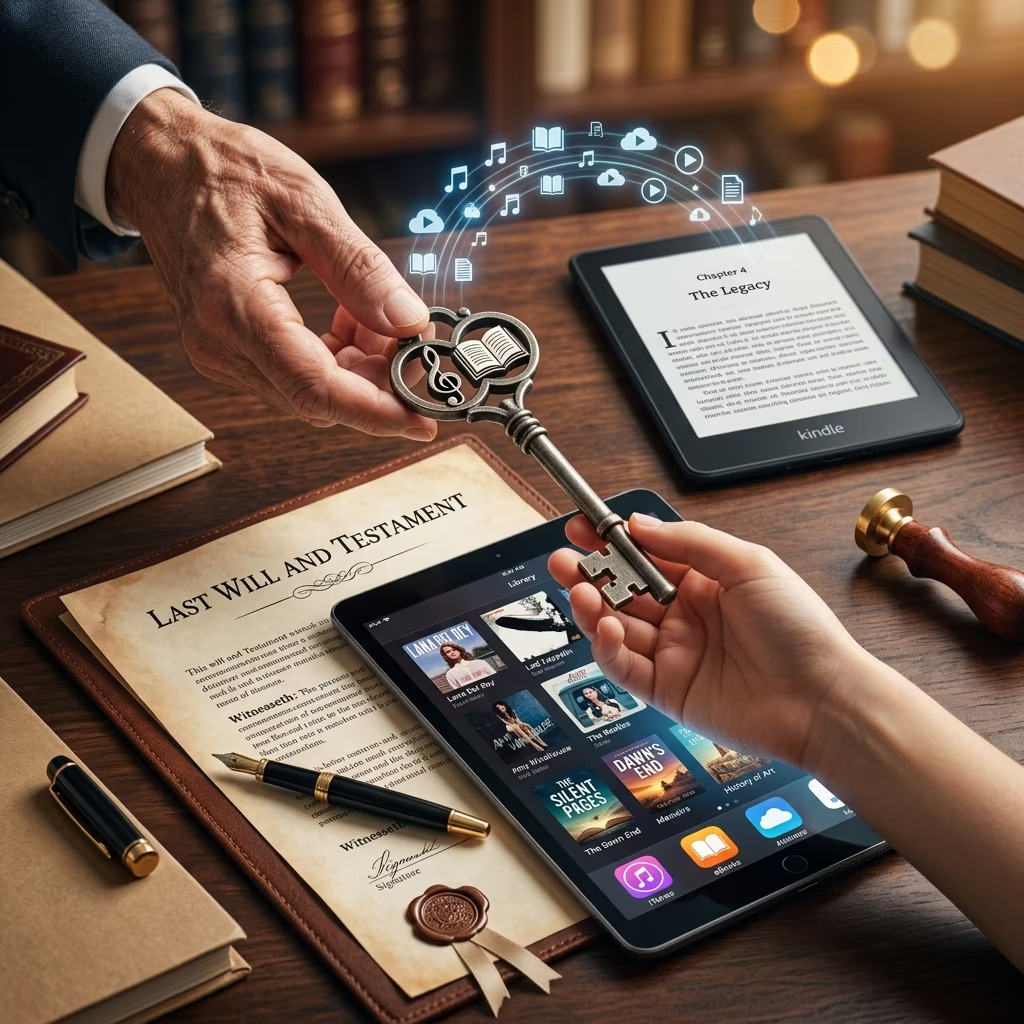
Many people now own large collections of music, movies, and books that exist only as digital downloads. These libraries may be stored in iTunes, Apple Books and other platforms, and can feel just as valuable as shelves full of CDs or hardback novels. But when it comes to estate planning, digital collections raise a difficult question: can you legally leave your iTunes purchases or eBooks to someone in your will?
This article explains how digital licensing works, why most downloaded content cannot be transferred, and what practical steps you can take so your heirs can still benefit from your digital life.
Owning vs. Licensing: Why the Difference Matters
The starting point for understanding digital inheritance is the distinction between owning a copy and holding a license. When you buy a physical book or CD, you generally acquire ownership of that copy and can sell, give away, or bequeath it to someone else. In contrast, most digital platforms grant a non-transferable license to access content rather than full ownership of a copy.
- Physical media: You own the object (book, CD, DVD) and can pass it on freely.
- Digital downloads: You usually receive a personal license, tied to your account, that limits how and by whom the content can be used.
Law firms analyzing iTunes and similar services note that user agreements typically state that digital entertainment vendors are selling a non-transferable license rather than a transferable property right. As a result, you cannot legally transfer the license itself to your heirs, even though the content may remain accessible as long as your account continues to exist.
What iTunes and Apple Books Actually Allow
Apple’s ecosystem illustrates the broader problem with digital inheritance. When you buy movies, music, or books from the iTunes Store or Apple Books, you agree to Apple’s terms of service, which limit how you can use what you’ve purchased. These terms specify that content is licensed to the account holder and can be used only through that account, on a limited number of authorized devices.
Common features of these agreements include:
- Account-based access: Purchases are tied to your Apple ID, not to a transferable copy.
- Device limits: Content can be used on a set number of devices associated with the account.
- No account-to-account transfer: Apple does not provide a mechanism to move purchased content from one Apple ID to another.
Users discussing inheritance in Apple’s own support communities report that there is no supported way to transfer purchased media from the original account to an heir’s account, regardless of whether the account holder is alive or deceased. This reflects how the licensing system is designed: the right to access content is personal and ends when the account does.
Licensed vs. Owned eBooks at Death
Digital books are often treated the same way as downloads of music or film. Many eBooks from major platforms are offered under licenses that apply only during the customer’s lifetime and cannot be transferred. Commentators have pointed out that:
- Licensed eBooks grant you the right to access content, usually restricted to your lifetime, and cannot be legally transferred to others when you die.
- Owned eBooks (for example, DRM-free files clearly sold as a copy you own) may be treated more like traditional property: you can store them, pass them on, or include them in your estate.
From an estate-planning perspective, this difference is critical. An heir may inherit the computer or storage drive that contains eBook files, but whether they are legally entitled to continue using those files depends on how the content was acquired and what license terms apply.
Can You Put iTunes or eBooks Directly in Your Will?
Because most digital content is licensed and non-transferable, you generally cannot make a valid gift of the license itself in your will. If you instruct your executor to “give my iTunes library to my child,” the service provider’s contract terms will usually prevent the child from becoming the new license holder.
That said, your will can still play an important role in managing digital assets. Estate planning lawyers increasingly recommend dealing with online accounts and digital property as a separate category within a will or digital-asset memorandum. This can include:
- Authorizing your executor or a digital executor to access accounts and devices.
- Providing instructions about how you would like accounts to be closed, memorialized, or retained.
- Clarifying who should receive physical devices that contain downloaded content.
The legal enforceability of these instructions may depend on state law and the platform’s policies. In the United States, many states have adopted versions of the Revised Uniform Fiduciary Access to Digital Assets Act (RUFADAA), which gives executors and other fiduciaries limited rights to access digital accounts, subject to service-provider terms. However, these laws generally do not override licensing terms that restrict the transfer of purchased media.
What Happens to Your Apple Account When You Die?
Apple has introduced tools such as Legacy Contact to let trusted individuals request access to certain data from a deceased person’s account. According to Apple’s support documentation, legacy contacts can access some categories of data, but licensed media—like movies, music, and books purchased from Apple—are explicitly excluded and are not made available through legacy contact access.
Important points include:
- Legacy contacts can obtain access to account data for a limited period (for example, up to three years after approval).
- After that period, the account is permanently deleted, which ends access to any purchased content tied to that account.
- Licensing rules mean that purchased media is not treated as inheritable property and is not directly transferred to the legacy contact.
This system underscores that, from the platform’s perspective, your digital purchases are personal access rights that expire when the account does, rather than assets that pass automatically to your heirs.
Practical Strategies for Your Digital Library
Although license terms limit formal inheritance, many people still want their family to enjoy the content they’ve collected. Estate planning articles and lawyers suggest several practical approaches, while cautioning that some strategies may technically conflict with user agreements.
1. Document Accounts and Passwords
One common low-technology strategy is to ensure that trusted heirs or executors have access to your usernames and passwords so they can continue using your existing accounts. This may allow them to access purchased content from the same devices or newly authorized devices, as long as the provider does not close the account.
However:
- Sharing passwords can violate terms of service and may raise security or privacy concerns.
- Some platforms require proof of death and may close accounts once notified.
Because of these risks, password-sharing should be considered carefully, and ideally documented in a secure way, such as through a password manager and clear estate instructions.
2. Focus on Devices and Local Files
You can freely bequeath physical devices that contain downloaded content, such as laptops, tablets, e-readers, or external drives. If your digital media is stored locally and is not locked by strong digital rights management, the recipient may be able to continue using those files even if the original account expires.
When using this strategy:
- Make sure devices are clearly listed in your will or personal-property memorandum.
- Describe where important digital collections reside (for example, specific folders or applications) so heirs can find them.
3. Prefer Truly Owned or DRM-Free Content
Where possible, you can choose to acquire digital media in ways that grant you clearer ownership rights. For example, some platforms sell DRM-free music or books that can be stored and copied like traditional files. These assets are often easier to treat as property that can be inherited.
Practical tips include:
- Check whether the seller’s terms describe the transaction as a sale of a copy you own rather than a license.
- Download and store important DRM-free files on local drives you control.
- Maintain an inventory of these files as part of your estate records.
4. Use a Digital Asset Inventory
Estate planners increasingly recommend creating a separate digital asset inventory that lists all relevant accounts, subscriptions, and digital content. This document is not usually part of the will itself, but it supports your executor’s ability to locate and manage your online presence.
An inventory might include:
- Major content platforms (iTunes, Apple Books, Kindle, streaming services).
- Login information stored in a password manager (not the passwords themselves).
- Instructions about which accounts should be maintained for a time and which should be closed.
Legal and Ethical Considerations
Even when practical workarounds exist, it is important to recognize the legal and ethical dimensions of digital inheritance. Service providers invest in licensing systems to comply with copyright law and contractual obligations to content owners. Bypassing these systems through password sharing or unauthorized copying can conflict with both the law and the platform’s terms.
Key considerations include:
- Contract law: When you agree to a platform’s terms of service, you accept limits on transfer and sharing of digital content.
- Copyright law: Many restrictions are designed to prevent unauthorized reproduction or distribution of copyrighted works.
- Heirs’ expectations: Clarity in your will and digital instructions can avoid misunderstandings among family members who may assume they will inherit your online collections.
Estate Planning Best Practices for Digital Media
While laws and platform policies continue to evolve, several best practices can help ensure your digital life is handled responsibly and in line with your wishes.
| Planning Step | Purpose | What It Covers |
|---|---|---|
| Create or update your will | Provides legal instructions for your estate | Devices, physical property, appointment of executor, reference to digital assets |
| Appoint a digital executor | Designates someone to manage online accounts | Accessing accounts, closing or memorializing profiles, following your wishes |
| Maintain a digital asset inventory | Helps heirs locate and understand digital property | Accounts, subscriptions, storage locations, high-value files |
| Review licensing terms | Clarifies what can be transferred or not | iTunes, eBook platforms, cloud stores |
| Consult an attorney | Aligns strategies with law and platform rules | Use of RUFADAA, fiduciary access, customized language |
Frequently Asked Questions
Can my children legally inherit my iTunes library?
Under typical iTunes and Apple licensing terms, your children cannot legally inherit the license to your purchased content because it is non-transferable and tied to your account. They may be able to access your account if they have credentials and the account remains active, but this approach is more of a practical workaround than a formal inheritance.
Is it worth listing digital content in my will?
Yes. Even if licenses are non-transferable, it is useful to mention digital assets and give instructions about devices, accounts, and desired handling of your online presence. This helps your executor understand the scope of your estate and can be combined with a separate digital asset inventory.
What is the difference between licensed and owned eBooks for inheritance?
Licensed eBooks typically grant personal, non-transferable access and may effectively expire at death. Owned or DRM-free eBooks, by contrast, are more like traditional property: you can store copies, pass them on, and include them in your estate, subject to copyright restrictions on redistribution.
Does Apple’s Legacy Contact feature solve the inheritance issue?
No. Legacy Contact is designed to provide limited access to account data for a period after death, but Apple’s documentation indicates that licensed media such as movies, music, and eBooks are not part of what legacy contacts receive. After the allowed access period, the account and its media are deleted.
How should I start planning for my digital assets?
Begin by making a list of major accounts and digital collections, then talk with an estate planning attorney about how to address them in your will and related documents. Consider appointing a digital executor, documenting where important files are stored, and reviewing terms of service for platforms that hold high-value content.
References
- Will My Children Inherit My iTunes Library? — Saunders Walsh & Beard. 2017-04-10. https://saunderswalsh.com/will-my-children-inherit-my-itunes-library/
- Inherited iTunes Store Digital Assets — Apple Support Communities. 2022-04-18. https://discussions.apple.com/thread/253927673
- What Happens to Your eBooks When You Die? — Reddit r/books Discussion. 2024-01-06. https://www.reddit.com/r/books/comments/1hftsgi/what_happens_to_your_ebooks_when_you_die/
- Prepare Your Book for Apple Books — Apple Books Partner Support. 2023-08-01. https://itunespartner.apple.com/books/support/9-prepare-book
- Can You Include iTunes, eBooks in Your Will? — FindLaw Legal Blog Archive. 2013-10-21. https://archive.findlaw.com/blog/can-you-include-itunes-ebooks-in-your-will/