The desktop version of Microsoft Outlook is undergoing a significant transformation, aiming to deliver a more intuitive, efficient, and visually appealing experience for users worldwide. This redesign introduces streamlined navigation, advanced customization options, and AI-powered tools that align closely with modern productivity demands. As organizations and individuals rely heavily on email for communication, these updates promise to reduce clutter, speed up workflows, and integrate seamlessly with other Microsoft services.
Modernized User Interface for Everyday Efficiency
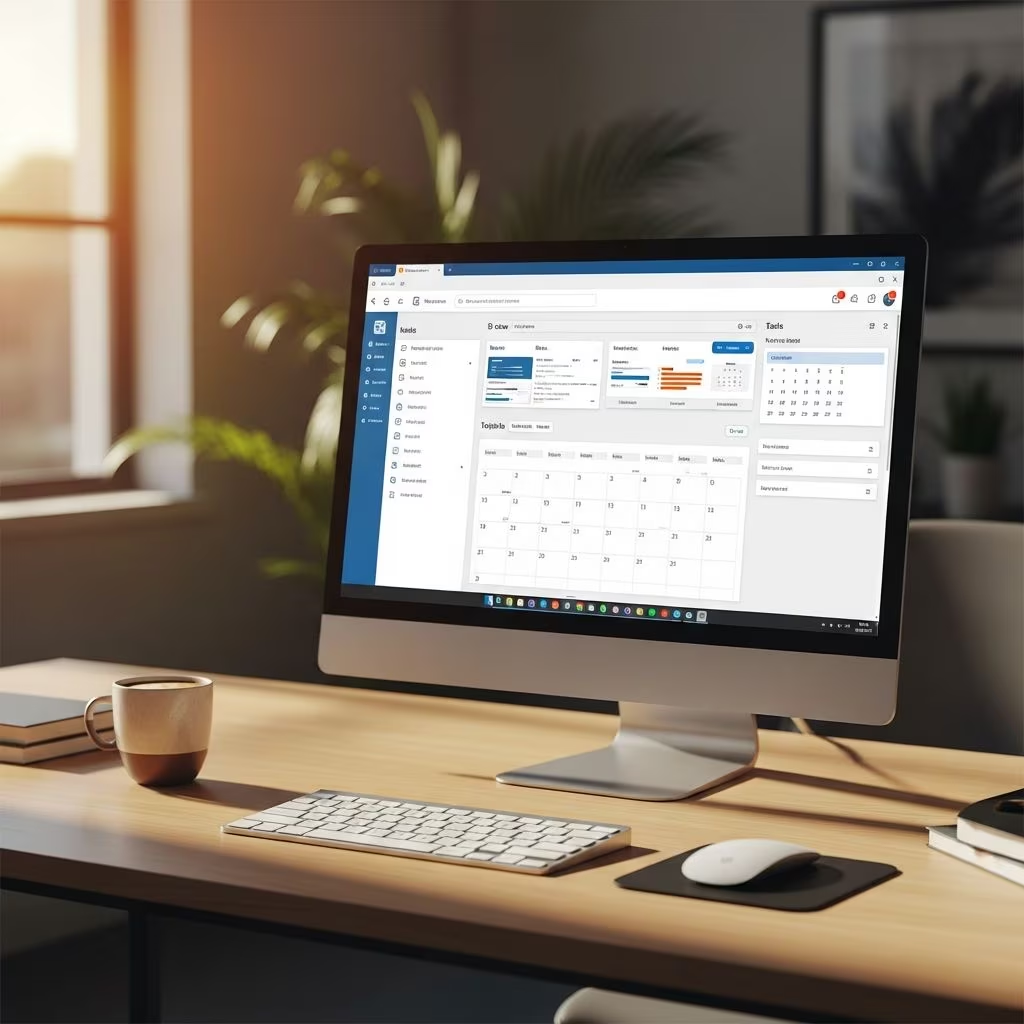
At the heart of the redesign lies a refreshed user interface (UI) that prioritizes simplicity and accessibility. Unlike previous iterations with dense menus and complex ribbons, the new layout features larger icons, ample whitespace, and a minimalist design that mirrors the web-based Outlook. This consistency across platforms ensures users can switch devices without relearning navigation.
The interface reduces visual overload by collapsing unnecessary elements and focusing on core functions like composing emails and managing calendars. For instance, the ribbon has been simplified, with a prominent File tab providing quick access to printing, account management, and settings. This change caters to both power users seeking efficiency and newcomers desiring ease of use.
- Larger, intuitive icons for faster recognition and clicking.
- Increased whitespace to minimize eye strain during long sessions.
- Unified design matching Outlook on the web for cross-platform familiarity.
Early adopters report a 20-30% reduction in time spent navigating menus, thanks to these thoughtful adjustments. The toggle to switch between new and classic views remains available, allowing gradual transitions.
Advanced Folder Management and Customization
Folder organization receives a major upgrade, empowering users to tailor their inbox like never before. Custom folder ordering lets you drag and drop folders into preferred sequences, with a simple View tab setting to enable ‘Custom folder order.’ This flexibility is ideal for prioritizing high-traffic folders like Inbox or Projects.
Folder icon colors add a visual layer of personalization. Assign hues to folders for instant differentiation—blue for work, green for personal—making scanning the pane effortless. A ‘None’ option for color categories in mail and calendar further refines organization, letting users opt out of coloring for a cleaner look.
| Feature | Classic Outlook | New Outlook |
|---|---|---|
| Folder Reordering | Available | Available (Drag & Drop) |
| Folder Colors | Not Supported | Available |
| Custom Order Setting | Limited | View Tab Enabled |
Shared mailbox handling improves too, with dedicated settings to view, hide, or remove access directly from the folder pane. Keyboard shortcuts like CTRL+Y for ‘Go to folder’ enhance speed—press a letter to jump to matching folders. Search Folders now offer more types and scoped results, preserving scroll positions when switching panes to maintain workflow momentum.
Powerful Email Tools for Smarter Inboxes
Email management tools have been supercharged to tackle common pain points. The Undo Send feature displays a button for seconds post-send, perfect for catching typos. Snooze pushes emails out of sight until a scheduled return, while Pinning elevates important messages to the inbox top.
Sweep functionality automates cleanup, deleting or moving bulk unwanted emails. Favorites extend to groups, people, and categories, pinning them for rapid access. These align with Copilot-assisted capabilities, where AI suggests actions like summarizing threads or drafting replies.
- Snooze & Pin: Control visibility of key emails.
- Sweep Rules: Bulk actions for inbox hygiene.
- Favorites Expansion: Quick links to frequent contacts.
Message list enhancements include collapsible headers and preserved selections, ensuring context isn’t lost during navigation.
Calendar Innovations Boosting Scheduling
The calendar module now rivals dedicated apps with features like preserving declined meetings on your view, adjustable work hours/location indicators, and meeting recaps. Copy/cut/paste events are upcoming, alongside conditional formatting for visual prioritization.
Views remain robust—3-day, optional attendees, sensitivity labels—all fully supported. Schedule View is absent for now, but multi-select events loom on the roadmap. Delegate access and auto-decline for busy slots streamline team coordination.
| Calendar Feature | Status in New Outlook |
|---|---|
| Preserve Declined Meetings | Available |
| Meeting Recaps | Available |
| Multi-Select Events | Upcoming |
| Conditional Formatting | Upcoming |
These updates make planning intuitive, with AI aiding conflict resolution.
Exclusive Features and Future Roadmap
New Outlook boasts 28 exclusive features unavailable in classic versions, including advanced favorites and folder colors. Since 2023, 149 features have rolled out, with 8 more planned like multiple profiles and offline enhancements.
Partially supported areas like .pst archives and public folders are improving. User-requested items, such as account reordering, are under investigation. A redesigned People experience offers lightning-fast search and unified contacts.
Transitioning Smoothly: Tips and Compatibility
Switch via the upper-right toggle; new installs default to it. Classic fallback ensures no disruption. Feature matrices guide readiness.
Limitations persist in offline mode and some legacy files, but rapid updates address them.
Frequently Asked Questions (FAQs)
Is the new Outlook replacement for classic?
Yes, Microsoft is phasing in new Outlook as the primary desktop app, with most features now available or upcoming.
Can I customize folder appearances?
Absolutely—change colors and reorder via drag-and-drop for personalized organization.
What about keyboard shortcuts?
Enhanced, like CTRL+Y for folders; full list in support docs.
Does it support shared mailboxes better?
Yes, easier management from pane and settings.
Are calendar features complete?
Nearly; core views yes, advanced like multi-select soon.
Why Upgrade Now?
The redesign future-proofs Outlook with AI, consistency, and user-centric tools, boosting productivity significantly.
References
- What’s new in new Outlook for Windows — Microsoft Support. 2025-11-01. https://support.microsoft.com/en-us/office/what-s-new-in-new-outlook-for-windows-c4c33813-1e9a-4304-8499-90fe7f164bd1
- New Outlook’s features, differences, set up, and support — Michigan Medicine IT. 2025-01-15. https://michmed.service-now.com/sp?id=kb_article_view&sysparm_article=KB0025033
- The New Outlook for Windows: What’s Changing in 2025 and Beyond — TracCreations. 2025-12-10. https://traccreations4e.com/the-new-outlook-for-windows-whats-changing-in-2025-and-beyond/
- Feature comparison between new Outlook and classic Outlook — Microsoft Support. 2026-01-28. https://support.microsoft.com/en-us/office/feature-comparison-between-new-outlook-and-classic-outlook-de453583-1e76-48bf-975a-2e9cd2ee16dd
- New Outlook vs Old Outlook: Key Differences Explained — Colligo. 2025-03-20. https://www.colligo.com/new-outlook-vs-old-outlook-key-differences-explained/
- Getting started with the new Outlook for Windows — Microsoft Support. 2025-06-05. https://support.microsoft.com/en-us/office/getting-started-with-the-new-outlook-for-windows-656bb8d9-5a60-49b2-a98b-ba7822bc7627
- Latest feature in New Outlook may finally make you ditch Outlook Classic — Neowin. 2026-02-15. https://www.neowin.net/news/latest-feature-in-new-outlook-may-finally-make-you-ditch-outlook-classic/