
Digital Evidence Preservation: Essential Guide For Legal Teams
Essential strategies for safeguarding electronic data integrity in legal matters and investigations.
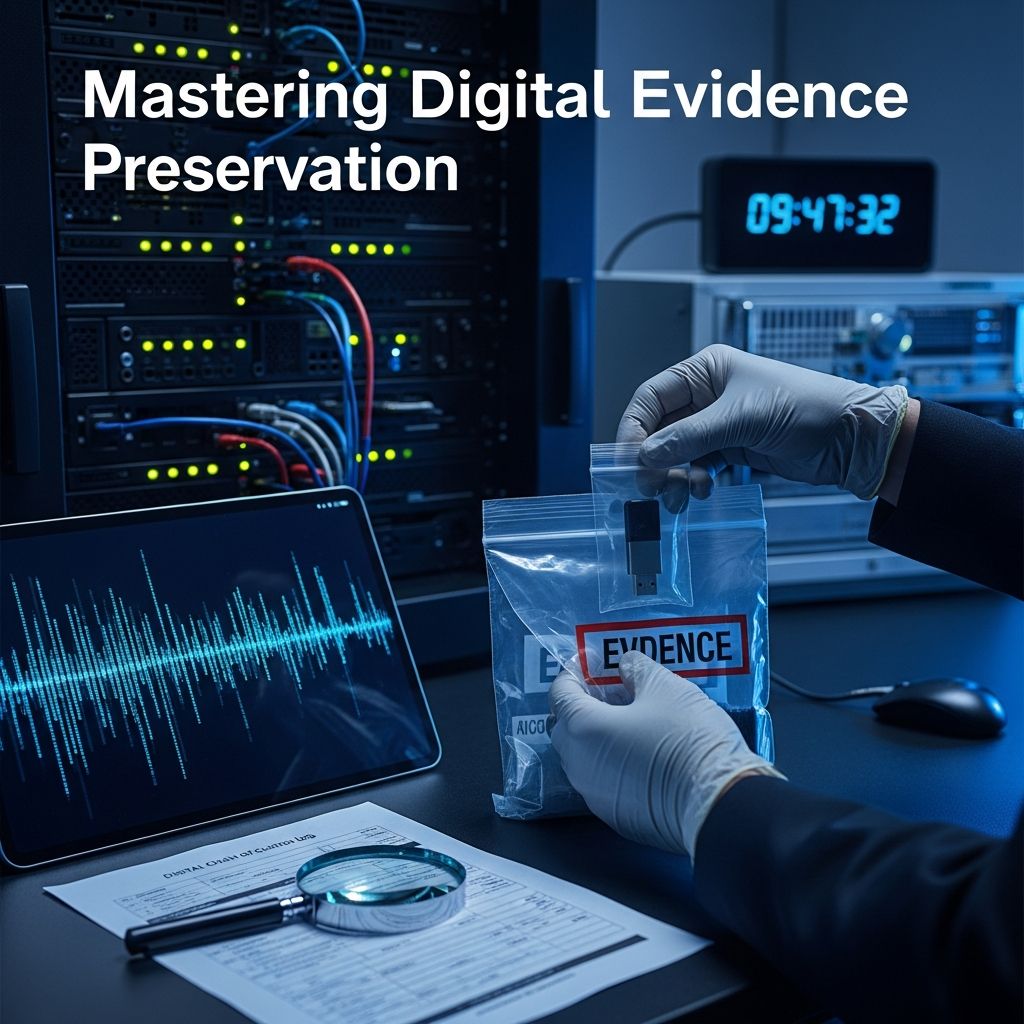
In an era dominated by digital interactions, electronically stored information (ESI) forms the backbone of most legal disputes, investigations, and compliance efforts. From emails and cloud files to mobile device data and social media activity, digital evidence can make or break a case. However, its fragile nature demands meticulous handling to prevent alteration, loss, or inadmissibility in court. This guide delves into the foundational principles, practical techniques, and emerging challenges in preserving digital evidence effectively.
Understanding the Critical Role of Digital Evidence
Digital evidence encompasses any data created, stored, or transmitted electronically that holds relevance to legal proceedings. This includes text messages, GPS logs, metadata from documents, and even volatile RAM contents from running devices. Unlike physical evidence, ESI is inherently mutable—routine system updates, auto-deletes, or network syncing can inadvertently compromise it.
The stakes are high: courts increasingly scrutinize preservation efforts under rules like Federal Rule of Civil Procedure 37(e), which addresses sanctions for spoliation. Proper preservation not only bolsters case strength but also shields parties from accusations of misconduct. Organizations facing litigation holds must act swiftly to suspend routine data destruction policies.
Initial Response: Securing the Digital Scene
The moment a legal duty to preserve arises—triggered by litigation notice, subpoena, or internal investigation—immediate action is paramount. Volatile data, such as running processes or network connections, evaporates quickly, so prioritize scene isolation.
- Isolate Devices: Place mobile phones in Faraday bags to block signals and prevent remote wipes or data pushes. For computers, avoid powering down abruptly if volatile data is needed; instead, use network isolation tools like airplane mode equivalents.[10]
- Power Management: Keep devices powered on and connected to stable sources to retain RAM contents, but document battery levels and charging status photographically.
- Environmental Controls: Shield hardware from heat, moisture, magnets, or static electricity using anti-static bags and climate-controlled storage.
These steps create a forensically sound foundation, minimizing risks from the outset.
Identification and Prioritization of ESI Sources
Not all data merits preservation; focus on relevance to avoid overwhelming resources. Conduct a targeted data map identifying custodians, repositories, and formats.
| ESI Type | Common Sources | Preservation Priority |
|---|---|---|
| Communications | Email, chats, social media | High – Often central to disputes |
| Documents | Cloud drives, local files | Medium – Metadata critical |
| Device Data | Mobiles, laptops, servers | High – Volatile elements |
| Logs | Access, GPS, app data | Medium – Contextual value |
Engage IT teams early to locate backups, deleted items, and shadow copies. Prioritize based on case timelines and data volume.
Forensic Imaging: Creating Immutable Copies
The gold standard for preservation is forensic imaging, producing bit-for-bit duplicates without altering originals. Tools like FTK Imager or EnCase capture deleted files, slack space, and full disk states.
- Employ hardware write-blockers to prevent any write operations to source media.
- Generate hash values (e.g., MD5, SHA-256) pre- and post-imaging to verify integrity—a mismatch flags tampering.
- Store multiple copies: one onsite, one offsite, and backups on wiped, verified media.
This process ensures originals remain pristine while working copies enable analysis.
Maintaining an Ironclad Chain of Custody
Chain of custody documents every touchpoint, proving evidence authenticity. Courts demand detailed logs to counter tampering claims.
- Record handler names, dates, times, locations, and actions with signatures.
- Use tamper-evident seals and access logs for physical media.
- Implement digital audit trails in evidence management systems for automated tracking.
Regular audits reinforce compliance, with lapses potentially leading to exclusion.
Secure Storage and Long-Term Management
Preserved evidence requires robust storage to combat degradation over years. NIST guidelines emphasize redundancy and migration to new formats.
Short-Term: Controlled-access vaults with climate control, encryption, and role-based permissions.
Long-Term: Cloud repositories with immutability features (e.g., object lock), periodic integrity checks, and technology refresh cycles to prevent obsolescence.
Avoid single points of failure by distributing copies geographically, backing up to fire-resistant sites.
Common Pitfalls and Mitigation Strategies
Even seasoned professionals falter. Key errors include:
- Overlooking cloud syncing or auto-backups, leading to external alterations.
- Using consumer tools that strip metadata.
- Inadequate documentation, inviting spoliation motions.
- Failing to test images, resulting in corrupted files.
Mitigate via training, standardized protocols, and third-party forensic experts for complex cases.
Legal Implications and Court Standards
U.S. courts apply the Federal Rules of Evidence (Rule 901) for authentication, requiring proof of unaltered state. Preservation failures trigger adverse inferences or sanctions under FRCP 37(e). International standards like ISO 17025 echo these via forensic soundness.
Proactive policies, including litigation hold notices, demonstrate good faith.
Emerging Technologies and Future Trends
AI-driven triage speeds identification, while blockchain ledgers automate chain of custody. Quantum threats loom, but post-quantum hashing secures data. Mobile and IoT explosion demands adaptive tools.[10]
By 2026, expect ubiquitous evidence management platforms integrating AI for anomaly detection.
Frequently Asked Questions (FAQs)
What triggers a duty to preserve digital evidence?
A legal hold arises from anticipated litigation, subpoenas, or investigations; notify custodians immediately to suspend deletions.
Can I use standard backup software for preservation?
No—opt for forensic-grade tools ensuring bit-stream copies and hash verification to maintain admissibility.
How often should I verify stored evidence?
Quarterly hash checks and annual audits, per NIST, with full re-imaging every 3-5 years.
What if evidence is in the cloud?
Issue preservation requests to providers, image accessible data, and document API exports.
Are there tools for small firms?
Free options like FTK Imager suffice for basics; scale to enterprise suites for volume.
References
- Best Practices for Preserving Electronic Evidence — Lommen Abdo. 2023. https://lommen.com/best-practices-for-preserving-electronic-evidence/
- What Every Organization Should Know About Evidence Preservation — Reveal Data. 2024. https://www.revealdata.com/blog/what-every-organization-should-know-about-evidence-preservation
- What Is the Proper Procedure for the Collection, Preservation, and Storage of Digital Evidence — iCrimeFighter. 2024. https://www.icrimefighter.com/post/what-is-the-proper-procedure-for-the-collection-preservation-and-storage-of-digital-evidence
- How Is Digital Evidence Preserved in Modern Investigations? — American Military University. 2023. https://www.amu.apus.edu/area-of-study/criminal-justice/resources/how-is-digital-evidence-preserved/
- 10 Best Practices for Digital Evidence Collection — Cellebrite. 2024. https://cellebrite.com/en/blog/10-best-practices-for-digital-evidence-collection/
- Digital Evidence Preservation — NIST.IR.8387. 2022-02-01. https://nvlpubs.nist.gov/nistpubs/ir/2022/NIST.IR.8387.pdf
Similar Articles








Read full bio of Sneha Tete




