
Reduce Email Spam: Practical Inbox Habits To Stop Junk Mail Now
Practical steps to limit unwanted messages, protect your inbox, and respond safely to spam.
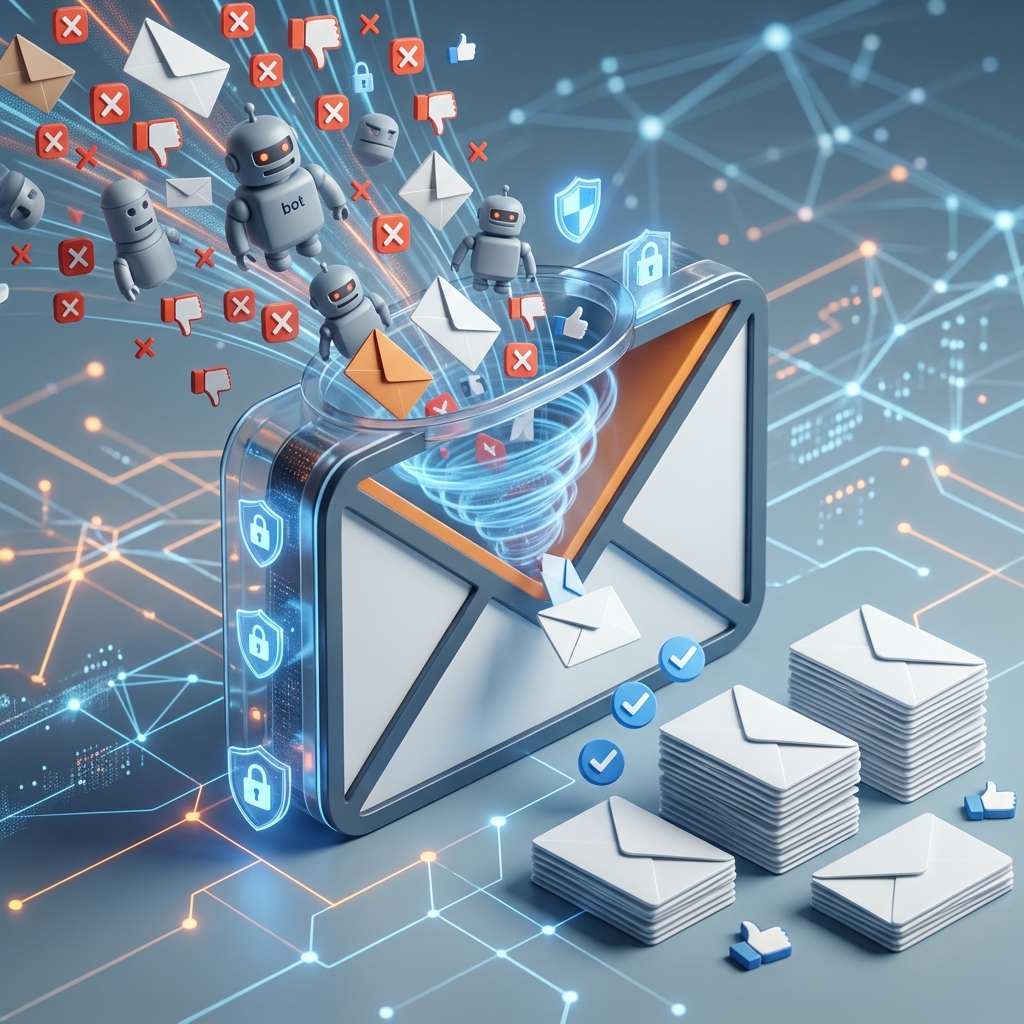
Email spam is more than a nuisance. It can clutter your inbox, waste time, and sometimes serve as a doorway to phishing attempts, malware, and account fraud. The good news is that a few consistent habits and built-in email tools can sharply reduce the amount of junk you receive and help keep your personal information safer.
Why spam keeps showing up
Spam arrives for a simple reason: your email address has value. Once an address is shared with websites, apps, mailing lists, data brokers, or other third parties, it may be collected, sold, reused, or exposed in a breach. Consumer guidance from the Federal Trade Commission and the Cybersecurity and Infrastructure Security Agency recommends limiting how widely you share your email address and reviewing privacy policies before you hand it over.
Spam also persists because replies, opens, and clicks can signal that an address is active. Microsoft advises never replying to spam messages, even to ask to be removed, because that can confirm the address is monitored. The safest assumption is that an unsolicited message is not worth engaging with unless you independently verify the sender and trust the source.
Set up inbox defenses first
Most major email providers offer tools that can do a large part of the filtering work for you. The first step is to turn on spam filtering and make sure suspicious messages are being routed to junk or quarantine folders automatically.
- Use built-in spam filters to sort unwanted messages away from your primary inbox.
- Mark unwanted mail as spam so your provider can improve filtering over time.
- Block senders or domains that repeatedly send you junk.
- Review your blocked and junk folders occasionally so you do not miss a legitimate message that was filtered by mistake.
These features will not eliminate spam completely, but they reduce the amount that reaches you and help train the service to recognize future junk mail.
Be careful where you share your address
The most effective way to reduce spam is to prevent it from being collected in the first place. Official advice from CISA and the FTC emphasizes limiting exposure, checking privacy settings, and understanding how companies may use your contact information.
When a website asks for your email address, pause and decide whether it truly needs your primary inbox. Some services will use your address only to provide a receipt or login recovery, while others may reserve the right to share or sell it. If the privacy policy is vague or overly broad, consider using a secondary address instead.
- Use a separate email account for shopping, promotions, and one-time registrations.
- Limit public posting of your address on social media, personal websites, and public directories.
- Check default boxes carefully during sign-up so you do not accidentally opt in to marketing lists.
- Prefer privacy-friendly services that explain how they handle your data.
This habit is especially useful for online transactions, loyalty programs, and free trials, which often generate the largest volume of promotional email.
Unsubscribe with caution
Legitimate marketing emails usually include an unsubscribe link or button, and using it can help reduce routine promotional mail. The FTC recommends using unsubscribe tools provided by email services when they are available.
That said, not every message with an unsubscribe link deserves your trust. If an email looks suspicious, contains poor grammar, or tries to pressure you into clicking quickly, treat it as spam rather than a normal newsletter. In those cases, marking the message as junk is usually safer than engaging with the sender.
- Use unsubscribe links only for trusted senders that you recognize.
- Do not follow instructions inside suspicious messages that claim to remove you from a list.
- Report repeated offenders to your provider instead of trying to negotiate with them.
Recognize when spam becomes a security threat
Some spam is merely annoying, but some messages are designed to steal credentials, install malware, or trick you into handing over money. The Office of the Comptroller of the Currency warns that phishing attempts often mimic trusted organizations and push recipients to act immediately.
Warning signs include urgent language, requests for passwords or account numbers, links that do not match the claimed sender, unexpected attachments, and messages that threaten consequences unless you respond right away. A real bank, retailer, or government agency will not ask you to reveal sensitive data in response to an unsolicited email.
| Message clue | Why it matters | Safer response |
|---|---|---|
| Urgent demand for immediate action | Common tactic in phishing and fraud | Do not click; verify the claim independently |
| Request for password or account number | Legitimate institutions rarely ask this by email | Contact the organization using a trusted number or website |
| Suspicious attachment or unknown link | Could install malware or send you to a fake site | Delete or report the message |
| Sender address does not match the brand | May be impersonation | Check the address carefully before taking any action |
Use devices and accounts that are harder to exploit
Spam is easier to manage when your devices and accounts are current. The FTC recommends keeping security software updated, changing preset passwords, and scanning for malware if you suspect a harmful attachment or link was opened.
Keeping your operating system, browser, and email application up to date helps close security gaps that malicious messages may try to exploit. Strong, unique passwords and multifactor authentication can also limit the damage if a spam campaign turns into a broader account compromise. While spam filters do most of the front-line work, these settings help protect you when a message slips through.
- Update security tools regularly so known threats are detected more reliably.
- Replace default passwords on new devices and accounts.
- Run a malware scan if a suspicious attachment was opened or a link was clicked.
- Disconnect an infected device from the internet if you believe it has been compromised.
What to do when spam reaches your inbox
If unwanted email gets through, respond in a way that helps your provider and protects you. The FTC advises users to report spam, mark it as junk, and use available tools to reduce future mail. CISA similarly recommends filtering, tagging, and reporting suspicious messages.
For messages that appear to be phishing attempts, do not click links or reply. Instead, preserve the evidence if needed, then move the message to spam or report it through the provider’s abuse or phishing process. If the message targets your financial accounts, contact the institution using a phone number or website you obtained separately, not from the email itself.
- Report the message through your provider’s spam or abuse tools.
- Mark it as junk so similar emails are filtered in the future.
- Delete it once you have reported it.
- Escalate suspicious financial messages directly to the institution using trusted contact information.
Build a long-term anti-spam routine
Spam reduction works best as a routine rather than a one-time fix. Review your email settings occasionally, use separate addresses for different purposes, and stay selective about where you publish your contact information. A small amount of prevention can save a large amount of cleanup later.
It also helps to think of your email address as a private credential rather than a public identifier. The fewer places it appears, the less likely it is to be harvested for marketing or fraud. If you manage multiple accounts, a dedicated address for online purchases and sign-ups can isolate the bulk of spam from your most important inbox.
Good habits also protect people around you. Microsoft notes that forwarding chain messages can spread hoaxes and increase unnecessary email volume, while CISA reminds users not to spam other people themselves. Responsible inbox habits reduce clutter for everyone and make spam campaigns less effective overall.
Frequently asked questions
Is it safe to reply to a spam email and ask to be removed?
No. Replying can confirm that your address is active, which may lead to more spam. Microsoft advises not to reply to spam, even to unsubscribe, unless you know and trust the sender.
Should I always use the unsubscribe link?
Only when the sender is legitimate. For trusted newsletters or retailers, unsubscribe tools can be useful. For suspicious or unknown emails, marking the message as spam is usually safer.
What if spam looks like it came from my bank?
Do not use the links or contact details in the email. Reach the bank through a phone number, app, or website you already trust, and report the suspicious message.
Can a separate email address really help?
Yes. CISA and other official guidance recommend using additional addresses and limiting disclosure of your primary address to reduce exposure to marketing and spam lists.
What is the fastest way to improve an overloaded inbox?
Turn on spam filters, mark junk messages as spam, block repeated senders, and stop using your main address for unnecessary sign-ups.
References
- How To Get Less Spam in Your Email — Federal Trade Commission. 2025-10-??. https://consumer.ftc.gov/articles/how-get-less-spam-your-email
- Reducing Spam — Cybersecurity and Infrastructure Security Agency. 2024-??-??. https://www.cisa.gov/news-events/news/reducing-spam
- 10 tips on how to help reduce spam — Microsoft Support. 2024-??-??. https://support.microsoft.com/en-us/outlook/10-tips-on-how-to-help-reduce-spam
- Prevention and Solutions for Avoiding Spam in Spartan Mail — Michigan State University. 2023-??-??. https://tdx.msu.edu/TDClient/32/Portal/KB/Article/942/Prevention-and-Solutions-for-Avoiding-Spam-in-Spartan-Mail
- Phishing Attack Prevention: How to Identify & Avoid Phishing Scams — Office of the Comptroller of the Currency. 2024-??-??. https://www.occ.gov/topics/consumers-and-communities/consumer-protection/fraud-resources/phishing-attack-prevention.html
Similar Articles








Read full bio of Sneha Tete


