
Practical Cybersecurity Guidance for Individuals and Businesses
A clear, action-focused guide to safer online habits, stronger business defenses, and where to report cybercrime.
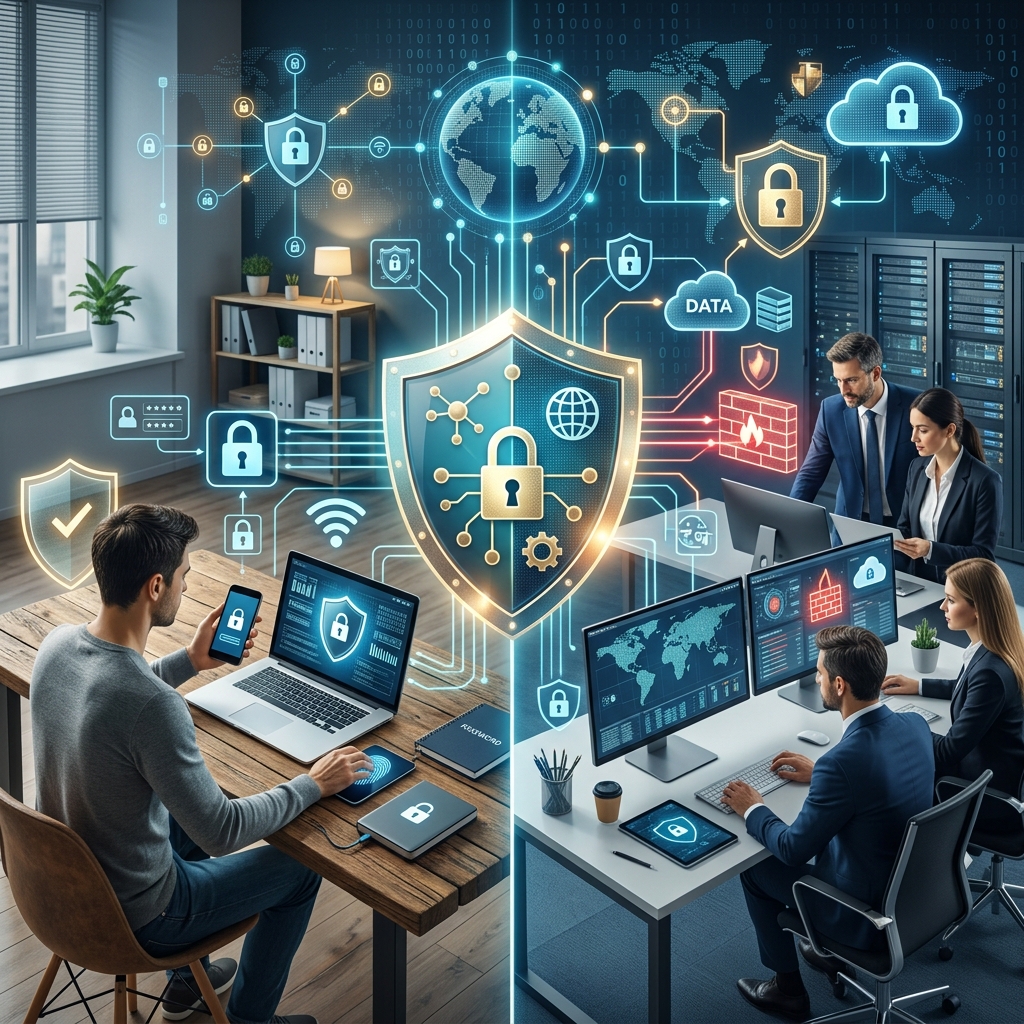
Cybercrime affects households, small businesses, and large organizations alike, and the most effective defenses are often simple habits done consistently. The core message behind public cybersecurity guidance is that prevention, awareness, and fast reporting can reduce both financial loss and personal stress.
This guide brings together the most useful ideas from public-sector cybersecurity resources and reframes them into a broader, original roadmap for safer digital behavior. It covers everyday protection, account security, phishing awareness, public Wi-Fi habits, business safeguards, and the first actions to take after a suspected incident.
Start with the basics of digital hygiene
The strongest cybersecurity programs usually begin with the fundamentals. Devices should be updated regularly, passwords should be difficult to guess, and sensitive accounts should be protected with multiple layers of verification. These steps do not eliminate all risk, but they significantly reduce the chance that a common attack will succeed.
- Keep operating systems, browsers, and security software current.
- Use unique passwords for important accounts rather than repeating the same one everywhere.
- Turn on multi-factor authentication wherever it is available.
- Back up important files so that ransomware or hardware failure does not destroy critical data.
- Review account activity periodically for unfamiliar logins or changes.
Good cybersecurity is less about perfection and more about consistency. A few well-maintained security habits can block many of the scams and intrusions that depend on easy targets.
Protect your finances and personal data online
Financial accounts are a frequent target because they can be misused quickly. Credit cards, banking platforms, and payment apps should be monitored closely, especially after online shopping, travel, or any situation where card details may have been exposed. If a card or account looks suspicious, acting early often limits the damage.
| Risk area | Safer practice | Why it matters |
|---|---|---|
| Online shopping | Use trusted retailers and verify the website address | Reduces the chance of fake storefronts and payment theft |
| Credit cards | Enable alerts and review statements | Helps detect unauthorized charges quickly |
| Personal identity data | Share only required information | Limits the data available for fraud and identity theft |
| Account recovery | Use secure recovery email and phone options | Makes it easier to regain access after compromise |
Some people also choose to freeze their credit when they are not actively applying for loans or new cards. That measure can make it harder for criminals to open accounts in someone else’s name.
Spot phishing before it succeeds
Phishing remains one of the most common cybercrime tactics because it exploits attention, urgency, and trust. Attackers send emails, texts, or messages that appear to come from a bank, employer, delivery company, government office, or service provider. Their goal is usually to get the victim to click a malicious link, open an attachment, or reveal login credentials.
Several warning signs often appear in phishing attempts:
- Unexpected urgency or threats that push you to act immediately.
- Sender addresses or domain names that look slightly wrong.
- Requests for passwords, verification codes, or payment information.
- Links that do not match the organization they claim to represent.
- Messages that create fear, curiosity, or a sense of reward.
The safest response is to stop and verify independently. Instead of clicking the link in the message, open the organization’s official website or call its verified contact number. If the message came through a work account, forward it to the appropriate security or IT team using the organization’s standard reporting process.
Use public Wi-Fi with caution
Public Wi-Fi is convenient in airports, hotels, cafes, and libraries, but convenience comes with tradeoffs. Untrusted wireless networks can expose browsing activity, encourage fake hotspot impersonation, or allow nearby attackers to observe poorly protected traffic. Users can still connect safely, but they should be selective about what they do on those networks.
- Use encrypted websites and check that the connection is secure.
- Avoid logging into highly sensitive accounts unless necessary.
- Prefer a virtual private network when working away from home or the office.
- Turn off unnecessary file sharing and discovery settings.
- Do not assume a network is legitimate just because it has a familiar name.
Public Wi-Fi should be treated as a convenience layer, not a trusted environment. For banking, tax filing, or other sensitive tasks, using a mobile hotspot or secured private connection is usually safer.
Build stronger security habits at home
Families often share devices, cloud accounts, and connected home technologies, which can create security gaps if one person is careless. A practical household approach assigns clear responsibilities: who manages passwords, who updates devices, and how suspicious messages are reported. Even simple routines can make a major difference.
Parents and caregivers may also want to teach children to recognize fake links, unsafe downloads, and oversharing on social platforms. Children do not need technical detail to learn a useful rule: if a message feels urgent, strange, or secretive, they should ask an adult before taking action.
Households can improve resilience by reviewing privacy settings on phones, tablets, gaming systems, and smart devices. Any service that stores personal data should be protected with a strong password and multi-factor authentication if available.
What businesses should prioritize
For businesses, cybersecurity is both an operational issue and a trust issue. A single weak password or outdated system can expose customer records, employee information, and sensitive financial data. Smaller firms are especially vulnerable because attackers often assume they have fewer defenses and less time to respond.
An effective business security program should focus on people, process, and technology together. Employees need training, systems need patching, and leaders need a plan for what happens when something goes wrong.
- Use strong, unique passwords and enforce them across critical systems.
- Limit the number of failed login attempts to slow brute-force attacks.
- Adopt a reputable password manager so employees do not reuse weak credentials.
- Restrict access to sensitive information based on job responsibilities.
- Update software, firmware, and security tools on a regular schedule.
- Segment networks and protect wireless access points with strong controls.
- Train staff to recognize phishing, impersonation, and invoice fraud.
- Prepare an incident response plan before a breach occurs.
Business leaders should also pay close attention to customer and employee personally identifiable information. Storing less data, encrypting what must be retained, and limiting who can access it can significantly reduce the impact of a compromise.
Create an incident response plan before you need one
One of the most valuable parts of cyber preparedness is knowing what to do during the first hour after an incident. When a breach, malware event, or account takeover occurs, confusion can make the damage worse. A written response plan provides a sequence of actions that employees can follow quickly.
At a minimum, the plan should identify who is responsible for containment, who communicates with leadership, who contacts law enforcement or outside experts, and who preserves evidence. It should also explain when systems should be isolated, when passwords must be reset, and how customer communications are approved.
Tabletop exercises are especially useful. They do not require technical complexity; they simply walk through realistic scenarios so that staff can practice decisions before a real emergency happens.
Respond quickly to suspected cybercrime
If you believe you or your organization has been targeted, the priority is to protect accounts, preserve evidence, and report the incident through the correct channels. Fast action may prevent further unauthorized access and can help investigators understand what happened.
- Change passwords for affected accounts from a clean device.
- Disconnect compromised devices from the network if malware is suspected.
- Save suspicious emails, text messages, headers, screenshots, and logs.
- Notify banks or card issuers if payment information may have been exposed.
- Report the incident to appropriate law enforcement or cybercrime resources.
Organizations should avoid wiping systems before preserving evidence, unless immediate containment requires it. Documentation matters, especially when financial fraud, intrusion, or identity theft is involved.
Helpful resources for reporting and support
Public cybersecurity guidance often points people toward established agencies and support networks. These resources can help victims report crimes, learn about current threats, and find practical next steps after an incident.
- Cybercrime reporting and victim support services can help with online fraud and related crimes.
- Federal cybercrime reporting channels provide a pathway for internet fraud and phishing complaints.
- National cybersecurity awareness programs publish alerts, tips, and threat information.
- Industry information-sharing groups can help organizations stay current on emerging risks.
In practice, the best resource is the one you know how to use before trouble starts. Saving the right contact details in advance is often more useful than searching for them after an attack.
Frequently asked questions
What is the single most important cybersecurity habit?
Using multi-factor authentication on important accounts is one of the highest-value steps because it makes stolen passwords much less useful.
How can I tell if an email is a phishing attempt?
Check whether the message creates urgency, asks for sensitive information, or contains links and attachments you were not expecting. When in doubt, verify through an official website or phone number.
Is public Wi-Fi always unsafe?
No, but it is less trustworthy than a private connection. It is best to avoid sensitive transactions unless you are using strong protections such as encryption and a VPN.
What should a business do first after a suspected breach?
Contain the problem, preserve evidence, and activate the incident response plan. After that, notify the right internal leaders and external partners.
Should families talk about cybersecurity at home?
Yes. A short family conversation about passwords, scam messages, and device updates can prevent mistakes and make everyone more alert.
Make cybersecurity routine, not reactive
The most durable defense is a routine that people actually follow. That means updating devices, checking accounts, questioning unexpected messages, and reporting suspicious activity without delay. It also means businesses treating cybersecurity as part of normal operations rather than an occasional IT problem.
When prevention, awareness, and reporting work together, cyber risk becomes much more manageable. The goal is not to eliminate every threat, but to make successful attacks harder, faster to detect, and easier to recover from.
References
- Cybersecurity – District of Rhode Island — U.S. Department of Justice, U.S. Attorney’s Office for the District of Rhode Island. 2026-07-10. https://www.justice.gov/usao-ri/cyber-security
- Cybersecurity and Infrastructure Security Agency Resources — Cybersecurity and Infrastructure Security Agency. 2026-07-10. https://www.cisa.gov/resources-tools
- Internet Crime Complaint Center — Federal Bureau of Investigation. 2026-07-10. https://www.ic3.gov
- Stop. Think. Connect. — National Cybersecurity Alliance. 2026-07-10. https://www.stopthinkconnect.org
- Consumer Advice: Avoiding and Reporting Scams — Federal Trade Commission. 2026-07-10. https://consumer.ftc.gov
Similar Articles








Read full bio of medha deb


