
DS-160 Errors After Submission: Step-By-Step Guide
Discover proven steps to correct mistakes on your DS-160 visa form post-submission without derailing your U.S. visa journey.
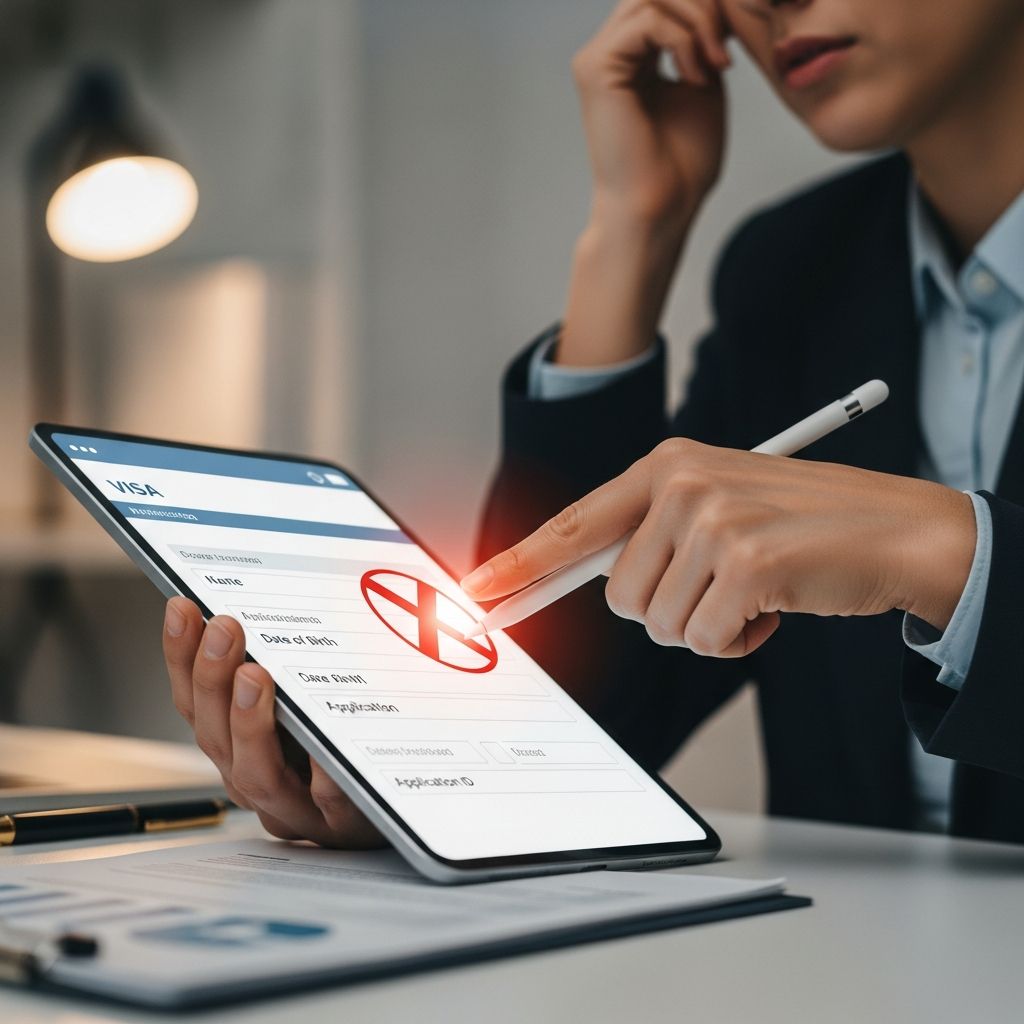
The DS-160 form is a critical step for nonimmigrant U.S. visa applicants, capturing personal, travel, and background details. Errors, from misspelled names to incorrect dates, can arise due to haste or oversight. Fortunately, the U.S. Department of State’s Consular Electronic Application Center (CEAC) allows corrections by generating a new submission. This process ensures accuracy without direct edits to the original form.
Understanding Form DS-160 and Common Mistakes
Form DS-160 serves as the online application for temporary visas like B-1/B-2 visitor, F-1 student, or others. It requires precise information on identity, employment, family, and intentions. Common errors include:
- Typographical slips in names, dates of birth, or passport numbers.
- Incorrect visa classifications or travel purposes.
- Mismatched addresses or contact details.
- Overlooked security or background questions.
Minor typos may not impact outcomes, but material inaccuracies—like wrong birth dates—could raise fraud concerns or lead to denials. Always prioritize corrections before interviews.
Step-by-Step: Retrieving and Correcting Your DS-160
Post-submission, direct edits are impossible; instead, create a revised application. Start within 30 days for easiest access.
Method 1: Retrieve via Application ID
- Visit CEAC and select your location.
- Choose ‘Retrieve an Application’ and enter your ID (found on confirmation page).
- Answer security questions to access.
- Click ‘Create a New Application’—data auto-populates.
- Edit errors, review thoroughly, sign electronically, and submit.
A new confirmation with barcode generates; print it immediately.
Method 2: Using Saved DAT File
If you downloaded the DAT file during initial completion:
- On CEAC ‘Getting Started,’ select ‘Upload a Previously Saved Application.’
- Upload DAT, edit as needed, save, and submit for a fresh confirmation.
This method preserves most data, minimizing re-entry.
Beyond 30 Days or No Saved File
After 30 days, retrieval may fail. Upload saved DAT if available, or start anew. For lost files, manually refill, double-checking against documents.
Handling Visa Appointments with Corrected Forms
Timing matters relative to scheduling and fees.
| Scenario | Action Required | Documents to Bring |
|---|---|---|
| No appointment or fee paid yet | Use new confirmation only | New printout (old optional) |
| Appointment booked with old DS-160 | Keep appointment; bring both | Old + new confirmations |
| Fee paid with old form | Potentially repay for reschedule | Both + payment receipts |
Consular officers scan barcodes from both to access records. Mismatches without explanation can bar entry. Update profile on scheduling sites like ustraveldocs.com if possible.
Last-Minute Fixes: At the Consulate
Discovering errors en route? Inform check-in staff immediately. They may:
- Allow on-site correction via consulate computer.
- Direct to nearby facilities for quick resubmission.
- Assess if minor and proceed.
Avoid relying on officers for edits—applicants must self-correct. Material issues could necessitate rescheduling, better than fraud accusations.
Preventing Errors: Best Practices Before Submission
Proactive steps reduce stress:
- Gather documents: passport, itineraries, financial proofs.
- Complete in sessions; save frequently (DAT file).
- Review each page; use spell-check.
- Answer security questions you’ll remember.
- Print full confirmation post-submission.
Estimate 90 minutes; inaccuracies delay processing.
Consequences of Uncorrected Errors
Undisclosed mistakes risk:
- Interview delays or reschedules.
- Visa refusals under INA Section 212(a)(6)(C) for misrepresentation.
- Future application bars.
Even non-material errors like old employer addresses might be overlooked, but transparency builds credibility.
Special Cases: Visa Type or Passport Changes
Wrong visa type? Correct promptly; within 30 days via retrieve, else new form. Passport renewal post-submission? Submit updated DS-160 noting changes, bringing both old/new passports. F-1 students: Same process, carry I-20.
Rescheduling and Fees
Two free changes allowed; exceedance requires repurchase (e.g., $185 for B-1/B-2). Cancel old appointment if creating new DS-160 mandates it.
Frequently Asked Questions
Can I edit DS-160 directly after submitting?
No, submit a new application via CEAC for a fresh barcode.
What if my DS-160 barcode doesn’t match my appointment?
Bring both confirmations; update profile if site allows, or contact consulate.
Do I pay extra to correct DS-160?
No fee for DS-160; only for rescheduled interviews beyond limits.
Is a name misspelling serious?
Potentially material; correct to match passport.
What about errors found after interview?
Irrelevant if visa issued; disclose in future apps if material.
Expert Tips for Smooth Visa Processing
Consult immigration attorneys for complex cases. Practice interview responses aligning with corrected form. Track CEAC status post-submission.
This guide empowers accurate applications, minimizing rejections. Precision on DS-160 paves the way for U.S. entry.
References
- DS-160 FAQs — U.S. Department of State. 2023. https://travel.state.gov/content/travel/en/us-visas/visa-information-resources/forms/ds-160-online-nonimmigrant-visa-application/ds-160-faqs.html
- Online Nonimmigrant Visa Application (DS-160) — U.S. Department of State. 2024. https://ceac.state.gov/genniv/
- DS-160: Online Nonimmigrant Visa Application — U.S. Department of State. 2024. https://travel.state.gov/content/travel/en/us-visas/visa-information-resources/forms/ds-160-online-nonimmigrant-visa-application.html
- How to Update Form DS-160 After Submitting Online — Boundless Immigration. 2024-01-15. https://www.boundless.com/immigration-resources/changing-form-ds-160-after-submitting
- Made a Mistake on Form DS-160 — Nolo. 2023-06-10. https://www.nolo.com/legal-encyclopedia/made-mistake-form-ds-160-i-fix-after-submitted.html
Similar Articles








Read full bio of Sneha Tete


