Your Email Got Hacked: How to Take Back Control Fast
Learn the exact steps to lock out hackers, clean up the damage, and rebuild strong defenses after an email account breach.
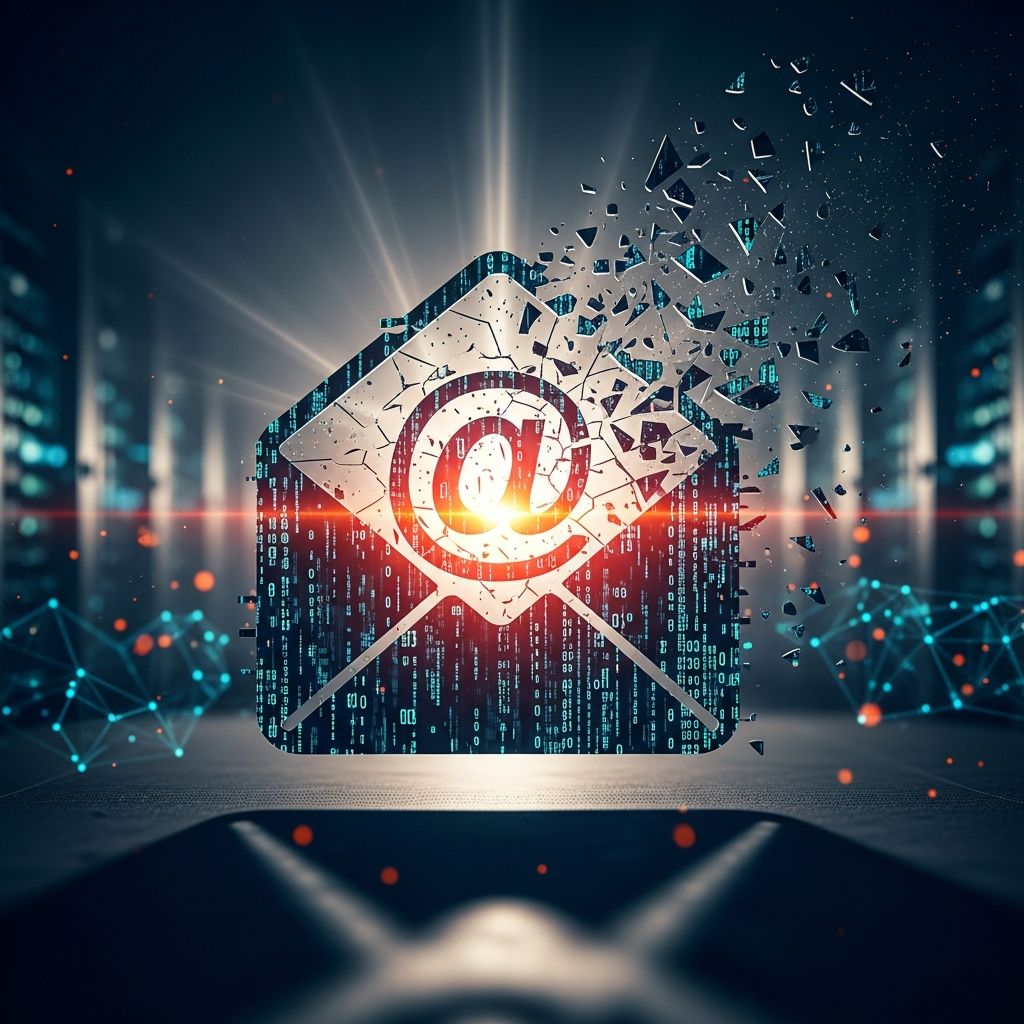
When your email account is hacked, every part of your digital life is at risk. Password resets, bank alerts, work accounts, and social media all depend on that inbox. Responding quickly and methodically can limit the damage and help you regain control.
This guide walks you through what to do in the first critical hours, how to repair the fallout, and how to strengthen your defenses so it is much harder for anyone to break in again.
1. Recognize the Signs Your Email Has Been Compromised
Not every suspicious message means you have been hacked, but certain warning signs strongly suggest that someone else has access to your account.
- People report receiving strange messages from you that you did not send.
- You see logins from unknown locations, devices, or IP addresses in your account activity logs.
- There are password reset emails for services you do not recognize or did not request.
- Messages are missing, deleted, or marked as read even though you never opened them.
- Forwarding rules appear that you did not create, sending copies of your email somewhere else.
- Your recovery phone number or backup email has been changed without your knowledge.
If any of these are happening, act immediately. The longer an attacker keeps access, the more they can pivot into your other accounts.
2. First Actions: Contain the Breach
Your top priority is to stop the attacker from continuing to use your account while you begin recovery.
2.1 Log Out of Untrusted Devices
If you are logged in on a shared computer or public device (such as a library, school, or work kiosk), sign out right away.
- Use a trusted device that you control, such as your own phone or home computer.
- Go into your account security settings and choose options like Sign out of all other sessions or Log out of all devices if available.
- After this, only sign back in from devices you know are safe.
2.2 Change Your Password Safely
Changing the password is often the most important single step, but it must be done correctly.
- Use a device you believe is free of malware before changing your password.
- Create a unique, strong password with at least 12–16 characters, mixing upper- and lower-case letters, numbers, and symbols.
- Do not reuse any password from another site, especially if you also reused the hacked email password.
- If your email provider allows, turn on a feature that logs out all other sessions when the password is changed.
2.3 Turn On Multi-Factor Authentication (MFA)
Multi-factor authentication (also called two-step verification) adds an extra barrier for attackers, even if they know your password.
- Enable MFA in your email security settings.
- Choose an option like an authenticator app or hardware key when possible, which is generally safer than SMS codes.
- Test that you can still log in before signing out of all devices.
3. Clean Up Your Account Settings
Attackers often change settings to quietly maintain access or redirect your messages. Go through your account carefully.
3.1 Review Forwarding, Filters, and Rules
Many email providers let you automatically forward messages or create rules that move or copy mail. Hackers use these to spy on you.
- Check for forwarding addresses you do not recognize and delete them.
- Look through filters or rules that mark messages as read, archive them, or send them to folders you do not typically use.
- Remove any rule that you did not create, especially if it hides security alerts or bank notifications.
3.2 Audit Connected Apps and Third-Party Access
Apps and services often connect to your email account to sync calendars, read messages, or send mail.
- Open the third-party access or connected apps section in your account.
- Revoke access for anything you do not recognize or no longer use.
- Pay special attention to apps with permission to send mail or read all messages.
3.3 Secure Your Recovery Information
Your recovery phone and email are the keys to resetting your password. Attackers often change these first.
- Confirm that your recovery email address and phone number are still yours.
- Remove any recovery options that you do not recognize.
- If anything has been changed, update it immediately and then change your password again.
4. Scan for Malware and Secure Your Devices
If your password was stolen by malicious software (like a keylogger or remote-access tool), the attacker can simply steal your new password unless you clean your devices.
- Run a full system scan using reputable antivirus or anti-malware software.
- Enable automatic updates for your operating system, browser, and security software to patch known vulnerabilities.
- Uninstall browser extensions, toolbars, or apps that you do not recognize or no longer use, as these can be abused for spying or adware.
- Scan USB drives and external storage devices for malicious files.
Only after your devices are clean should you fully trust them for banking, password changes, or sensitive communication.
5. Protect Other Accounts Linked to Your Email
Your email is often the control center for other services because it is used for password resets and account verification.
5.1 Prioritize High-Risk Accounts
Focus first on accounts that could cause serious harm if misused.
- Online banking and financial services.
- Credit card, payment, and money-transfer apps.
- Work email, collaboration tools, and cloud storage.
- Social media accounts that could be used to impersonate you.
For each of these accounts:
- Change the password to a strong, unique one that you have never used elsewhere.
- Turn on MFA wherever it is available.
- Review recent activity logs or login history for unusual access, if the service offers this feature.
5.2 Watch for Identity Theft and Financial Abuse
If the attacker accessed sensitive information in your mailbox (like tax documents, scans of IDs, or banking messages), they could attempt identity theft.
- Check recent financial transactions for unauthorized purchases or transfers.
- Contact your bank or card issuers if you see anything suspicious.
- Consider placing fraud alerts or credit freezes through national credit reporting agencies if you believe your identity may be at risk.
6. Inform People Who May Be Affected
Attackers often use a hacked email account to spread scams, malware, or phishing to your contacts.
- Send a short, clear message to your contacts from your recovered account, explaining that it was compromised and asking them to ignore suspicious emails previously sent.
- Let close family, colleagues, and supervisors know in case the attacker tried to impersonate you at work or in sensitive situations.
- Advise anyone who clicked links or opened attachments from recent suspicious messages to run antivirus scans and change passwords.
By warning others, you reduce the likelihood that the attacker will successfully target people you know.
7. Strengthen Your Long-Term Email Security
Once the immediate crisis is past, use the experience to build stronger defenses so that another incident is less likely.
7.1 Build Better Password Habits
Weak or reused passwords make it easy for attackers to break into multiple accounts if one site is breached.
- Use a password manager to generate and store long, unique passwords for every account.
- Update your email password periodically and avoid using personal details like names, birthdays, or common words.
- Never reuse your email password on other services.
7.2 Be Wary of Phishing and Suspicious Messages
Email phishing remains one of the most common ways attackers steal login credentials.
- Do not click links or open attachments in unexpected emails, even if they appear to be from a familiar sender.
- Be skeptical of urgent messages requesting personal or financial information, password resets, or verification codes.
- Check the real sender address carefully, not just the display name.
- Use your email provider’s spam and phishing filters and mark suspicious messages so the system learns to block similar ones.
7.3 Secure Your Network and Devices
Your accounts are only as safe as the devices and networks you use to access them.
- Avoid logging into email over unsecured public Wi-Fi without a VPN, since attackers on the same network can sometimes intercept data.
- Keep your operating system, browser, and apps updated to close security gaps.
- Use reputable antivirus software with real-time scanning of email attachments and downloads.
8. Example Recovery Checklist
The following table summarizes the main actions you should take after discovering that your email has been hacked.
| Phase | Key Actions | Goal |
|---|---|---|
| Immediate | Log out of shared devices; change password; enable MFA; sign out of all other sessions. | Cut off active unauthorized access. |
| Account Cleanup | Remove forwarding rules; review filters; revoke suspicious apps; secure recovery info. | Stop hidden monitoring or backdoors into the account. |
| Device Security | Run antivirus scans; update software; remove unknown extensions. | Eliminate malware that could steal new credentials. |
| Wider Protection | Change passwords on linked accounts; enable MFA; check for fraud. | Prevent attackers from misusing other services. |
| Communication | Warn contacts; notify banks or employers if needed. | Reduce harm to others and document the incident. |
| Prevention | Improve passwords; learn to spot phishing; secure devices and networks. | Lower the risk and impact of future attacks. |
Frequently Asked Questions (FAQs)
Q1: Do I need to create a new email account after a hack?
Not always. If you regain full control, remove all unauthorized changes, and secure your devices, you can usually continue using the same address. However, if the provider cannot restore access, or the account has been repeatedly compromised, creating a new account and gradually migrating your important services can be safer.
Q2: How can I tell if the hacker still has access?
Monitor your account activity logs, device list, and security alerts carefully. If you see new logins from unknown locations, new forwarding rules, or password change notices you did not initiate, someone may still have access. In that case, repeat the recovery steps, ensure your devices are malware-free, and consider getting help from your email provider’s support team.
Q3: Is clicking a phishing link enough to get hacked?
Clicking a malicious link can send you to a fake login page designed to steal your credentials, or in some cases attempt to install malware. If you entered your password on such a page, assume it is compromised and change it immediately from a trusted device. Run an antivirus scan and enable MFA to limit further damage.
Q4: Should I report the incident to any authority?
If the attack involves financial loss, identity theft, or widespread fraud, it is wise to report it to law enforcement and follow any national guidance on cybercrime and identity theft. You may also need to notify your employer if work accounts or data were involved.
Q5: How often should I change my email password?
Security guidance increasingly emphasizes password quality and uniqueness over frequent changes. However, you should always change your email password immediately after any suspected compromise, after a major data breach affecting a service where you reused the password, or if you shared it by mistake. Using a password manager and MFA offers stronger, more consistent protection than changing a weak password frequently.
References
- Make your account more secure — Google Account Help. 2024-03-20. https://support.google.com/accounts/answer/46526
- Best Practices to Protect Against an Email Hack — GeeksforGeeks. 2024-01-05. https://www.geeksforgeeks.org/techtips/how-to-protect-against-an-email-hack/
- How To Prevent Your Emails Being Hacked — McAfee. 2023-11-15. https://www.mcafee.com/learn/how-to-prevent-your-emails-being-hacked/
- Complete Guide to Phishing: Techniques & Mitigations — Valimail. 2023-06-01. https://www.valimail.com/resources/guides/guide-to-phishing/
- Email Hacked? 7 Steps to Recover & Stop Spammers Fast — LoginRadius. 2022-09-08. https://www.loginradius.com/blog/identity/steps-to-follow-when-email-hacked
- 10 Best Practices for Email Security — TitanFile. 2023-02-10. https://www.titanfile.com/blog/best-practices-for-email-security/
- How To Protect My Email From Hackers—Best Security Tips — Privacy.com. 2023-07-19. https://www.privacy.com/blog/how-to-protect-my-email-from-hackers
Similar Articles






Read full bio of Sneha Tete