
Secure Cyber Monday Shopping Guide: Expert Tips For 2025
Master safe online shopping strategies for Cyber Monday to protect your money and data from rising digital threats.
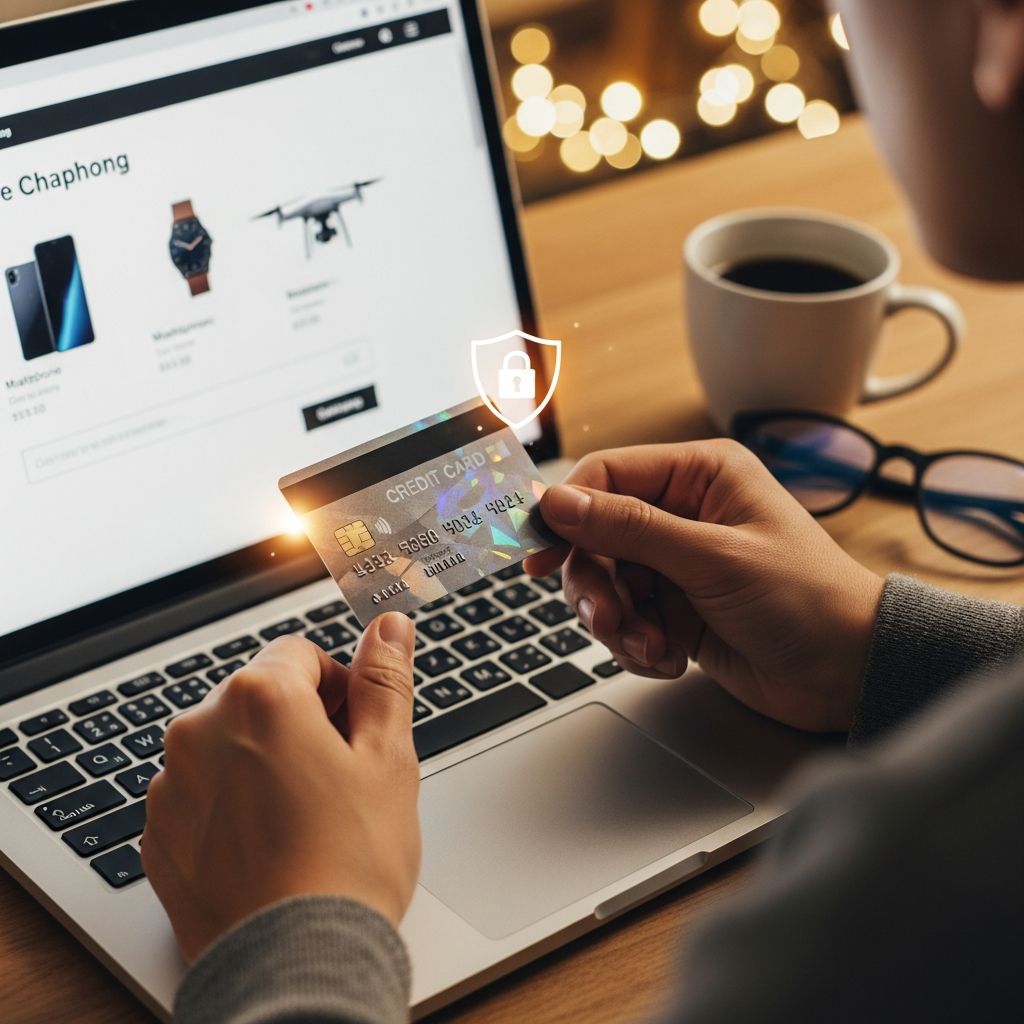
Every year, Cyber Monday draws millions to online deals, but it also attracts cybercriminals eager to exploit rushed shoppers. With sales surging across major retailers, understanding proven security practices ensures you snag bargains without compromising personal or financial data. This guide equips you with actionable strategies drawn from cybersecurity experts and consumer protection authorities.
Understanding Cyber Monday Risks
Cyber Monday, the Monday following Thanksgiving, kicks off a frenzy of e-commerce discounts. In 2024, U.S. online sales hit record highs, yet scam reports spiked correspondingly, with phishing and fake sites leading threats. Fraudsters mimic trusted brands, deploy phishing emails promising flash sales, and create counterfeit storefronts to harvest card details. Awareness of these tactics forms the first defense layer.
- Phishing attacks via email or SMS mimic retailers with urgent ‘limited-time offer’ lures.
- Fake websites replicate legitimate ones, differing only in subtle URL typos.
- Data breaches expose saved payment info if accounts lack robust protection.
Consumer agencies like the Better Business Bureau (BBB) report that verifying seller legitimacy slashes fraud risk significantly.
Selecting Trustworthy Retailers and Platforms
Begin by curating a list of established merchants. Prioritize household names with proven track records, such as department stores advertising nationally. These platforms invest in security infrastructure, reducing breach likelihood.
Avoid third-party marketplaces unless verified. On sites like major discounters, scrutinize ‘sold by’ details—opt for items fulfilled directly by the primary retailer to bypass unvetted vendors.
| Red Flag | Safe Practice |
|---|---|
| Unfamiliar sellers offering steep discounts on high-value goods | Check BBB profiles and customer reviews before purchase |
| Ads or emails linking to deals | Type retailer URLs manually or use bookmarks |
| No contact info or poor grammar on site | Exit and shop established alternatives |
Direct navigation thwarts typosquatting, where scammers register near-identical domains hoping for mistyped entries.
Verifying Website Security Before Purchase
No site is immune, but secure ones display clear indicators. Confirm the address bar shows ‘https://’ and a padlock icon, signaling encryption of data in transit. Hover over links to ensure they match the site’s domain—mismatched redirects signal danger.
For smaller boutiques, cross-check legitimacy via official social channels or business registries. Steer clear of ‘too-good-to-be-true’ promotions; if a luxury item sells at 90% off, it’s likely bait.
- HTTPS ensures encrypted connections, vital for entering payment details.
- Mobile apps from official stores often add extra verification layers.
- Browser extensions tracking price history expose inflated ‘discounts’.
Strengthening Account Protections
Guest checkout minimizes exposure, but returning shoppers benefit from fortified accounts. Craft passwords exceeding 12 characters, blending uppercase, lowercase, numerals, and symbols—eschew dictionary words or personal data.
Implement two-factor authentication (2FA) universally; it requires a secondary code via app or SMS, blocking unauthorized access even if passwords leak. Password managers generate and store unique credentials per site, curbing reuse vulnerabilities.
Decline auto-saving payment methods on retailer platforms. Data breaches, though rare at trusted sites, can expose stored cards.
Choosing Optimal Payment Safeguards
Credit cards trump debit for online buys due to federal zero-liability protections—dispute fraudulent charges swiftly without dipping into your funds. Debit pulls directly from banks, complicating reimbursements.
Payment intermediaries like PayPal shield card details from merchants, storing them centrally under your control. Virtual card numbers, offered by some issuers, generate one-time use digits for transactions.
| Method | Pros | Cons |
|---|---|---|
| Credit Card | Fraud protection, rewards, easy disputes | Temptation to overspend |
| Debit Card | Direct spending control | Slower recovery, bank holds |
| PayPal/Digital Wallets | Masked card info, buyer protection | Fees on some transactions |
Never wire funds or use gift/prepaid cards for purchases—these lack recourse.
Steering Clear of Risky Networks
Public Wi-Fi at cafes or airports broadcasts unencrypted data, inviting interception by nearby hackers. Postpone shopping until home or cellular data access.
If unavoidable, deploy a VPN to tunnel traffic securely, masking it from snoopers. Keep devices updated with latest patches; outdated software harbors exploits cybercriminals target during peak shopping. Antivirus suites scan for malware that keystroke-logs credentials.
Post-Purchase Vigilance and Fraud Response
Monitor statements daily post-Cyber Monday. Set transaction alerts via banking apps for instant notifications. Anomalies like unrecognized small charges signal testing by thieves.
Report issues immediately to issuers—federal law caps liability at $50 for credit if notified promptly, often $0. Freeze cards via apps for instant halts.
- Review accounts weekly through holidays.
- Enable alerts for all purchase thresholds.
- Retain receipts and tracking for disputes.
Advanced Precautions for Tech-Savvy Shoppers
Employ browser privacy modes to avoid cookie tracking. Price comparison tools reveal genuine savings, debunking hype. For mobile, official apps bypass browser risks.
Businesses should train staff on these protocols, as employee lapses amplify threats. Government resources like CISA’s holiday tip sheets offer checklists.
Frequently Asked Questions
What if I spot a suspicious charge after shopping?
Contact your card issuer immediately via app or phone. Provide details for swift investigation and reversal under fraud protections.
Is shopping via mobile app safer than websites?
Yes, official apps often enforce biometric logins and reduce phishing exposure compared to browser sessions.
Should I use the same password across shopping sites?
No—unique passwords per site, managed via tools, prevent cascade breaches if one account compromises.
How do I know a deal is legitimate?
Verify via price trackers, HTTPS security, and BBB ratings. Ignore unsolicited promotions.
What’s the best way to handle public Wi-Fi shopping urges?
Wait for secure networks or use VPN; public spots lack encryption, exposing data.
Adopting these habits transforms Cyber Monday from a vulnerability hotspot into a secure savings bonanza. Stay proactive, and enjoy the season’s best offers risk-free.
References
- Cyber Monday safety tips for online shopping — Norton. 2023-11-20. https://us.norton.com/blog/online-scams/cyber-monday-7-tips-for-safer-online-shopping
- Pro tips for a successful Cyber Monday — Better Business Bureau (BBB). 2024-11-15. https://www.bbb.org/all/holiday-hq/shopping-tips/cyber-monday-shopping-tips
- Stay Cyber Safe: 5 Tips for Secure Holiday Shopping — TechRepublic. 2024-11-25. https://www.techrepublic.com/article/news-holiday-shopping-cyber-tips/
- Four tips for staying safe on Cyber Monday — Bitwarden. 2024-11-28. https://bitwarden.com/blog/staying-safe-online-for-cyber-monday/
- 12 Security Tips for Cyber Monday — CybeReady. 2024-11-20. https://cybeready.com/security-tips-for-cyber-monday/
Similar Articles








Read full bio of medha deb


