What travelers should know about device privacy
Crossing an international border changes the privacy rules that normally protect your phone, laptop, and cloud accounts. In the United States, Customs and Border Protection officers have authority to inspect travelers and, in some situations, to search electronic devices at the port of entry. That authority does not mean every device is searched, but it does mean travelers should assume border agents may ask to examine digital information during inspection.
The most useful approach is not panic, but preparation. Travelers who understand the rules, reduce sensitive data on devices, and plan for a possible inspection are better positioned to protect personal, professional, and privileged information.
How border searches differ from ordinary searches
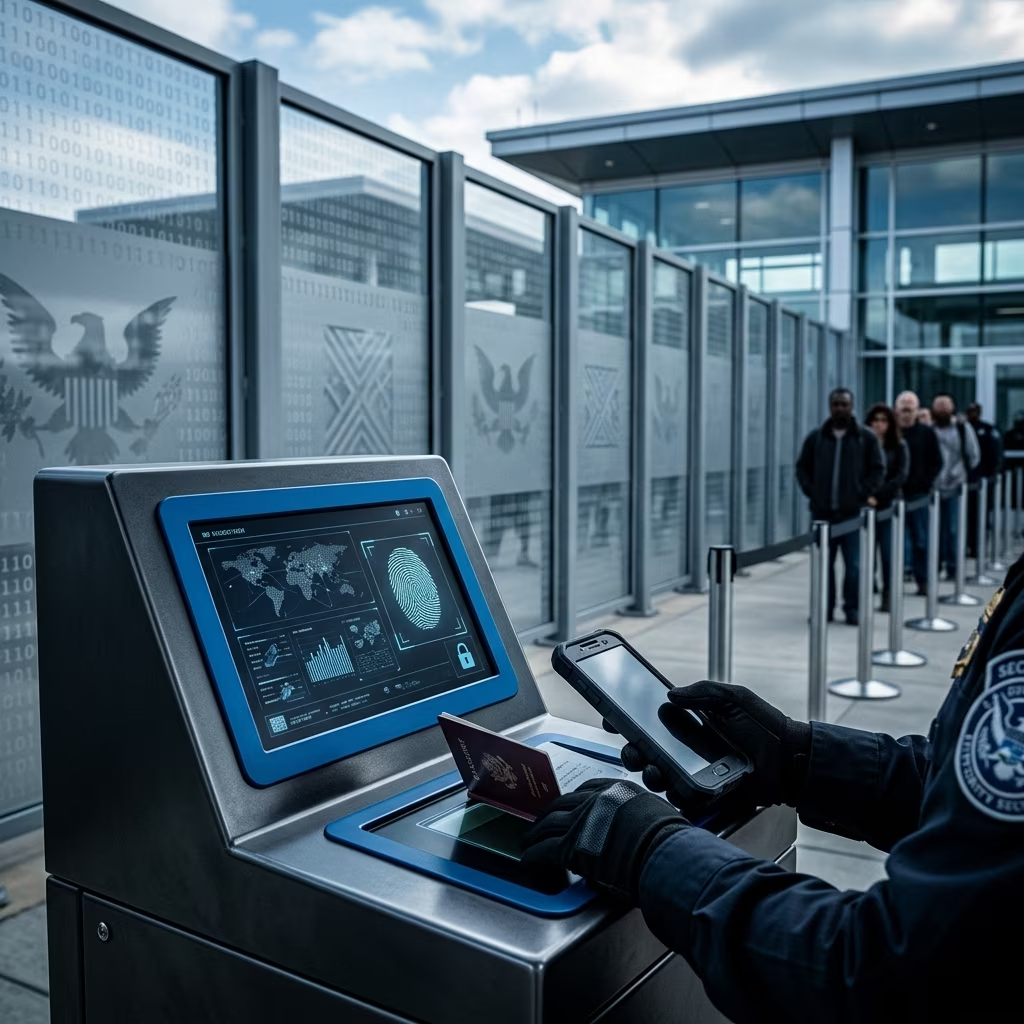
At a border crossing, government authority is broader than it is in everyday life. CBP states that officers may search mobile phones, computers, cameras, and other electronic devices during inspection. These searches are part of border enforcement and national security screening, not the same as a routine search at home or in the street.
This distinction matters because the usual expectation of privacy is reduced when entering the country. In practical terms, travelers can be asked to hand over a device, provide access to content, or answer questions about what is stored on the device. For many people, the most important issue is not whether a search happens, but how much information is exposed if one does.
| Travel situation | Practical privacy risk | Common response |
|---|---|---|
| Routine entry screening | Officer may ask questions or inspect belongings | Answer truthfully and keep responses direct |
| Device inspection | Photos, messages, files, and accounts may be reviewed | Limit sensitive data before travel |
| Device seizure | Device may be retained for further review | Request a receipt and document the interaction |
What rights U.S. citizens and lawful permanent residents have
U.S. citizens and lawful permanent residents generally have stronger protection at the border than foreign visitors, but that does not mean a device search cannot occur. A traveler in this group may refuse to consent to a device search or refuse to unlock a phone, yet CBP may still seize the device and continue the inspection process.
What they generally cannot do is deny entry solely because a citizen or lawful permanent resident refuses to provide a password. That distinction is critical. Refusing access may still create delay, inconvenience, or confiscation of the device, but the legal consequences are different from those faced by noncitizens.
If officers take a device, travelers should ask for a receipt and keep notes about where and when the exchange happened. Documentation may be important if the device is retained longer than expected or if the traveler later wants to challenge what happened.
Why foreign nationals face greater risk
Foreign nationals, including some visa holders and other noncitizens, may have fewer practical rights at the border. Sources addressing border searches explain that refusing to unlock a device or provide access can carry more serious consequences for this group, including denial of entry or detention. That does not mean travelers lose all protections, but the leverage in the encounter is different.
For this reason, noncitizen travelers should be especially careful about what is stored on their phones and laptops before they travel. Sensitive work files, private correspondence, political material, and client information should be minimized or separated from the device they carry across the border.
Device security steps that reduce exposure
One of the best defenses is simply carrying less data. Travelers are advised to back up important material before departure, limit what they store locally, and remove unnecessary content from the devices they bring. If a border search occurs, a device that holds less personal and professional information reveals less.
Several practical measures are consistently recommended by security and legal resources:
- Back up important files to a secure home or work drive before leaving.
- Limit local storage of sensitive data on phones and laptops.
- Log out of cloud storage apps and other services that expose documents or photos.
- Use strong passwords or passcodes instead of weak numeric codes.
- Enable multi-factor authentication before travel.
- Install software and security updates before departure.
- Turn on device-finding features in case equipment is lost or seized.
- Use your own charging equipment instead of public USB charging stations.
Encryption is also important. A strongly encrypted laptop or phone is more difficult to access if it is taken out of your possession, and a robust passphrase is generally better than a simple PIN. Travelers who rely on biometrics should understand that a passcode may offer more control than facial recognition or fingerprints in some situations.
Cloud accounts, passwords, and the problem of linked data
For many travelers, the biggest risk is not just what is on the device itself, but what the device can reach. A logged-in email account, a synced photo library, or an open cloud storage app may expose much more than local files. Logging out before travel can reduce that exposure, especially if a device is inspected while unlocked.
Passwords should also be managed carefully. A secure password manager can help travelers keep account access organized without storing passwords in plain view. If a traveler uses multiple accounts for work, personal life, or public-facing activity, it can be helpful to separate those identities before crossing a border. The goal is to reduce the chance that one phone provides access to an entire digital life.
How to behave during an inspection
If a border officer asks to inspect a device, calm and measured conduct matters. Travelers are advised to remain polite, answer only truthfully, and avoid volunteering unnecessary information. If an instruction is unclear, it is reasonable to ask whether compliance is being requested or required.
If a traveler believes a search has gone beyond proper bounds, the safest immediate response is not confrontation. Instead, the traveler should stay calm, avoid false statements, and record details as soon as possible afterward. Names, badge numbers, times, locations, and the nature of the request may all be important later.
What to do if your device is taken
Device seizure is one of the most stressful parts of a border encounter, but it is not the end of the matter. Travelers are encouraged to ask for a receipt or written record whenever a phone or laptop is retained. That record can help track the device and may be useful if retrieval becomes complicated.
Some sources note that the government has asserted authority to keep a phone for several days, with longer retention possible in unusual circumstances. If a traveler is concerned about privileged or highly sensitive material, that should be raised carefully and immediately, especially where special handling procedures might apply.
If there is no lawful basis to retain copied information, government policy is generally supposed to limit what is kept. Still, because travelers may not control what happens during the search, prevention is better than trying to repair the harm later.
Special concerns for lawyers, business travelers, and anyone with confidential data
People who travel with client files, proprietary business records, medical information, or other confidential material should take extra precautions. The risk is not just embarrassment; it may include privilege issues, disclosure duties, and professional responsibility concerns.
For these travelers, separating work from travel devices can be especially useful. If possible, use a dedicated travel device that contains only the minimum information needed for the trip. That device should not be linked to every personal account or corporate repository unless absolutely necessary.
Smart travel habits that support privacy
Border privacy is only one part of digital safety. The same habits that reduce the risk of an inspection problem also protect against theft, surveillance, and account compromise abroad. Travelers should update software, use virtual private networks on public Wi-Fi, and avoid leaving devices unattended in hotels, airports, or cars.
These habits are especially useful when combined with good data hygiene before the trip. Delete outdated files, remove rarely used apps, clear cached materials where appropriate, and review which accounts are signed in. The less unnecessary content you carry, the fewer privacy risks you face.
Practical pre-travel checklist
- Back up photos, files, and contacts to a secure location.
- Remove sensitive data that is not needed during the trip.
- Log out of cloud apps and email accounts when possible.
- Update operating systems and security software.
- Use strong passcodes and enable multi-factor authentication.
- Carry chargers and avoid open public USB ports.
- Document contact information for legal help if needed.
Frequently asked questions
Can CBP search my phone when I reenter the United States? Yes. CBP states that officers may search electronic devices at ports of entry, and travelers should plan for that possibility.
Can I refuse to give my password? U.S. citizens and lawful permanent residents may refuse, but the device may still be taken and inspected. Foreign nationals may face more serious consequences for refusing.
Should I travel with sensitive documents on my laptop? Only if necessary. Sources recommend limiting local data and backing up important material before travel.
What should I do if officers keep my device? Ask for a receipt, write down the details of the encounter, and consider speaking with a lawyer familiar with international or border matters.
Is encryption enough? Encryption helps, but it is best paired with data minimization, strong passwords, and careful account management before travel.
References
- Border Search of Electronic Devices at Ports of Entry — U.S. Customs and Border Protection. 2025-01-01. https://www.cbp.gov/travel/cbp-search-authority/border-search-electronic-devices
- Know Your Rights: Protecting Digital Privacy at the Border — Human Rights First. 2024-05-01. https://www.humanrightsfirst.org/library/know-your-rights-protecting-digital-privacy-at-the-border
- How to Enter the U.S. With Your Digital Privacy Intact — WIRED. 2017-02-09. https://www.wired.com/2017/02/guide-getting-past-customs-digital-privacy-intact/
- Digital Privacy and Device Searches at U.S. Borders — Cornell Global. 2024-03-01. https://global.cornell.edu/travel/planning/traveling-technology/digital-privacy
- Returning to the U.S. — University of California Office of the President, Information Security. 2024-06-01. https://security.ucop.edu/resources/traveling-with-electronic-devices/border-search.html
- Traveling This Holiday Season? There Are Steps You Can Take to Safeguard Your Privacy — American Civil Liberties Union. 2024-12-01. https://www.facebook.com/aclu/posts/traveling-this-holiday-season-there-are-steps-you-can-take-to-safeguard-your-pri/1330223869140730/
- Border Search of Electronic Devices at Ports of Entry — U.S. Customs and Border Protection. 2025-01-01. https://www.cbp.gov/travel/cbp-search-authority/border-search-electronic-devices