Why True eService Delivers More Than Email Attachments
Discover how modern eService platforms outclass email with tracking, security, compliance, and workflow automation for litigation teams.
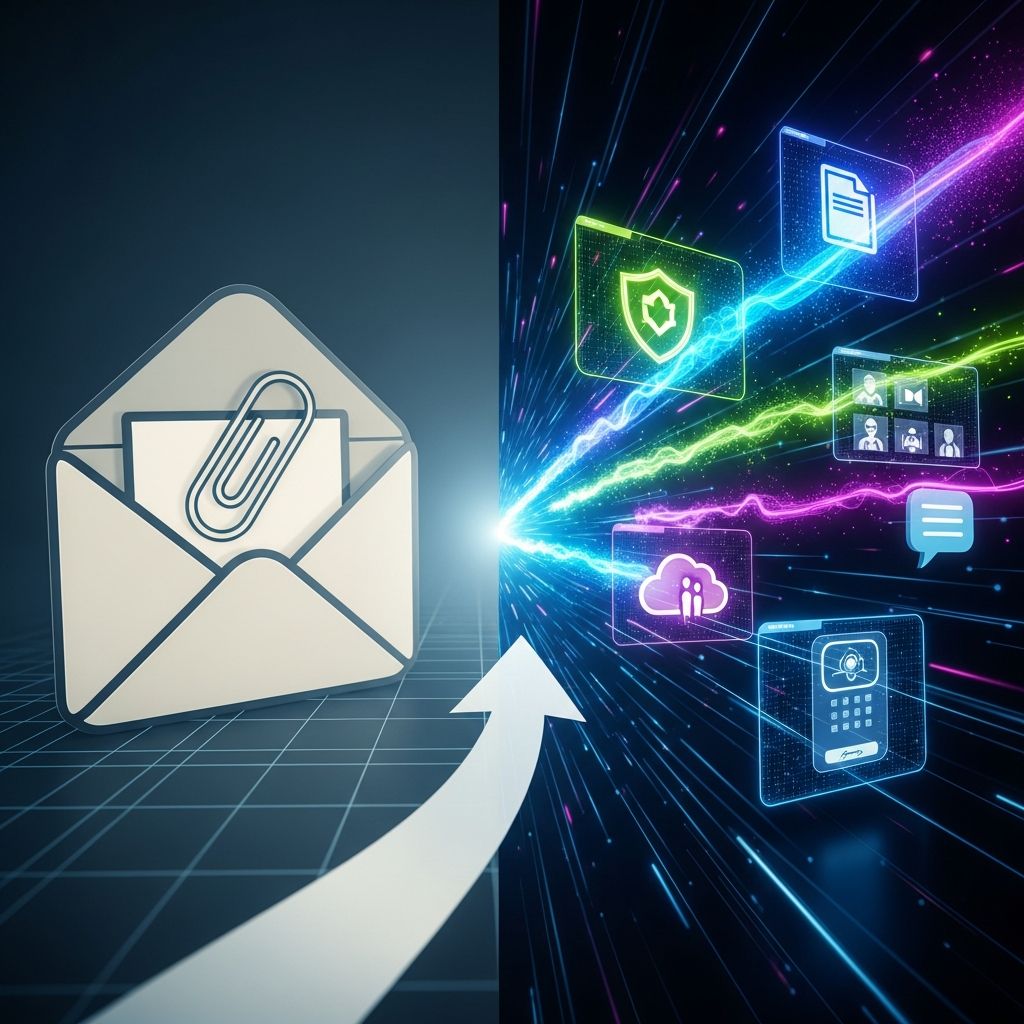
For many legal professionals, the shift from paper to digital began with a simple step: sending pleadings and correspondence by email instead of courier or postal mail. But while email is convenient, it was never designed to satisfy the strict requirements of litigation practice, court rules, and professional responsibility. Modern electronic service (eService) platforms close that gap by offering a secure, verifiable, and automated way to serve and manage case documents that goes well beyond attaching a PDF to an email.
This article explains what distinguishes professional eService from ordinary email, how it transforms litigation workflows, and what features matter most when evaluating an eService solution.
From Email Attachments to Purpose-Built eService
Email made it possible to send documents in seconds, but it introduces risks around confidentiality, reliability, and proof of service. Courts and bar associations repeatedly emphasize the importance of protecting client data and using technology competently, including understanding its security limitations.
By contrast, modern eService systems are built specifically for legal work. Instead of sending the actual document through email, they typically send secure links to documents stored on encrypted servers, with robust access controls and auditable logs. These platforms are often integrated with court eFiling systems, enabling end-to-end digital workflows from filing to service.
Why email alone is not enough
- No guaranteed delivery logs: Read receipts are optional and unreliable; they are not equivalent to formal proof of service.
- Attachment size and filter problems: Large PDFs can be blocked or stripped by spam or security filters without the sender or recipient being clearly notified.
- Weak confidentiality controls: Misaddressed emails, unsecured devices, and forwarding outside the intended group can expose sensitive data.
- Inconsistent record-keeping: Service history may be scattered across individual inboxes, making audits and disputes more difficult.
An eService platform replaces this ad-hoc approach with a single source of truth: one system where documents are served, tracked, and archived in a way that aligns with court requirements and legal ethics.
Core Benefits of Modern eService Platforms
Below is a high-level comparison between basic email distribution and a dedicated eService solution as commonly used in litigation practice.
| Capability | Email Attachments | Dedicated eService Platform |
|---|---|---|
| Delivery tracking | Unreliable, user-controlled receipts | Automatic logs of send, access, and completion events |
| Proof of service | Manual screenshots, saved messages | Time-stamped certificates and reports generated by system |
| Security | Variable; depends on each user’s email and device settings | Encryption, access controls, and centralized security management |
| Integration with court eFiling | None | Often directly connected to eFiling and case metadata |
| Audit trail | Fragmented across individual mailboxes | Consolidated logs maintained on a central server |
| Automation | Manual distribution lists and reminders | Automated service lists, reminders, and workflow steps |
1. Improved security and confidentiality
Lawyers have an ethical duty to safeguard client information and to understand the risks of the technologies they use. True eService solutions help by using:
- Encrypted transmission and storage so documents are not left sitting unprotected in multiple email servers and devices.
- Access control limiting document visibility to verified participants on a case.
- Centralized permissions to quickly revoke access when a user leaves a firm or a representation ends.
Because the document itself stays in a controlled environment, a misdirected notification email (for example, if an address is typed incorrectly) is less likely to expose the actual content.
2. Reliable, auditable proof of service
In litigation, whether and when a document was served can affect deadlines, sanctions, and even substantive rights. Professional eService platforms automatically generate:
- Date- and time-stamped logs documenting when a document was made available and when recipients accessed it.
- Certificates or summaries of service that can be downloaded or filed as needed.
- Consistent retention of service history even if staff members change roles or leave the firm.
This objective, system-generated evidence reduces disputes and saves time otherwise spent reconstructing email chains.
3. Speed and efficiency without sacrificing control
Electronic workflows in the courts and in law firms have already shown major gains in speed and productivity. eService adds to this by allowing documents to be transmitted instantly to all parties, while still maintaining detailed oversight.
- Immediate availability: Once uploaded, documents can be accessed in seconds, supporting urgent motions or time-sensitive orders.
- Automated distribution lists: Service contacts for each case can be maintained centrally and reused, reducing repetitive data entry.
- Batch workflows: Multiple documents or multiple cases can often be handled in one coordinated process, which is especially valuable for high-volume practices.
4. Integration with eFiling and case management
Many courts now support or mandate electronic filing (eFiling), allowing documents to be filed online instead of at the clerk’s counter. eService platforms frequently interface with these systems so that:
- Documents are filed and served in one workflow, using data pulled from the court’s case record.
- Case numbers, party names, and deadlines are captured once and reused, improving accuracy and consistency.
- Service status is visible alongside filing status, giving a complete picture of where each document stands.
This alignment between filing and service reduces duplicate work, lowers the risk of mismatch between what is filed and what is served, and helps maintain compliance with evolving local rules.
5. Reduced administrative burden and cost
Traditional service methods require printing, packaging, postage, and manual logging. Even email service involves maintaining distribution lists, saving messages to the DMS, and reconciling service status later. eService platforms centralize and automate many of these steps:
- Less paper and postage: As with eFiling, moving service online decreases printing, shipping, and storage costs.
- Streamlined record-keeping: Staff no longer need to manually file service emails or search multiple systems to confirm delivery.
- Reallocation of staff time: Clerks and assistants can focus more on higher-value case support instead of repetitive administrative tasks.
Key Features to Look for in an eService Solution
Not all systems marketed as “eService” offer the same protections or efficiencies. When evaluating tools, legal teams should look for capabilities that support compliance, security, and usability.
Security and compliance controls
- Robust authentication: Require strong passwords and, ideally, multifactor authentication to align with best practices for safeguarding legal information.
- Encryption: Both in-transit and at-rest encryption for files and metadata.
- Granular permissions: The ability to control who can upload, view, or re-serve documents on each matter.
- Retention and export options: Clear policies and tools for exporting service records if you change vendors, consistent with your obligations to preserve client files.
Integration with existing tools
To deliver maximum value, eService should fit naturally into your existing digital ecosystem:
- Connection to court eFiling portals where available, so users do not have to jump between multiple systems for a single filing event.
- Compatibility with case management systems for syncing contact lists, matter numbers, and deadlines.
- Support for electronic signatures to streamline execution of stipulations, orders, and related documents where permitted by law.
Usability for remote and hybrid teams
The growth of remote and hybrid work has made electronic workflows essential in law practice. An effective eService solution should offer:
- Web-based access from any modern browser, with responsive design for varying screen sizes.
- Clear, intuitive interfaces that minimize training time for attorneys, paralegals, and support staff.
- Role-based views so each user sees the cases and tasks relevant to them.
- Reliable uptime and support to handle urgent filings and service outside normal business hours.
Practical Workflows: How eService Fits Into a Case
Although each jurisdiction and practice area is different, a typical litigation workflow using an eService platform might look like this:
- File the document electronically: A pleading, motion, or discovery response is prepared and uploaded to the court’s eFiling system.
- Trigger service from the same interface: Once accepted (or at the time of filing, depending on local practice), the filing is sent via eService to all counsel of record using a maintained service list.
- Recipients receive secure notifications: Instead of an attachment, they receive a link that requires login to view or download the document.
- The platform logs access events: When each recipient opens or downloads the document, the platform records the time and user.
- Proof of service is generated: A report or certificate can be stored with the case file and, where appropriate, submitted to the court.
For high-volume environments—such as insurance defense, government litigation, or complex commercial cases—this kind of structured workflow can significantly reduce errors and help keep dozens or hundreds of matters moving in parallel.
Ethical and Professional Responsibility Considerations
Bar associations increasingly stress that lawyers must maintain technological competence and take reasonable measures to protect client confidentiality. Using an eService platform in place of ad-hoc email can help satisfy these duties when implemented thoughtfully.
- Technological competence: Regularly evaluating whether your tools meet current security and reliability standards is part of a lawyer’s professional obligations in many jurisdictions.
- Confidentiality: Centralized controls and encryption can be part of the “reasonable efforts” expected to safeguard client information.
- Supervision: Because eService platforms create objective logs, they can improve oversight of delegated tasks performed by staff, co-counsel, or vendors.
Firms should still adopt internal policies, training, and incident-response plans, but an appropriate eService platform provides a strong foundation for those efforts.
Planning a Transition From Email to True eService
Adopting eService is both a technology project and a change-management effort. To make the transition smooth:
- Audit current practices: Identify where email is being used for service, which courts already support or require eFiling, and what your current pain points are (e.g., proof of service disputes, lost attachments).
- Prioritize high-impact practice areas: Start where volumes are highest or deadlines are most sensitive to show early value.
- Define roles and permissions: Decide who can create and update service lists, initiate service, and generate reports.
- Provide focused training: Offer short, role-specific sessions and written quick-reference guides.
- Monitor and refine: Track metrics such as time to complete service, number of disputes, and user satisfaction; adjust workflows as needed.
Frequently Asked Questions (FAQs)
Q1: How is eService different from simply emailing documents?
eService uses a secure platform to store documents and distribute access, while email sends the actual files through multiple servers and devices. With eService, you typically get encryption, centralized access control, automated logs, and system-generated proof of service—capabilities that ordinary email does not reliably provide.
Q2: Do courts recognize electronic service as valid?
Many jurisdictions explicitly permit or require electronic service under their rules, especially when parties consent or are participating in eFiling programs. The exact requirements vary, so firms must review the rules and any standing orders applicable to each case.
Q3: Is eService secure enough for confidential or privileged documents?
A well-designed eService platform with strong encryption, access controls, and audit trails can be more secure than sending attachments by email, which is generally considered less controlled. Nonetheless, firms should evaluate each provider’s security practices and align them with their own risk management policies.
Q4: Will using eService reduce staff workload?
Yes. By automating distribution lists, proof of service, and record-keeping, eService can significantly reduce repetitive clerical tasks. This allows staff to focus on higher-value work, consistent with findings that electronic court processes improve overall efficiency and reduce administrative burdens.
Q5: Can eService help remote and hybrid legal teams?
Because eService is typically cloud-based, users can initiate and confirm service from any location with internet access. This supports remote and hybrid work arrangements, which bar associations and courts increasingly recognize as part of modern law practice.
References
- What is electronic service (eService)? — One Legal. 2023-08-10. https://www.onelegal.com/blog/eservice-what-is-it-and-what-do-you-need-to-know/
- Formal Opinion 477R: Securing Communication of Protected Client Information — American Bar Association. 2017-05-11. https://www.americanbar.org/groups/professional_responsibility/publications/ethics_opinions/aba-formal-opinion-477r/
- Speed Up Your Cases With Electronic Service — 360 Legal, Inc. 2021-04-15. https://360legal.net/blog/speed-up-your-cases-with-electronic-service/
- How E-Filing Is Continuing to Revolutionize the Legal Industry — ProLegal Minnesota. 2022-09-01. https://prolegalmn.com/blog/how-e-filing-is-continuing-to-revolutionize-the-legal-industry
- Top 5 Benefits of Electronic Signatures for Lawyers — Thread Legal. 2020-06-18. https://www.threadsoftware.com/top-5-benefits-of-electronic-signatures-for-lawyers/
Similar Articles








Read full bio of Sneha Tete