Virtual PO Box: 5 Key Benefits And Setup Steps
Unlock the power of virtual PO boxes: secure, flexible mail management for modern professionals and businesses anywhere.
Virtual PO Box Essentials: Your Guide to Modern Mail Management
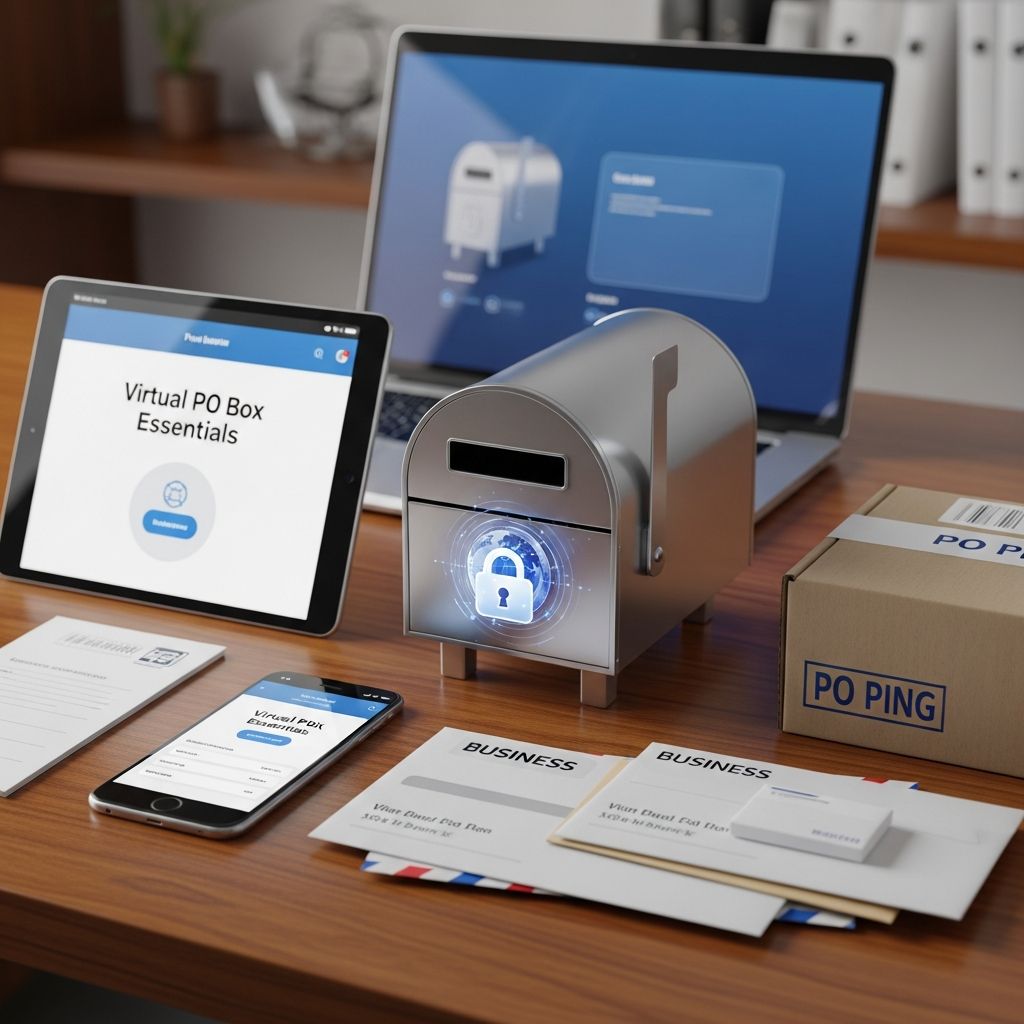
Virtual PO boxes represent a transformative shift in how individuals and businesses handle postal services. Unlike traditional mailboxes, these digital solutions provide a real street address where mail is received, scanned, and made accessible online, offering unparalleled convenience in today’s mobile world.
Understanding Virtual PO Boxes and Their Core Functionality
A virtual PO box, often called a digital or online mailbox, functions by assigning users a physical address at a commercial location. Incoming mail and packages from carriers like USPS, UPS, and FedEx are collected, processed, and digitized for remote viewing. This setup eliminates the need for physical visits, making it ideal for those with dynamic lifestyles.
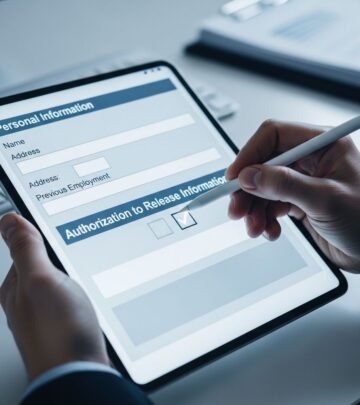
Key operations include real-time notifications for new arrivals, secure online portals for viewing scans, and customizable handling instructions such as forwarding, shredding, or storage. Providers ensure compliance with postal regulations, including USPS Form 1583 for authorization, guaranteeing legal mail receipt.
Key Advantages That Set Virtual PO Boxes Apart
Adopting a virtual PO box delivers multiple benefits tailored to contemporary needs. Here’s a breakdown:
- Round-the-Clock Accessibility: Access your mail dashboard anytime via web or mobile apps, perfect for international time zones or odd hours.
- Superior Privacy Measures: Keep personal residences off public records while using a professional commercial address, shielding sensitive information.
- Streamlined Organization: Digital scans allow searching, tagging, and archiving, turning chaotic paper piles into efficient records.
- Global Forwarding Flexibility: Redirect items to any destination worldwide, supporting frequent movers or expatriates.
- Eco-Friendly Operations: Reduce paper waste through digitization and optional shredding, aligning with sustainable practices.
These features collectively save time and resources, with many users reporting reduced administrative burdens.
Ideal Users: Who Benefits Most from Digital Mailboxes
Certain groups find virtual PO boxes indispensable. Digital nomads and frequent travelers maintain continuity without mail pileups. Remote workers and home-based entrepreneurs project credibility using upscale addresses in major cities, avoiding residential listings that may undermine trust.
Small businesses leverage them for scalability; e-commerce sellers handle high package volumes efficiently. Even established firms use them for secondary locations or employee privacy. Expats and international professionals appreciate cross-border compatibility.
| User Type | Primary Benefit | Example Use Case |
|---|---|---|
| Travelers/Expats | Remote Access & Forwarding | Weekly scans forwarded to hotels abroad |
| Home Businesses | Professional Image | Business cards with city-center address |
| E-commerce Sellers | Package Handling | Automated returns and bulk forwarding |
| Remote Teams | Centralized Management | Shared access for distributed staff |
Comparing Virtual PO Boxes to Traditional Alternatives
Traditional PO boxes from USPS offer fixed storage but lack digitization, requiring in-person pickups during limited hours. They only accept USPS mail, excluding private carriers. Home addresses expose privacy risks, while virtual options bridge these gaps with tech integration.
- Virtual: 24/7 digital view, all carriers, forwarding/shredding.
- Traditional PO: Physical only, USPS-limited, no scans.
- Residential: Convenient but public, no business polish.
Cost-wise, virtual plans start lower with added value, often undercutting long-term PO fees when factoring travel time.
Step-by-Step Process to Establish Your Virtual PO Box
Setting up takes minutes online:
- Select a Provider: Evaluate based on address locations, pricing (from $10-50/month), and features like storage days or app support.
- Choose Address: Pick from urban hubs for prestige or proximity.
- Complete Application: Provide ID, sign USPS Form 1583 (notarized copies to provider).
- Verify Identity: Submit scans or uploads for security.
- Activate Service: Start receiving mail; update contacts/banks immediately.
Most activate within 24-48 hours post-verification.
Essential Features to Prioritize in Providers
Not all services are equal. Seek:
- Unlimited cloud storage for scans.
- Check deposit via mobile photo upload.
- Junk mail filtering and auto-shred.
- Integration with iOS/Android for notifications.
- Extended storage (30+ days) without fees.
- International forwarding without markups.
Top providers offer these, enhancing efficiency.
Navigating Costs and Subscription Models
Pricing varies by plan:
| Plan Tier | Monthly Cost | Inclusions |
|---|---|---|
| Basic | $10-20 | Scans up to 30 items, local forwarding |
| Standard | $25-40 | Unlimited scans, check deposit, 180-day storage |
| Premium | $50+ | Global forwarding, dedicated rep, bulk handling |
Add-ons like expedited shipping apply per use. Annual prepays yield discounts.
Legal and Security Considerations
USPS approves virtual providers as Commercial Mail Receiving Agencies (CMRAs). Form 1583 ensures authorized handling. Data encryption (SSL) and facility insurance protect against breaches. Avoid unregulated services to prevent mail theft risks.
Real-World Applications Across Industries
Freelancers use them for client proposals without home exposure. Non-profits centralize donations digitally. Real estate agents forward contracts seamlessly. The versatility spans sectors, boosting operational agility.
Potential Drawbacks and Mitigation Strategies
Initial setup requires notarization. High-volume users may incur forwarding fees. Solution: Opt for plans with generous allowances and monitor usage. Reliability hinges on provider uptime—choose established ones with reviews.
Frequently Asked Questions
Can anyone sign up for a virtual PO box?
Yes, individuals 18+, businesses, and non-residents qualify with proper ID verification.
Is a virtual PO box USPS-approved?
Legitimate providers are registered CMRAs, fully compliant for all mail types.
How secure is my digitized mail?
Providers use bank-level encryption, secure servers, and optional two-factor authentication.
Can I receive packages from Amazon or FedEx?
Absolutely, most accept all major carriers unlike standard PO boxes.
What if I need physical mail returned?
Request forwarding anytime; costs cover shipping based on weight/destination.
Choosing the Right Provider for Your Needs
Compare via trials or demos. Prioritize US-based addresses for credibility, robust apps, and responsive support. Read user feedback on delivery speeds and scan quality.
Transitioning to a virtual PO box modernizes mail flow, freeing focus for priorities. With growing remote trends, these services are essential infrastructure.
References
- Virtual PO Box: A Next-Gen Solution for Mail Management — PostScan Mail. 2023. https://www.postscanmail.com/blog/virtual-po-box-a-next-gen-solution-for-mail-management.html
- The Advantages of a Virtual PO Box — PhysicalAddress.com. 2023. https://physicaladdress.com/blog/the-advantages-of-a-virtual-po-box/
- Exploring the Benefits of a Virtual Online P.O. Box in 2023 — Anytime Mailbox. 2023. https://www.anytimemailbox.com/blog/virtual-online-po-box
- 8 Benefits of a Virtual Mailbox For Your Business — VirtualPostMail. 2023. https://www.virtualpostmail.com/blog/article/benefits-using-virtualpostmail-for-business/
- 15 Benefits of Using a Virtual Mailing Address for Businesses — District Offices. 2023. https://districtoffices.net/benefits-of-virtual-mailing-address-for-business/
Similar Articles








Read full bio of Sneha Tete