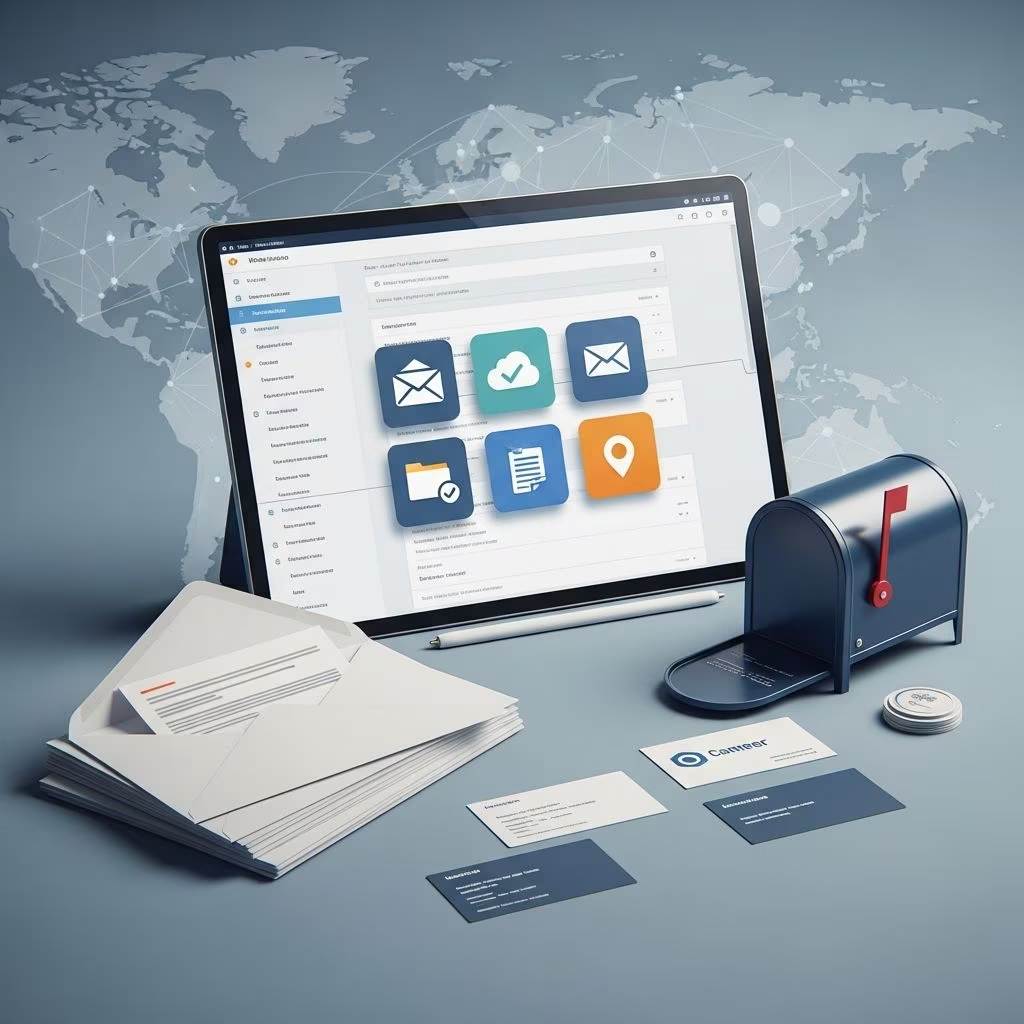
Virtual mailboxes represent a modern solution for managing physical mail in a digital world, allowing users to receive, view, and handle correspondence remotely through secure online platforms. These services provide a real street address where mail is received, scanned, and made accessible via apps or websites, eliminating the need for constant physical presence.
Understanding the Core Concept of Virtual Mail Services
A virtual mailbox functions by partnering with Commercial Mail Receiving Agencies (CMRAs) that operate physical locations to accept mail and packages from carriers like USPS, FedEx, UPS, and DHL. Once received, staff open, scan, and upload contents to a secure portal, where users can instruct actions such as forwarding, shredding, or archiving. This setup is particularly valuable for remote workers, digital nomads, and businesses without fixed offices, as it centralizes mail handling into a streamlined digital process.
Unlike traditional PO Boxes, which restrict usage to USPS only and lack digital features, virtual mailboxes offer comprehensive carrier acceptance and advanced management tools. They provide a professional street address that enhances credibility, as studies indicate customers trust businesses with physical addresses over PO Boxes.
Key Advantages Driving Adoption Among Modern Businesses
Virtual mailboxes deliver multifaceted benefits that align with the demands of today’s mobile workforce. Here’s a breakdown of the primary gains:
- Round-the-Clock Accessibility: Access scanned mail instantly from any device, anywhere in the world, without waiting for post office hours or delivery schedules.
- Superior Security Measures: Mail is handled in secure facilities with encryption for digital views, reducing risks of loss, theft, or unauthorized access compared to home mailboxes.
- Cost Efficiency: Avoid expenses related to physical office space, postage, and travel; plans start affordably and scale with needs.
- Professional Facade: Use a prestigious commercial address on websites, business cards, and filings to build trust and legitimacy.
- Operational Flexibility: Manage multiple users, consolidate mail from various sources, and forward packages internationally with consolidation options to cut shipping costs.
These advantages make virtual mailboxes indispensable for e-commerce sellers, freelancers, and expanding enterprises handling high mail volumes.
Comparing Virtual Mailboxes to Traditional Alternatives
To highlight their value, consider this comparison table of common mail solutions:
| Feature | Virtual Mailbox | PO Box | Home Address |
|---|---|---|---|
| Street Address | Yes (Commercial) | No (Box # Only) | Residential |
| Multi-Carrier Acceptance | Yes (USPS, FedEx, etc.) | USPS Only | Yes |
| Digital Scanning | Yes | No | No |
| Remote Access | 24/7 Online | Limited Hours | Physical Presence |
| Privacy/Security | High (Encryption, Secure Storage) | Moderate | Low (Public) |
| Cost | $10-50/month | $5-20/month | Free (but risky) |
This table underscores why virtual options outperform others in flexibility and professionalism, especially for remote operations.
Step-by-Step Guide to Getting Started with a Virtual Mailbox
Implementing a virtual mailbox is straightforward and typically takes minutes online. Follow these steps:
- Choose a Reputable Provider: Research providers like those compliant with USPS as CMRAs, offering features like check deposit and international forwarding.
- Select an Address: Pick from available locations in desired cities for prestige or convenience; some allow nationwide options.
- Complete USPS Form 1583: Notarize and submit this form to authorize the provider as your mail agent, ensuring legal compliance.
- Sign Up and Verify: Create an account, upload ID, and activate service; change your address with contacts and banks.
- Manage Mail Actively: Log in to view scans, request forwards, or schedule pickups as needs arise.
Most services activate within days, with ongoing support for smooth transitions.
Critical Compliance and Legal Considerations
Virtual mailboxes must adhere to USPS regulations, registering as CMRAs to legally handle mail. Users provide Form 1583, notarized with two IDs, stored securely by the provider. This ensures all operations are above board, preventing issues like mail fraud.
Businesses can use virtual addresses for IRS filings, LLC registrations, and banking, but disclose the CMRA status if required. International users benefit from global forwarding while complying with local import rules. Always select providers with transparent compliance to mitigate risks.
Advanced Features Enhancing Virtual Mailbox Utility
Beyond basics, top services offer innovations like:
- Check Deposit Services: Scan and deposit checks directly to US banks remotely.
- Package Consolidation: Combine multiple parcels into one shipment for savings.
- Multi-User Access: Assign permissions for teams to manage shared mail securely.
- Automated Notifications: Real-time alerts for new mail or packages via email or app.
- Cloud Archiving: Store scans indefinitely with searchability for records.
These tools transform mail from a chore into a strategic asset, integrating seamlessly with remote workflows.
Real-World Applications Across Industries
Virtual mailboxes suit diverse scenarios:
- E-commerce and Dropshipping: Receive supplier shipments and customer returns at a central hub.
- Startups and Freelancers: Project a HQ address without office leases.
- Real Estate Investors: Handle documents from multiple properties securely.
- Non-Profits and Consultants: Maintain privacy while accessing grants and contracts globally.
Case in point: Remote teams during pandemics relied on these for contactless operations, proving resilience in uncertain times.
Navigating Pricing Models and Hidden Costs
Plans range from basic ($10/month for scanning 5 items) to premium ($50+ for unlimited handling and forwarding). Factor in per-item fees for extras like shipping ($5+ domestic). Evaluate based on volume: low-use favors basics; high-volume needs all-inclusive. Long-term, savings from reduced travel and storage outweigh costs.
Potential Drawbacks and Mitigation Strategies
While robust, limitations exist: dependency on provider uptime, scanning fees for high volumes, and notarization hurdles. Mitigate by choosing redundant providers, budgeting extras, and using mobile notary apps. Overall, pros eclipse cons for most users.
Frequently Asked Questions About Virtual Mailboxes
Can anyone sign up for a virtual mailbox?
Yes, individuals, businesses, and even international users qualify, provided they complete USPS Form 1583 with valid ID.
Is a virtual mailbox address acceptable for business registration?
Absolutely; many states and the IRS accept CMRA addresses for LLCs, taxes, and banking, as long as properly disclosed.
How secure is the digital scanning process?
Providers use bank-level encryption, secure servers, and access controls; physical mail is stored safely until instructions are given.
What happens if I receive a package requiring a signature?
Staff sign and hold it securely; you can then arrange forwarding, local pickup, or extended storage.
Can I use a virtual mailbox for personal mail?
Yes, it’s ideal for privacy-conscious individuals, travelers, or those avoiding residential address exposure.
Are there international forwarding options?
Most services offer global shipping with customs forms, consolidation, and tracking for reliability.
References
- Publication 158, Commercial Mail Receiving Agencies — United States Postal Service. 2023-01-15. https://pe.usps.com/text/pub158/welcome.htm
- Virtual Mailbox Services for Businesses — U.S. Small Business Administration. 2024-06-10. https://www.sba.gov/business-guide/launch-your-business/choose-your-business-location
- Remote Work and Business Address Compliance — Internal Revenue Service. 2025-02-01. https://www.irs.gov/businesses/small-businesses-self-employed/business-address-requirements
- Digital Mail Management Standards — Federal Trade Commission. 2024-11-20. https://www.ftc.gov/business-guidance/resources/protecting-personal-information-guide-business
- CMRA Regulations and Best Practices — USPS Office of Inspector General. 2023-09-05. https://www.uspsoig.gov/reports/audit-reports/commercial-mail-receiving-agencies