
Transforming Legal Documents into Reusable Templates
Unlock efficiency in legal work by converting past court filings into customizable forms for repeated use.
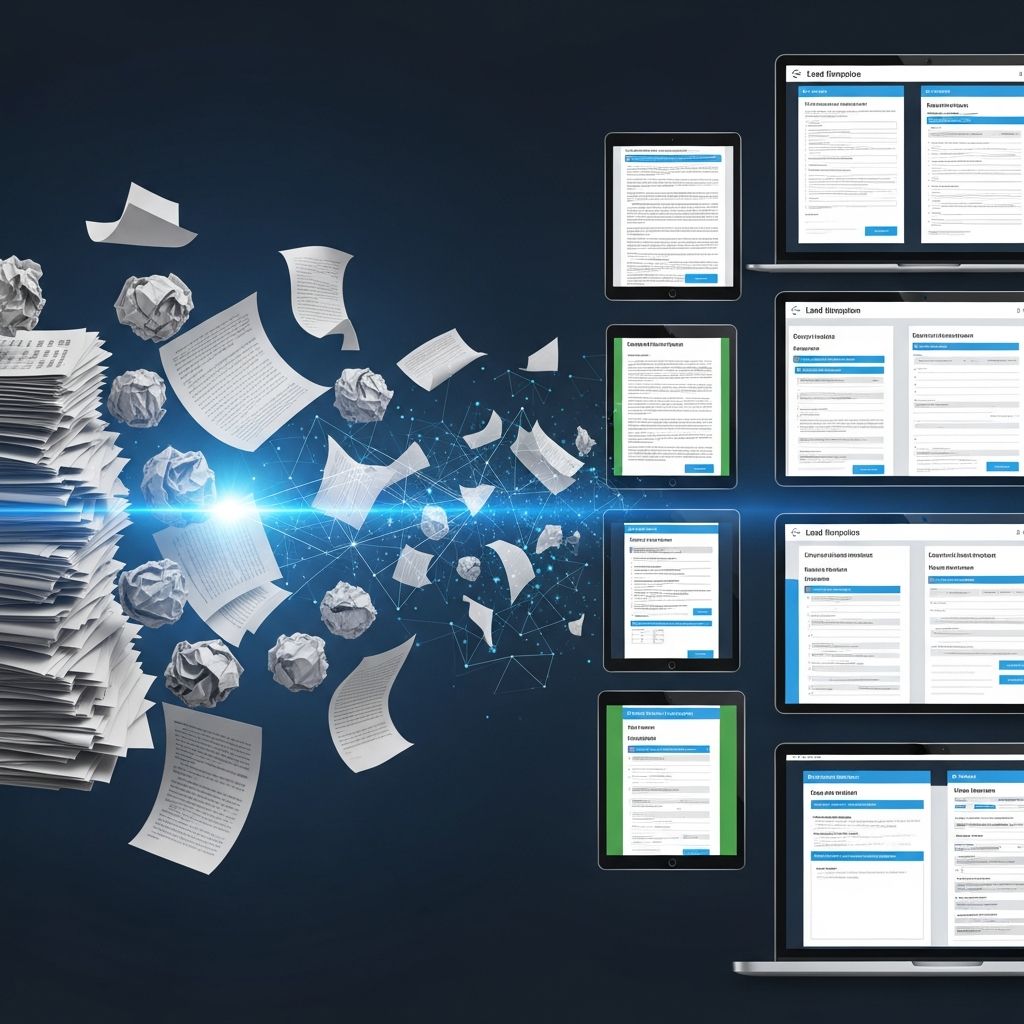
Legal professionals often face repetitive tasks when drafting court documents. By converting past pleadings into adaptable templates, attorneys and paralegals can significantly reduce preparation time while maintaining accuracy and compliance. This approach leverages existing work product to create standardized forms suitable for future cases.
Understanding Pleading Paper and Court Formatting Essentials
Pleading paper serves as the foundation for custom legal filings where no pre-printed form exists. It features pre-numbered lines along the left margin, typically from 1 to 28 or 60, adhering to standards like those in California Rules of Court, rule 2.100. Documents must use 8.5 x 11-inch white paper, with text on one side only, in black or blue ink if handwritten, or 12-14 point font if typed.
Courts enforce strict formatting to ensure readability and scannability. The top portion includes the attorney’s name on line 1, court name and address starting on line 8, case caption from line 11, and a footer with page numbers and signatures. Failure to comply can result in rejection by the clerk, potentially missing deadlines.
- Use letter-sized paper exclusively.
- Limit text to one side per page.
- Employ clear, legible printing or standard fonts.
- Include complete captions with party names and case numbers.
Many jurisdictions offer downloadable pleading paper templates in Microsoft Word format, pre-formatted to meet these requirements. Self-help centers or law libraries provide blanks or samples for reference.
Strategies for Repurposing Existing Legal Filings
Old pleadings from prior cases contain proven language and structures. To transform them, begin by reviewing the document for jurisdiction-specific rules. Strip case-specific details like names, dates, and facts, replacing them with placeholders.
Organize content logically: start with a strong theory of the case, followed by chronologically arranged facts supporting legal claims. Precision in wording avoids ambiguity, enhancing persuasiveness. For instance, in drafting complaints or answers, align facts with relevant doctrines from the outset.
| Step | Action | Benefit |
|---|---|---|
| 1. Review | Analyze original for compliance | Ensures current rules apply |
| 2. Generalize | Replace specifics with variables | Creates reusability |
| 3. Structure | Organize into sections | Improves readability |
| 4. Test | Fill with sample data | Verifies functionality |
This method turns one-off documents into assets for firm-wide use, promoting consistency across filings.
Creating Fillable Forms with Microsoft Word Tools
Microsoft Word’s Developer tab enables conversion of static documents into interactive templates. Enable it via File > Options > Customize Ribbon, then insert content controls: plain text for variable fields, drop-down lists for options like court locations, and check boxes for affirmations.
For legal templates, add date pickers for filing deadlines, combo boxes for party roles (plaintiff/defendant), and rich text controls for narrative sections. Protect the form to restrict edits to designated areas only, using Tools > Restrict Editing > Filling in Forms.
- Insert legacy form fields or content controls.
- Customize properties like default text (e.g., “[Party Name]”) and formatting.
- Add calculations for dates or totals if needed.
- Include a submit button linked to email or Excel export.
Advanced features include dependent drop-downs—e.g., selecting a county populates local court addresses—and repeating sections for multiple claims. Save as .dotx for templates, allowing users to create new instances without altering the master file.
Best Practices for Declarations and Supporting Evidence
Declarations provide evidentiary backbone for motions. In templates, include boilerplate language for personal knowledge statements, while leaving space for case-specific facts. Ensure declarations state only admissible facts, avoiding legal conclusions.
Structure with headings like “Background,” “Events Leading to Dispute,” and “Relief Sought.” Use numbered paragraphs for easy reference. Templates should prompt for attachments, such as exhibits labeled A, B, etc.
- Personalize with declarant’s details on first lines.
- Chronologically narrate events.
- Attach evidence lists.
- End with verification under penalty of perjury.
Reusable declaration templates streamline motion practice, reducing errors in high-volume areas like family law or civil disputes.
Ensuring Compliance with Mandatory and Optional Forms
Distinguish mandatory Judicial Council forms from optional ones. Mandatory forms, marked in the bottom corner, must be used verbatim; optional allow custom pleadings. Always verify the revision date to use the latest version, avoiding rejection.
For local rules, consult county superior court websites or clerks. Pattern forms from state Administrative Offices cover common scenarios, easing preparation. When adapting old pleadings, cross-check against these to incorporate required elements.
Advanced Automation and Workflow Integration
Beyond Word, integrate templates with case management software for auto-population from client databases. Use styles for consistent headings (e.g., Heading 1 for titles, Normal for body) and table of contents that update automatically.
Cross-references (e.g., “See Paragraph 5 above”) adjust dynamically upon edits. For collaborative firms, store templates in shared drives with version control. This scales efficiency for solo practitioners and large teams alike.
Common Pitfalls and How to Avoid Them
Avoid overloading templates with excessive facts; focus on a cohesive theory. Update for legal changes—e.g., new statutes or rules. Test forms across devices to ensure PDF compatibility for e-filing.
- Missing captions delay processing.
- Outdated forms risk invalidation.
- Unprotected fields allow unwanted changes.
Regular audits keep templates viable.
Frequently Asked Questions (FAQs)
What is pleading paper, and when should I use it?
Pleading paper is numbered legal-format paper for filings without pre-made forms, required under rules like California Rule of Court 2.100.
How do I enable fillable fields in Word?
Activate the Developer tab, insert content controls, and protect the document to limit edits.
Can I customize mandatory court forms?
No; use them as-is. For optional, pleading paper or templates are fine.
What happens if formatting is wrong?
Clerks may reject or return documents, risking deadlines.
Are there free pleading templates available?
Yes, from court self-help sites, law libraries, and state AOC resources.
Implementing Templates in Your Practice
Start small: convert one common motion, like a demurrer response. Train staff on usage. Track time savings to justify expansion. Over time, this builds a library tailored to your caseload—contracts, torts, family matters—boosting productivity.
Firms report halving drafting time with systematic templating. Combine with online interviews for client intake, auto-generating initial drafts. This hybrid approach modernizes traditional practice.
For e-filing courts, export to PDF/A for preservation. Verify local portals accept protected forms. Stay abreast of tech like AI-assisted drafting, but ground in reliable templates for compliance.
References
- Find and fill out court forms – California Courts | Self Help Guide — Judicial Council of California. 2023. https://selfhelp.courts.ca.gov/court-basics/find-fill-out-forms
- How to format and fill out court documents and forms — Washington Law Help. 2023. https://www.washingtonlawhelp.org/how-format-and-fill-out-court-documents-and-forms
- Filling Out and Serving Pleadings, Forms, and Court Paperwork — Sacramento County Public Law Library. 2023. https://saclaw.org/legal_topic/filing-out-and-serving-pleadings-forms-and-court-paperwork/
- Pleading Paper Research Guide — Riverside County Law Library. 2023. https://rclawlibrary.org/pleading-paper
- How to Create Fillable Forms in Microsoft Word – A Step-by-Step Guide — YouTube (Sharon Smith). 2023. https://www.youtube.com/watch?v=438pCPCSuG4
Similar Articles








Read full bio of medha deb




