
Top iPad Apps Transforming Legal Practice
Discover essential iPad applications that streamline legal workflows, enhance research, and boost courtroom efficiency for modern attorneys.
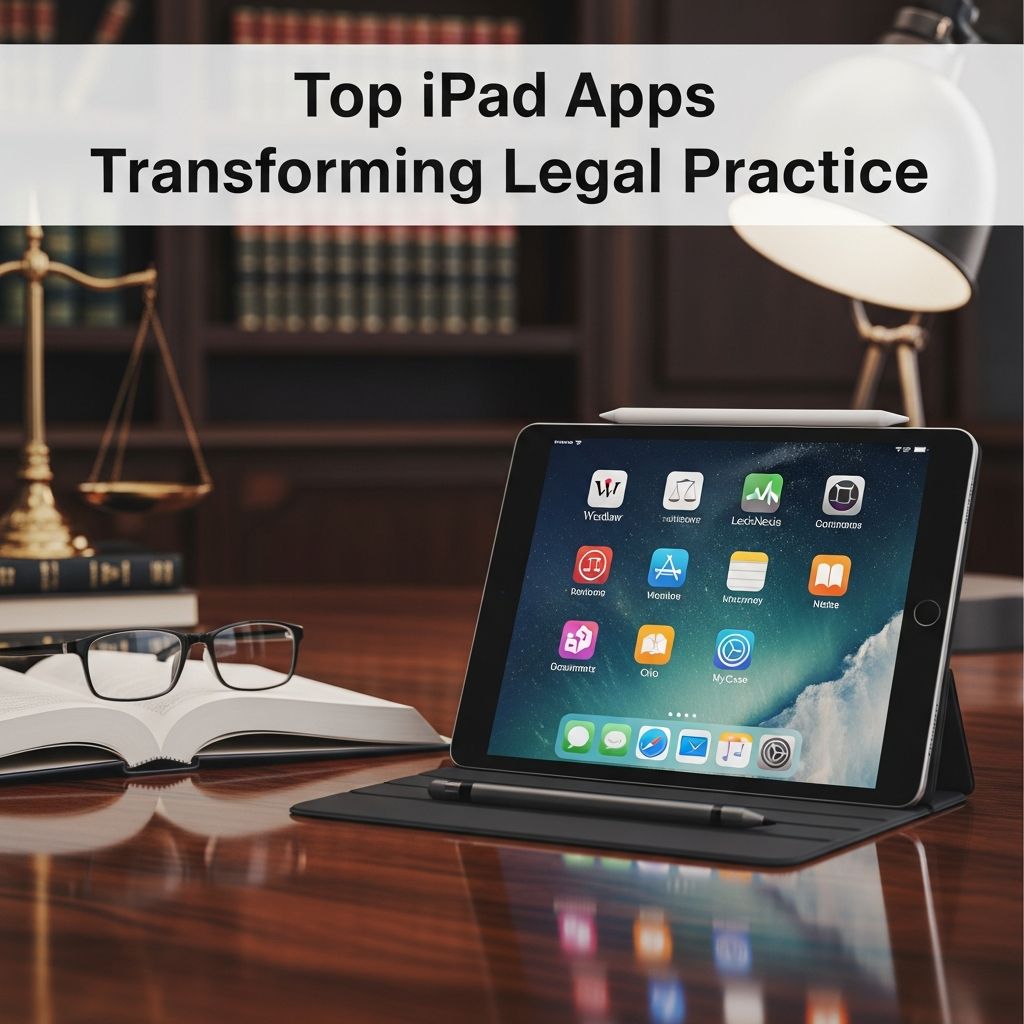
In the fast-paced world of legal professionals, iPads have become indispensable tools for managing caseloads, conducting research, and presenting arguments in court. These versatile devices support a range of applications tailored specifically for attorneys, paralegals, and law students. This article highlights the most impactful iPad apps that address key challenges in legal work, from document handling to client communication. By integrating these apps, lawyers can save time, reduce errors, and maintain a competitive edge.
Revolutionizing Legal Research on the Go
Access to accurate, up-to-date legal information is the cornerstone of effective lawyering. Traditional methods often involve bulky books or desktop computers, but iPad apps bring comprehensive libraries directly to your fingertips.
Fastcase stands out as a premier free legal research platform. It offers access to an extensive database covering cases and statutes from all 50 states and federal jurisdictions. Users can perform keyword searches using Boolean or natural language queries, making it intuitive even during high-pressure situations. The app’s integration with time-tracking tools like Clio allows seamless billing for research hours, ensuring no billable time is lost.
Another powerhouse is LawBox, which provides a rapid full-text search engine with downloadable code packages. Federal rules such as Appellate Procedure, Civil Procedure, and Evidence are available at no extra cost, while state codes can be purchased affordably. This app is optimized for quick browsing, ideal for attorneys who need to reference procedures without carrying heavy tomes.
LexisNexis apps, including Get Cases, enable quick retrieval of precedents with built-in validation to confirm if cases remain good law. WestlawNext complements this with features like KeyCite for citation analysis, document annotation, and folder organization, all synced across devices.
- Key Benefits of Research Apps:
- Instant access to federal and state laws without internet dependency for downloaded content.
- Advanced search filters reduce irrelevant results.
- Offline capabilities for courtrooms or travel.
Mastering Document Management and Annotation
Handling PDFs, contracts, and evidence files efficiently is crucial. iPad apps excel in converting devices into powerful annotation stations.
GoodReader is a favorite among lawyers for its robust PDF capabilities. Sync with Dropbox for seamless file access, annotate with highlights and notes, and even scan documents directly. Its support for various file types, including Word docs, makes it versatile for daily workflows.
PDF Expert and PDF Reader Pro offer similar prowess, with features like form signing, image-to-PDF conversion, and cloud integration. These tools bypass the clunkiness of desktop software, allowing on-the-spot edits during client meetings or depositions.
For handwritten notes that sync effortlessly, Penultimate provides a natural writing experience using the Apple Pencil. Lawyers can jot down hearing details and email them instantly to staff, bridging the gap between digital and analog note-taking.
| App | Key Features | Price | Best For |
|---|---|---|---|
| GoodReader | PDF annotation, Dropbox sync, scanning | $4.99 | Document review |
| PDF Expert | Form filling, signing, editing | Subscription | Contract management |
| Penultimate | Handwriting recognition, export | Free | Quick notes |
Elevating Trial Preparation and Presentation
Courtroom success often hinges on smooth evidence presentation. Specialized apps turn iPads into trial command centers.
TrialPad is a leading solution for trial presentation and file management. It allows intuitive annotation of exhibits, video playback, and organization of evidence for trials, hearings, or arbitrations. Its drag-and-drop interface ensures flawless transitions during arguments.
Jury Duty empowers voir dire processes by organizing juror questionnaires, customizable questions linked to exhibits, and admonition templates. This app streamlines jury selection, a critical phase where time is limited.
Exhibit A simplifies displaying documents, photos, and videos with customizable categories. For witness examinations, apps like RLTC Evidence provide image presentation tailored for trial lawyers.
iPleading facilitates drafting litigation documents with professional formatting, saving hours on pleadings and motions without wrestling with office suites.
Boosting Productivity and Organization
Beyond core legal tasks, productivity apps keep attorneys organized amid demanding schedules.
Evernote is invaluable for capturing notes, ideas, snapshots, and recordings. It syncs across devices, perfect for compiling research or client meeting recaps. Integration with legal workflows makes it a staple.
Cloud storage like Dropbox, OneDrive, and Google Drive ensures secure file sharing and access. Dictate+Connect turns voice notes into transcribed documents synced to case files.
Noteshelf and iAnnotate offer advanced handwriting and PDF markup, while communication tools like Slack and Skype facilitate team collaboration.
- Productivity boosters include task managers like Get It Done, inspired by GTD methodology, focusing on daily priorities.
Staying Informed and Connected
Legal news and networking are vital. Apps like NewsRack and Feedly curate blogs and headlines, while Twitterrific filters professional feeds.
Instapaper saves articles for offline reading, ideal for travel. Remote access via LogMeIn connects to desktop files anywhere.
Integrating Apps into Your Workflow
To maximize benefits, combine apps: Use Fastcase for research, GoodReader for annotation, TrialPad for presentations, and Evernote for organization. Many integrate with practice management like Clio or Rocket Matter for billing and calendars.
Security is paramount—opt for apps with encryption like mSecure for passwords. Regular updates ensure compatibility with iPadOS advancements.
Frequently Asked Questions (FAQs)
What are the best free legal research apps for iPad?
Fastcase and LawBox provide extensive free access to cases, statutes, and rules, with offline options.
Can iPad apps replace desktop software in court?
Yes, apps like TrialPad and GoodReader offer professional-grade presentation and annotation rivaling desktops.
Which app is ideal for note-taking during hearings?
Penultimate or Noteshelf for handwriting, syncing instantly to email or cloud storage.
Are there apps for dictation in legal practice?
Dictate+Connect integrates voice recording with Clio and Box for easy transcription.
How do cloud apps enhance lawyer productivity?
Dropbox, OneDrive, and Evernote enable seamless file access and collaboration across devices.
These apps collectively transform iPads into comprehensive legal arsenals, adapting to 2026’s demands for mobility and efficiency. Attorneys adopting them report significant time savings and improved outcomes.
References
- Top iPhone and iPad Apps for Lawyers — CPN Legal / National Purchasing Partners. 2012-09-12. https://www.cpn-legal.com/documents/Top_iPhone_and_iPad_Apps_for_Lawyers-0912.pdf
- Top iPhone and iPad Apps for Lawyers 2012 — Lit Software / National Purchasing Partners. 2012-01-01. https://www.litsoftware.com/hubfs/In_the_News/20120101+Top+iPhone+and+iPad+Apps+for+Lawyers+2012+-+National+Purchasing+Partners.pdf
- Top 10 iPad Apps for Lawyers — California Trust Estate and Probate Litigation. Undated. https://www.californiatrustestateandprobatelitigation.com/10-tips-links/01-law-technology/top-10-ipad-apps-for-lawyers/
- 18 Best Apps for Lawyers To Improve Productivity — Clio. 2025-10-01. https://www.clio.com/blog/apps-for-lawyers/
- iPad Apps for Lawyers, Law Faculty and Law Students: Productivity — University of Wisconsin Law Library (.edu). Undated. https://researchguides.library.wisc.edu/c.php?g=125287&p=819891
- Must-Have Apps for Lawyers to Boost Daily Efficiency — Rocket Matter. Undated. https://www.rocketmatter.com/blog/make-your-job-easier-must-have-apps-for-lawyers-to-boost-daily-efficiency/
Similar Articles








Read full bio of Sneha Tete




