
Top Docket Management Apps for Legal Schedules
Streamline your legal docket with these powerful apps designed to simplify scheduling, track cases, and boost courtroom efficiency.
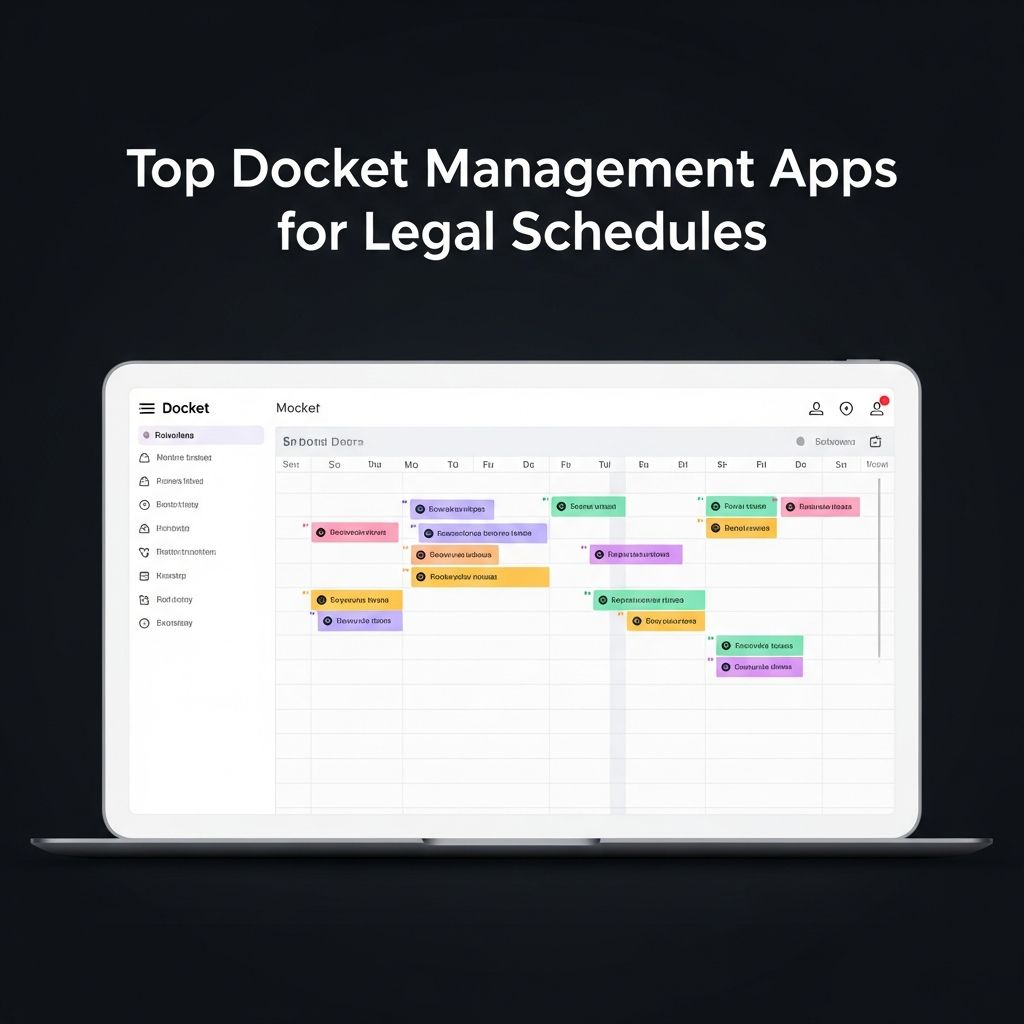
Legal professionals face relentless demands on their time, juggling court appearances, client meetings, filing deadlines, and case preparations. Effective docket management is essential to avoid missed hearings or overlooked obligations. Modern apps transform chaotic schedules into organized systems, leveraging AI, integrations, and intuitive interfaces to keep attorneys on track. This article examines standout tools that excel in legal calendar simplification, drawing from proven productivity features in calendar and task apps.
Why Docket Apps Are Indispensable for Lawyers
In law, timing dictates outcomes. A single overlooked deadline can derail a case. Traditional paper calendars or basic digital notes fall short against the complexity of multi-jurisdictional dockets, varying court rules, and team coordination. Advanced docket apps address these by offering automated reminders, conflict detection, and seamless syncing across devices. They integrate with case management systems, email, and billing software, creating a unified workflow. For instance, features like color-coding for case types and drag-and-drop rescheduling reduce administrative burden, allowing focus on substantive legal work.
According to productivity analyses, tools with AI-driven scheduling cut meeting conflicts by up to 40%, vital for attorneys balancing hearings and consultations. These apps also support time blocking, a technique where fixed slots are reserved for deep work amid unpredictable court calls.
Leading App 1: Clio Grow with Calendar Integration
Clio Grow stands out for its client intake and calendar prowess, tailored for small to mid-sized firms. It combines lead tracking with robust scheduling, pulling court dates directly into a visual timeline. Key strengths include automatic event creation from emails and conflict alerts that scan all team calendars.
- AI-Assisted Booking: Natural language input like “schedule deposition next Tuesday” generates slots, respecting blackout periods for trials.
- Multi-Calendar Sync: Links with Google, Outlook, and Apple Calendar for real-time updates.
- Client Portals: Shared availability views let clients self-book without back-and-forth.
Pricing starts free for basics, scaling to $49/user/month for premium features. Users praise its mobile app for on-the-go docket checks during travel between courthouses.
Leading App 2: MyCase Docket Mastery
MyCase offers an all-in-one platform where docket management shines through its case dashboard. Attorneys input hearing details once, and the app propagates reminders across email, SMS, and app notifications. Its strength lies in jurisdiction-specific templates that pre-populate common events like motions or arbitrations.
| Feature | Benefit for Lawyers | Integration |
|---|---|---|
| Deadline Calculators | Computes filing dates backward from hearings | State court APIs |
| Team Sharing | Assigns tasks to paralegals with permissions | QuickBooks for billing |
| Reporting | Tracks billable hours per docket item | Outlook, Google |
At $39/user/month, MyCase delivers value through compliance checklists that flag ethical notice requirements. Recent updates include voice-to-event logging for dictation-heavy practices.
Leading App 3: PracticePanther Time Command
PracticePanther excels in automation, using AI to predict and prevent overlaps. Its calendar visualizes workloads by matter, with heat maps showing peak stress periods. Ideal for solo practitioners, it handles unlimited calendars under one subscription.
- Smart Rescheduling: Suggests alternatives when conflicts arise, notifying all parties.
- Trust Accounting Tie-Ins: Links payments to scheduled consultations.
- Custom Fields: Tags events with judge names, case numbers, or venues for quick searches.
Plans begin at $49/month, with a 10-day trial. Lawyers report 25% time savings on admin tasks, per user reviews aggregated in tech benchmarks.
Honorable Mentions: Emerging Tools for Specialized Needs
Beyond the top three, apps like Clockwise bring AI optimization to legal dockets. It analyzes patterns to buffer travel time between courts and prioritizes high-value tasks. Morgen’s AI planner proposes multi-day schedules, splitting research blocks across sessions to fit irregular hours. For teams, Planyway integrates Jira tasks into calendars, perfect for litigation support.
Key Features to Prioritize in a Docket App
When selecting a tool, focus on these essentials:
- Mobile Responsiveness: Full functionality on iOS and Android for courtroom use.
- Integration Depth: Compatibility with Clio, Dropbox, or e-filing portals.
- Security Compliance: HIPAA and bar association standards for data protection.
- Customization: Views for daily dockets, weekly overviews, or monthly forecasts.
- Analytics: Insights on utilization rates to optimize firm capacity.
Free tiers like Google Calendar serve as starters, enhanced with legal overlays, but lack native docket smarts.
Implementing Docket Apps: Best Practices
Adopt a phased rollout: Start with personal calendars, then onboard the team. Train on shortcuts for rapid entry—e.g., templates for standard hearings. Regularly audit for stale events to maintain accuracy. Combine with time-tracking for precise billing. Firms using these strategies see 30% productivity gains, as noted in management studies.
Cost-Benefit Analysis
| App | Starting Price | Free Trial | Best For |
|---|---|---|---|
| Clio Grow | $0 basic | 14 days | Solo/small firms |
| MyCase | $39/user/mo | 10 days | Case-centric teams |
| PracticePanther | $49/mo | 14 days | Automation lovers |
ROI materializes in avoided malpractice risks and recaptured hours, often paying for itself in months.
Frequently Asked Questions (FAQs)
What is a docket app for lawyers?
A docket app centralizes court dates, deadlines, and related tasks into a smart calendar, automating reminders and conflict checks to prevent oversights.
Can free apps handle legal dockets?
Basic free tools like Google Calendar work for simple needs but lack advanced legal features; premium apps offer superior compliance and integrations.
How do these apps ensure data security?
Top apps comply with SOC 2, encrypt data, and provide audit logs, meeting stringent legal privacy standards.
Do docket apps integrate with e-filing systems?
Many, like MyCase, connect to PACER or state portals, auto-populating filings into calendars.
Which app is best for multi-office firms?
PracticePanther or Clio, with strong multi-user sync and role-based access.
Future Trends in Legal Scheduling
By 2026, expect deeper AI for predictive analytics—forecasting case durations based on venue stats—and VR for virtual docket reviews. Voice AI will dominate hands-free entry during drives. Blockchain may secure shared dockets across firms. Staying ahead means adopting adaptable platforms now.
In summary, these apps turn scheduling from a chore into a strategic asset, empowering lawyers to deliver better service without burnout.
References
- Top Calendar Apps to Simplify Your Schedule — Microsoft. 2025-10-15. https://www.microsoft.com/en-us/microsoft-365-life-hacks/organization/top-calendar-apps-to-simplify-your-schedule
- Top 15 Daily Planner Apps for Better Focus, Structure & Productivity — Clockwise. 2026-01-20. https://www.getclockwise.com/blog/daily-planner-apps-greater-productivity
- Simple Calendar: ToDo Planner — Apple App Store. 2026-03-01. https://apps.apple.com/us/app/simple-calendar-todo-planner/id1422994973
- 8 Best To-Do List Apps (2026): Ranked & Reviewed — Efficient App. 2026-02-10. https://efficient.app/best/todo-list
- 10 Best Planner Apps for 2026 to Stay Organized — Planyway. 2026-01-05. https://planyway.com/blog/what-is-the-best-planner-app
- The 6 best time blocking apps in 2026 — Zapier. 2026-02-28. https://zapier.com/blog/best-time-blocking-app/
- 10 Best calendar apps that make time blocking a breeze — Becca Rich. 2025-11-12. https://www.beccarich.com/time-management-blog/best-calendar-apps
Similar Articles








Read full bio of Sneha Tete




