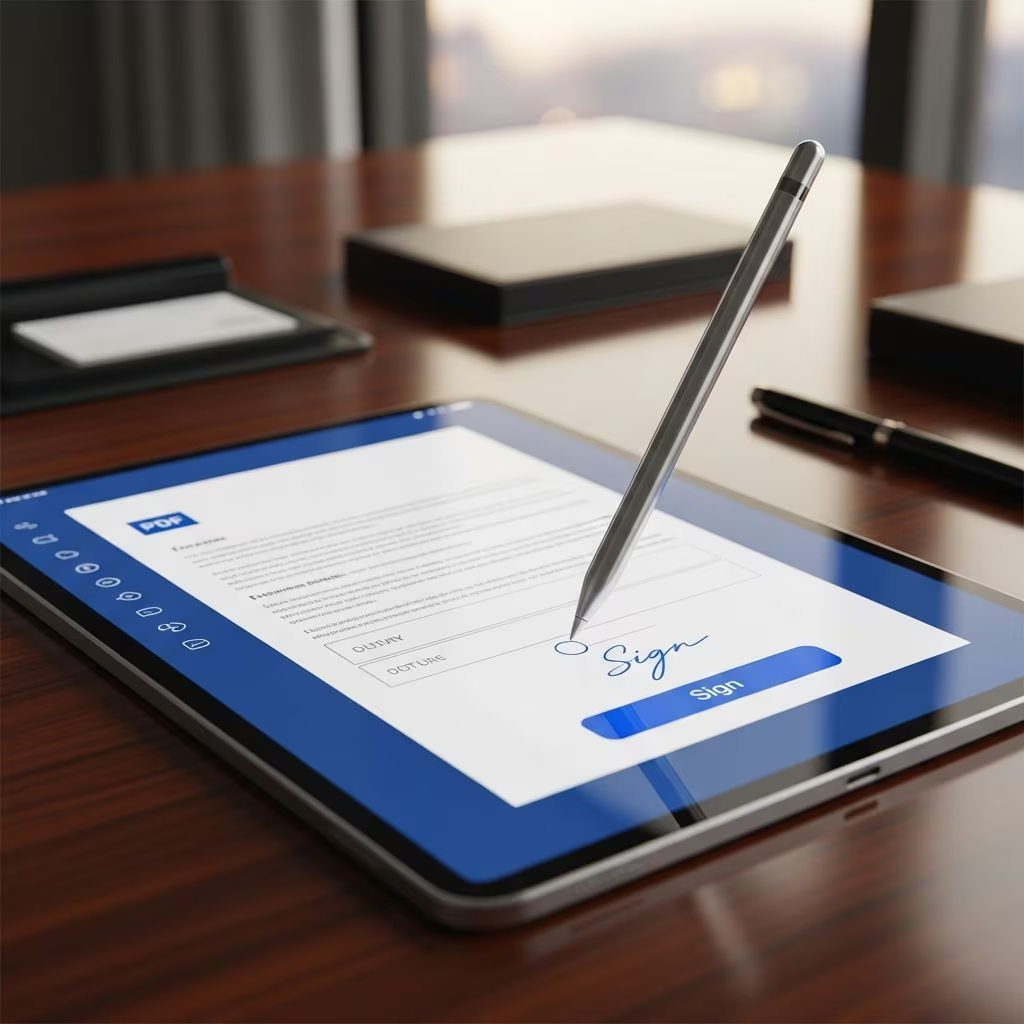
Electronic signatures have transformed how professionals handle PDF documents, offering a fast, secure alternative to traditional paper-based signing. These digital tools allow users to sign contracts, agreements, and forms remotely, reducing delays and operational costs while maintaining legal enforceability.
Why Electronic Signatures Are Essential for Modern Workflows
In today’s fast-paced digital environment, managing PDF documents efficiently is crucial for businesses, law firms, and individuals. Traditional signing methods involve printing, scanning, mailing, and storing physical copies, which are time-consuming and prone to errors. Electronic signatures address these issues by enabling instant signing from any device, anywhere in the world. This shift not only accelerates processes but also enhances collaboration among remote teams and clients.
Key drivers for adoption include the need for speed in time-sensitive transactions, cost reduction in document handling, and heightened security demands. For instance, law firms benefit from quicker client onboarding and contract execution, while enterprises streamline approvals across departments. The technology integrates seamlessly with PDF formats, preserving document integrity and allowing multiple signers to contribute in sequence.
Core Advantages of Using E-Signatures on PDFs
Adopting electronic signatures for PDFs yields multiple benefits that impact productivity, finances, and security. Here’s a breakdown:
- Speed and Efficiency: Documents can be signed in minutes rather than days. Signers receive links via email, review on their devices, and apply signatures instantly, with real-time tracking of progress.
- Cost Reduction: Eliminate expenses for paper, ink, postage, and storage. Studies indicate savings of up to 85% on document processing costs for adopting firms.
- Superior Security: Features like encryption, tamper-evident seals, and audit trails provide verifiable proof of signing events, including timestamps, IP addresses, and signer identities.
- Environmental Impact: Going paperless reduces waste, supporting sustainable practices without compromising functionality.
- Accessibility: Mobile-friendly interfaces allow signing on smartphones, tablets, or desktops, ideal for global teams and clients.
| Traditional Signing | Electronic Signing |
|---|---|
| Weeks for turnaround | Minutes for completion |
| High printing/mailing costs | Minimal to no costs |
| Physical storage risks | Cloud-based secure access |
| Limited tracking | Full audit trails |
Legal Validity and Compliance Standards
Electronic signatures on PDFs hold the same legal weight as handwritten ones in most jurisdictions, thanks to landmark legislation. In the United States, the ESIGN Act (2000) and Uniform Electronic Transactions Act (UETA), adopted by 49 states, affirm that electronic records and signatures are enforceable if parties consent and records are retained accurately. These laws ensure that e-signatures demonstrate intent to sign and link the signer to the document irrevocably.
Internationally, frameworks like the EU’s eIDAS regulation provide similar assurances, classifying advanced electronic signatures as equivalent to qualified handwritten ones. For legal professionals, compliance involves using platforms that incorporate identity verification, such as knowledge-based authentication or SMS codes, to mitigate disputes. Courts have upheld e-signed documents in cases involving contracts, real estate, and settlements, emphasizing the technology’s reliability when properly implemented.
Advanced Security Features Protecting Your PDFs
Security is paramount for sensitive PDFs containing contracts or personal data. E-signature platforms employ multi-layered protections:
- Encryption: Data in transit and at rest uses AES-256 standards, preventing unauthorized access.
- Tamper Detection: Any post-signing alteration triggers visible alerts, preserving document integrity.
- Audit Trails: Immutable logs record every action—who viewed, signed, or declined—with precise details for forensic review.
- Identity Verification: Options like email OTP, government ID checks, or biometric authentication confirm signer legitimacy.
- Compliance Certifications: SOC 2, GDPR, and HIPAA adherence ensures suitability for regulated industries.
These features surpass traditional methods, where lost papers or forged ink pose greater risks. Blockchain integration in some tools adds immutable timestamps, further bolstering evidentiary value in disputes.
Practical Applications Across Industries
Electronic signatures excel in diverse scenarios involving PDFs:
- Law Firms: Client intake forms, retainer agreements, powers of attorney, and settlement releases sign digitally, speeding case initiation.
- Real Estate: Purchase agreements, leases, and disclosures circulate among buyers, sellers, agents, and lenders for sequential signing.
- HR and Employment: Offer letters, NDAs, and onboarding paperwork complete remotely, enhancing candidate experience.
- Finance: Loan documents, investment contracts, and waivers process securely without branch visits.
- Healthcare: Consent forms and authorizations comply with privacy laws via encrypted delivery.
Multi-party workflows shine here, with sequential or parallel signing routed automatically, notifications sent for reminders, and completions archived centrally.
Implementing E-Signatures: Step-by-Step Guide
Transitioning to e-signatures is straightforward:
- Select a Platform: Choose compliant tools with PDF support, templates, and integrations (e.g., CRM, document management systems).
- Upload and Prepare: Convert or upload PDFs, add signature fields, checkboxes, or date stamps via drag-and-drop editors.
- Assign Signers: Enter emails, set signing order, and include personalized messages or deadlines.
- Send and Track: Dispatch securely; monitor status via dashboards for views, signs, or expirations.
- Store and Access: Completed PDFs auto-archive with certificates; retrieve anytime with search tools.
Templates accelerate repetitive tasks, like standard contracts, while API integrations embed signing into existing apps for seamless automation.
Overcoming Common Challenges
While powerful, e-signatures face hurdles like tech adoption resistance or integration issues. Address these by:
- Providing training sessions and intuitive interfaces to ease onboarding.
- Conducting security audits and vendor due diligence for compliance.
- Starting with pilot programs on low-risk documents to build confidence.
- Ensuring offline signing capabilities for remote areas via mobile apps.
Cost concerns dissipate quickly as ROI materializes through efficiency gains; many platforms offer scalable pricing.
Frequently Asked Questions
Are electronic signatures legally binding on PDFs?
Yes, under ESIGN and UETA, e-signatures are enforceable if they show signer intent, consent, and record reliability.
Can multiple people sign a single PDF electronically?
Absolutely. Platforms support sequential or simultaneous signing with automated routing and notifications.
How secure are e-signatures compared to wet ink?
More secure, with encryption, audit trails, and tamper seals providing stronger fraud protection and proof.
Do I need special software to create e-signed PDFs?
No, cloud-based platforms handle everything via web or mobile apps; no installations required.
What if a signer has technical issues?
Most tools offer reminders, support chats, and multi-device compatibility to resolve issues swiftly.
Future Trends in Electronic PDF Signing
Emerging innovations include AI-driven field detection for auto-placement, blockchain for perpetual integrity, and biometric signatures for ultra-secure authentication. Integration with VR for virtual closings and deeper no-code automations will further embed e-signing in daily operations, promising even greater efficiency by 2026.
References
- Understanding Electronic Signatures for Legal Documents — CasePeer. 2023-2024. https://casepeer.com/blog/electronic-signature-legal-documents/
- The Advantages of Signing Documents Electronically — DocuSign Blog. 2023-05-15. https://www.docusign.com/blog/advantages-signing-documents-electronically
- 5 FAM 140 ACCEPTABILITY AND USE OF ELECTRONIC SIGNATURES — U.S. Department of State. 2024-01-10. https://fam.state.gov/fam/05fam/05fam0140.html
- Electronic Signatures are Beneficial, but Come with Security and Legal Risks — Peck Law Firm. 2023-08-22. https://www.pecklaw.com/client_alerts/electronic-signatures-are-beneficial-but-come-with-security-and-legal-risks/
- E-signatures: When They’re Legal and Best Practices for Implementation — Anderson Scougall Ferrier & Lawson LLP. 2024-02-05. https://www.afslaw.com/perspectives/alerts/e-signatures-when-theyre-legal-and-best-practices-implementation