Mobile Payment Apps: 5 Major Risks And How To Avoid Them
Learn how mobile payment apps work, what can go wrong, and practical steps to avoid scams and costly mistakes.
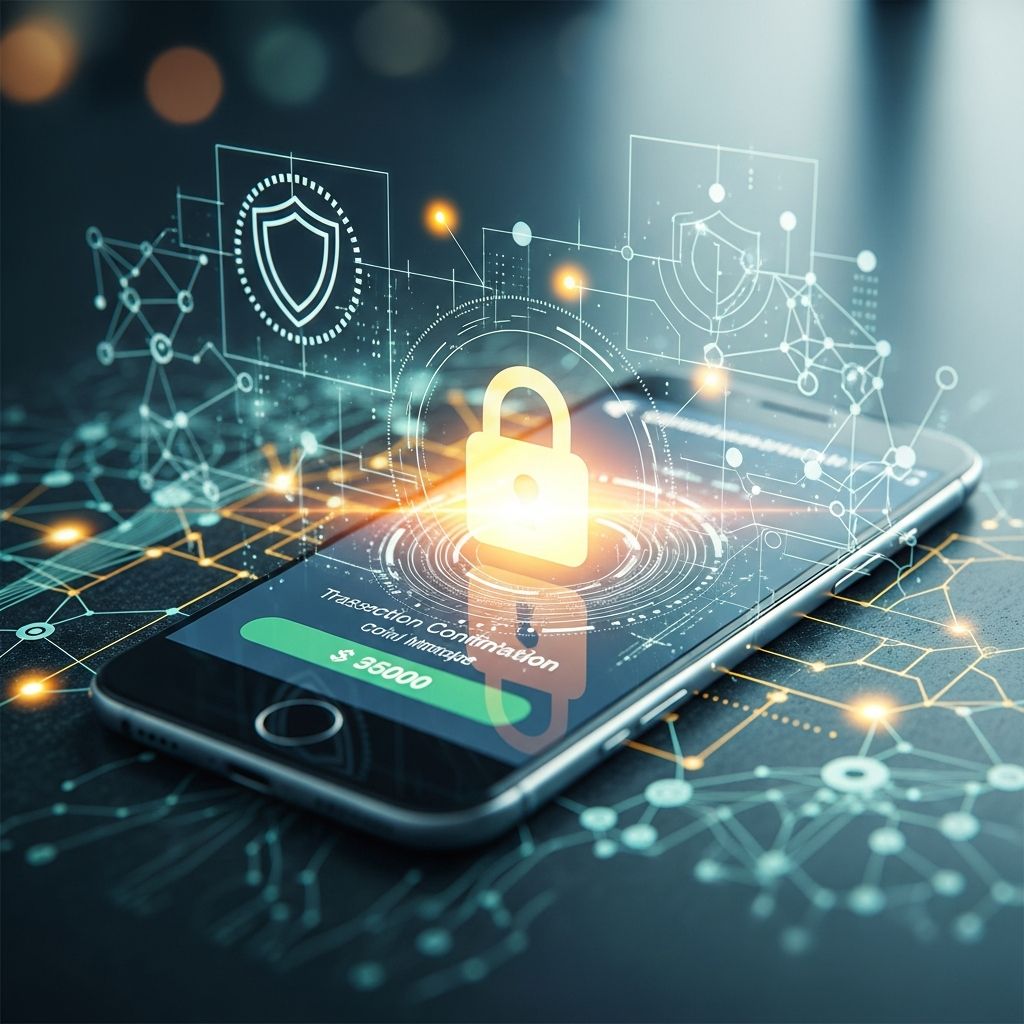
Mobile payment apps and digital wallets make it simple to send money to friends, pay small businesses, and shop online in seconds. But the same speed and convenience that make these tools popular also create opportunities for scammers and costly mistakes. This guide explains how these services work, the most common risks, and clear steps you can take to stay safe.
Understanding Mobile Payment Apps and Digital Wallets
Before you can protect yourself, it helps to know what types of tools you are using and how they handle your money.
Common Types of Mobile Payments
- Peer-to-peer (P2P) apps that let you send money instantly to people you know, such as splitting rent or paying a friend back.
- Digital wallets that store virtual versions of your cards and let you pay in stores or online using your phone or watch.
- In-app payments where you pay directly inside a retail or service app (for example, food delivery or ride-sharing).
- Merchant payment links or QR codes that small businesses use to accept money without traditional point-of-sale hardware.
Most of these services link to your bank account, debit card, or credit card and move money electronically. Many include security features like encryption and tokenization that are designed to protect your card numbers and personal information.
How Money Moves Behind the Scenes
When you send money with a mobile app:
- You authorize a transfer using a phone number, email address, username, QR code, or contact.
- The app sends instructions to move funds from your bank or card to the recipient’s account.
- In many apps, the transfer is irrevocable once it is sent, especially if you selected a “friend and family” or similar option designed for trusted people.
The key point: these services are usually intended for quick transfers to people you trust, not for risky online purchases from strangers or unknown sellers.
Major Risks When Using Mobile Payment Apps
Mobile payments can be secure when used correctly, but they are not risk-free. Understanding the main dangers helps you avoid them.
1. Scams and Fraudulent Requests
Scammers exploit the instant, irreversible nature of many payment apps. Some typical patterns include:
- Impersonation scams: Someone poses as a bank employee, government worker, tech support agent, or even a relative and pressures you to send money quickly.
- Fake buyer or seller scams: A stranger on an online marketplace asks you to pay with a P2P app for items like tickets, pets, rentals, or electronics and then disappears after receiving the money.
- Prize, loan, or investment scams: You are told you must “verify” your account or pay a fee or tax through a payment app to receive a loan, grant, or winnings.
Because transfers are often treated like cash, you may have limited options to reverse a payment you authorized to a scammer.
2. Mistaken Payments and Typing Errors
Sending money to the wrong person is surprisingly easy, especially when apps suggest usernames that look similar. Typical errors include:
- Selecting the wrong contact with a nearly identical name.
- Typing an incorrect phone number or email address.
- Letting a stranger “borrow” your phone to send themselves money.
Because many apps process transfers in real time, an error can be difficult or impossible to undo without the recipient’s cooperation.
3. Lost or Stolen Devices
If your phone or tablet is lost or stolen and your mobile payment apps are not properly secured, someone could make purchases or transfers before you have time to react.
- If your screen is unlocked or easy to guess, a thief could access apps and send money.
- If the app stays logged in and does not require extra authentication, it is easier for a thief to misuse it.
4. Phishing and Social Engineering
Phishing involves tricking you into handing over your login credentials or one-time codes.
- Fraudsters may send emails or texts that look like they are from a real app or bank, urging you to click a link and log in.
- They may ask you to share verification codes that are meant to protect you.
Once they have your credentials or codes, they can take over your account and send themselves money.
5. Data Breaches and Privacy Concerns
Mobile payment services collect and store sensitive information such as names, device details, transaction histories, and sometimes location data.
- Data breaches at financial institutions, merchants, or payment providers can expose this information, leading to identity theft or fraud.
- Data sharing with third parties for marketing or analytics may increase your exposure if that data is not well protected.
How Protection Differs: Bank, Debit, and App Balances
Where your money sits and how it moves affects what protections you have if something goes wrong.
| Where the money is | Typical protection | Key implications |
|---|---|---|
| Linked bank account | Federal law generally limits your liability for unauthorized electronic fund transfers if you report them promptly. | Act quickly if you see unknown transfers; timing can affect how much you get back. |
| Linked debit card | Similar protections for unauthorized use, but again depend on how quickly you notify your bank. | Monitor transactions; late reporting may increase your responsibility for losses. |
| Linked credit card | Strong protections and chargeback rights for unauthorized transactions and certain disputes. | Often safer for purchases from businesses, especially online or at a distance. |
| Stored balance within the app | May not be insured or covered by the same protections as bank deposits, depending on the service. | Holding large balances in apps can be risky; money may be safer in an FDIC-insured bank account. |
It is important to read your bank’s and app’s terms so you understand when a transfer is considered an electronic fund transfer, a card transaction, or purely an app-to-app movement — because the rules can differ.
Best Practices Before You Send Any Money
A few checks before hitting “send” can dramatically reduce your risk of loss.
Verify the Person You Are Paying
- Confirm identity out of band: Call or message the recipient through a separate channel (not through the payment app) to confirm their username or link.
- Send a small test payment the first time you pay a new contact, when possible, and verify they received it.
- Avoid paying strangers using P2P apps for purchases where you cannot easily get your money back if something goes wrong.
Double-Check Every Detail
- Review the name, photo, and username of the recipient carefully before confirming.
- Confirm the amount and any note so you can recognize the transaction later.
- Pause if you feel rushed; scammers often create artificial urgency to push you into skipping checks.
Use Strong Security Settings
Strengthening the security of your device and apps makes it harder for criminals to take over your account.
- Lock your device with a strong PIN, passcode, fingerprint, or facial recognition.
- Enable two-factor authentication (2FA) on your payment apps and email accounts, using an authenticator app or secure text codes.
- Turn on transaction alerts from your bank and payment services so you receive immediate notifications.
- Keep your operating system and apps updated to patch known vulnerabilities.
How to Reduce Your Risk of Hacks and Data Theft
Many security incidents start with weak passwords, unsafe networks, or malicious apps. These steps can help close common gaps.
Create and Manage Strong Passwords
- Use a unique, complex password for each financial app and your email.
- Avoid reusing passwords from social media, streaming services, or other non-financial accounts.
- Consider a reputable password manager to generate and store long, random passwords.
Avoid Risky Networks and Devices
- Do not send payments or log into financial apps on public Wi-Fi unless you use a trusted VPN.
- Log out of your accounts on shared or public computers and do not save passwords there.
- Only install payment apps from official app stores and from recognized providers.
Protect Your Privacy Settings
- Review each app’s privacy policy and settings to see what data it collects and shares.
- Limit access to your location, contacts, and usage data unless it is essential for the app to function.
- Delete apps you no longer use; fewer accounts mean fewer opportunities for your data to be exposed.
What to Do If Something Goes Wrong
Quick action can improve your chances of limiting losses or recovering funds.
If You Sent Money to the Wrong Person or a Scammer
- Contact the recipient through the app and politely request a refund.
- Report the issue to the app provider using their support channels; some may be able to assist or flag the account.
- Notify your bank or card issuer immediately, especially if the money came from your bank account or debit card.
- Save screenshots, messages, receipts, and any contact information for the person you paid.
If You See Unauthorized Transfers
- Lock or remove your device from your accounts using built-in tools such as “Find My” or remote device management.
- Change passwords for your payment apps, email, and banking services from a secure device.
- Contact your bank or card issuer right away to dispute unauthorized transactions and ask about next steps.
- Alert the payment app provider and follow their instructions for account recovery.
Monitor and Document
- Review your bank, card, and app statements regularly for unfamiliar charges or transfers.
- Keep a written record of dates, times, and names of people you speak with at your bank or payment provider.
- Consider placing a fraud alert or security freeze with credit reporting agencies if you suspect broader identity theft.
Smart Habits for Everyday Mobile Payment Use
Consistent habits help you use payment apps safely with less effort.
- Treat app transfers like cash: Only send money to people you know and trust.
- Use credit cards for purchases from businesses when possible, especially online or when you cannot see the seller in person.
- Keep app balances low and move extra funds back to an insured bank account regularly.
- Review notifications promptly; investigate any alerts about logins, password changes, or transfers you do not recognize.
- Educate family members, especially teenagers and older adults, about common payment app scams and pressure tactics.
Frequently Asked Questions (FAQs)
Are mobile payment apps safe to use?
They can be reasonably safe when you use strong passwords, enable two-factor authentication, keep your device secure, and only send money to trusted people. However, no system is risk-free, and you should stay alert for scams and unauthorized activity.
Is it better to link a bank account, debit card, or credit card?
Linking a credit card often provides the strongest protections and dispute rights for purchases. Bank accounts and debit cards can also be protected for unauthorized electronic fund transfers, but the rules and timing requirements differ, so prompt reporting is essential.
Should I leave money sitting in a payment app?
It is safer to transfer excess funds back to an insured bank account rather than leave large balances in an app, especially if the app’s stored funds are not clearly covered by deposit insurance.
What is the best way to avoid scams on payment apps?
Do not send money to strangers, ignore requests from anyone who pressures you to pay quickly, confirm recipient details independently, and never share one-time verification codes with anyone — including people claiming to be from your bank or a payment service.
Can I get my money back if I was tricked into sending it?
Recovery is not guaranteed. Some providers and banks may help, especially in cases of clearly unauthorized activity, but transfers you approved — even if you were misled — can be hard to reverse. Report the issue to your bank and the payment app as soon as possible.
References
- The Risks of Contactless Payment Are High Despite Security — American Public University System. 2023-10-10. https://www.amu.apus.edu/area-of-study/business-administration-and-management/resources/the-risks-of-contactless-payment-are-high-despite-security/
- Secure Your Wallet: Tips for Using Mobile Payment Apps Safely — University of British Columbia. 2023-06-27. https://privacymatters.ubc.ca/news/secure-your-wallet-tips-using-mobile-payment-apps-safely
- Are Payment Apps Safe? — First Merchants Bank. 2025-02-11. https://www.firstmerchants.com/resources/learn/blogs/blog-detail/resource-library/2025/02/11/are-payment-apps-safe
- Mobile Payment Security, Threats, and Challenges — Beadle Scholar, Dakota State University. 2021-04-16. https://scholar.dsu.edu/ccspapers/37/
- Mitigating Risks in Mobile Payments: Proactive Security Measures — Financial Crime Academy. 2023-08-01. https://financialcrimeacademy.org/mobile-payment-security-measures/
- Mobile Payment Security: Best Practices & Risks — CardConnect. 2023-05-05. https://www.cardconnect.com/launchpointe/payment-security/mobile-payment-security/
- Storing Cash on Payment Apps: Why It’s a Risk — State Department Federal Credit Union. 2023-07-18. https://www.sdfcu.org/articles-security-avoid-storing-money-on-payment-apps
- Helpful Tips for Using Mobile Payment Services and Avoiding Risky Mistakes — Consumer Financial Protection Bureau. 2023-06-21. https://www.consumerfinance.gov/about-us/blog/helpful-tips-using-mobile-payment-services-and-avoiding-risky-mistakes/
Similar Articles








Read full bio of Sneha Tete