
Staying Safe Online With Your Mobile Devices
Practical guidance to protect your data, privacy, and finances when using smartphones and tablets on the internet every day.
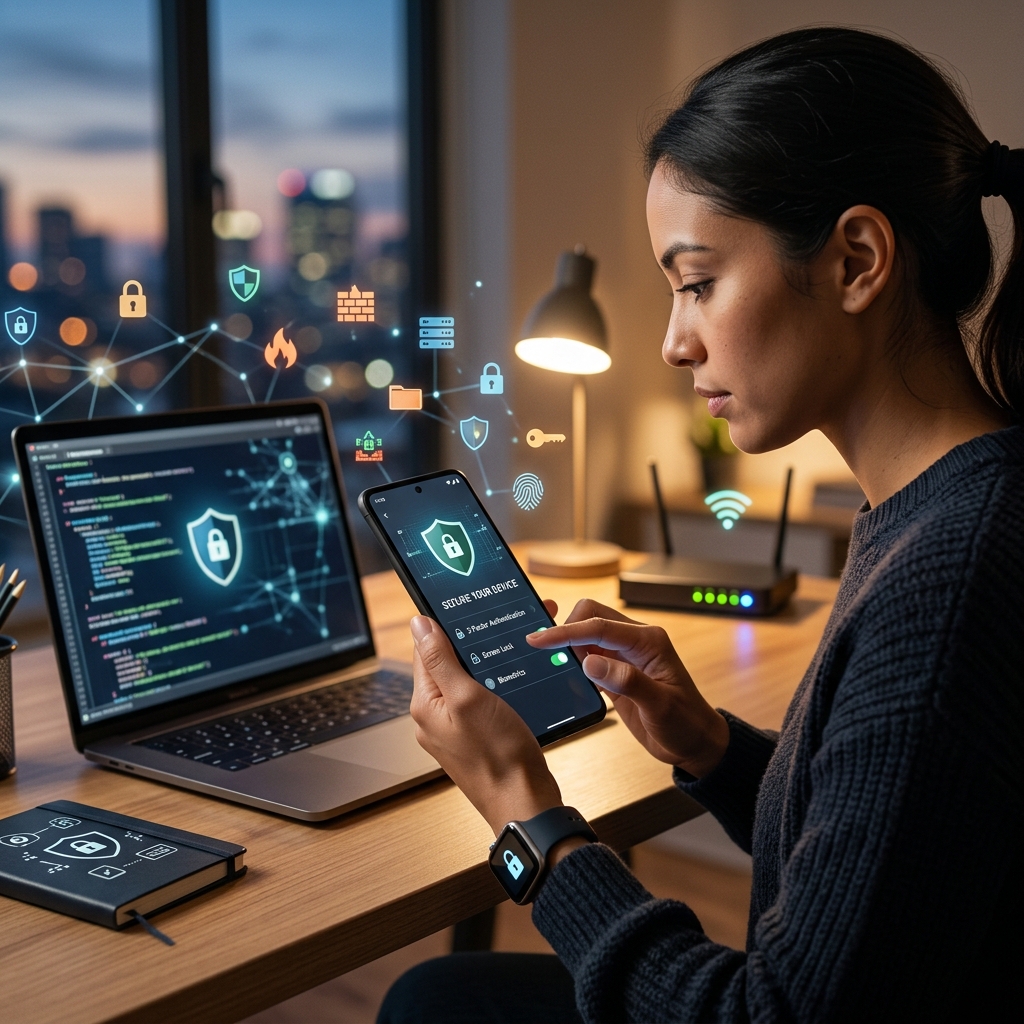
Smartphones and tablets hold your messages, photos, banking details, and even health information, which makes them a prime target for cybercriminals and scammers. Using your device safely is not only about convenience; it is about protecting your identity, your money, and your privacy every time you go online.
Why Mobile Online Safety Matters
Mobile devices are constantly connected, frequently used on public networks, and packed with apps that collect data. That combination creates multiple opportunities for hackers, scammers, and data harvesters to exploit weaknesses. By understanding the risks and applying basic safeguards, you significantly reduce the chance of fraud, identity theft, or unauthorized access.
- Always-on connectivity means threats can occur at any time, even when you are not actively using your device.
- App-based services often request access to contacts, location, camera, or microphone, which can expose sensitive details if misused.
- Public Wi‑Fi can allow attackers to intercept data or trick users with fake networks.
Building a Strong Foundation: Device and Account Security
The first step to online safety is preventing unauthorized access to your device and accounts. If someone can unlock your phone or log in as you, they can view private information, reset passwords, and even authorize financial transactions.
Locking Your Device Properly
Using a screen lock is one of the simplest yet most effective protections. Modern operating systems support multiple locking methods, and combining them increases security.
- Use a strong passcode or passphrase with at least six digits or a mix of letters and numbers.
- Avoid easy patterns such as 1234, 000000, or birth dates that someone who knows you could guess.
- Enable biometric security (fingerprint or facial recognition) where available to add an extra layer.
- Set automatic locking so your device locks quickly when idle; this limits what a thief can access if the phone is lost.
Securing Online Accounts on Mobile
Most people access email, banking, social media, and work accounts from mobile devices. Compromise of any of these accounts can have serious consequences, from reputation damage to financial loss.
- Use unique passwords for important accounts such as email, banking, and primary social media profiles.
- Turn on multi-factor authentication (MFA) wherever it is offered, requiring a secondary code or approval when logging in.
- Log out of sensitive apps when using shared devices or when you no longer need access.
- Keep recovery information up to date (backup email and phone number) so you can regain access if something goes wrong.
Updating Software and Managing Apps Safely
Outdated operating systems and apps can contain vulnerabilities that attackers exploit to install malware, steal data, or take control of devices. Regular updates and careful app management dramatically reduce that risk.
Keep Systems and Apps Up to Date
Security fixes are released through updates to your operating system, browser, and applications. Failing to install them leaves known weaknesses on your device.
- Turn on automatic updates for your mobile operating system, browser, and key apps.
- Install security patches promptly when you receive notifications from official app stores or device manufacturers.
- Update security software such as antivirus or mobile security suites, if you use them, so they recognize new threats.
Choosing and Controlling Apps
Apps can greatly improve productivity and entertainment, but they can also collect sensitive information or contain malicious code. Careful selection and regular cleanup are essential.
- Download only from official stores like Google Play or Apple’s App Store, which scan for malware and enforce policies.
- Read permissions before installing; be cautious of apps requesting access to location, contacts, camera, or microphone without a clear need.
- Remove apps you no longer use to reduce data collection and close potential security gaps.
- Review app settings periodically to limit unnecessary tracking or data sharing.
Protecting Your Personal Information and Privacy
The information your device holds and transmits can be as valuable as money to cybercriminals. Personal details can be used for identity theft, targeted scams, or unauthorized account access. Being selective about what you share and how you store it is central to online safety.
Treat Your Data Like Cash
Every time you fill in a form, post a photo, or allow an app to access your location, you are creating a trail of information that can be combined to build a detailed profile.
- Limit the personal details you share publicly, including full name, address, phone number, and date of birth.
- Use privacy settings on social media and apps to control who can see your posts and profile information.
- Be skeptical of online quizzes and polls that request personal information; they may be designed to collect data.
- Avoid posting real-time location or travel plans publicly, which could reveal when your home is unattended.
Special Considerations for Children and Teens
Young people often use mobile devices for socializing, schoolwork, and entertainment, but may underestimate risks. Parents and carers play an important role in guiding safe behavior.
- Set clear rules for what information children can share and which apps they may use.
- Keep devices in common areas when possible, so online activity remains visible and easier to supervise.
- Talk about cyberbullying and encourage children to report hurtful or threatening messages immediately.
- Discuss algorithms and recommendations so teens understand why certain content appears and how to question it.
Staying Safe on Public Wi‑Fi and Bluetooth
Using free Wi‑Fi in cafés, airports, or hotels is convenient but can expose your data if the network is unsecured or malicious. Similarly, leaving Bluetooth enabled invites unwanted connections.
Recognizing Wi‑Fi Risks
Public networks often lack encryption, allowing others on the same network to potentially monitor traffic or attempt to intercept login credentials.
- Limit activities on public Wi‑Fi to general browsing; avoid online banking, shopping, or accessing sensitive accounts.
- Verify network names with staff before connecting to avoid fake hotspots that mimic legitimate ones.
- Use a virtual private network (VPN) to encrypt your connection when you must access important services over public Wi‑Fi.
Managing Bluetooth Securely
Bluetooth allows devices to connect wirelessly, but attackers can sometimes exploit misconfigured or always-on Bluetooth to gain access or track devices.
- Turn off Bluetooth when not actively using it to reduce your device’s visibility.
- Set devices to non-discoverable mode so strangers cannot easily see or attempt to pair with them.
- Decline unexpected pairing requests and remove unknown devices from your paired list.
Spotting and Avoiding Mobile Scams
Scammers increasingly target users through text messages, messaging apps, and phone calls, often urging quick action or trying to trick you into revealing data. Recognizing common tactics helps you avoid becoming a victim.
Common Types of Mobile Scams
| Scam Type | Typical Signs | Recommended Response |
|---|---|---|
| Phishing texts (SMS) | Links claiming to be from banks or delivery services, urgent language, or requests for login details. | Do not click links; contact the organization directly using official contact details. |
| Voice phishing (vishing) | Unexpected calls demanding payment or personal information, often claiming to be from government or tech support. | Hang up, then call back using verified numbers from official websites. |
| Malicious apps | Apps from unofficial sources, poor reviews, or requests for excessive permissions. | Uninstall immediately, run security scans, and change passwords for affected accounts. |
Safe Responses to Suspicious Messages
Scam messages often try to provoke fear or urgency, pushing you to act quickly without thinking.
- Do not respond to unsolicited requests for passwords, codes, or financial information.
- Block and report suspicious numbers and senders through your device settings or messaging app tools.
- Verify through another channel if a message appears to be from a known company; use official websites or customer service numbers.
Balancing Digital Wellness and Safety
Staying safe online is not only about technical security; it also involves healthy habits that protect mental wellbeing and reduce the temptation to take risks out of fatigue or distraction.
Healthy Use of Mobile Devices
Constant connectivity can disrupt sleep and concentration, especially for children and teens. Experts recommend setting boundaries around screen time.
- Prioritize sleep by limiting device use in the 30–60 minutes before bedtime.
- Keep devices out of bedrooms for children and teens to reduce late-night use and improve rest.
- Establish tech-free times during meals or family activities to encourage face-to-face interaction.
Quick Mobile Safety Checklist
Use this list as a fast review to strengthen your mobile device safety.
- Screen lock enabled with a strong passcode or biometrics.
- Operating system and key apps updated to the latest versions.
- Apps installed only from official stores and reviewed for permissions.
- Privacy settings checked on major social, messaging, and location-based apps.
- Public Wi‑Fi used cautiously, with VPN for sensitive tasks.
- Bluetooth disabled when not in use.
- Multi-factor authentication enabled for email, banking, and social media.
Frequently Asked Questions (FAQs)
Is antivirus software necessary on smartphones?
Many modern mobile operating systems include built-in security features such as app sandboxing, verified boot, and malware scanning. While not everyone needs a separate antivirus app, users who install many apps or frequently use public networks may benefit from reputable mobile security software.
How often should I update my phone?
You should install operating system and security updates as soon as they become available, particularly those labeled as security or critical updates. Enabling automatic updates reduces the chance of missing important patches.
Is it safe to save passwords in my browser or apps?
Built-in password managers can be relatively secure when protected by a strong device lock and encryption. However, using a dedicated password manager with strong encryption and unique master password offers additional protection, especially if your device is lost or stolen.
What should I do if I lose my phone?
If your phone is lost or stolen, act quickly:
- Use built-in Find My Device tools to locate, lock, or erase it remotely.
- Change passwords for important accounts accessed on the device.
- Contact your mobile provider to disable the SIM if necessary and your bank if financial apps were installed.
How can I teach children to use mobile devices safely?
Combine rules, supervision, and open discussion. Set guidelines for what they can share, where they can go online, and who they may talk to. Keep devices in shared spaces when possible, talk about cyberbullying and inappropriate content, and encourage them to report anything that makes them uncomfortable.
References
- Mobile Devices — National Cybersecurity Alliance. 2023-04-10. https://www.staysafeonline.org/articles/mobile-devices
- Mobile phone safety — Childline / NSPCC. 2022-08-15. https://www.childline.org.uk/info-advice/bullying-abuse-safety/online-mobile-safety/mobile-phone-safety/
- Online Safety — Nebraska Attorney General, Protect The Good Life. 2023-05-01. https://protectthegoodlife.nebraska.gov/online-safety
- Mobile device security and data protection — Android (Google LLC). 2023-11-20. https://www.android.com/safety/
- Internet Safety for Kids & Teens — Nemours KidsHealth. 2023-03-05. https://kidshealth.org/en/parents/net-safety.html
- Mobile and Online Safety — PACER Center. 2022-06-10. https://www.pacer.org/bullying/parents/mobile-and-online-safety/
- Staying Safe and Healthy Online — Online Safety & Digital Wellness — New Code Academy. 2022-09-12. https://www.newcodeacademy.org/about/staying-safe-and-healthy-online-online-safety-digital-wellness
Similar Articles








Read full bio of medha deb


