
Social Media Safety: Practical Ways to Protect Yourself
Simple habits that reduce risks, protect privacy, and keep your accounts secure online.
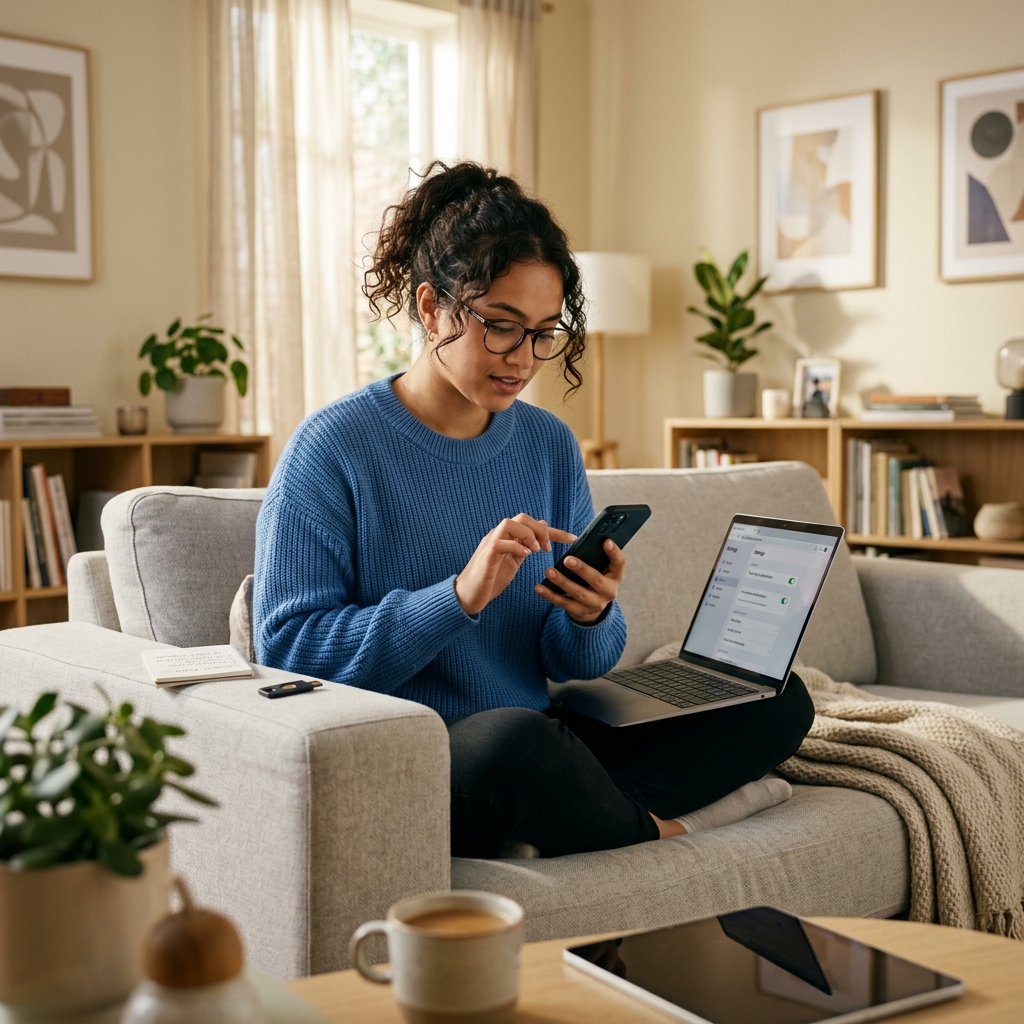
Social media can be a useful place to connect, share updates, and follow news, but it also creates opportunities for impersonation, scams, privacy leaks, and account takeovers. The safest approach is not to avoid every platform, but to use them with a clear security routine that protects your identity, your data, and the people who follow you.
A strong social media security habit starts with the basics: unique passwords, two-factor authentication, careful privacy settings, and a healthy skepticism toward messages, links, and requests from people you do not know. Official guidance from cybersecurity and educational institutions consistently emphasizes these steps because they reduce common risks without making the platforms harder to use.
Why social media needs a security plan
Many people treat social networks as casual spaces, but the information shared there can be highly valuable to criminals. Public profiles may reveal names, birthdates, workplaces, travel patterns, family relationships, or contact details. That information can support identity theft, phishing, account recovery attacks, or social engineering attempts that target you or your contacts.
The other major risk is visibility. Posts can be screenshot, forwarded, copied, or republished outside the original audience. Harvard’s information security guidance notes that users should assume anything posted online could be shared beyond the intended audience, which makes caution especially important when posting photos, locations, schedules, or personal identifiers.
Build a stronger account foundation
The first line of defense is account access. If someone can guess or steal your login, privacy settings will not help much. That is why several security guides recommend using strong, unique passwords for every social media account and storing them in a password manager.
Two-factor authentication, sometimes called multi-factor authentication or 2SV depending on the platform, adds a second step after the password. This extra check can stop intruders even if they already know your password. Official cybersecurity guidance in the United Kingdom and academic security guidance both recommend turning it on wherever it is available.
- Use a different password for each account.
- Prefer long passphrases over short, complex strings that are hard to remember.
- Store credentials in a trusted password manager rather than reusing them.
- Turn on two-factor authentication for every platform that offers it.
Review privacy settings before you post
Privacy settings are not something to configure once and forget. Social media platforms regularly change features, default sharing options, and audience controls, which means your visibility can shift over time. Guidance from Harvard and the U.K. National Cyber Security Centre encourages users to review settings periodically and limit the audience for posts and profile details.
Start by checking who can see your posts, profile information, friend list, contact details, and location data. If a platform allows it, restrict visibility to trusted connections rather than the public. Also review whether your profile appears in search engines or can be found through phone number or email lookup tools.
| Setting to review | Why it matters | Safer choice |
|---|---|---|
| Post audience | Controls who can view your updates | Friends, contacts, or custom lists |
| Profile visibility | Limits exposure of personal details | Private or restricted visibility |
| Location tagging | Reveals where you are or were | Disabled unless truly needed |
| Search discoverability | Makes it easier for strangers to find you | Reduced or disabled where possible |
Be selective about what you share
Good privacy settings do not make every post safe. The content itself may still create risk. Safety guidance from Harvard and RAINN both recommend thinking carefully before posting anything that could reveal sensitive information, expose routines, or put someone at risk if it is made public.
A useful rule is to pause and ask whether a stranger could use the post against you. That includes travel plans, home addresses, school details, financial information, ID documents, account screenshots, and images that reveal your workplace or daily routines.
- Avoid posting live travel updates that show when your home is empty.
- Do not share documents, receipts, or cards that contain personal identifiers.
- Be careful with photos that include street signs, license plates, or location clues.
- Think twice before discussing sensitive work matters in public threads.
Watch out for fake accounts and social engineering
Social platforms make it easy for attackers to impersonate friends, customers, coworkers, brands, or support teams. The goal is often to get you to click a link, send money, reveal a code, or share sensitive information. Security guidance from multiple sources recommends verifying the identity of unknown contacts before accepting requests or responding to unusual messages.
Phishing messages often create urgency. They may warn that your account will be locked, claim that a prize is waiting, or ask you to confirm identity immediately. When a message pressures you to act fast, treat it as suspicious until verified through a separate channel.
- Check the sender’s profile for signs of a copied or newly created account.
- Hover over links when possible or inspect the destination before clicking.
- Confirm unexpected requests using another method, such as a phone call or direct message on a different platform.
- Never share verification codes, passwords, or recovery answers in response to a message.
Control third-party app access
Many people connect social media accounts to games, scheduling tools, analytics services, or login shortcuts. That convenience can become a problem if those apps are poorly secured or no longer needed. Several official and institutional guides recommend auditing connected applications and revoking access to tools you do not trust or use anymore.
Every connected service may collect data or introduce another point of failure. If a third-party app does not clearly need access to your profile, contacts, or posting permissions, remove it. This matters even more for business accounts, where overly broad access can expose customer data or allow unauthorized posting.
- Review connected apps at least every few months.
- Remove tools you no longer use.
- Limit permissions to the minimum necessary for each app.
- Be cautious when using third-party login buttons.
Use safer habits on phones and public networks
Because many people access social media from phones, tablets, and laptops, device security matters as much as account security. Outdated software can leave gaps that attackers exploit, so updating apps and operating systems is an important part of protection.
Public Wi-Fi is another common weak point. RAINN and other security resources advise avoiding sensitive activity on shared networks such as airport or cafe Wi-Fi, or using a trusted virtual private network when a public connection is unavoidable.
- Keep your operating system and apps updated.
- Use screen locks, biometric login, or strong device passcodes.
- Avoid logging in to important accounts on unsecured public networks.
- Log out of sessions on devices you do not regularly use.
Create a response plan before trouble starts
Even careful users can experience suspicious activity, account lockouts, or impersonation. That is why a response plan is useful. Social media security guidance from First Bank and Trust Company recommends monitoring accounts regularly and being ready to respond quickly to breaches or unusual activity.
At minimum, know how to change your password, review recent logins, contact platform support, and warn your contacts if your account has been compromised. If the account is used for business, the response plan should also identify who can remove harmful posts, update customers, or pause scheduled content.
- Turn on login alerts where available.
- Check account activity and security settings on a regular schedule.
- Keep recovery email addresses and phone numbers current.
- Prepare a short message template for notifying contacts if your account is hijacked.
Social media safety checklist
If you want a quick routine, use this checklist before and after posting:
- Have I used a unique password and enabled two-factor authentication?
- Are my privacy settings still set the way I expect?
- Does this post reveal a location, routine, or personal detail that should stay private?
- Have I verified anyone who is asking for money, codes, or sensitive information?
- Have I reviewed connected apps and recent account activity lately?
These simple checks do not eliminate every risk, but they reduce the most common ones.
FAQ: Social media safety
How often should I review my privacy settings?
Review them every few months and whenever a platform changes its features or default settings. Security guidance from official sources recommends regular rechecks rather than one-time setup.
Is two-factor authentication really necessary?
Yes. It adds an extra barrier that can stop unauthorized access even if a password is exposed. That is why it appears in nearly every credible social media safety guide.
What should I do if I clicked a suspicious link?
Change your password if you entered any credentials, review account activity, scan your device if needed, and notify the platform if anything looks unusual. If the message came from a friend, contact them through another channel to confirm whether their account was compromised.
Should I accept friend or follow requests from people I do not know?
Only if you can independently verify who they are and why they are connecting with you. Unknown contacts are one of the easiest ways for attackers to gather information or deliver scams.
What is the biggest social media mistake people make?
The most common mistake is combining weak security with oversharing. A public profile, reused password, and a careless click can create a serious problem very quickly.
References
- Best Practices for Social Media Security — First Bank & Trust Company. 2025. https://www.firstbank.com/resources/learning-center/best-practices-for-social-media-security/
- 10 Best Practices for Social Media Security: Pro Tips — Sprinklr. 2025. https://www.sprinklr.com/blog/social-media-security-best-practices/
- Stay Safe Online: Social Media Security Guide — Astound. 2025. https://www.astound.com/learn/internet/social-media-security-tips/
- Best Practices – Social Media — Harvard Information Security Policy. 2025. https://privsec.harvard.edu/best-practices-social-media
- Stay Safer on Social Media — RAINN. 2025. https://rainn.org/strategies-to-reduce-risk-increase-safety/stay-safer-on-social-media/
- Social Media Safety — Coppin State University. 2025. https://www.coppin.edu/social-media-safety
- Social Media Security Guide — UCLA Office of the Chief Information Security Officer. 2025. https://ociso.ucla.edu/security-best-practices/social-media-security-guide
- Social Media: how to use it safely — National Cyber Security Centre. 2025. https://www.ncsc.gov.uk/guidance/social-media-how-to-use-it-safely
Similar Articles








Read full bio of medha deb


