
Online Fraud: Complete Guide To Spot, Avoid, And Respond Safely
Learn practical, expert-backed tactics to spot, avoid, and respond to online scams before they cost you money or data.
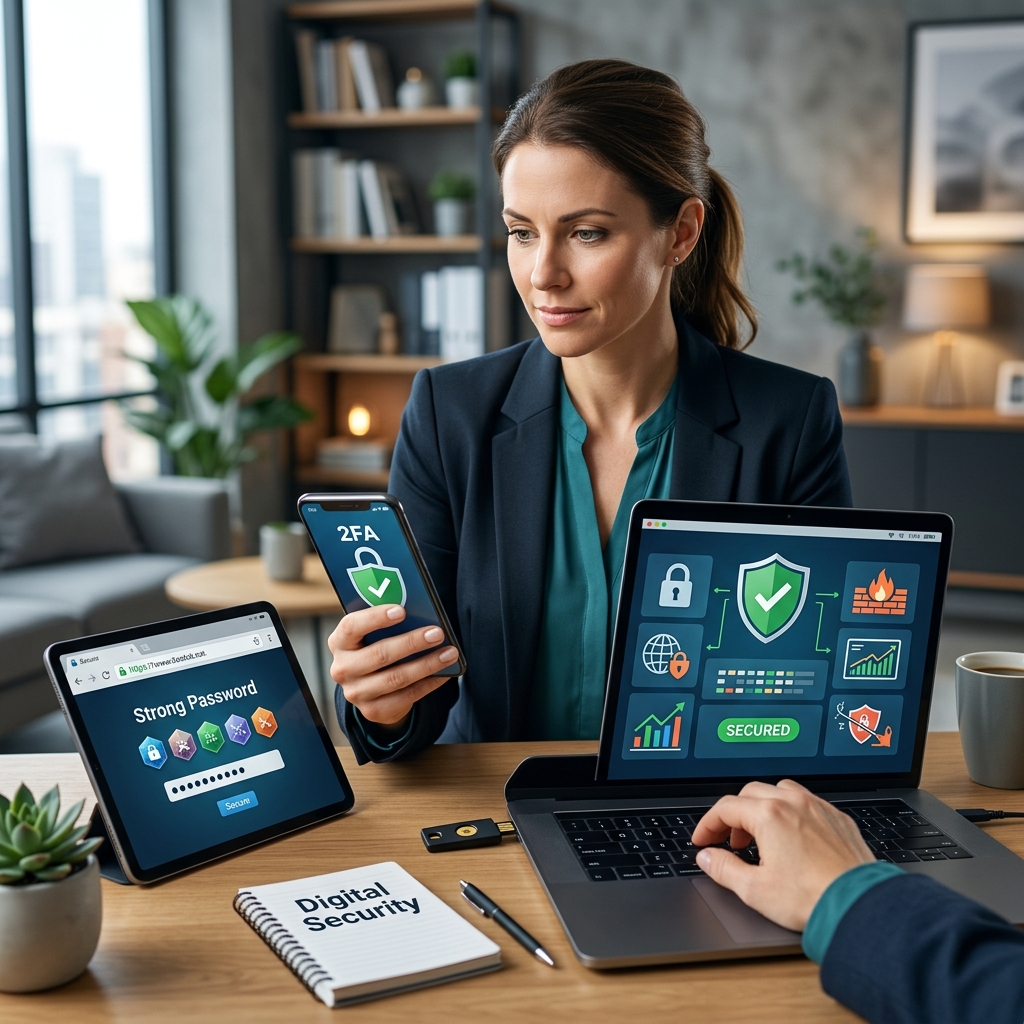
Online fraud has grown into a global problem that affects individuals, families, and businesses of every size. According to consumer protection authorities, scammers are continuously inventing new tactics to steal money and personal information, often leveraging email, social media, messaging apps, and fake websites to appear legitimate. Defending yourself requires a combination of awareness, healthy skepticism, and a few practical security habits.
This guide offers an original, comprehensive look at how modern scams work and the steps you can take to significantly reduce your risk. Inspired by expert insights, it explains how to recognize suspicious behavior, protect your devices and accounts, and respond quickly if you suspect fraud.
Understanding How Online Scammers Operate
Most online scams rely on a predictable set of psychological and technical tactics. Recognizing these patterns makes it easier to spot danger before you click a link or send money.
Common Tactics Used in Online Fraud
- Impersonation of trusted organizations: Scammers pretend to be your bank, a government agency, a delivery company, or a well-known brand to gain your trust.
- Inventing urgent problems or special prizes: They claim there is a security issue, unpaid tax, blocked account, or a prize you must claim quickly.
- Pressure to act immediately: Fraudsters often insist that you must decide “right now,” hoping you won’t stop to verify anything.
- Demanding unusual payment methods: Requests for payment via gift cards, cryptocurrency, wire transfers, or payment apps can indicate a scam.
- Phishing links and fake login pages: Emails or messages include links that lead to convincing, but fraudulent, websites designed to capture your credentials.
These tactics are usually combined in ways that target your emotions—fear, curiosity, or excitement. The more you recognize these patterns, the more confidently you can say no.
Typical Channels for Online Fraud
- Email messages that mimic official notices, invoices, or account warnings.
- Text messages that contain short alerts and links claiming to be from a bank or parcel service.
- Social media posts and direct messages promising investment returns, giveaways, or romance.
- Fake e-commerce sites offering products at unrealistic discounts to capture payment data.
- Malicious pop-ups warning that your device is infected and urging you to call a phone number or install software.
Fraud rarely looks like an obvious crime at first glance. Instead, it often appears as a routine digital interaction—until money or personal data is requested.
Core Principles for Staying Safe Online
Rather than memorizing every possible scam, focus on a handful of core principles that apply across nearly all digital interactions.
Pause Before You Respond
Legitimate businesses and public agencies rarely require you to decide instantly. If a message makes you feel rushed or anxious, step back and verify the details using contact information you find independently—such as the official website or the number on the back of your card.
Verify, Don’t Assume
Fraud prevention agencies stress the importance of verifying who you are dealing with before sharing personal information or transferring funds. That means:
- Looking up the company or agency yourself, rather than using contact details in the suspicious message.
- Checking reviews and regulatory registrations for unfamiliar businesses, especially financial or e-commerce sites.
- Calling known phone numbers to confirm urgent requests claiming to be from your bank, utility, or government office.
Minimize What You Share
Every piece of personal information you share online can potentially be misused. Government and consumer finance agencies urge people to avoid giving out Social Security numbers, banking details, login credentials, and other sensitive data unless absolutely necessary and via secure channels.
Protecting Your Devices and Connections
Technical safeguards are just as important as behavioral ones. They create a barrier that makes it harder for malicious software and unauthorized users to gain access.
Basic Security Tools You Should Use
- Antivirus software: Helps detect and remove malicious software that can steal data or damage your system.
- Firewalls: Monitor incoming and outgoing traffic to block unauthorized access.
- Anti-spam and anti-phishing filters: Reduce the number of dangerous emails that reach your inbox.
- Regular software updates: Keeping your operating system and browser updated closes known security vulnerabilities.
Securing Your Home Wi‑Fi
Fraud prevention organizations highlight the importance of securing your home network. At a minimum:
- Change the default Wi‑Fi name (SSID) and password supplied by your router.
- Use strong encryption, such as WPA2 or WPA3, and avoid open networks without a password.
- Disable broadcasting of your network name if possible, or at least ensure guests connect only to a dedicated guest network.
Strengthening Passwords and Account Security
Weak or reused passwords make it easy for attackers to access multiple accounts if a single password is exposed. Modern guidance emphasizes strong, unique passwords and multi-factor authentication for all important accounts.
Features of a Strong Password
- At least eight characters, with a mix of upper and lower case letters, numbers, and symbols.
- Not based on easily guessed data like your name, birthday, or common words.
- Unique for every major account (email, banking, social networks, cloud storage).
Using a password manager can help you generate and store complex passwords securely, reducing the temptation to reuse simple ones across multiple accounts.
Multi-Factor Authentication
Multi-factor authentication (MFA) requires you to provide an additional verification step beyond your password, such as a one-time code or an authentication app confirmation. Financial regulators and fraud prevention centers recommend enabling MFA wherever possible—especially for email, banking, and investment accounts—because it makes it significantly harder for criminals to log in even if they obtain your password.
| Method | Protection Level | Key Advantage |
|---|---|---|
| Single, simple password | Low | Easy to remember but easy to guess or crack. |
| Unique strong password | Medium | Harder to crack; limits damage if one account is compromised. |
| Password + multi-factor authentication | High | Requires both password and second factor, blocking many unauthorized logins. |
Safer Online Shopping and E‑Commerce Habits
Online shopping is convenient, but it also gives scammers numerous opportunities to create fake stores, manipulate prices, or intercept payment details. Banks and consumer protection agencies offer clear guidance on how to shop more safely.
Warning Signs of Dubious Online Stores
- Prices that are far below market value, especially for high‑demand products.
- Website URLs with spelling errors, extra characters, or unusual domain endings.
- Lack of clear contact information, physical address, or customer service details.
- Only accepting irreversible payment methods, such as cryptocurrency or wire transfer.
Practical Tips for Safer Purchases
- Research unfamiliar sites by searching for reviews and, if relevant, verifying business registrations.
- Check out as a guest when possible to reduce the number of accounts that store your card details.
- Prefer credit cards over debit cards, as credit often offers stronger fraud protections and dispute options.
- Enable transaction alerts from your bank or card issuer to quickly spot suspicious charges.
Recognizing and Responding to Phishing Attempts
Phishing is one of the most common types of online fraud. Attackers send messages that appear to come from legitimate organizations, tempting you to click links or open attachments. Banks and anti-fraud centers explicitly warn that real institutions rarely ask for sensitive information via unsolicited email or text.
Key Signs of Phishing Messages
- Generic greetings rather than your real name.
- Spelling mistakes, unusual formatting, or awkward wording.
- Links that do not match the official domain—hover over links to inspect the actual URL.
- Attachments you were not expecting, particularly in formats that can carry malware.
- Requests for login details, card numbers, or social security numbers.
How to Handle Suspicious Messages
- Do not click links or open attachments until you verify the sender using a trusted contact method.
- Report the message to your email provider by marking it as spam or phishing.
- If it claims to be from your bank or card issuer, contact them directly using the phone number on your card.
If You Suspect or Experience Online Fraud
Even with careful habits, it is possible to encounter scams or lose money. Authorities emphasize that rapid action can reduce the damage and improve the chances of recovery.
Immediate Steps to Take
- Stop all communication with the suspected scammer and do not send more money.
- Contact your bank or card issuer to freeze or monitor accounts, reverse unauthorized charges where possible, and issue new cards.
- Change passwords for any accounts that may have been exposed, and enable multi-factor authentication.
- Scan your devices with updated security software to check for malware.
Reporting Fraud to Authorities
Consumer protection bodies encourage victims to report scams, both to help with individual cases and to support broader enforcement actions. Depending on your jurisdiction, this may involve:
- Submitting a complaint to a national consumer protection or competition agency.
- Contacting financial regulators or investor protection organizations for investment-related scams.
- Informing local law enforcement for significant or ongoing fraud.
Frequently Asked Questions About Online Fraud
How can I quickly tell if a message is a scam?
Ask yourself three questions: Did you expect this message? Is the sender demanding urgent action or payment? Are they asking for sensitive information or unusual payment methods? If any answer raises doubt, do not respond directly—verify through official channels instead.
Is it safe to click links from companies I know?
Even messages that appear to come from familiar companies can be spoofed. Authorities recommend going to the company’s website directly by typing the address into your browser or using a bookmarked link, rather than clicking unknown links in an email or text.
What should older adults and caregivers pay special attention to?
Older adults are often targeted with investment scams, romance fraud, and fake tech support offers. Caregivers and families can help by discussing common scams, encouraging verification of unexpected calls or messages, and monitoring for sudden changes in financial behavior.
Are social media platforms a major source of online fraud?
Yes. Fraudsters use social media to promote fake investment opportunities, impersonate trusted contacts, or lure users to external sites. Using privacy controls, being cautious with friend requests, and avoiding clicking on suspicious ads or offers can reduce your risk.
Can I fully eliminate the risk of online fraud?
No system is completely risk‑free, but combining skeptical digital behavior with strong technical protections and quick reporting will greatly lower your chances of becoming a victim. Continuous learning and staying informed about new scam trends are key.
References
- How To Avoid a Scam — Federal Trade Commission (FTC). 2023-09-19. https://consumer.ftc.gov/articles/how-avoid-scam
- Fraud and scams — Consumer Financial Protection Bureau (CFPB). 2024-02-15. https://www.consumerfinance.gov/consumer-tools/fraud/
- Protect yourself from fraud — Canadian Anti-Fraud Centre. 2024-01-10. https://antifraudcentre-centreantifraude.ca/protect-protegez-eng.htm
- 5 Tips to Prevent Online Fraud — Banner Bank. 2023-06-01. https://www.bannerbank.com/financial-resources/blog/tips-to-prevent-online-fraud
- 7 Tips to Avoid Online Shopping Scams — Central Bank. 2023-11-20. https://www.centralbank.net/learning-center/7-tips-to-avoid-online-shopping-scams/
- How to Protect Yourself Against Fraud and Scams — Canadian Investment Regulatory Organization (CIRO). 2024-03-05. https://www.ciro.ca/office-investor/avoiding-fraud-and-protecting-your-investments/how-protect-yourself-against-fraud-and-scams
- Scam and Fraud Prevention for Older Adults — National Council on Aging. 2024-04-12. https://www.ncoa.org/older-adults/money/management/avoiding-scams/
Similar Articles








Read full bio of medha deb


