
Smart Social Networking: Staying Safe on Social Media
Practical, up-to-date strategies to protect your privacy, security, and reputation while using today’s social networks.
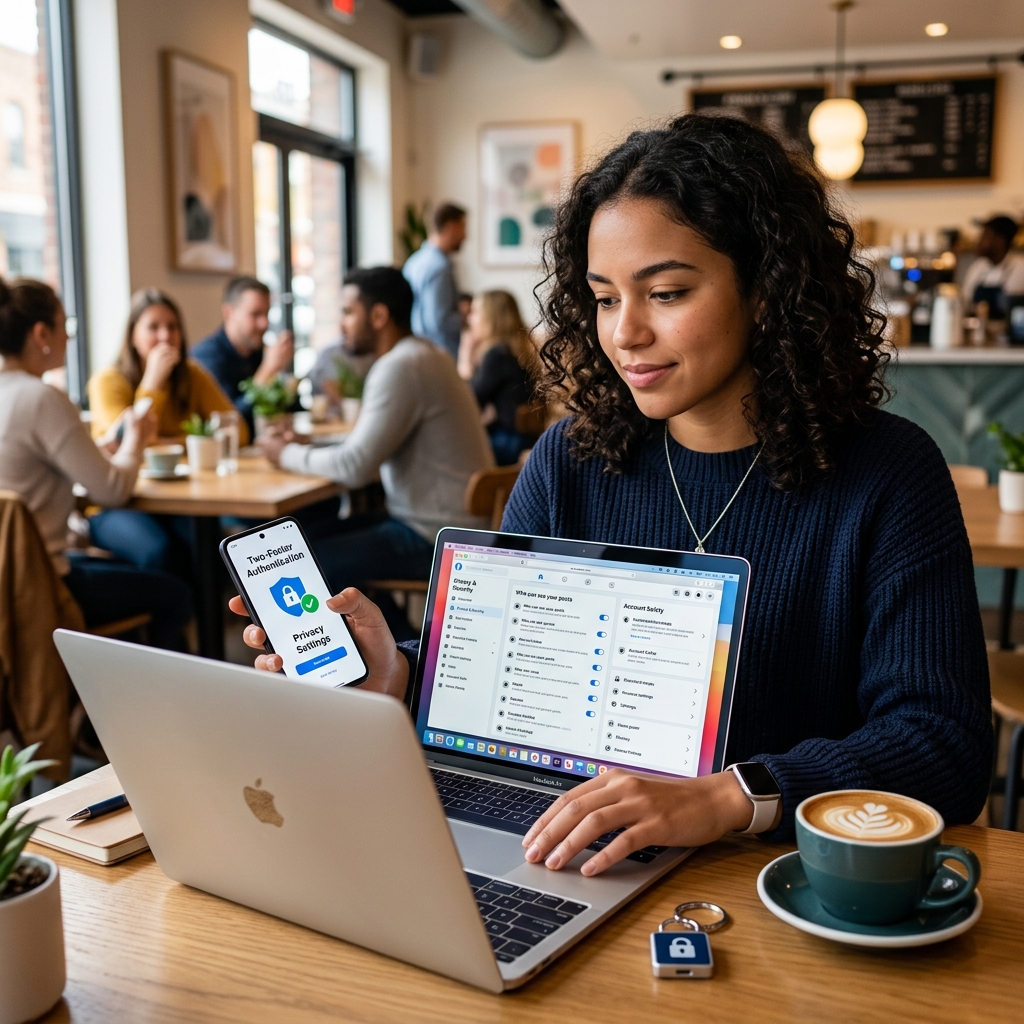
Social networking platforms make it easy to share, connect, and build communities, but they also expose you to privacy risks, scams, harassment, and long-lasting reputational damage if used carelessly. This guide explains how to use social media more safely, protect your information, and recognize common threats—without giving up the benefits of staying connected online.
Understanding Social Media Risks Before You Post
Every post, photo, comment, and “like” contributes to your digital footprint—the trail of information about you that exists online. Once something is shared, it can be copied, screenshot, or archived, even if you later delete it. Recognizing these underlying risks is the first step to safer social networking.
- Privacy exposure: Details like your birthday, address, work history, and family relationships can be pieced together for identity theft or stalking.
- Security threats: Cybercriminals may use information from your profile to guess passwords, answer security questions, or target you with tailored scams.
- Reputational impact: Old posts, jokes, or photos can resurface years later and affect job prospects, relationships, or legal matters.
- Harassment and abuse: Public accounts and open groups can attract trolls, impersonators, or people who escalate online conflict into offline harm.
Approach social media as a semi-public space: share only what you would be comfortable explaining to a stranger, a future employer, or a law enforcement officer.
Building Strong Account Security
Even cautious posting won’t help if someone breaks into your account. Robust account security reduces the chances that attackers can take over your profile, impersonate you, or access private messages and photos.
Create and Maintain Strong, Unique Passwords
Weak or reused passwords are one of the most common ways accounts are compromised. Follow these practices to strengthen your credentials:
- Use unique passwords for each social media platform; never reuse your email or banking password on social sites.
- Choose passwords at least 12–16 characters long, with a mix of letters, numbers, and symbols.
- Avoid personal details such as your name, pet, school, or birthdate that attackers can see on your profile.
- Store passwords in a reputable password manager rather than in notes or browser autofill that others can access.
Enable Two-Factor or Multi-Factor Authentication
Two-step verification (also called two-factor or multi-factor authentication) adds a second layer of protection beyond your password.
- Turn on two-step verification for each platform that offers it—usually found under “Security” or “Login” settings.
- Use an authenticator app or hardware security key rather than SMS when possible, for stronger protection.
- Keep backup codes in a secure place so you can regain access if you lose your device.
Protect Devices and Connections
Your accounts are only as secure as the devices and networks you use to access them.
- Keep phone and computer operating systems and apps updated to patch known security vulnerabilities.
- Use a screen lock and device encryption where available; avoid leaving logged-in devices unattended.
- Avoid logging in to social media on public Wi-Fi, such as in cafes or airports; if you must, use a trusted VPN service.
- Log out of accounts on shared or public computers after use.
Making Privacy Settings Work for You
Most major platforms offer controls that allow you to decide who can see your posts, contact you, and tag you in content. These tools are powerful when configured thoughtfully and checked regularly, since platforms often change features and defaults.
Review Visibility of Your Profile and Posts
Start by examining who can see different parts of your profile:
- Set your main profile or timeline to private or “friends only” whenever possible.
- Restrict visibility of sensitive fields like birthday, phone number, email, and workplace.
- Limit who can see your friends list to reduce social engineering opportunities.
Control Tagging, Mentions, and Sharing
Other people’s posts can reveal information about you that you might prefer to keep private.
- Require approval before tagged photos or posts appear on your profile, if the platform supports it.
- Talk with friends and family about your boundaries and ask them not to share certain details or images.
- If someone posts content about you that feels unsafe or uncomfortable, request removal and use reporting tools if needed.
Check Settings Regularly
Privacy controls and defaults may change without much notice.
- Schedule a brief privacy review every few months to confirm that settings still match your preferences.
- After major app updates, scan settings for new options related to location, data sharing, or ad personalization.
- Do a quick web search of your name periodically to see what information about you is publicly visible.
Location Sharing and Digital Footprint Awareness
Location features and subtle clues in your posts can reveal where you live, work, study, and spend time. While geo-tags are convenient, they can also help someone track your routines or see when you’re away from home.
Manage Location Services and Geo-Tags
- Turn off automatic location sharing on social apps unless you truly need it.
- If you want to tag a location (such as a restaurant or event), do it after you leave rather than in real time.
- Review photo metadata settings; some apps can remove location data from images before posting.
Think Through Your Digital Footprint
Even seemingly harmless posts—such as school mascots, team jerseys, or landmarks near your home—can help someone narrow down your physical location.
- Consider whether each post adds information that strangers could use to guess where you live or work.
- Be sparing with details about children’s schools, regular routes, and solo activities.
- Use nicknames or partial information instead of full legal names for family members when possible.
Recognizing Scams, Phishing, and Malicious Links
Social networks are a common vector for scams and phishing attacks because people tend to trust messages that appear to come from friends or familiar brands. Learning to spot red flags can help you avoid clicking dangerous links or sharing information with criminals.
Common Red Flags in Messages and Posts
- Urgent warnings or threats that demand immediate action or payment.
- Offers that seem too good to be true, like free gifts or large sums of money for minimal effort.
- Requests for passwords, one-time codes, or financial information via direct message.
- Links that look odd, shortened in suspicious ways, or lead to pages asking for login credentials.
| Message Type | Warning Sign | Safer Response |
|---|---|---|
| “I saw this video of you! Click here” from a friend | Unexpected link, generic wording, urgency | Confirm with friend via another channel before clicking |
| “Your account will be deleted unless you verify now” | Threatening tone, demands credentials on non-official page | Go directly to the platform’s official app or site and check notifications |
| “Win a new phone by entering your card details” | Too good to be true, requests financial information | Ignore and report as spam or phishing |
Safe Practices for Handling Links and Requests
- Be cautious about clicking links, even if they appear to come from someone you know.
- If in doubt, use a separate communication method (such as a phone call) to confirm whether a message is genuine.
- Never enter passwords or financial information on pages reached through unexpected social media links.
- Report suspicious accounts, posts, or messages using built-in tools, and block senders who repeatedly send questionable content.
Safer Sharing: Protecting Your Privacy and Reputation
Thoughtful posting habits can dramatically reduce your risk. Before you publish, consider the potential impact if the post were to be archived, forwarded, or taken out of context.
Pause Before You Post
- Ask yourself how you would feel if the post appeared in a job interview, news article, or court record.
- Avoid posting when you are angry, upset, or under the influence; wait until you can evaluate more calmly.
- Skip sharing travel plans in advance; post vacation photos after you return home.
Limit Personal and Sensitive Information
- Keep details such as full birthdate, home address, phone number, and financial information off public profiles.
- Use direct messages with trusted contacts rather than public posts for sensitive conversations.
- Consider separating professional and personal accounts to control what colleagues and clients can see.
Respect Others’ Privacy and Boundaries
- Ask permission before posting photos of other people, especially children or individuals in vulnerable situations.
- Honor requests to remove posts or tags, even if you think the content is harmless.
- Avoid sharing someone else’s private or embarrassing information, including screenshots of conversations, without consent.
Special Considerations for Kids, Teens, and Families
Children and teenagers may be more vulnerable to online risks due to limited experience and social pressures. Families can reduce these risks by setting clear rules and modeling good online behavior.
Creating a Family Social Media Plan
- Agree on basic guidelines: which platforms are allowed, how much time can be spent online, and what information should never be shared.
- Decide whether accounts should be private by default and who can be added as friends or followers (ideally people known in real life).
- Encourage kids to tell a trusted adult if they see disturbing content or receive inappropriate messages, and to capture screenshots when reporting.
Teaching Kids Practical Safety Skills
- Explain that passwords are like house keys and must not be shared with friends.
- Help them choose usernames that do not reveal full names or precise locations.
- Show them how to block, mute, and report users who bully, harass, or request personal information.
Modeling Healthy Online Behavior
- Set family-wide boundaries, such as device-free mealtimes or keeping phones out of bedrooms before sleep.
- Demonstrate calm responses when encountering upsetting posts, and explain how you decide what to share or ignore.
- Be mindful of “sharenting”: regularly posting detailed information or images about children that could affect their future privacy.
Frequently Asked Questions (FAQs) About Social Networking Safety
Is it enough to make my account private?
Private settings are helpful but not sufficient by themselves. Friends can still screenshot or forward your content, and platforms may change privacy options over time. Combine private accounts with strong passwords, two-factor authentication, and cautious posting habits.
Should I accept friend requests from people I don’t recognize?
It is safer to accept requests only from people you know offline or can verify independently. Fake accounts are frequently used to collect information or spread scams.
How often should I review my privacy and security settings?
Review settings at least a few times a year, and after major app updates or policy changes. Regular checks help you catch new features that may share more data than you expect.
What should I do if my account is hacked?
Change your password immediately, enable two-factor authentication, and use the platform’s recovery tools to report unauthorized access. Inform friends that your account was compromised so they can ignore suspicious messages sent during that period.
How can I tell if a link on social media is safe?
Look for unusual spelling, shortened URLs with no clear destination, mismatched sender information, or pages asking for login or payment details. When in doubt, navigate to the official website directly rather than clicking through social media.
References
- Social Media: how to use it safely — National Cyber Security Centre (NCSC). 2023-06-15. https://www.ncsc.gov.uk/guidance/social-media-how-to-use-it-safely
- Are You Practicing Safe Social Networking? — UCLA Digital Technology Services. 2022-03-10. https://dts.ucla.edu/security-resources/safe-social-networking
- Stay Safer on Social Media — RAINN (Rape, Abuse & Incest National Network). 2022-08-01. https://rainn.org/strategies-to-reduce-risk-increase-safety/stay-safer-on-social-media
- Social media safety tips for kids and teens — Kaspersky. 2023-04-12. https://www.kaspersky.com/resource-center/preemptive-safety/internet-safety-for-kids-social-media-safety
- Social Media Safety — Coppin State University. 2021-09-20. https://www.coppin.edu/social-media-safety
- 10 Best Practices for Social Media Security — Sprinklr. 2023-02-05. https://www.sprinklr.com/blog/social-media-security-best-practices/
- Seven Tips for Staying Safe on Social Media — YouTube (Cybersecurity awareness video). 2022-05-18. https://www.youtube.com/watch?v=R79Zm1XkPxI
Similar Articles








Read full bio of medha deb


