
Smart Cyber Monday Shopping: Essential Online Security Tips
Learn how to spot scams, secure payments and protect your data while grabbing the best Cyber Monday deals online.
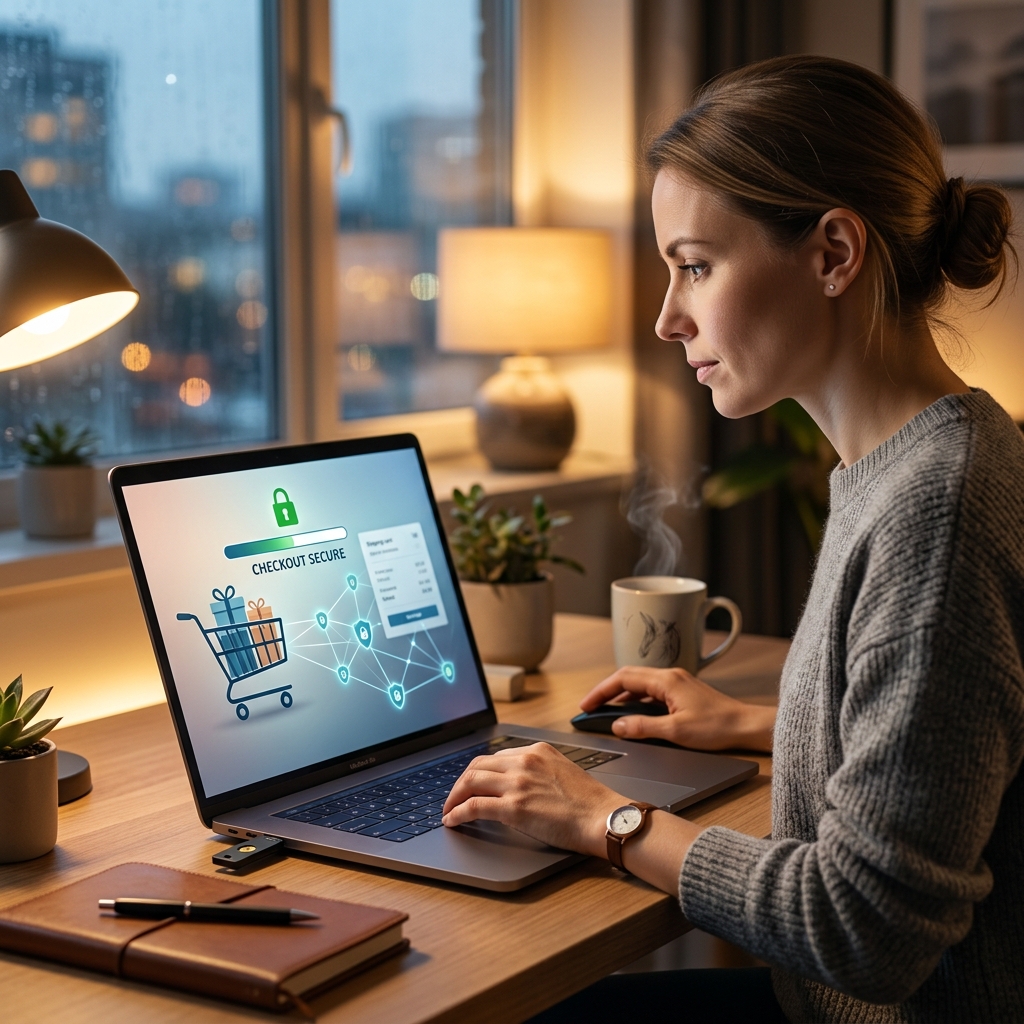
Cyber Monday delivers some of the biggest online discounts of the year, but it also attracts scammers and cybercriminals eager to exploit rushed shoppers. To enjoy the savings without risking your money or personal data, it is vital to adopt a few core cybersecurity habits whenever you shop online during the holidays.
This guide walks through practical, easy-to-apply measures you can use before, during, and after your Cyber Monday shopping. It is inspired by legal and security guidance on holiday shopping risks, but reorganized and expanded so you can confidently secure your devices, accounts, and payments while you hunt for deals.
Why Cyber Monday Requires Extra Caution
Crumbling attention spans and limited-time offers make Cyber Monday a perfect environment for online fraud. Attackers take advantage of:
- High volumes of purchases and new accounts.
- Shoppers rushing through checkout flows and ignoring warnings.
- Widespread use of email promotions, social media ads, and pop-up deals.
- Public Wi‑Fi networks used from coffee shops, airports, and hotels.
According to university and government cybersecurity teams, holiday periods often see increased phishing attempts, malicious websites, and account takeover attacks aimed specifically at shoppers. Treat Cyber Monday like any other high-risk digital event: expect scams and be ready to verify everything.
Secure Your Connection Before You Start Shopping
One of the most overlooked steps is ensuring that your internet connection is protected before you enter any payment details. Public Wi‑Fi, in particular, can expose you to eavesdropping and man-in-the-middle attacks.
Choose Safe Networks
- Avoid public Wi‑Fi for purchases: Security experts and the U.S. Federal Trade Commission warn that open Wi‑Fi in cafes, airports, and hotels may be monitored or manipulated by attackers.
- Prefer your home network or cellular data: Use a password-protected home router and keep its firmware up to date. When in doubt, rely on your phone’s cellular connection for sensitive transactions.
- Use a VPN on untrusted networks: A virtual private network encrypts your traffic, making it harder for attackers on the same Wi‑Fi to intercept your data.
Confirm Website Encryption
Even on a secure network, you must verify that the site itself protects your data in transit.
- Look for the padlock icon in your browser’s address bar and URLs that start with https://, indicating TLS/SSL encryption.
- Do not enter personal or payment data on pages labeled “Not secure” or that show certificate warnings.
- If a retailer opens in a new tab from an email or ad, double-check the URL for misspellings or extra characters that may signal a fake site.
| Connection Type | Risk Level | Recommended Use |
|---|---|---|
| Home Wi‑Fi with strong password | Low | Safe for all shopping and banking. |
| Cellular data (4G/5G) | Low | Good option when away from home. |
| Public Wi‑Fi without VPN | High | Avoid entering payment or login details. |
| Public Wi‑Fi with reputable VPN | Medium | Acceptable for limited shopping if necessary. |
Strengthen Accounts With Passwords and Multifactor Security
Account compromise is a common path to fraud. Attackers often reuse credentials from breaches, guess weak passwords, or trick you into revealing them. Improving account security dramatically lowers the likelihood of unauthorized purchases.
Create Robust, Unique Passwords
University cybersecurity guidance and industry experts emphasize that unique passwords for every account remain one of the strongest defenses against credential stuffing and account takeover.
- Use long passwords (at least 12–16 characters) with a mix of letters, numbers, and symbols.
- Avoid common phrases, personal names, or easily guessed details like birthdays and pet names.
- Never reuse the same password across multiple retailers, email accounts, or banking sites.
Rely on a Password Manager
Modern password managers help you maintain strong, unique passwords without needing to remember each one.
- Use a reputable manager that offers end-to-end encryption of your password vault.
- Let the manager generate random passwords for new retailer accounts.
- Store security question answers as random values instead of real personal facts, reducing the chance of successful social engineering or guessing.
Turn On Two-Factor or Multifactor Authentication
Two-factor authentication (2FA) requires both a password and a second proof of identity, such as a temporary code or physical key.
- Enable 2FA on your primary email, bank, and major retail accounts where available.
- Prefer authenticator apps or security keys over SMS codes when possible, as they are less susceptible to certain attacks.
- Keep backup codes stored safely offline so you do not lose access if your device is unavailable.
Spot and Avoid Fake Deals, Phishing, and Malicious Ads
Cyber Monday promotions arrive by email, social media, and browser notifications. Scammers mimic trusted brands to lure you into entering credentials or payment information on fraudulent sites.
Verify Emails and Messages
- Be skeptical of unsolicited offers: Messages promising extreme discounts or account issues should always be verified independently.
- Check the sender’s address for slight misspellings or domains that do not match the official retailer.
- Hover over links before clicking to confirm the real destination URL; avoid shortened links when you cannot verify the source.
- When something seems off, navigate directly to the retailer’s website or app rather than using the embedded link.
Beware of Fake Websites and Social Media Scams
- Search for the retailer’s name in your browser yourself instead of relying on links from emails or social posts.
- Read recent reviews and confirm that contact details match the legitimate company before making a purchase.
- Be cautious of newly created online stores offering prices far below competitors; “too good to be true” is often a sign of fraud.
Limit Exposure to Malicious Ads
- Consider using a reputable ad blocker to reduce the risk of malware-laced advertisements and pop-ups.
- Close unexpected pop-up windows, especially those asking for urgent action, password resets, or payments.
- Do not download shopping-related browser extensions from unfamiliar developers; these can capture data or inject unwanted ads.
Use Safer Payment Methods and Monitor Your Accounts
How you pay matters. Certain payment methods offer better fraud protection and easier dispute processes. Banks and security experts often recommend credit cards or reputable digital wallets for online shopping over direct bank transfers or debit cards.
Prefer Credit Cards and Protected Digital Wallets
- Use credit cards rather than debit cards for online purchases; credit cards generally provide stronger protections and reimbursement options for fraudulent transactions.
- Consider digital wallets from well-known providers that offer tokenized payments, keeping your actual card number hidden from merchants.
- Avoid sending money through wire transfers, cryptocurrency, or peer-to-peer payment apps to unknown sellers, as these are harder to reverse if something goes wrong.
Enable Alerts and Monitor Activity
Continuous monitoring may detect fraud earlier, limiting potential losses.
- Turn on transaction alerts for your credit and bank accounts so you receive notifications for online charges, large purchases, or foreign transactions.
- During and after Cyber Monday, review your account statements for unauthorized or duplicated charges.
- Immediately report suspicious activity to your bank or card issuer; quick action improves your chances of reversing fraudulent payments.
Keep Your Devices and Security Software Up to Date
Your phone, tablet, and computer are your primary gateways to Cyber Monday deals. If they are not updated, known vulnerabilities can be exploited by websites, apps, or malicious downloads.
Apply Updates and Patches
- Install the latest operating system updates on your devices to fix security flaws targeted by attackers.
- Update web browsers, shopping apps, and extension software prior to heavy holiday use.
- Enable automatic updates when possible so security patches are applied promptly.
Use Security Tools Wisely
- Run reputable antivirus or anti-malware software and keep definitions current to detect threats.
- Turn on built-in security features such as firewalls and browser warning systems that alert you to risky sites or downloads.
- Consider security suites that include phishing protection and safe-browsing tools, especially if multiple family members use shared devices for shopping.
Practical Checklist for Safe Cyber Monday Shopping
To help you quickly apply these practices, here is a compact checklist you can follow before and during your shopping session.
- Use a secure network (home Wi‑Fi or cellular) and a VPN if you must use public Wi‑Fi.
- Confirm websites use HTTPS and show a valid padlock icon.
- Log in with strong, unique passwords stored in a password manager.
- Enable two-factor authentication on key accounts.
- Open retailer sites directly instead of clicking links in emails or social media.
- Be cautious of urgent, high-pressure deals or messages that demand immediate payment or personal data.
- Pay with credit cards or protected digital wallets rather than debit or wire transfers.
- Turn on transaction alerts and review statements after shopping.
- Keep devices, browsers, and security software fully updated.
Frequently Asked Questions (FAQs)
Is it safe to shop online on Cyber Monday?
It can be safe if you take basic precautions. Using secure connections, strong unique passwords, trusted payment methods, and being alert to phishing emails and fake websites significantly reduces your risk of fraud.
Should I avoid public Wi‑Fi completely when shopping?
Security guidance recommends avoiding public Wi‑Fi for any transaction involving logins or payments because there is no guarantee it is secure. If you must shop, use a trusted VPN and avoid entering sensitive data unless absolutely necessary.
Are email promotions from retailers always safe?
No. Attackers often imitate major brands in phishing campaigns. Always verify sender details, hover over links to check destinations, and when uncertain, go directly to the retailer’s official website or app rather than clicking within the email.
What is the best way to protect my accounts from being hacked?
Combine unique, complex passwords with a reputable password manager and two-factor authentication on important accounts. This makes it much harder for criminals to access your profiles even if they obtain or guess your password.
Why do experts recommend credit cards over debit cards online?
Credit cards typically offer stronger consumer protections, including more robust dispute processes and liability limits for fraudulent charges, whereas debit cards draw directly from your bank account and may be harder to recover funds from quickly.
References
- Top Cyber Monday Safety Tips for 2024 — Jefferson Bank. 2024-11-07. https://www.jeffersonbank.com/about/blog/top-cyber-monday-safety-tips-2024
- Four tips for staying safe on Cyber Monday — Bitwarden. 2023-11-20. https://bitwarden.com/blog/staying-safe-online-for-cyber-monday/
- Cyber Monday Cybersecurity Tips — ADT. 2022-11-21. https://www.adt.com/resources/cyber-monday-cybersecurity
- Cyber Monday: Tips to shop safely — GuidePoint Security. 2023-11-27. https://www.guidepointsecurity.com/newsroom/cyber-monday-tips-to-shop-safely/
- Top 10 Cyber Security Tips for Online Shopping! — Stealthlabs. 2022-11-15. https://www.stealthlabs.com/blog/top-10-cyber-security-tips-for-black-friday-and-cyber-monday/
- Tips on how to avoid Cyber Monday scams — ABC News / Good Morning America (YouTube). 2025-11-30. https://www.youtube.com/watch?v=oqSeoCNJt8w
- Staying Safe Online During the Holidays — University System of New Hampshire. 2023-11-01. https://www.usnh.edu/it/departments/cybersecurity/tips-stay-safe-online/staying-safe-online-during-holidays
Similar Articles








Read full bio of Sneha Tete


