
Top Simple Word Processors Beyond Microsoft Word
Discover lightweight, distraction-free word processors that outperform Microsoft Word in simplicity, focus, and affordability for everyday writing needs.
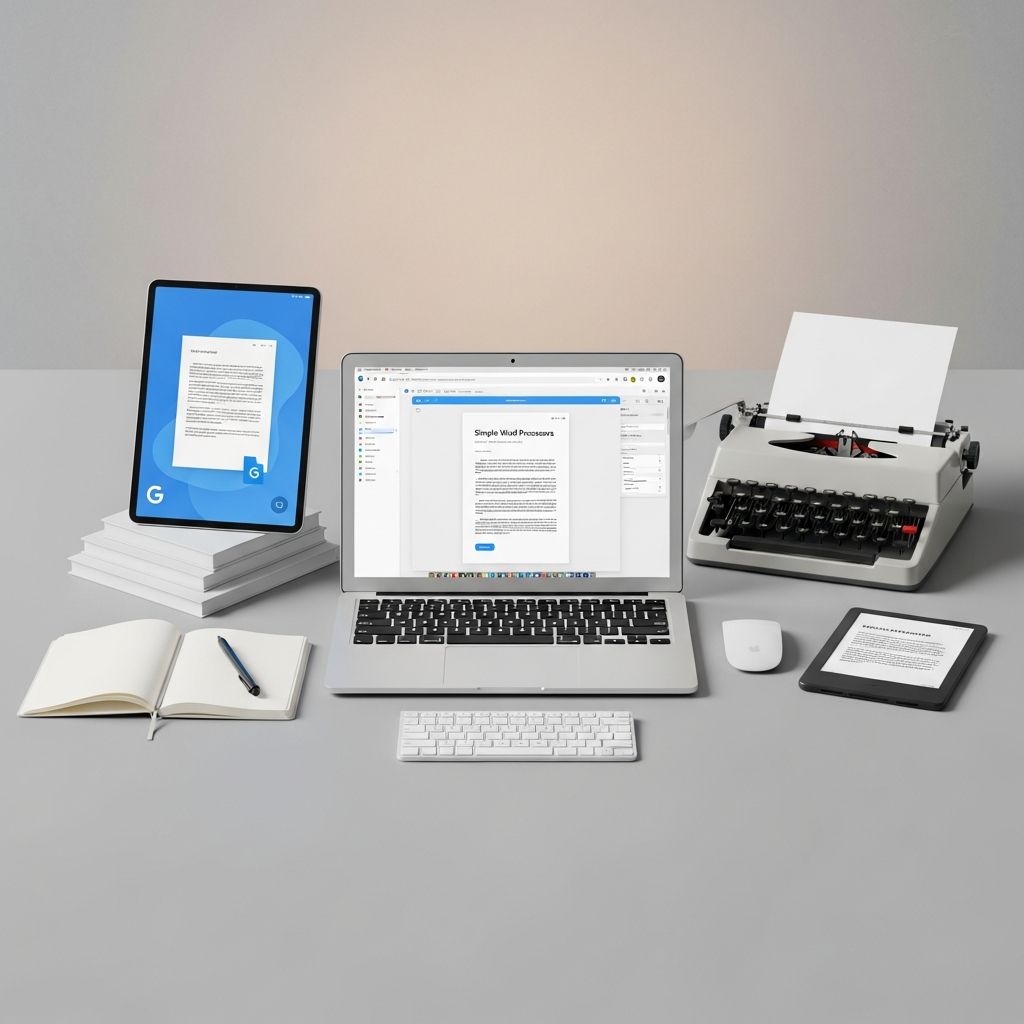
Microsoft Word has long dominated the word processing landscape, but its feature-heavy interface and subscription costs push many users toward simpler alternatives. These tools prioritize clean designs, distraction-free environments, and essential functionality, making writing more efficient for bloggers, professionals, and casual users alike. This article dives into standout options that deliver superior simplicity and performance.
Why Switch to Simpler Word Processors?
Complex software like Microsoft Word often overwhelms with toolbars, menus, and notifications, leading to reduced productivity. Simpler programs strip away bloat, focusing on core tasks: writing, editing, and exporting. They support markdown for quick formatting, offer focus modes to minimize distractions, and ensure cross-platform compatibility. Benefits include faster load times, lower resource usage, and often free or low-cost access, ideal for freelancers and students.
- Enhanced Focus: Modes that hide interfaces help maintain flow.
- Cost Savings: Free or one-time purchases beat subscriptions.
- Portability: Cloud sync and offline modes for anywhere access.
- Compatibility: Seamless handling of .docx and other formats.
1. Google Docs: The Collaboration Powerhouse
Google Docs redefines word processing with its cloud-first approach, accessible via any browser without downloads. It excels in real-time collaboration, where multiple users edit simultaneously, seeing changes instantly—perfect for teams or remote work. Offline mode ensures productivity without internet, syncing upon reconnection.
Key strengths include a built-in dictionary, synonym suggestions, and thousands of add-ons for templates and automation. Custom shortcuts speed up repetitive tasks, and it imports Word files with minimal reformatting. For bloggers, direct publishing to platforms adds convenience.
| Feature | Google Docs | Microsoft Word |
|---|---|---|
| Cost | Free | $6.99+/month |
| Collaboration | Real-time, unlimited | Limited in free version |
| Offline Access | Yes | Requires app |
| Storage | 15GB free | 1TB with subscription |
2. WPS Writer: Familiar Yet Free
WPS Writer mirrors Microsoft Word’s ribbon interface, easing the transition for longtime users while ditching the price tag. It supports legacy formats from Office 97 onward, including .doc and .docx, and offers over 100,000 free templates for resumes, letters, and reports.
Cloud integration allows access from any device, with PDF editing as a bonus. Its lightweight design suits older hardware, loading documents in seconds. Users praise its stability for complex layouts like tables and images without crashes.
3. LibreOffice Writer: Open-Source Reliability
LibreOffice Writer stands as a robust, free alternative from The Document Foundation, compatible with Windows, Mac, and Linux. It handles intricate formatting—images, tables, and styles—better than many expect from open-source tools, often preserving Word layouts accurately.
Customization options include extensions for grammar checks and themes. Its dark mode reduces eye strain during long sessions, and batch conversion tools process multiple files efficiently. Ideal for professionals needing no-frills power without vendor lock-in.
4. iA Writer: Distraction-Free Mastery
iA Writer embodies minimalism with a focus mode that dims all but the current paragraph, training eyes forward and curbing endless revisions. Markdown support enables quick formatting—headers, lists, links—exporting cleanly to HTML or PDF.
Readability stats, including word count and estimated reading time, aid bloggers optimizing content. Available for Mac, iOS, and now Windows/Android, it syncs via iCloud or Dropbox. At a one-time $4.99-$49.99, it’s a steal for focused writing.
5. Zoho Writer: AI-Assisted Simplicity
Zoho Writer combats distractions with a full-screen focus mode, blocking tabs and notifications. Its AI assistant, Zia, analyzes context for prose improvements, readability scores, and plagiarism checks—all free.
Co-editing, voice typing, and merge tags streamline workflows. It integrates with Zoho’s ecosystem for CRM-linked documents. Cross-platform apps ensure consistency, making it great for business writers.
6. Scrivener: Project Management for Creatives
Scrivener transforms word processing into a project hub, organizing novels or reports into folders with research imports, corkboards, and outliner views. Set session targets and track progress with color-coded sections.
Though steeper to learn, its power for long-form content justifies $49-$60. Mac leads updates, but Windows follows closely. Export to ePub, PDF, or Word formats flexibly.
7. Byword: Markdown for Bloggers
Byword caters to Markdown enthusiasts, previewing formatted text live while typing plain. One-click publishing to WordPress, Blogger, or Tumblr saves time. Syntax highlighting and spellcheck keep editing smooth.
Its $9.99 price unlocks Mac/iOS versions with Dropbox sync. Perfect for web writers avoiding rich-text editors’ pitfalls.
Comparing Top Alternatives
| Tool | Price | Platforms | Best For |
|---|---|---|---|
| Google Docs | Free | Web, Apps | Collaboration |
| WPS Writer | Free/Premium | Win/Mac/Linux | Word Users |
| LibreOffice | Free | Win/Mac/Linux | Formatting |
| iA Writer | $4.99+ | Mac/iOS/Win | Focus |
| Zoho Writer | Free | Web, Apps | AI Help |
Choosing the Right Tool for Your Needs
Select based on workflow: cloud lovers pick Google or Zoho; Word loyalists choose WPS; creatives opt for Scrivener. Test free trials—most offer them. Consider integration with tools like Grammarly for polishing.
For legal or technical writing, prioritize .docx fidelity (LibreOffice, WPS). Bloggers benefit from Markdown (iA, Byword). All outperform Word in simplicity, proving less is more.
Frequently Asked Questions (FAQs)
What makes these word processors simpler than Microsoft Word?
They feature minimal interfaces, focus modes, and fewer menus, reducing cognitive load and speeding up writing.
Are these free alternatives compatible with Word files?
Yes, most handle .docx seamlessly, though minor formatting tweaks may be needed in complex docs.
Can I use these offline?
Google Docs, WPS, LibreOffice, and Scrivener support offline; web-only tools like Zoho require internet.
Which is best for teams?
Google Docs leads with real-time editing; Zoho offers AI-enhanced collaboration.
Do they integrate with Grammarly or ProWritingAid?
Many do, especially desktop apps like LibreOffice and Scrivener, boosting editing power.
References
- 5 Simple programs that are way better than Microsoft Word — Freelancers Union Blog. 2014-06-23. https://blog.freelancersunion.org/2014/06/23/5-simple-programs-are-way-better-microsoft-word/
- 5 word processors more useful than Microsoft Word — XDA Developers. 2023-10-01. https://www.xda-developers.com/word-processors-more-useful-microsoft-word/
- Top 12 Microsoft Word Alternatives You Don’t Want to Miss — MobiSystems Blog. 2024-05-15. https://mobisystems.com/en-eu/blog/productivity-tips/top-12-microsoft-word-alternatives
- The Best Word Processors for Writers — Jonathan Srock. 2023-08-20. https://jonathansrock.com/the-best-word-processors-for-writers/
- 5 Best Free Word Processor For Windows | Quick Guide (2026) — YouTube (SaaS Beast Pro). 2026-01-15. https://www.youtube.com/watch?v=NGtENXQIFpY
Similar Articles








Read full bio of medha deb




