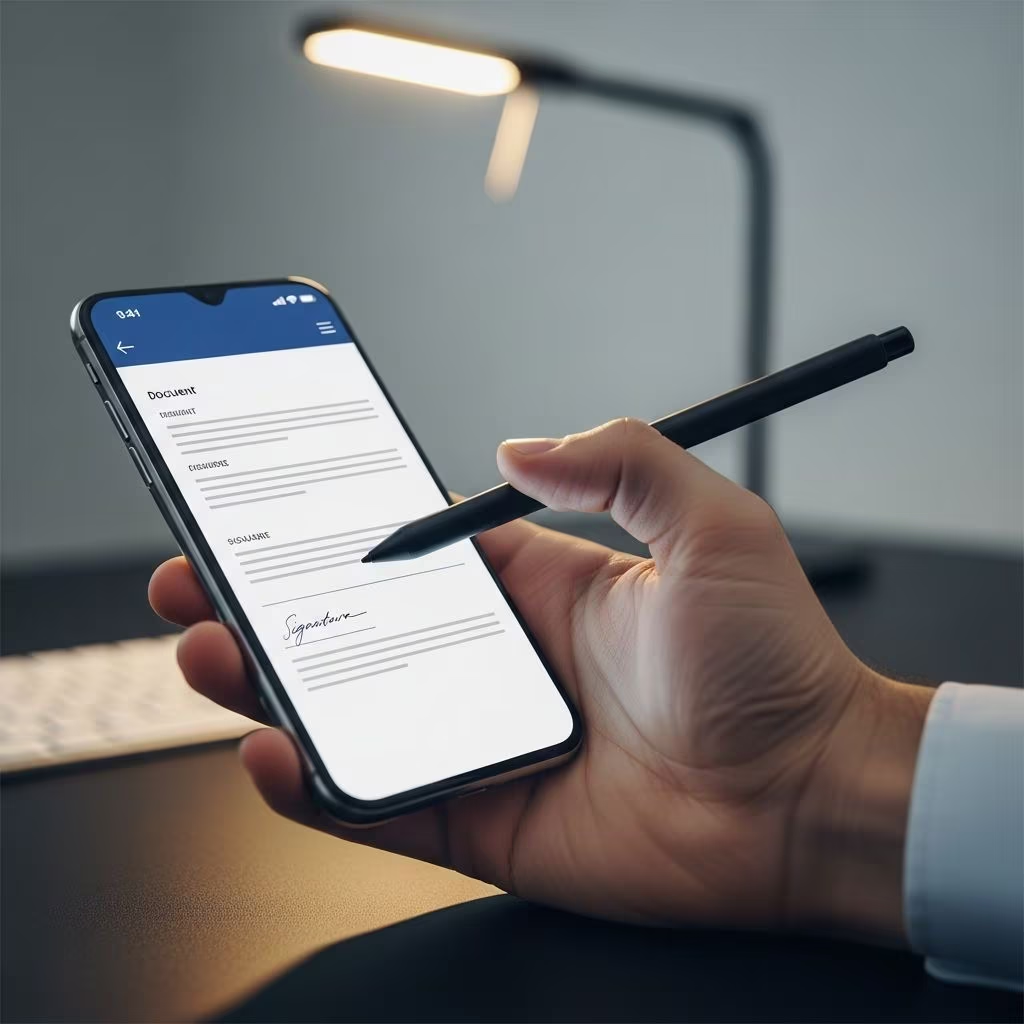
Electronic signatures have transformed how we handle paperwork, allowing anyone to approve contracts, forms, and agreements directly from a smartphone. With advanced mobile apps, you can capture signatures, route documents to others, and maintain legal validity without printers or scanners. This guide explores practical techniques, top tools, and best practices for seamless mobile signing.
Why Mobile E-Signatures Are Essential Today
In a fast-paced world, the ability to sign documents remotely saves time and reduces errors. The U.S. ESIGN Act and UETA ensure electronic signatures hold the same weight as handwritten ones when properly executed, provided they demonstrate intent, consent, and auditability. Mobile apps leverage biometric authentication, encryption, and tamper-evident seals to meet these standards globally, including eIDAS compliance for Europe.
Professionals in real estate, sales, healthcare, and legal fields benefit most, as they often work in the field. For instance, field reps can digitize paper forms instantly using phone cameras, add signatures offline, and sync later. Businesses report up to 80% faster turnaround times with mobile e-signing, minimizing delays in deal closures.
Core Methods to Add Signatures on Mobile Devices
Signing on phones generally involves three approaches: drawing with touch, typing text signatures, or uploading pre-saved images. Most apps combine these for flexibility.
- Draw Signature: Use your finger or stylus to handwrite on the screen. Apps auto-smooth lines for clarity.
- Type Signature: Select fonts mimicking handwriting; ideal for consistency across devices.
- Upload Image: Scan or photograph a physical signature for reuse, though less secure without verification.
Advanced apps add fields like date stamps, checkboxes, and initials automatically, streamlining workflows. Always verify recipient compatibility—most support PDFs, Word docs, and images.
Top E-Signature Apps for Android and iOS in 2026
Several apps dominate mobile signing, each excelling in specific scenarios. Below is a comparison of leading options based on features, ratings, and use cases.
| App | Best For | Key Mobile Features | Android Rating | Starting Price |
|---|---|---|---|---|
| Jotform Sign Mobile | Mobile pros & structured flows | Offline signing, camera digitization, 10 free docs/mo | 4.8/5 | Free |
| DocuSign | Attachments & tracking | Biometrics, AI contract review, CRM integration | 4.5/5 | $10/user/mo |
| Adobe Acrobat Sign | PDF editing & occasional use | Edit/compress PDFs, cloud sync | 4.6/5 | $12.99/mo |
| Zoho Sign | Business integrations | Payment collection, bulk send, EU compliance | 4.4/5 | Free (5/mo) |
| PandaDoc | Document creation | Templates, real-time tracking, payments | 4.7/5 | $19/user/mo |
Jotform Sign Mobile: Ideal for On-the-Go Pros
This free app shines for field workers. Scan paper docs with your camera—it auto-detects signature fields. Sign offline for in-person deals, then sync. Supports unlimited templates and secure storage. Perfect for sales teams closing 10+ deals monthly without cost.
DocuSign: Powerhouse for Complex Workflows
Known for reliability, DocuSign’s app handles multi-party signing with attachments. Edit signer order post-send, use AI to summarize contracts, and track via notifications. Global compliance covers 100+ countries, with biometric locks.
Adobe Acrobat Sign: Seamless for PDF Users
If you live in PDFs, Adobe’s mobile tools let you edit, convert, and sign in one app. Integrates with Microsoft Office and Salesforce. Strong for occasional users needing quick fills without subscriptions initially.
Step-by-Step: Signing a Document on Android
- Install App: Download from Google Play (e.g., Jotform or DocuSign).
- Upload/Scan Doc: Import from storage, email, or camera snap.
- Prepare Fields: Drag signature, date, text boxes to spots.
- Add Signature: Draw, type, or upload; apply to all pages if needed.
- Secure & Send: Add email recipients, set order, send with tracking.
- Verify: Check audit trail for views, signs, completion.
For iOS, steps mirror Android, with added Apple Pencil support in apps like Adobe.
Legal Requirements for Enforceable Mobile Signatures
Not all scribbles count legally. Ensure apps comply with ESIGN/UETA: unique identifiers (email/phone), consent records, and unalterable copies. Audit trails log timestamps, IP addresses, and actions—crucial for disputes. In the EU, qualified signatures via providers like InfoCert add extra validity.
- Intent: Signer must agree to terms.
- Association: Signature links to the document.
- Record Retention: Download certified PDFs.
Courts uphold mobile esigns routinely, as seen in Federal Rules of Evidence accepting digital records.
Advanced Tips for Secure and Efficient Signing
Maximize productivity with these strategies:
- Offline Mode: Use apps like Jotform for no-connectivity zones.
- Bulk Operations: Zoho excels at sending to multiple parties.
- Integrations: Link to Google Drive, Dropbox, or Zapier for automation.
- Security Boost: Enable 2FA, biometrics; avoid public Wi-Fi.
- Templates: Pre-build common forms in PandaDoc for reuse.
For teams, prioritize collaboration features like shared folders and role-based access.
Common Pitfalls and How to Avoid Them
Issue: Invalid Signature Rejection – Solution: Confirm app compliance certifications.
Issue: Recipient Can’t Sign – Solution: Test cross-platform; send previews.
Issue: Storage Overload – Solution: Auto-archive to cloud; delete locals.
Issue: High Costs – Solution: Start with free tiers (Jotform: 10/mo, Zoho: 5/mo).
Frequently Asked Questions
Are phone signatures legally binding?
Yes, if using compliant apps meeting ESIGN/UETA standards with audit trails and consent.
Which app is best for free mobile signing?
Jotform Sign Mobile offers 10 free signatures monthly with full mobile features.
Can I sign offline and sync later?
Apps like Jotform and some DocuSign modes support offline capture and auto-sync.
How do I add payments with signatures?
Zoho Sign and PandaDoc integrate Stripe/PayPal for post-sign collection.
Is biometric signing more secure?
Yes, fingerprint/Face ID adds layers beyond passwords, standard in top apps.
Choosing the Right App for Your Needs
Freelancers: Jotform (free, simple).
Enterprises: DocuSign (scalable, integrated).
Creators: PandaDoc (templates).
Evaluate via trials—most offer 14-day tests. Prioritize ratings above 4.5/5 and your ecosystem (e.g., Zoho for CRM users).
References
- 6 best signature apps for Android phones in 2026 — Jotform. 2026. https://www.jotform.com/products/sign/signature-apps-for-android/
- Top 10 Free eSignature Software: Compare Features & Limitations — DeedSign. 2025. https://www.deedsign.com/blog/best-10-free-esignature-software-including-deedsign
- Which e-signature tool has the best mobile app rating? — eSignGlobal. 2025. https://www.esignglobal.com/blog/esignature-tool-best-mobile-app
- The best e-signature software in 2025 — Tom’s Guide. 2025. https://www.tomsguide.com/buying-guide/best-e-signature-software
- The 6 best electronic signature apps to sign documents online — Zapier. 2025. https://zapier.com/blog/best-digital-signature-apps/