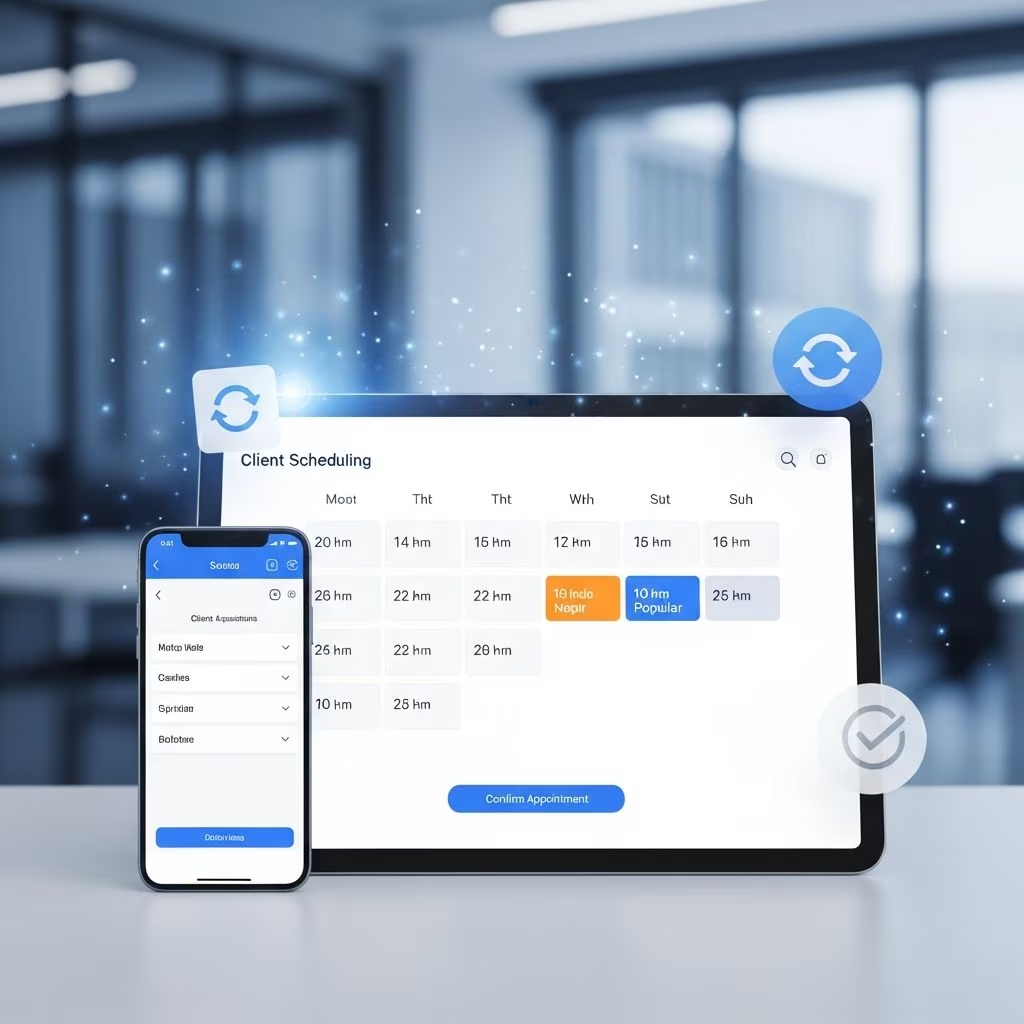
Self-scheduling tools empower law firms to capture leads effortlessly by allowing potential clients to book consultations anytime, anywhere. These platforms integrate seamlessly into websites, transforming casual visitors into scheduled appointments and ultimately boosting conversion rates.
Understanding Self-Scheduling in Legal Practices
Self-scheduling refers to online systems where clients select available slots directly from a lawyer’s calendar without back-and-forth emails or calls. Tailored for legal professionals, these tools handle complex requirements like court rule compliance, secure data collection, and team coordination.
Unlike generic booking apps, legal-specific software ensures confidentiality through encrypted portals and HIPAA-like standards, crucial for sensitive case discussions. Firms using these report up to 20% fewer missed deadlines due to automated tracking.
Core Advantages for Attracting and Retaining Clients
Implementing self-scheduling directly impacts client acquisition by offering unmatched convenience. Prospects facing urgent legal issues—such as accidents or disputes—can secure immediate slots, outpacing competitors reliant on office hours.
- 24/7 Accessibility: Clients book outside business hours, addressing emergencies promptly and signaling responsiveness.
- No-Show Reduction: Automated reminders via email or SMS cut cancellations by sending confirmations and follow-ups, maximizing billable time.
- Enhanced Professionalism: Branded booking pages build trust, with intake forms pre-collecting details for better-prepared meetings.
Studies show automated systems in professional services improve client satisfaction, leading to higher retention and referrals.
Streamlining Operations Through Automation
Beyond client-facing benefits, self-scheduling automates internal workflows, freeing attorneys from administrative drudgery. Calendars sync across devices, preventing double-bookings and ensuring visibility for entire teams.
| Manual Scheduling | Automated Self-Scheduling |
|---|---|
| Time-consuming phone/email coordination | Instant bookings with real-time availability |
| High risk of errors and overlaps | AI-driven conflict checks and syncs |
| Limited to office hours | Round-the-clock access |
| Manual reminders required | Customizable automated notifications |
This shift allows firms to handle more cases efficiently. One analysis indicated a 17% productivity gain from such integrations within months.
Essential Features for Law Firm Success
Top self-scheduling platforms offer features designed for legal nuances:
- Custom Availability: Set rules for specific practice areas, like blocking slots for court or reserving prime times for high-value clients.
- Intake Automation: Embedded forms gather case details, consents, and payments upfront, streamlining onboarding.
- Group and Virtual Support: Coordinate multi-attorney meetings or Zoom links automatically.
- Analytics Dashboards: Track booking trends, peak times, and conversion rates to refine marketing.
Secure payment gateways process retainers at booking, improving cash flow without extra steps.
Seamless Integrations with Legal Tech Stack
The power of self-scheduling amplifies when connected to existing tools. Integration with practice management systems like Clio or MyCase syncs client data, matters, and billing instantly.
- CRM Sync: Update contacts and notes automatically upon booking.
- Document Management: Trigger template generation or e-signatures post-scheduling.
- Calendar Hubs: Google, Outlook, or iCal compatibility ensures no silos.
- Billing Links: Embed invoices for seamless fee collection.
These connections create a unified ecosystem, reducing data entry by up to 50% and minimizing errors.
Implementation Strategies for Maximum Impact
Roll out self-scheduling in phases: Start by embedding a booking widget on your website’s contact page, then expand to service-specific landing pages. Promote via email signatures, social media, and ads highlighting “Book Now” convenience.
- Assess Needs: Identify pain points like high no-shows or intake delays.
- Select Platform: Choose one with legal integrations and mobile optimization.
- Customize: Brand the page, set buffers between appointments, and define services.
- Test and Train: Pilot with staff, gather feedback, and provide client guides.
- Monitor Metrics: Use built-in reports to optimize availability and messaging.
Firms see ROI quickly, often within weeks, through increased appointments and reduced admin costs.
Case Studies: Real-World Transformations
Sarah, a solo family lawyer, integrated self-scheduling with her CRM. Clients now book 24/7, intake forms populate her system automatically, and reminders slash no-shows. Her daily prep time halved, allowing focus on cases.
Jared’s personal injury practice handles post-accident urgencies via instant booking links shared at intake. Virtual consults with auto-Zoom links and payments have boosted conversions by 30%.
Larger firms use group scheduling for partner reviews, ensuring compliance with deadline rules synced from case management.
Overcoming Common Challenges
Initial resistance stems from tech fears, but intuitive interfaces and support teams ease adoption. Data security concerns are addressed by compliant platforms with audit trails.
- Customization Limits: Opt for flexible tools allowing service-based pages.
- Client Adoption: Educate via tutorials and prominent CTAs.
- Cost: Free tiers exist, but premium features justify investment via time savings.
Compliance with bar rules on advertising and fees is straightforward with transparent setups.
Frequently Asked Questions
Can self-scheduling tools handle confidential legal information?
Yes, reputable platforms use encryption, secure portals, and compliance features like GDPR/HIPAA analogs to protect sensitive data.
How much does legal self-scheduling software cost?
Pricing starts free for basics, with pro plans from $10-50/user/month, scaling with integrations and volume.
Does it integrate with popular legal software like Clio or PracticePanther?
Many do via Zapier or native APIs, syncing calendars, clients, and tasks seamlessly.
Will clients actually use self-scheduling instead of calling?
High adoption rates occur with mobile-friendly designs and promotions; convenience drives 70%+ usage in similar services.
Can I limit bookings to specific services or attorneys?
Absolutely—create dedicated links per practice area or team member with tailored availability and forms.
Future Trends in Legal Scheduling Technology
AI enhancements predict optimal slots, suggest rescheduling, and analyze booking patterns for demand forecasting. Voice booking and chatbot integrations will further personalize intake.
As remote work persists, hybrid virtual/physical scheduling with geofencing for local clients will dominate.
Firms adopting now gain competitive edges in client acquisition amid rising demand for efficient, tech-savvy legal services.
References
- Legal Appointment Scheduling Software Guide for Attorneys — RemoteLegalStaff. 2023. https://remotelegalstaff.com/blog/legal-appointment-scheduling-software/
- Why Legal Appointment Scheduling Software is a Must Have for Firms — YouCanBookMe. 2023. https://youcanbook.me/blog/legal-appointment-scheduling-software-benefits
- Calendaring and Scheduling Software for Law Firms Explained — MyCase. 2023. https://www.mycase.com/blog/legal-case-management/scheduling-software-for-law-firms-explained/
- Best Scheduling Tools for Legal Services — Supercal. 2023. https://info.supercal.com/blog/legal-services-appointment-scheduling-best-scheduling-tools-legal-services-appointment-scheduling
- Benefits of Self Scheduling Software — Setmore. 2023. https://www.setmore.com/blog/benefits-self-scheduling-software/