
Recognizing and Reporting Spam Text Messages
Learn how to spot dangerous spam texts, protect your information, and report scammers quickly and effectively.
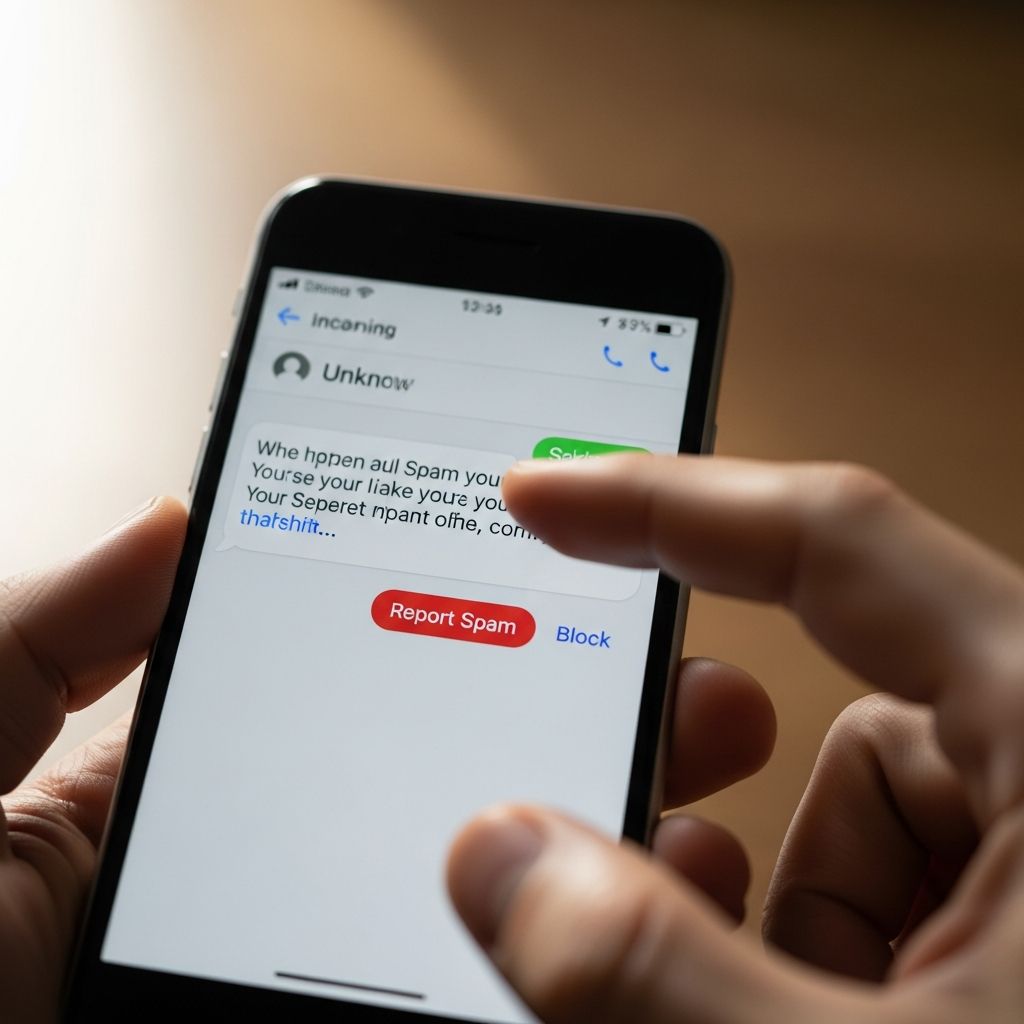
Spam text messages are more than just annoying. They can lead to identity theft, financial loss, and malware infections if you respond, click, or share personal data. Government agencies and security experts warn that text-based phishing, often called smishing, has grown rapidly as more people rely on smartphones for banking, shopping, and communication.
This guide explains how spam text schemes work, how to spot them, what to do if you receive one, and how to report these messages to help protect yourself and others.
What Are Spam Text Messages?
Spam text messages are unwanted or unsolicited texts, usually sent in bulk, that try to sell you something you did not ask for or trick you into giving away information or money. When those texts are fraudulent, they are often part of a phishing or smishing scam.
Common goals of spam and scam texts include:
- Stealing personal data such as your name, address, Social Security number, or date of birth.
- Collecting financial information like credit card numbers, bank account details, or online banking logins.
- Gaining access to your email, cloud storage, or social media accounts by capturing usernames and passwords.
- Installing malware on your phone to track activity or steal stored information.
- Tricking you into sending money or buying gift cards to pay fake fees, fines, or debts.
How Scam Text Messages Typically Work
Scammers use several tactics to push you to act quickly and let your guard down. Understanding these patterns makes them easier to recognize.
| Scammer Tactic | What It Looks Like | Goal |
|---|---|---|
| Fake problem or emergency | Claims of account lockouts, suspicious charges, or delivery issues. | Get you to click a link or call a number without thinking. |
| Too-good-to-be-true offer | Promises of prizes, refunds, or special deals you never requested. | Collect your personal or financial information. |
| Impersonating trusted brands | Messages that appear to come from banks, shipping firms, retailers, or government agencies. | Borrow trust from real organizations to trick you. |
| Malicious links | Links that lead to look-alike login pages or sites that download malware. | Steal passwords or infect your device. |
| Requests for sensitive data | Asks for verification codes, PINs, or account numbers. | Take over your accounts or move money. |
Warning Signs That a Text May Be a Scam
No single sign is perfect, but the more of these you see, the more likely the message is a scam. Many of these red flags are highlighted by consumer protection and cybersecurity agencies.
1. Unexpected or Irrelevant Messages
- You are told you won a contest you never entered.
- You receive a package delivery alert when you are not expecting any shipment.
- You get a message about an account you do not have (such as a bank or credit card).
If the message does not match anything you are doing or expecting, it is safer to ignore and delete it.
2. Pressure to Act Immediately
- Messages claim your account will be closed within minutes if you do not respond.
- You are warned of urgent legal trouble, large fines, or suspension of benefits.
- You are told to confirm a charge or transfer right now to avoid loss.
Legitimate organizations rarely require you to resolve serious issues through a text link alone, and they usually provide multiple ways to verify the situation.
3. Requests for Personal or Financial Information
According to the Federal Trade Commission (FTC), spam texts often try to get you to share sensitive details to claim a gift, fix a supposed problem, or access an offer.
- Social Security numbers, driver’s license numbers, or tax IDs.
- Bank account or routing numbers, credit or debit card information.
- Account passwords, one-time passcodes, or PINs for banking or email.
Legitimate banks and government agencies state they will not ask you to send passwords or full account numbers by text message.
4. Suspicious Links or Attachments
- Links that look slightly misspelled or unfamiliar, even if the message claims to be from a known company.
- Shortened links that hide the full website name and come from an unexpected sender.
- Attachments in SMS or messaging apps that you were not expecting.
The FTC warns that scam links may lead to spoofed websites designed to steal your username and password, or they may install malware on your device.
5. Poor Grammar, Odd Formatting, or Generic Greeting
- Noticeable spelling errors, strange punctuation, or awkward sentence structure.
- Unusual spacing or random symbols in the text.
- Generic greetings like “Dear customer” instead of your name, even when the sender claims to be your bank or service provider.
Typos alone do not prove a message is fake, but they are a frequent clue when combined with other warning signs.
6. Claims to Be a Bank, Government, or Major Brand
Criminals often impersonate institutions people trust, such as banks, delivery companies, health systems, or tax agencies.
- The sender ID looks similar to a real organization, but not quite right.
- You are asked to verify information that the real organization should already have.
- The message asks you to reply by text with security codes or PINs.
Authorities recommend going directly to the institution’s official website or phone number rather than relying on contact details in the message.
What To Do If You Receive a Suspicious Text
If a text seems off, treat it as risky until proven safe. Consumer protection agencies provide clear steps for handling suspicious messages.
1. Do Not Engage With the Message
- Do not click on any links in the text.
- Do not reply, even with words like “STOP” or “UNSUBSCRIBE,” because that can confirm your number is active to scammers.
- Do not call any phone numbers listed in the message.
Simply interacting with the message can encourage more spam or expose you to additional scams.
2. Verify Through a Trusted Channel
- Type the official website address directly into your browser instead of using the text link.
- Use contact information from your bank card, statement, or the organization’s official website.
- Log in to your existing account independently to check for alerts or messages there.
If the organization confirms that it did not send the text, you can safely treat the message as a scam.
3. Take Screenshots or Note Key Details
Before deleting the text, consider recording useful information in case you decide to report it:
- The sender’s number or ID.
- The date and time of the message.
- The exact wording and any links in the text.
How To Block and Filter Unwanted Text Messages
You can reduce the number of spam texts that reach you by using tools on your phone and through your wireless provider.
Device-Level Filters and Blocking
Most modern smartphones let you block individual numbers and filter texts from unknown senders. For example, mobile platforms offer options in their messaging apps to mark a conversation as spam and block that contact from sending future messages.
- Look for options such as Block, Report junk, or Report spam in your messaging app.
- Enable any available setting that separates messages from unknown senders into a different list or folder.
- Regularly review blocked and filtered messages to ensure legitimate contacts are not mistakenly filtered out.
Tools from Wireless Providers
Many wireless carriers offer tools or services that help filter known spam numbers and risky links.
- Check your carrier’s website or account app for spam-blocking or call-filtering features.
- Some providers include basic spam protection at no extra cost, with paid upgrades for additional controls.
- Carriers may use your reports to identify patterns and block similar messages network-wide.
Security Best Practices on Your Phone
- Keep your phone’s operating system and apps up to date to patch known security vulnerabilities.
- Use a strong screen lock (PIN, password, or biometric) to protect access if your device is lost or stolen.
- Consider reputable security software from trusted vendors for additional protection, especially if you frequently handle sensitive information on your phone.
How To Report Spam Text Messages
Reporting spam texts helps authorities, carriers, and platforms spot patterns and shut down large-scale scams. The FTC outlines several ways to report these messages.
1. Forward the Message to 7726 (SPAM)
- Copy the suspicious message and forward it to 7726, which spells “SPAM” on your keypad.
- Most major U.S. wireless providers use this number to collect reports of spam texts.
- Do not add comments in the forwarded message; just send the text as you received it.
Your report helps your provider identify and block similar messages in the future.
2. Use In-App Reporting Options
- Many messaging apps include a Report junk or Report spam button under messages from unknown numbers.
- When you select this option, the app may both block the sender and send a copy of the message to the service for analysis.
- Reporting through the app can improve automated spam detection for everyone.
3. Report to the Federal Trade Commission (FTC)
The FTC collects reports of spam and scam messages at its official site for fraud reporting.
- Visit the FTC’s online reporting portal for fraud and unwanted messages.
- Provide details such as the sender’s number, the text content, and any link or phone number mentioned.
- Your report goes into a secure database used by law enforcement agencies to track and investigate scams.
If You Clicked a Link or Shared Information
If you interacted with a spam text, you can still take steps to reduce potential harm. Government and security experts recommend acting quickly.
1. Change Passwords and Enable Multi-Factor Authentication
- Change passwords for any accounts whose login pages you accessed from the suspicious link.
- Turn on multi-factor authentication (MFA), such as text codes or authenticator apps, for banking, email, and other key accounts.
- Do not reuse the same password across multiple sites.
2. Contact Your Bank or Card Issuer
- If you entered payment details, call the number on the back of your card or use the official banking app.
- Ask the bank to review recent activity and watch for unauthorized transactions.
- Request new card numbers or accounts if your information was exposed.
3. Scan Your Device and Monitor Accounts
- Use security software from a trusted provider to scan your phone for malware.
- Monitor your bank, credit card, and other financial accounts for unusual charges.
- Consider placing alerts on your accounts so you receive notifications of new logins or large transactions.
Frequently Asked Questions (FAQs)
Q: Is every unwanted text message a scam?
No. Some unwanted texts are legal marketing messages from companies you interacted with, while others are harmless wrong numbers. Scam texts typically ask you to click links, share sensitive data, or act urgently to solve a problem you did not expect.
Replying STOP is appropriate only for messages you know come from a legitimate source, such as a retailer or service you recognize. For unknown or suspicious senders, authorities recommend not replying at all, since responding can confirm that your number is active to scammers.
You should never send full Social Security numbers, complete credit or debit card numbers, bank account numbers, account passwords, or one-time verification codes in response to a text. Banks and government agencies state that they will not ask you to share such details through unsolicited messages.
Yes. When you forward suspicious texts to 7726 (SPAM), wireless providers can analyze those messages, identify patterns, and block similar ones across their networks, reducing spam for many customers.
Turn on spam filters in your phone’s messaging app, enable any anti-spam tools offered by your carrier, avoid posting your phone number publicly online, and do not respond to suspicious messages. Reporting spam texts also helps carriers and regulators block repeat offenders.
References
- How to Recognize and Report Spam Text Messages — Federal Trade Commission. 2023-10-24. https://consumer.ftc.gov/articles/how-recognize-report-spam-text-messages
- How to spot a scam email, text message or call — UK National Cyber Security Centre. 2023-03-01. https://www.ncsc.gov.uk/collection/phishing-scams/spot-scams
- Spam texts: 7 examples and how to stop them — NortonLifeLock. 2023-06-15. https://lifelock.norton.com/learn/fraud/spam-texts
- F-Secure Text Message Checker — F-Secure. 2024-01-10. https://www.f-secure.com/us-en/text-message-checker
- How Google protects your privacy with spam detection — Google Support. 2023-08-22. https://support.google.com/messages/answer/9327903
- How to Identify & Avoid Bank Text Scams — City National Bank. 2023-05-05. https://www.cnb.com/personal-banking/insights/bank-text-scams.html
- How to Identify a Fake Text Message in 7 Steps — Text-Em-All. 2022-11-03. https://www.text-em-all.com/blog/how-to-identify-a-fake-text-message
Similar Articles








Read full bio of medha deb


